Home
Home

 Creators
 Search
 Recent
 Random
 Posts
Posts
 DMs
DMs
 Tags
Tags
 Random
 Importer
 Import
 FAQ
FAQ
 Account
 Register
 Login
Login
 Favorites
 Keys
Keys
 Logout
 Telegram

Red Dead Redemption 2 - HDR Optimized Settings (Patreon)
Content
The game is NOT using/applying Xbox/Playstation HDR Calibration app settings.
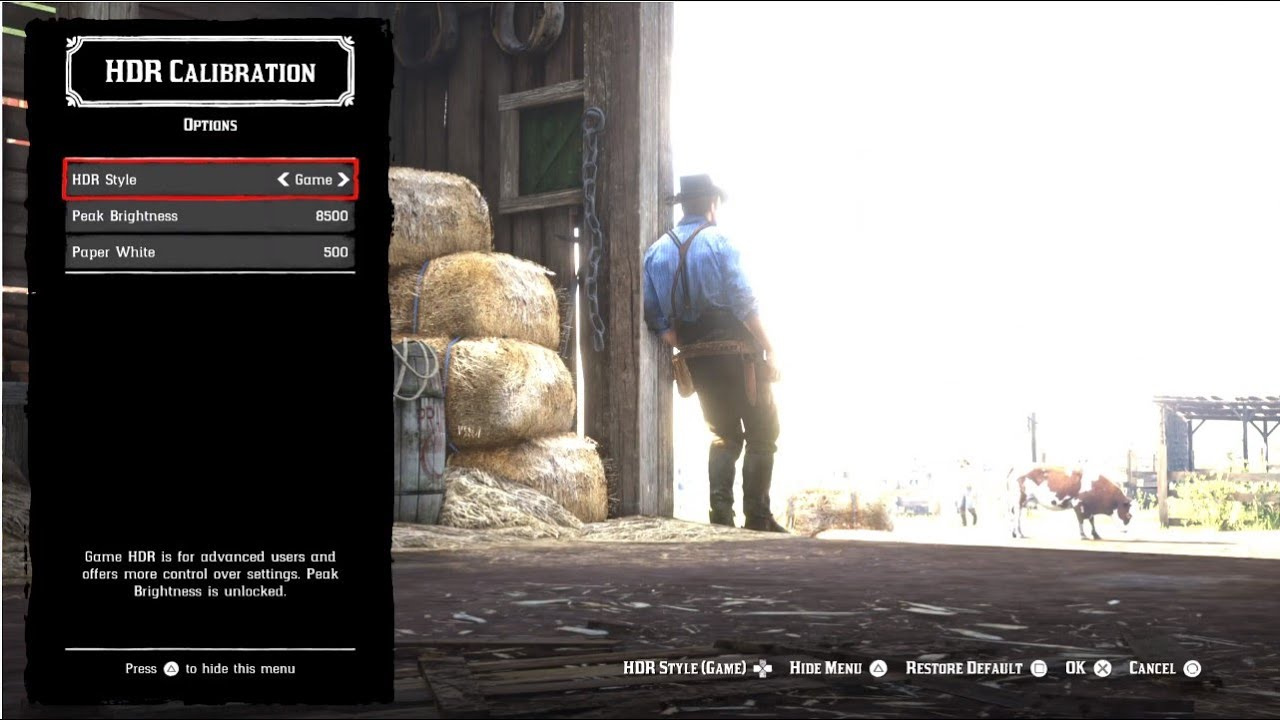
The initial RDR2 HDR implementation was probably the worst ever seen in the history of HDR games so far, with "worse-than-SDR" luminance and washed out colors with no option at all to adjust.
Almost 2 years after its release the game was patched by Rockstar introducing a totally re-done HDR implementation which resulted in a fairly good HDR proposition.
After the patch, the game now has 2 distinct "HDR Style" modes:
Cinematic: the same horrendous one as before;
Game: the improved one you want to tweak. It includes an actual Peak HDR Brightness slider in nits which can go up to 10.000 nits + a Paper White slider in nits to control in-game menu luminance and exposure in gameplay.
If you have an LG OLED and:
> you're using Dynamic Tone Mapping or Dynamic Contrast:
Set Peak Brightness slider to: 4.000 (nits)
Set Paper White slider to: 150 (nits) or 200 (for G3)
> you're using HGIG:
Set Peak Brightness slider to: 800 (nits) or 1.000 (for G2) or 1.500 (for G3) or 2.400 (for G5/G6)
Set Paper White slider to: 200 (nits) or 280 (for G3/G4/G5/G6)
If you don't have an LG OLED and:
> you don't have an HGIG option:
Set Peak Brightness slider to: 1.000 (nits)
Set Paper White slider to: 200 (nits)
> you're using HGIG:
Set HDR slider to the corresponding real Peak HDR Luminance of your TV in "nits"
Set Paper White slider to: 200 (nits) up to 1.000 nits peak, 280 for 2.000 nits peak and above
Files