Home
Home

 Creators
 Search
 Recent
 Random
 Posts
Posts
 DMs
DMs
 Tags
Tags
 Random
 Importer
 Import
 FAQ
FAQ
 Account
 Register
 Login
Login
 Favorites
 Keys
Keys
 Logout
 Telegram

Resident Evil: Village - HDR Optimized Settings (Patreon)
Content
The game is NOT using/applying Xbox/Playstation HDR Calibration app settings.
The game has a good HDR implementation with a proper numerical Peak HDR Brightness (up to 4.000 nits) and Paper White controls, even if not in "nits".
NOTE: There was a bug on Playstation version which limited the HDR output of the game to 400 nits only (no matter what you select), but this should have been fixed along the way.
If you have an LG OLED and:
> you're using Dynamic Tone Mapping or Dynamic Contrast:
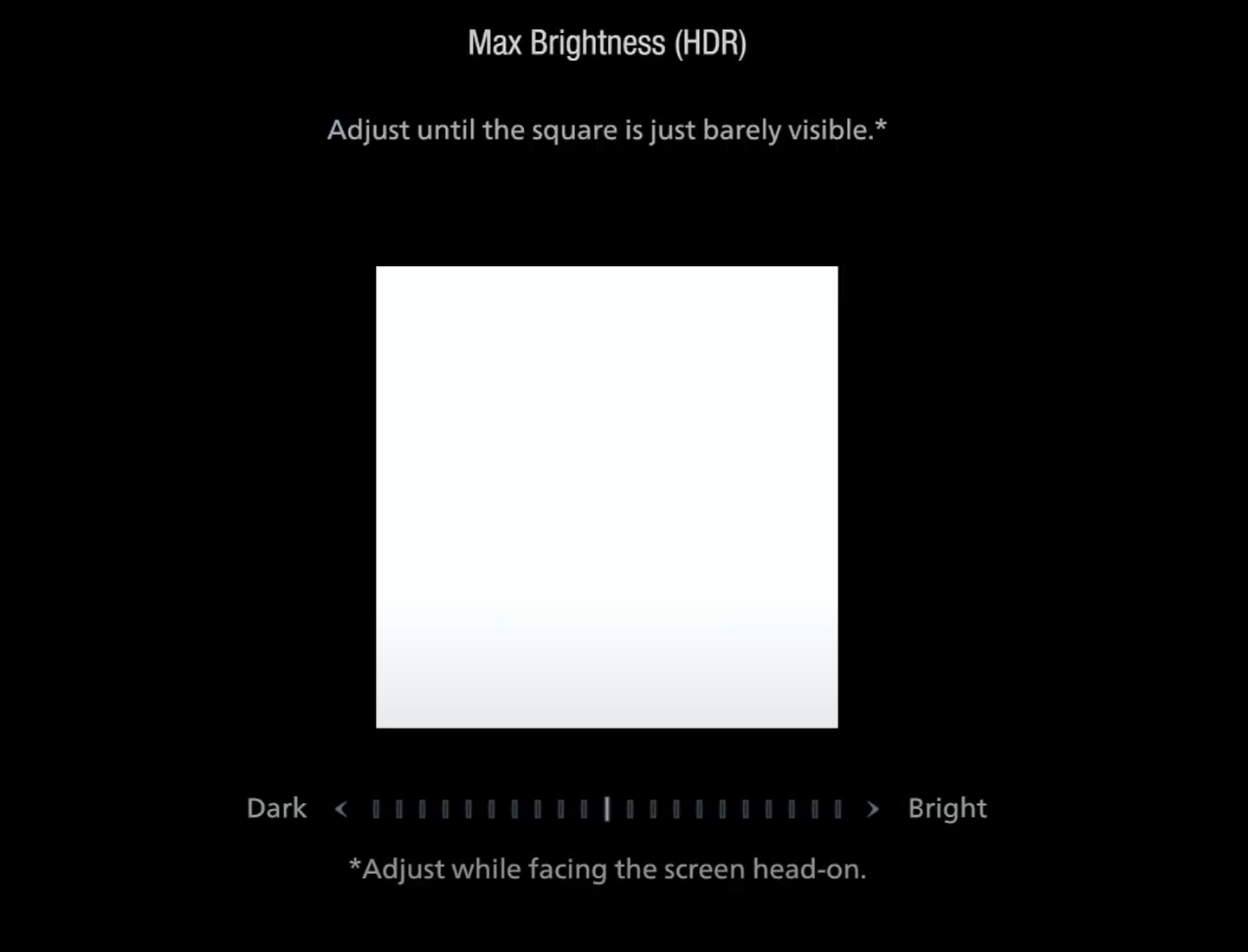
Set Max Brightness (HDR) slider to: +10/Max Clicks (starting from Middle/0; which is around 4.000 nits);
> you're using HGIG:
Set Max Brightness (HDR) slider to: -4 Clicks (starting from Middle/0; which is around 800 nits) or 0/Mid (for G2) or +4 Clicks (for G3).
If you don't have an LG OLED and:
> you don't have an HGIG option:
Set Max Brightness (HDR) slider to: Middle (Default; which is around 1.000 nits).
> you're using HGIG:
Set Max Brightness (HDR) slider to one of those values and the corresponding real Peak HDR Luminance of your TV in "nits":
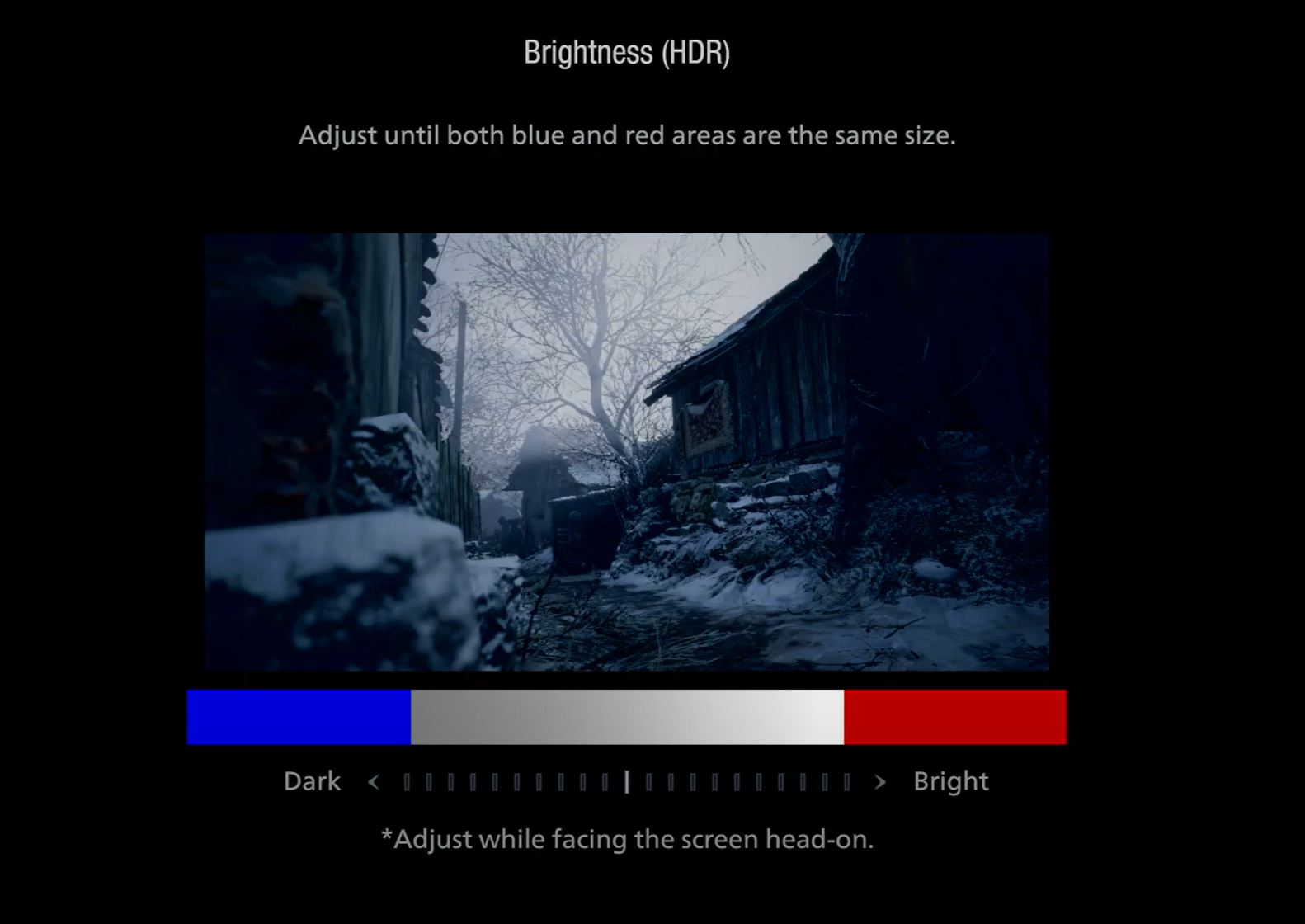
After latest patch, this second Brightness (HDR) slider is now broken as default middle value is too dark for a proper HDR rendition. In order to fix it set the "Brightness HDR" (Paper White) setting to Max (All the way to the right, Brightest value). Peak luminance will be restored and pure black still preserved.
Files