Home
Home

 Creators
 Search
 Recent
 Random
 Posts
Posts
 DMs
DMs
 Tags
Tags
 Random
 Importer
 Import
 FAQ
FAQ
 Account
 Register
 Login
Login
 Favorites
 Keys
Keys
 Logout
 Telegram

Sea of Thieves - HDR Optimized Settings (Patreon)
Content
The game is NOT using/applying Xbox/Playstation/PC HDR Calibration app settings.
After the PS5 release of the game and its subsequent patch also for Xbox and PC versions, the HDR implementation is now new...but somewhat worsened compared to before.
The game still provides an in-game Peak HDR Luminance slider which on paper can go up to 10.000 nits, but when set so the actual measured max HDR luminance was of around 5.000 nits.
Black Levels are also a bit raised and there's noting you can do to fix it in-game.
You can try to set the TV Fine Tune Dark Areas setting to -10 to compensate, but remember to set it back to where it was before for other games.
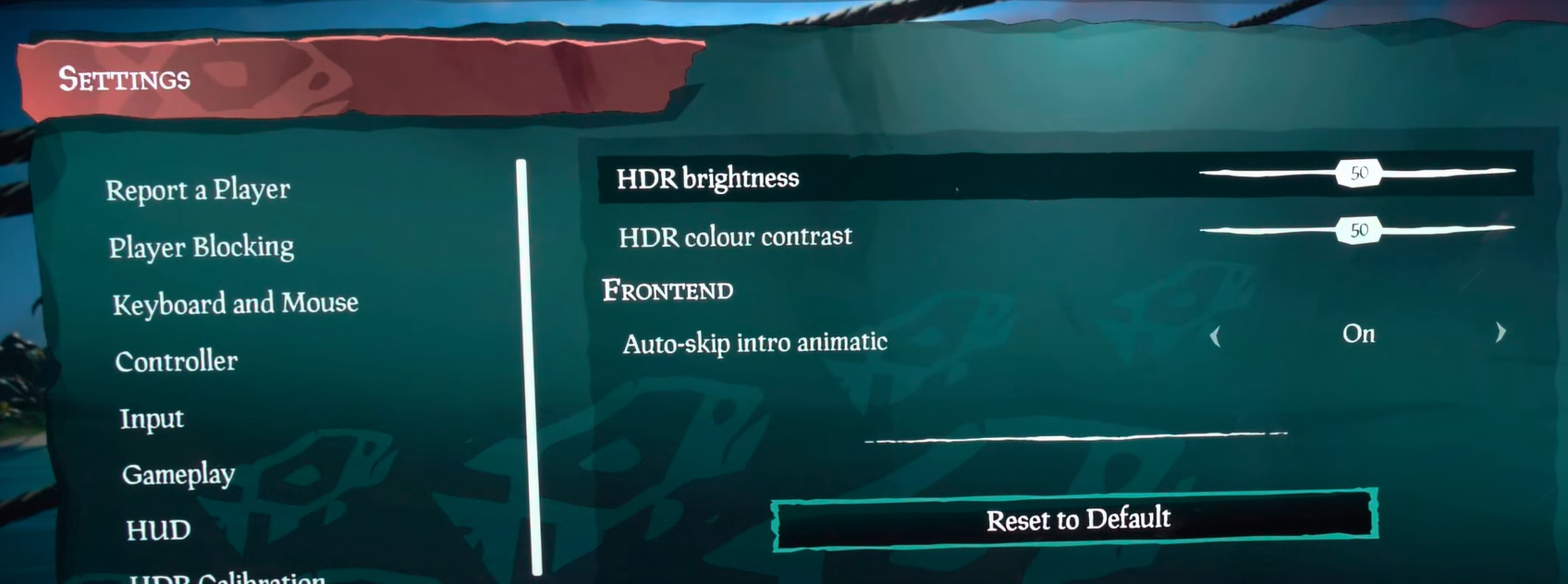
On top of that, the game now offers two additional HDR controls:
If you have an LG OLED and:
> you're using Dynamic Tone Mapping or Dynamic Contrast:
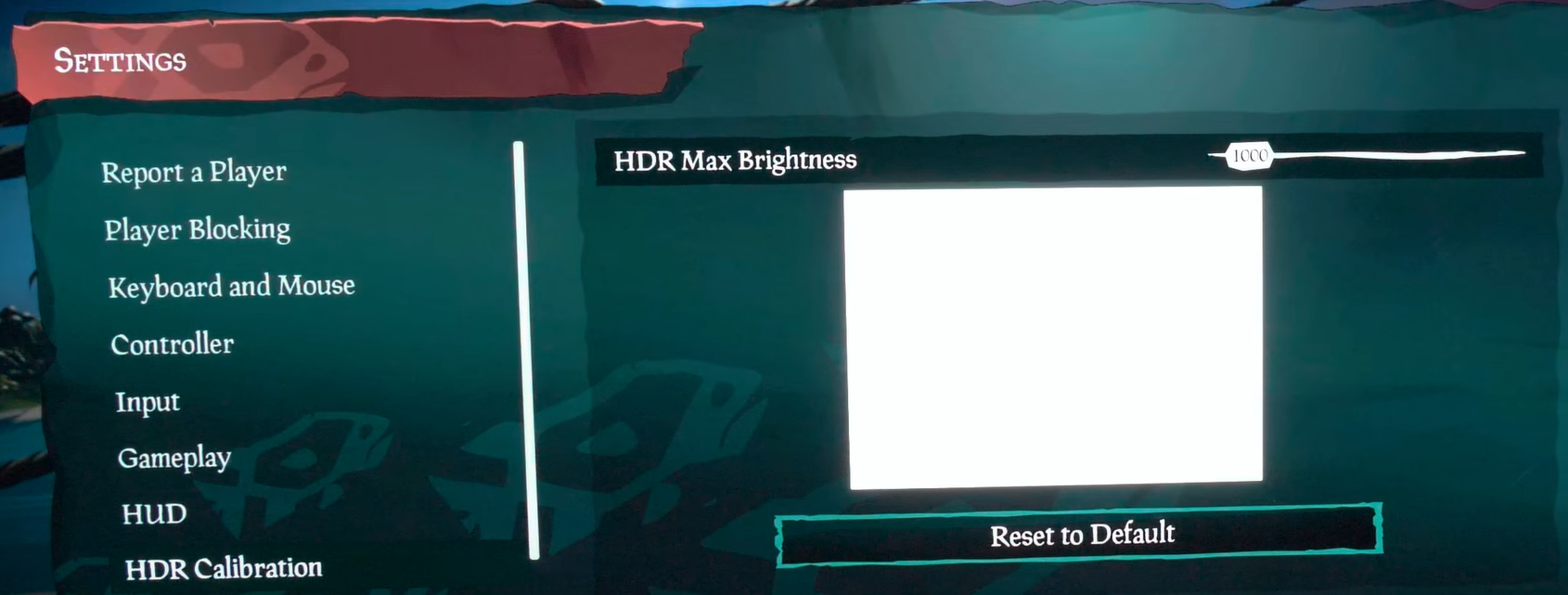
Set HDR Max Brightness slider to: 8.000 (which is around 4.000 nits);
> you're using HGIG:
Set HDR Max Brightness slider to: 800 (nits) or 1.000 (for G2/C4) or 1.500 (for G3/G4).
If you don't have an LG OLED and:
> you don't have an HGIG option:
Set HDR Max Brightness slider to: 1.000 (nits);
> you're using HGIG:
Set HDR Max Brightness slider to the half of the real Peak HDR Luminance of your panel in nits.
In all cases, leave the new HDR Brightness and HDR colour contrast sliders to 50/Default/Middle position as they already represent a balanced color luminance and gamma.
Files