Home
Home

 Creators
 Search
 Recent
 Random
 Posts
Posts
 DMs
DMs
 Tags
Tags
 Random
 Importer
 Import
 FAQ
FAQ
 Account
 Register
 Login
Login
 Favorites
 Keys
Keys
 Logout
 Telegram

Dead Space (Remake) - HDR Optimized Settings (Patreon)
Published:
2023-01-27 18:09:43
Edited:
2024-08-09 09:08:59
Imported:
2023-01
Content
The game is NOT using/applying Xbox/Playstation HDR Calibration app settings.
The game has a fairly good HDR implementation with a measured Peak HDR Luminance of around 7.000 nits.
Unfortunately, there is no way to adjust it in-game.
For this reason, it is suggested to use Dynamic Tone Mapping in order to avoid clipped highlights or an overall dim picture.
After latest patch:
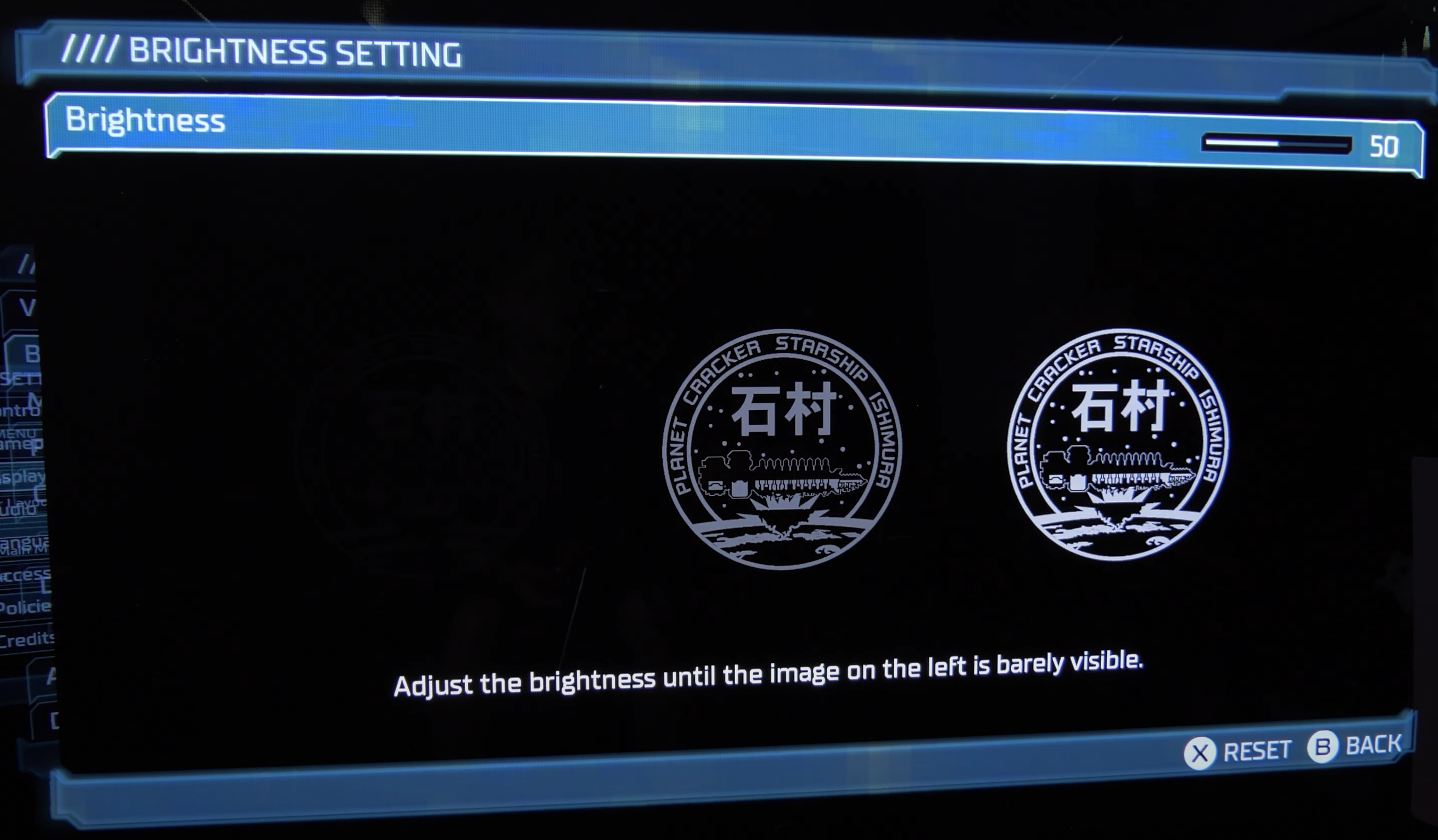
The in-game "Brightness" setting only adjusts the overall gamma and should be slightly reduced from Default 50 to "49" for preserving true black on OLEDs while in HDR.
BONUS:
Use Performance mode on current-gen consoles for best results (60fps target);
Disable Film Grain: to improve both clarity and contrast of the picture.
Files