Home
Home

 Creators
 Search
 Recent
 Random
 Posts
Posts
 DMs
DMs
 Tags
Tags
 Random
 Importer
 Import
 FAQ
FAQ
 Account
 Register
 Login
Login
 Favorites
 Keys
Keys
 Logout
 Telegram

Some Screenshots & Benchmarks from my new Gaming PC (Patreon)
Content
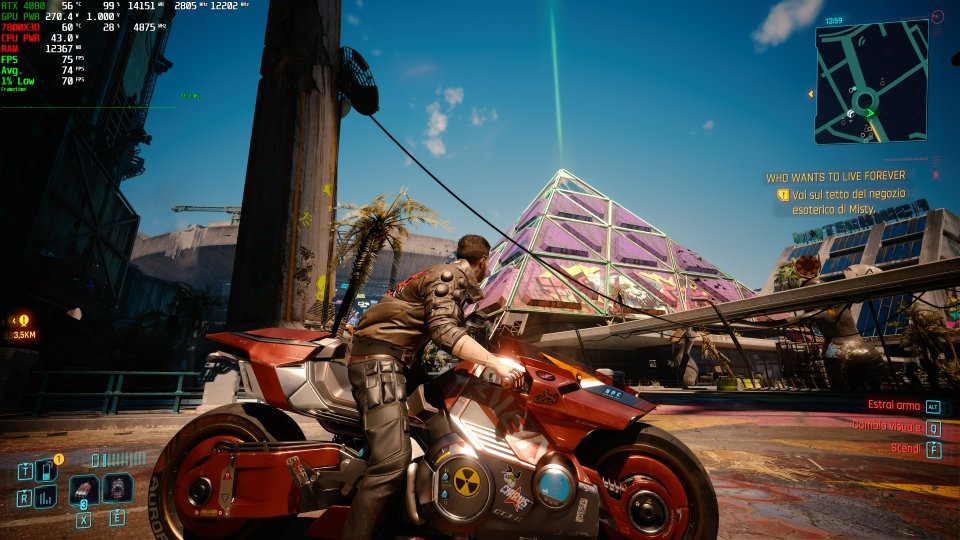
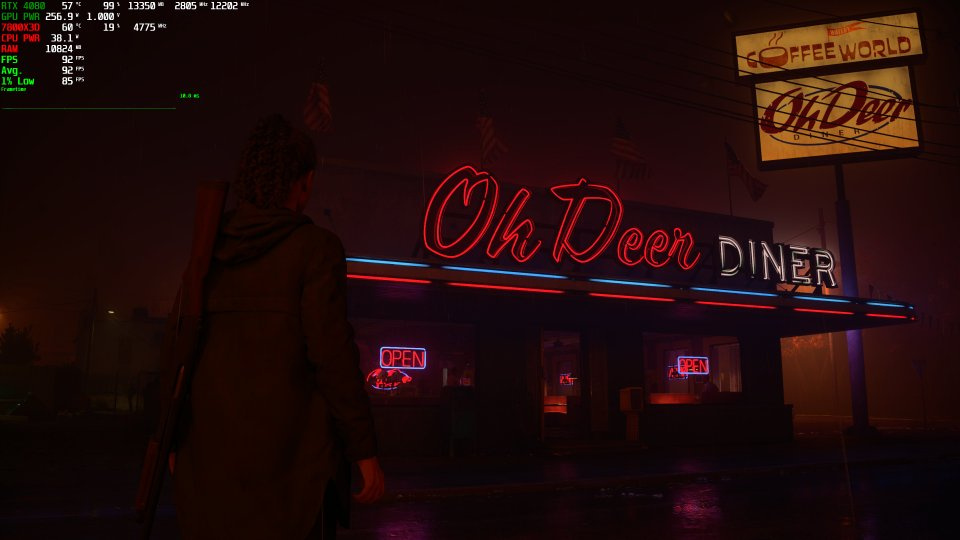
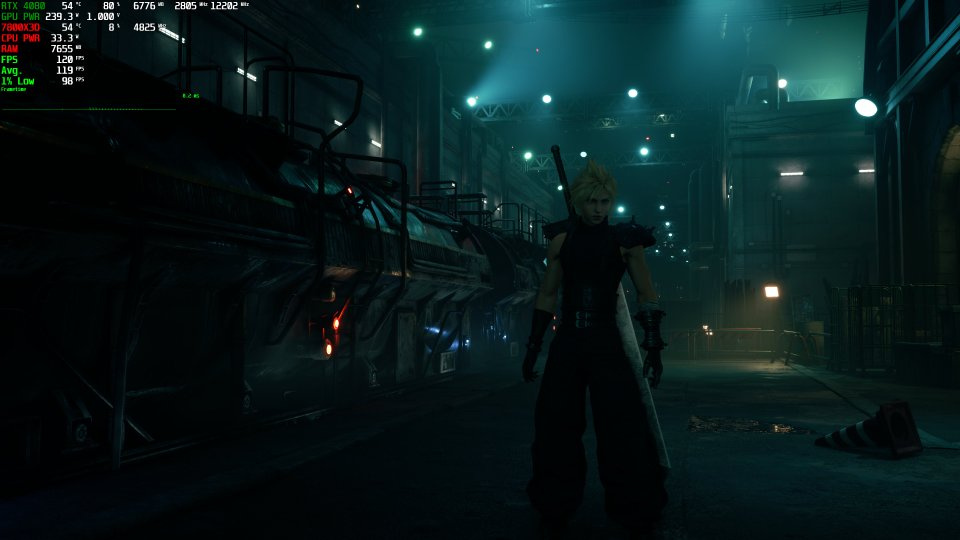
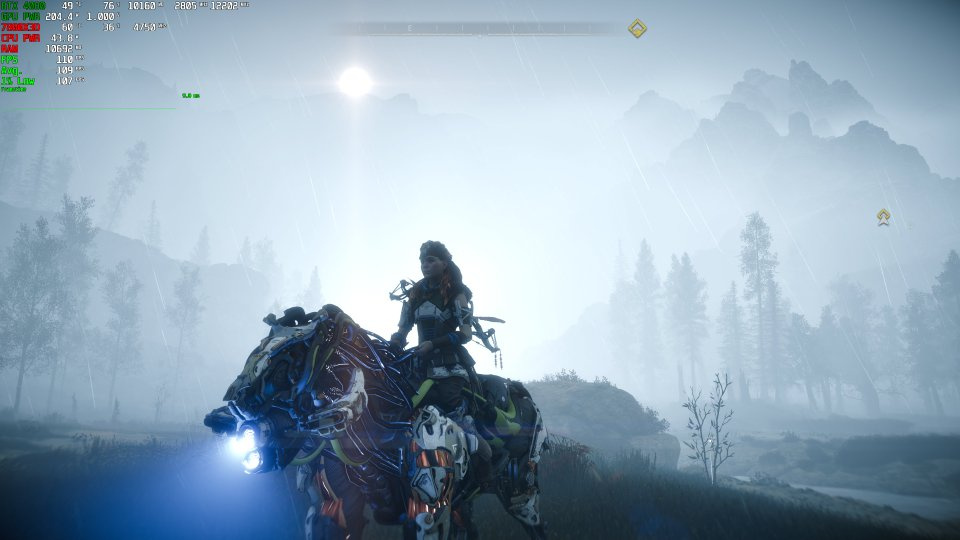
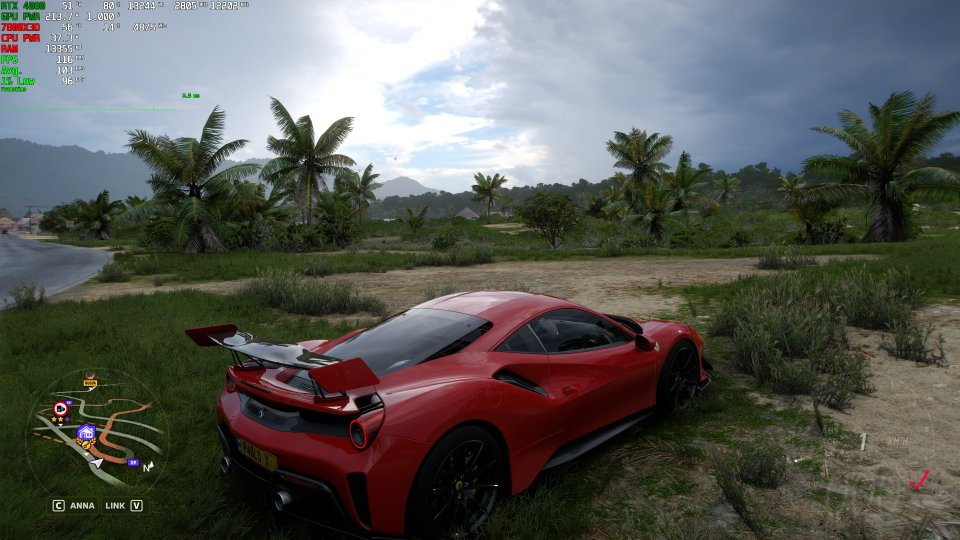
UPDATE (02/07/2024):You can find updated screenshots and results after my latest PC Optimized Settings' tweaks here__________________________I just wanted to share some screenshots I grabbed in HDR (then auto-converted in SDR by Windows 11 DVR feature) from my new gaming PC optimized with all the suggestions you can find in my PC Guide.All games are maxed out & in 4K + DLSS Quality (except DLAA for FH5, Balanced for CB2077 and AW2 only) & Frame Gen (whenever available), performance is in the upper left corner.Starfield (with Normalized LUTs & 60fps HUDs Mod)Click for Full ScreenCyberpunk 2077 v2.1 (with Path Tracing)Click for Full ScreenAlan Wake 2 (with Path Tracing)Click for Full ScreenFinal Fantasy VII Remake Intergrade (with no Dynamic Resolution mod)Click for Full ScreenHorizon Zero Dawn - Complete Edition (in-game capped at 110fps to be within G-Sync range without Reflex)Click for Full ScreenRatchet & Clank Rift ApartClick for Full ScreenHalo InfiniteClick for Full ScreenBattlefield 2042Click for Full Screen(here the performance overlay didn't work, but the game was running and locked 116fps which is = 120fps - 4fps by Reflex)Forza Horizon 5Click for Full ScreenWhat you see here is somewhat close to what I'm actually seeing and playing on my LG G3 OLED in calibrated ALLM + G-Sync + HDR FMM + HGIG.Really incredible stuff and really happy with these results.What do you think? :)
Files