Home
Home

 Creators
 Search
 Recent
 Random
 Posts
Posts
 DMs
DMs
 Tags
Tags
 Random
 Importer
 Import
 FAQ
FAQ
 Account
 Register
 Login
Login
 Favorites
 Keys
Keys
 Logout
 Telegram

2024 December #1: E Girl 1 Cosplayer Scene & Video (Patreon)
Downloads
Content
1. Link for all videos
2. Description
3. Screenshots
4. How to download / update dependencies and play my scene
5. Updates and fixes
6. Previous scenes and postings
1. Link for all videos
2. Description
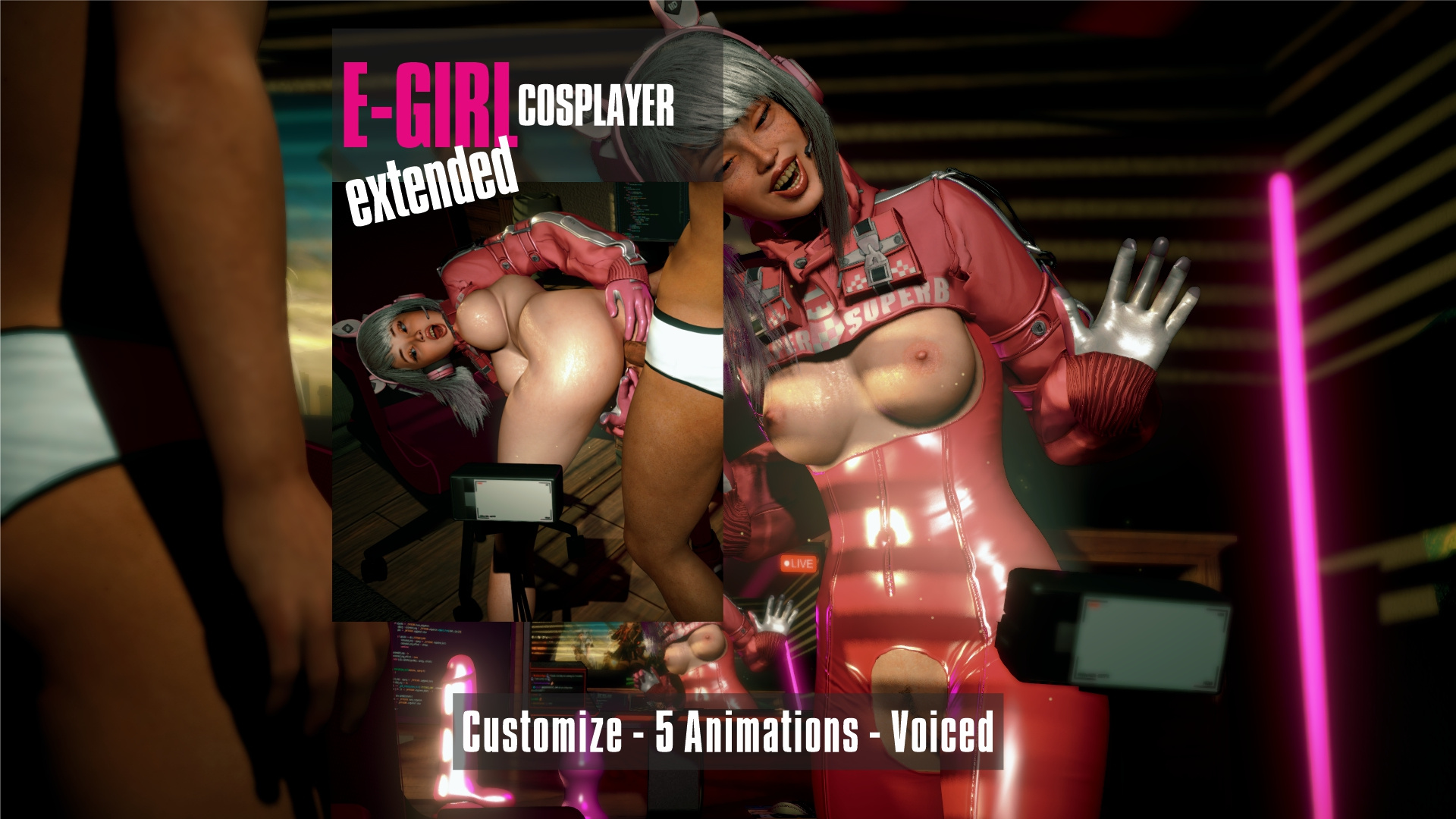
You are invited to a Cosplayers livestream
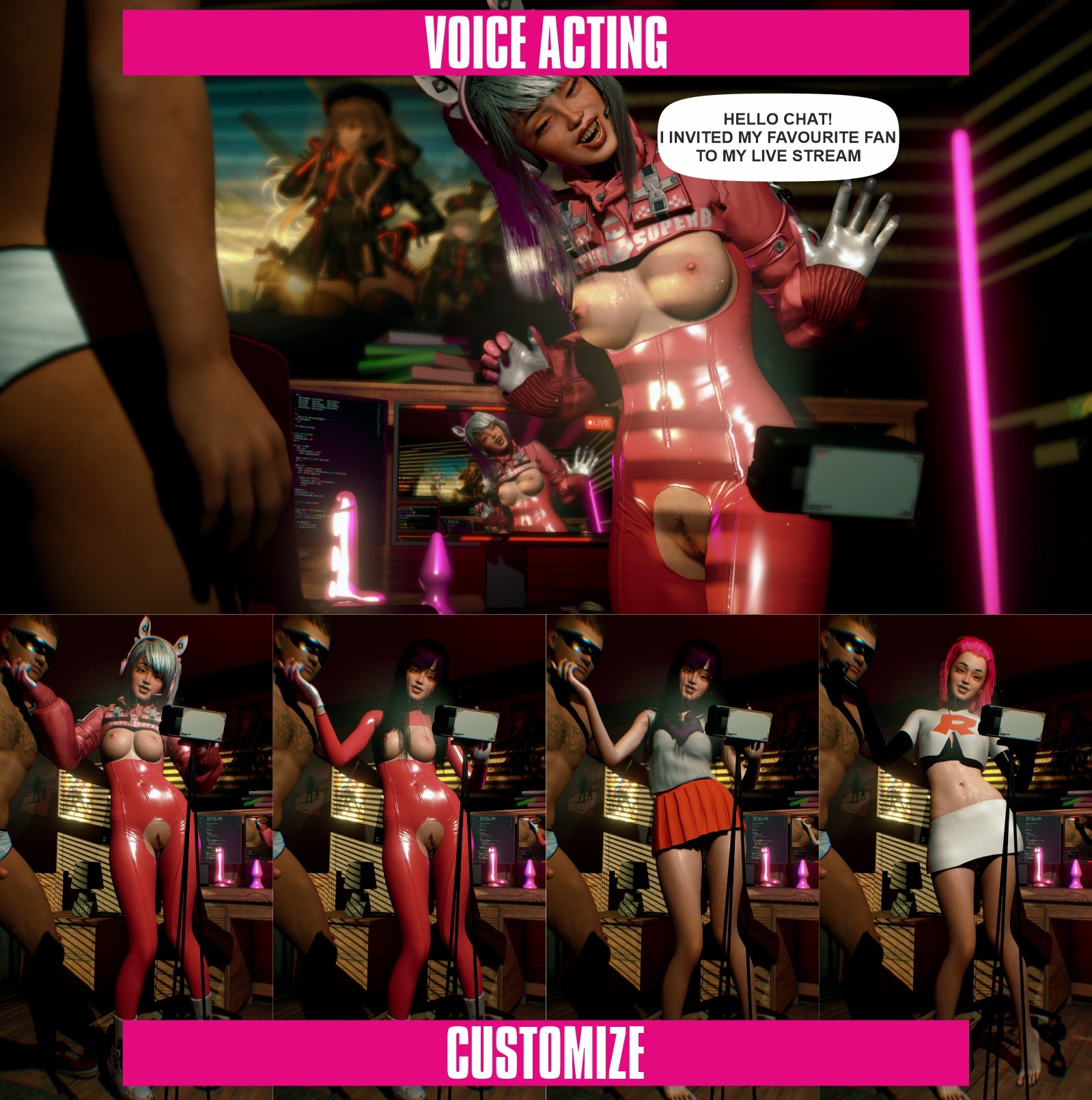
Choose one of 3 cosplay outfits or mix them to your liking
She has ready to use clothing presets for your liking
Female is professional voiced.
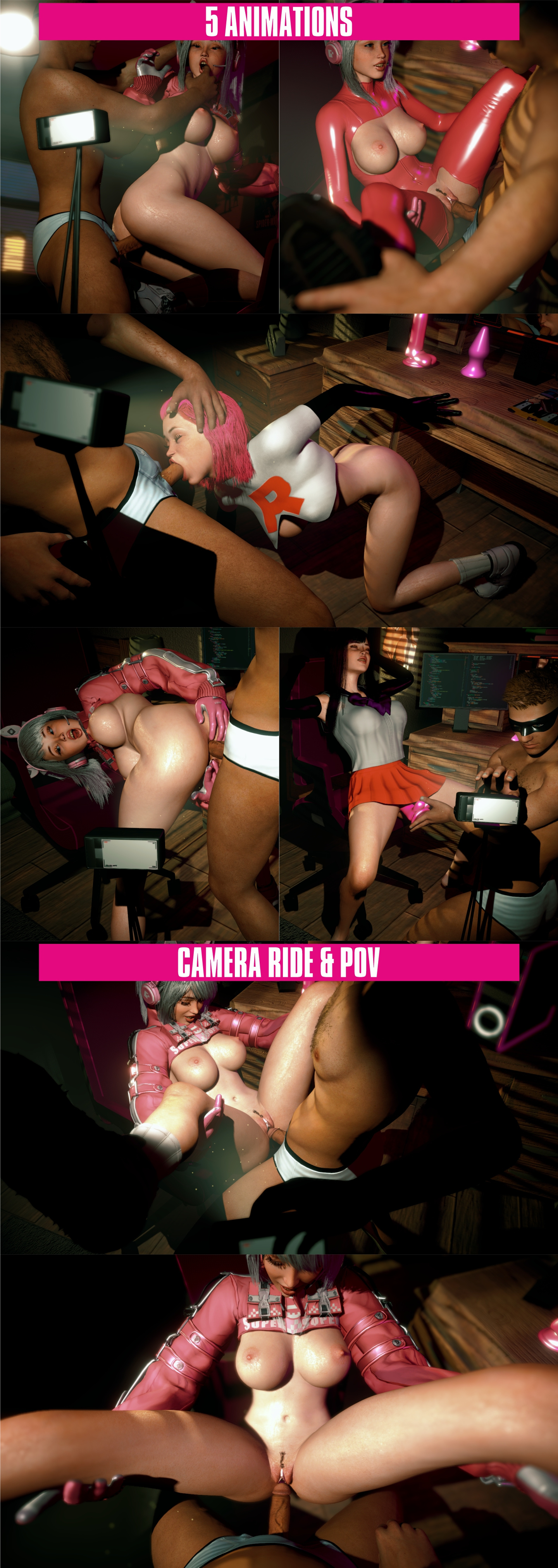
5 Animations with loop option
Multiple camera settings for how you want to watch the scene.
3. Screenshots
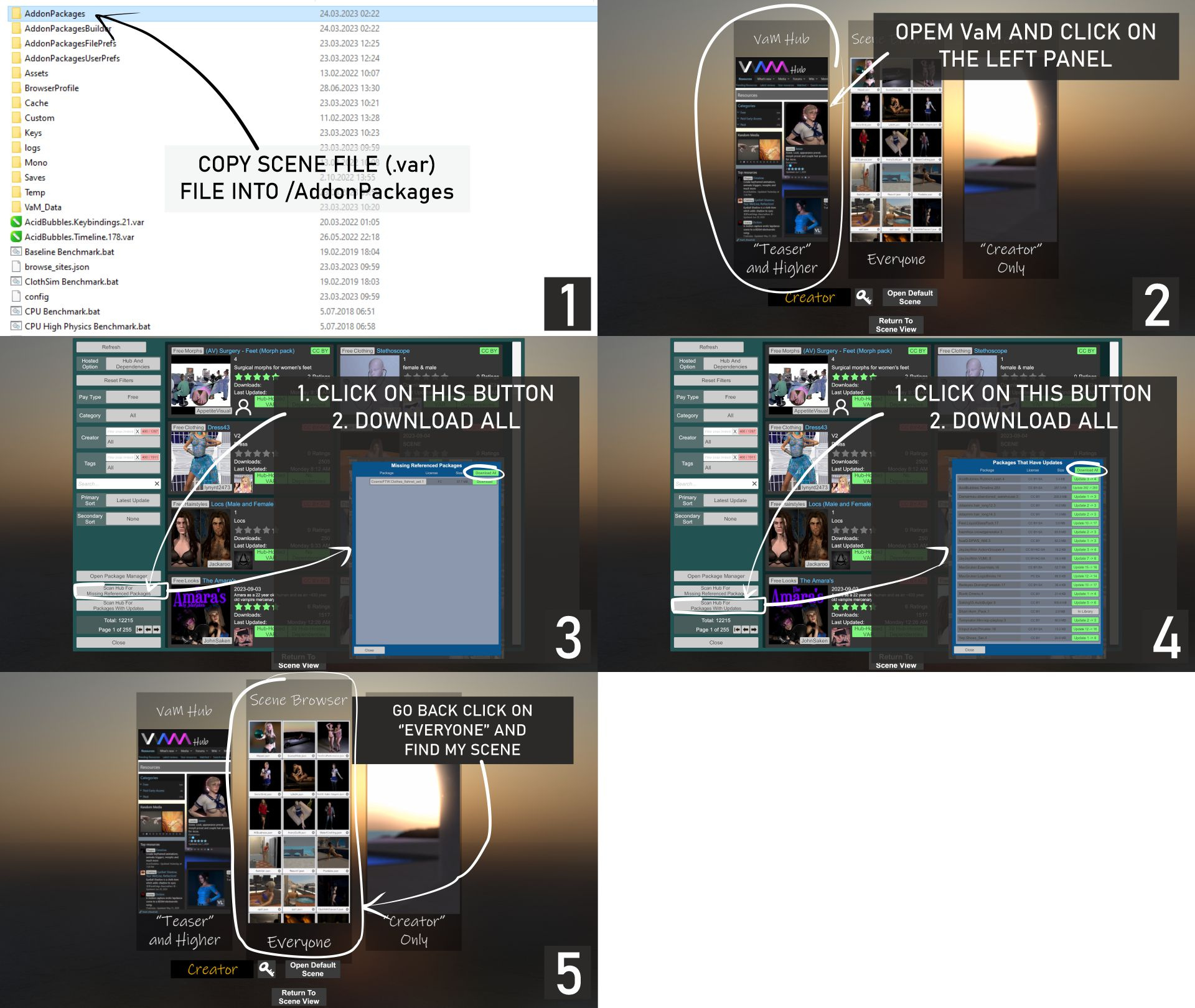
4. How to download / update dependencies and play my scene
5. Updates and fixes
24 December 2024
Clothing & Cum Presets
Presets can now be merge- loaded individually instead of full clothing.
You can select: 'Clothing Only - Cum Only - Makeup Only'
Changes to cum physics for Female
Menu and Settings
Added 3 songs you can select. 'E Girl - Lofi - Romantic'
Updated UI with new buttons and removed clutter. I hope to make it more simple soon
Scene
Removed unnecessary atoms and CUAs
Changed the 3rd ready to use LUT to a new one
'Extra Light' is now deafault ON and is brighter
06 February 2025
Addet Futa for Futa lovers
6. Previous scenes and posts
Active Mini-Scene Poll
Active Main-Scene Poll
September #2 Scene
Files