Home
Home

 Creators
 Search
 Recent
 Random
 Posts
Posts
 DMs
DMs
 Tags
Tags
 Random
 Importer
 Import
 FAQ
FAQ
 Account
 Register
 Login
Login
 Favorites
 Keys
Keys
 Logout
 Telegram

Tech Update #5: Cum! (+R4 teaser) (Patreon)
Content
Let's talk about cum today! More specifically, about that hot, creamy, futa goodness everyone is here for! I will also show you some extra teaser screenshots from R4, including a first look at the new (and still work-in-progress) gallery!
Making not only realistic-looking but also properly hot fluids is generally a challenge in 3D. Up to this point, I have been mostly using premade assets (although heavily modified with my own shaders). To make it look good in every situation, I had to constantly fiddle with it, often changing everything on the go. It took way too much time and work, and the result wasn't always to my liking.
So, since I think that a proper futa load can truly make a scene, I have decided to experiment with making my own liquid/cum assets. And finally, I believe I achieved presentable results. In today's update, let's take a look at how it is done!
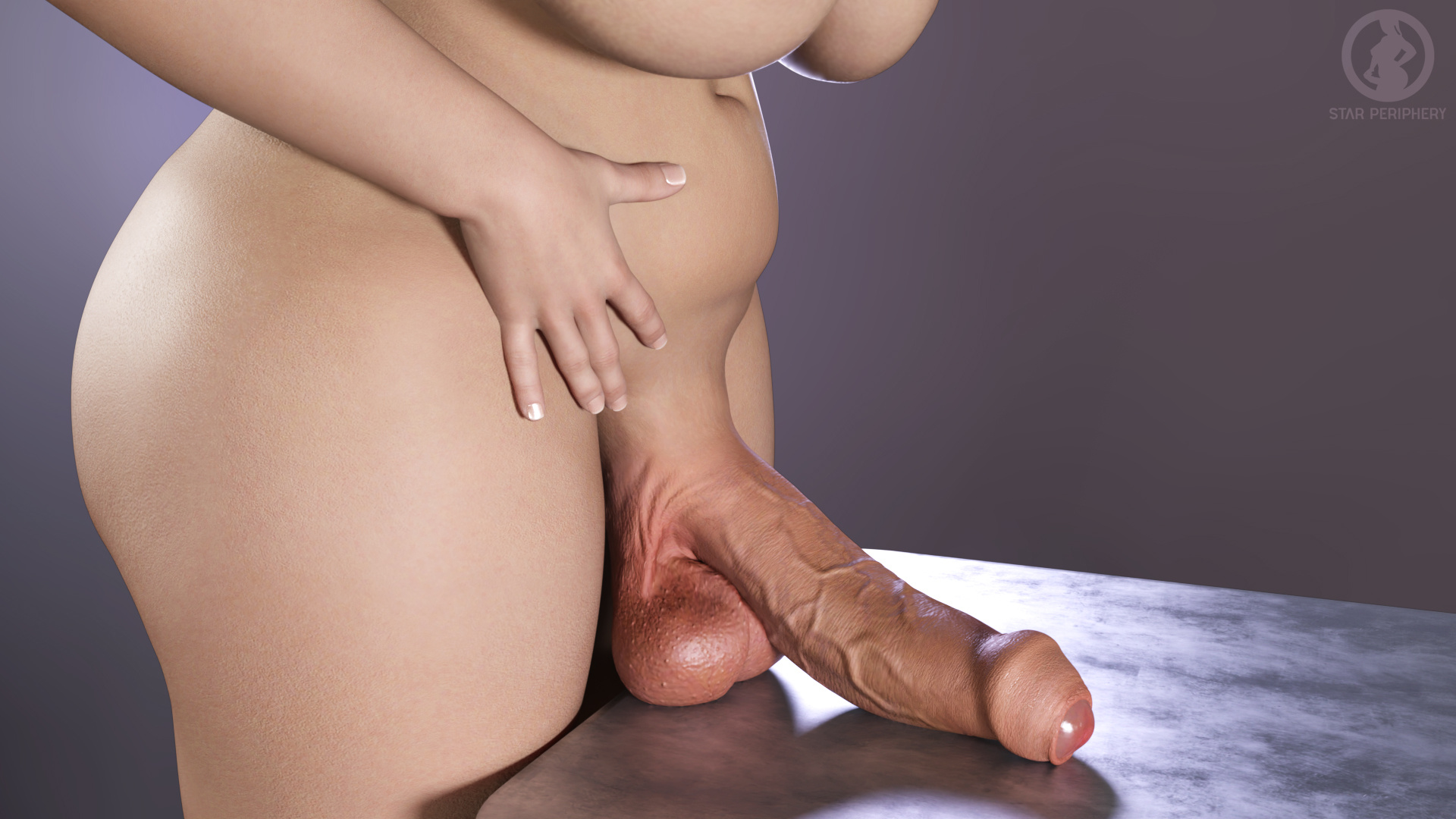
As before, Tessa will be the first one to help us illustrate! First, let's make a nice pose. This will do.
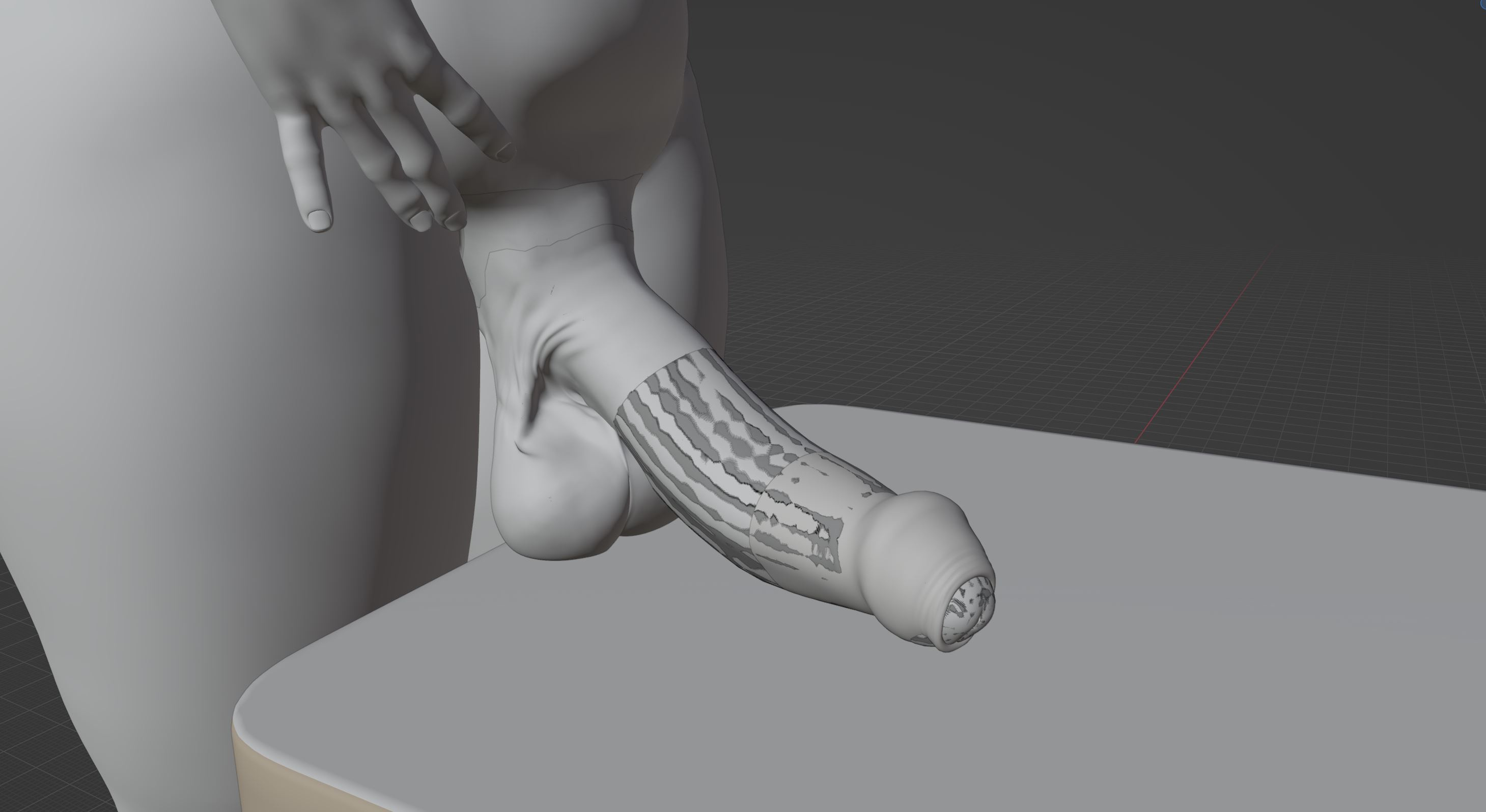
Now it is time to import Tess into another software (Blender). Pay no mind to her being suddenly gray and weird; we only need her static model for the next portion of work.
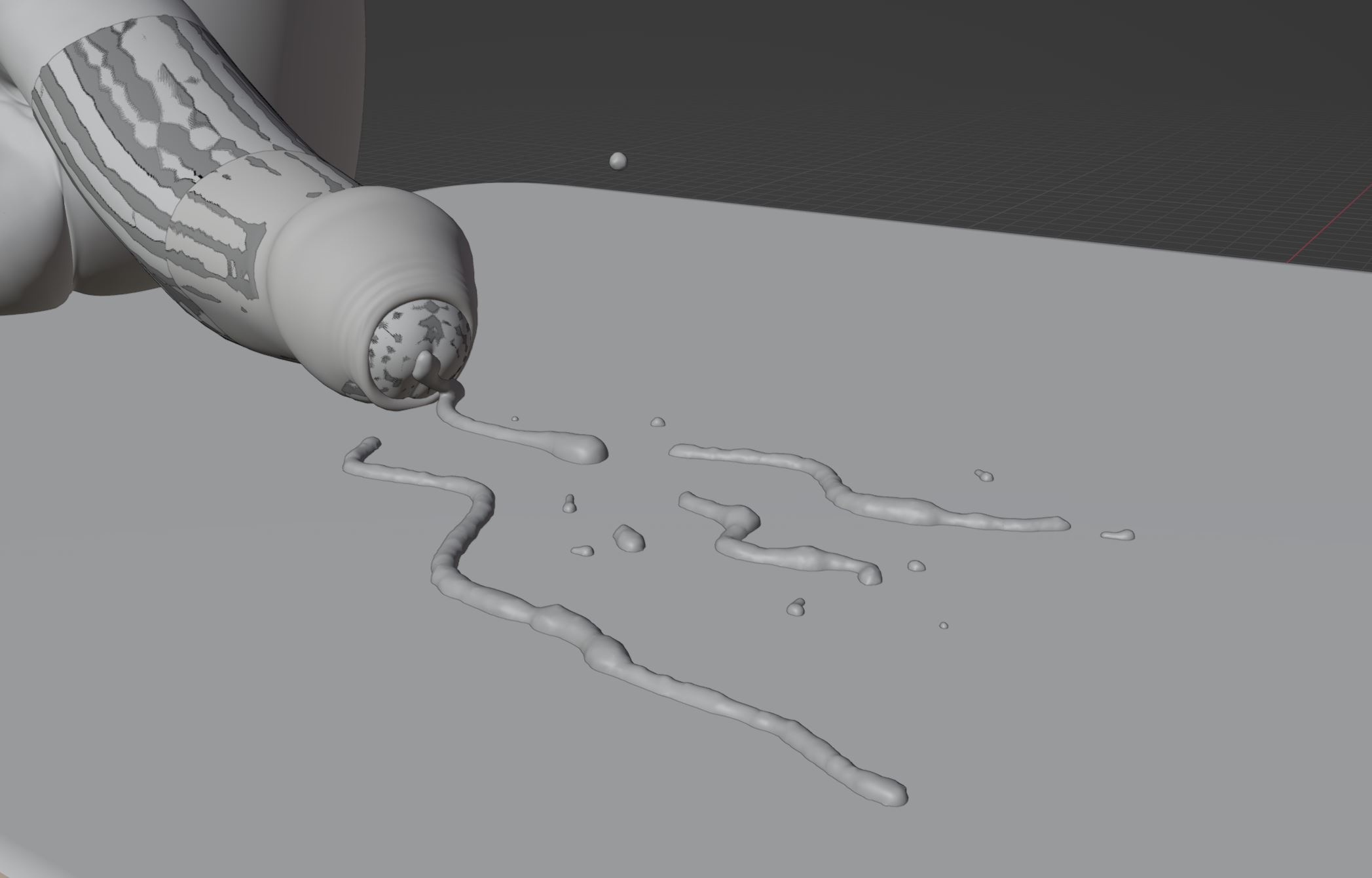
Now, let's model that cream!
Looks weird, right? Stay with me; the magic is soon to happen!
Now we import those models back, add my older liquid pool, and apply my cum shaders. And here is the final result:
Pretty spicy, isn't it? And it is rather fast and simple. And it will also make all those strings of other fluids look much better! It might look like a little thing (not speaking about Tess now!), but this will allow me to do a really good-looking cumshots, creampies, and everything in between. Our MC will finally get the breeding he deserves!
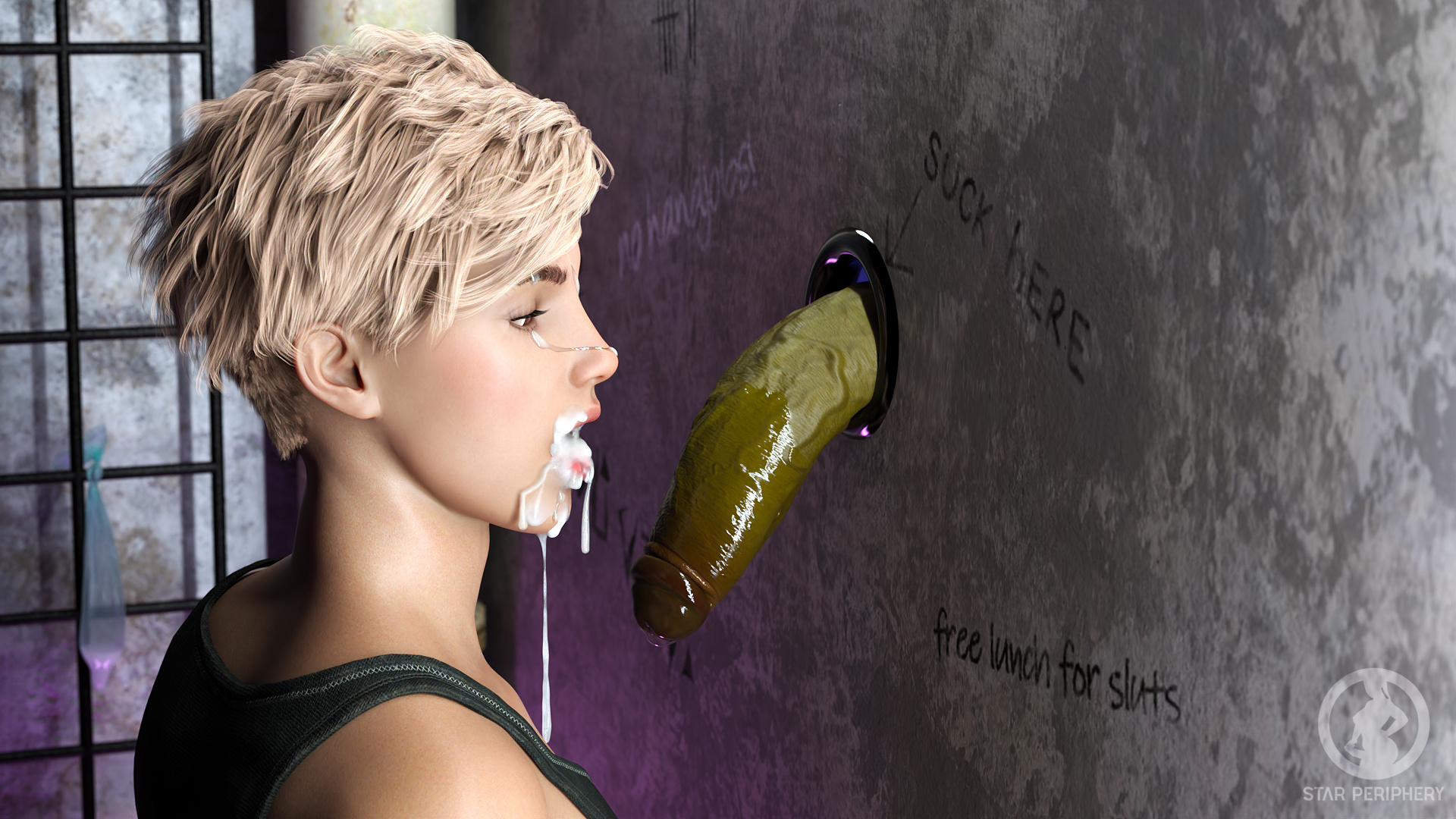
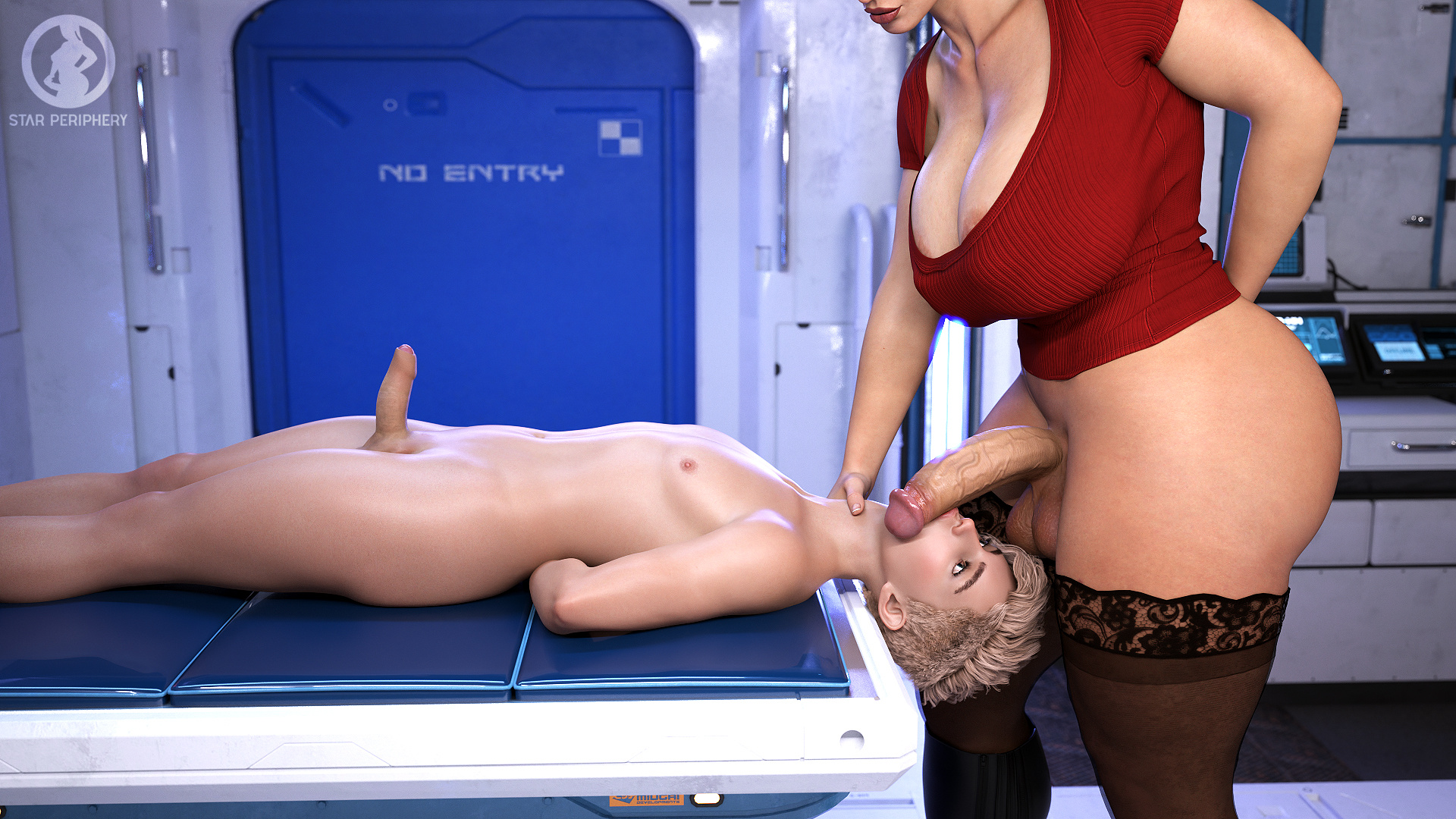
You will see the first experimentations with my own props in R4, for example, here with our brave MC getting a proper mouthful.
In other news, here is the first teaser of much requested Gallery! This is still a work in progress, but so far, so good!
And finally, if you read through the whole thing, here is an extra little screenshot from my work on (mistress!) Iris Day 2!
That's about it for today. I hope you enjoyed this technical update. And as always, in case of any questions, suggestions, or ideas, please let me know!
Files