Home
Home

 Creators
 Search
 Recent
 Random
 Posts
Posts
 DMs
DMs
 Tags
Tags
 Random
 Importer
 Import
 FAQ
FAQ
 Account
 Register
 Login
Login
 Favorites
 Keys
Keys
 Logout
 Telegram

📲Handy CAM Pro (Patreon)
Downloads
Content
Make better shots, faster.Handy CAM PRO is a drop-in camera rig for Wild Life RPG with one-press lighting, one-press camera posses and smart control and features - all driven from an in-scene UI.
This tool is intended to be used in EDIT MODE.
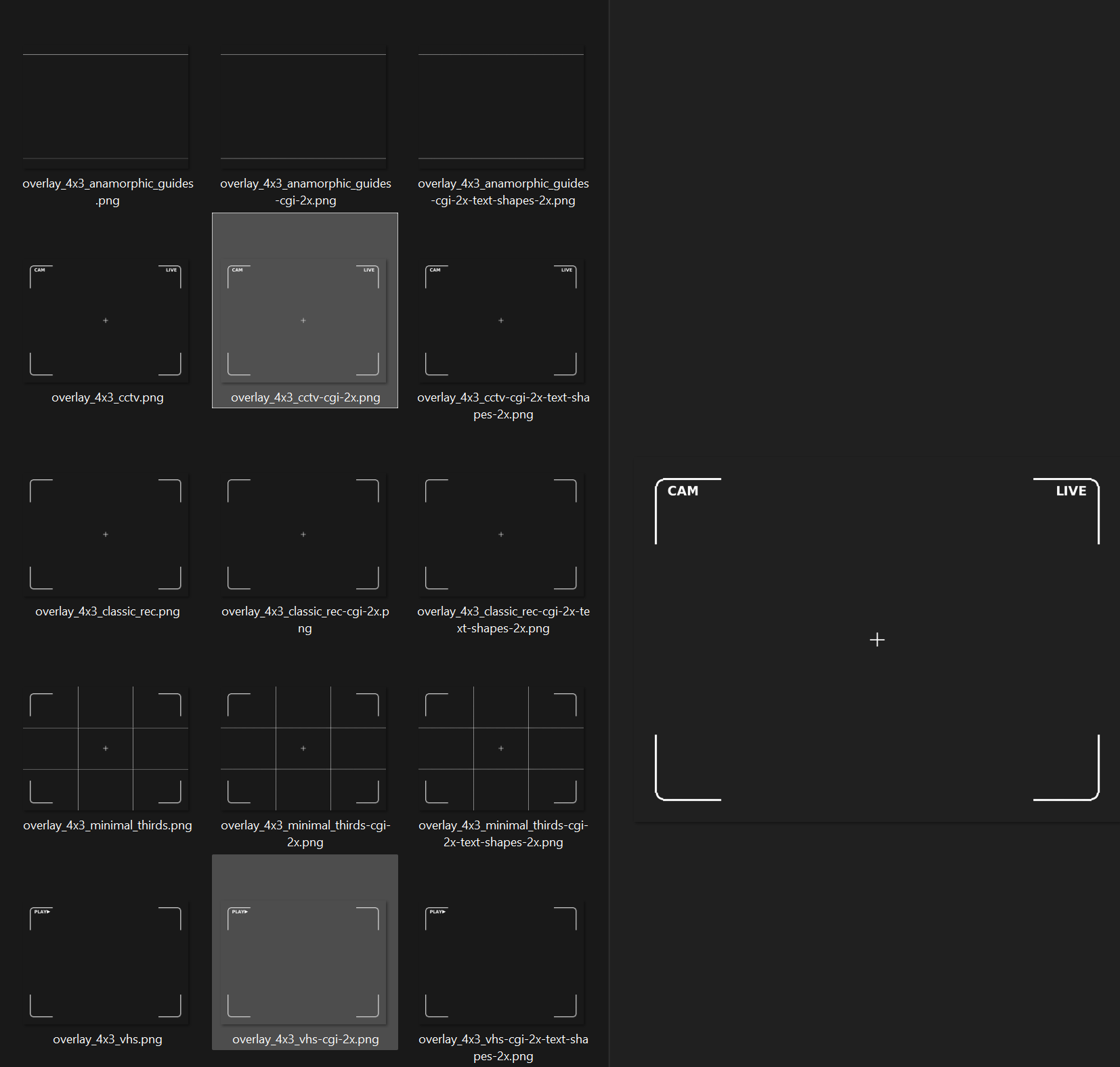
For ReShade users, you can pair it with the included CAM Overlays and shaders (blinking red dot, live timestamp, battery.
What’s inside (v1.0)
Handy CAM PRO rig (camera follower + UI)
Lights suite
Spot, Area, Point, Back light (local move/rotate)
4× Lighting Preset slots (Save / Load)
Sub-Cameras (1–4)
Save a shot (pos/rot + cam settings), Load = auto-possess
Main Handy Cam stays clean - no settings copied unless you request it
Camera controls
FOV, Focal Distance, Aperture, Effects, Color, etc.
Wobble (speed/amplitude/frequency/persistence/lacunarity)
Autofocus: Median, Mean, Priority, or Off
Global UI toggle (hide/show only the panels you had visible)
Lua scripts used by the rig (included, readable, and commented)
Overlay pack (“CAM Overlays”) for ReShade users (various aspect ratios and sizes)
⚠️ Fan-made tool. Not affiliated with or endorsed by Wild Life RPG.
Core Controls (default)
NUM 1/2/3/0 – quick access to Spot / Area / Point / Back panels
NUM 4/5/6 – Cum pistol, shotgun and rifle
NUM 7 – fog overlay (water plane)
NUM . – Emission lights panel
NUM / – Lighting Presets panel
NUM * – hide/show custom UI (remembers what was visible)
(If you remap, the UI rows are named and easy to retarget.)
Video Presentations
Presenting - Base Lights
Presenting - Back Light
Presenting - Emission Lights
Presenting - Camera pt1
Presenting - Camera pt2
Presenting - Save Load Light Preset
Presenting - CAM Overlays (ReShade)
How to Install Handy CAM Pro
Download the attached files.
Import the file "LjQujd - Handy CAM Pro 1-1a.wlsave" into your Wild Life sandbox (main menu > sandbox > showroom > import). You’ll see a confirmation message indicating a new item has been added to your prop collections.
Load any sandbox scene map, open Edit Mode (TAB key), and navigate to your prop collections in the horizontal panel at the bottom of the screen.
Place Handy CAM Pro into your scene and still while in Edit Mode move the Camera Follower and Sub Camera outside of their group (see this video how it's done Presenting - General Showcase)
(Optional) How to Use CAM Overlays with ReShade
Install ReShade if you haven't already
put "LJQUJD_PRESET.ini" into \WildLifeC\Binaries\Win64
put "CameraHUD.fx" and "CameraREC.fx" into \WildLifeC\Binaries\Win64\reshade-shaders\Shaders
unzip "Camera and Phone Overlays.zip", there will be .png overlay images in various different aspect ratios
go to \WildLifeC\Binaries\Win64\reshade-shaders\Textures and locate the file "Layer.png" - this is the image file that you need to replace with one of the overlay images of your choice (rename it to Layer.png)
Launch WL, open ReShade menu and select the preset "LJQUJD_PRESET"
Important Notes
Personal use for your WL renders/videos.
Don’t redistribute or resell the files any of the included files.
This content is not compatible with the Steam version of Wild Life.
Ensure you’re using the latest version available from AdeptusSteve’s Patreon.
Discord Server
Join our growing community for more exclusive content, discussions, and support!https://discord.com/invite/s9Bj54hf7c
Support
Questions or feature requests? You can ping me either on the patreon group chat or alternatively on Wild Sanctum discord server. If we need to troubleshoot something, please include screenshots.
Files