Home
Home

 Creators
 Search
 Recent
 Random
 Posts
Posts
 DMs
DMs
 Tags
Tags
 Random
 Importer
 Import
 FAQ
FAQ
 Account
 Register
 Login
Login
 Favorites
 Keys
Keys
 Logout
 Telegram

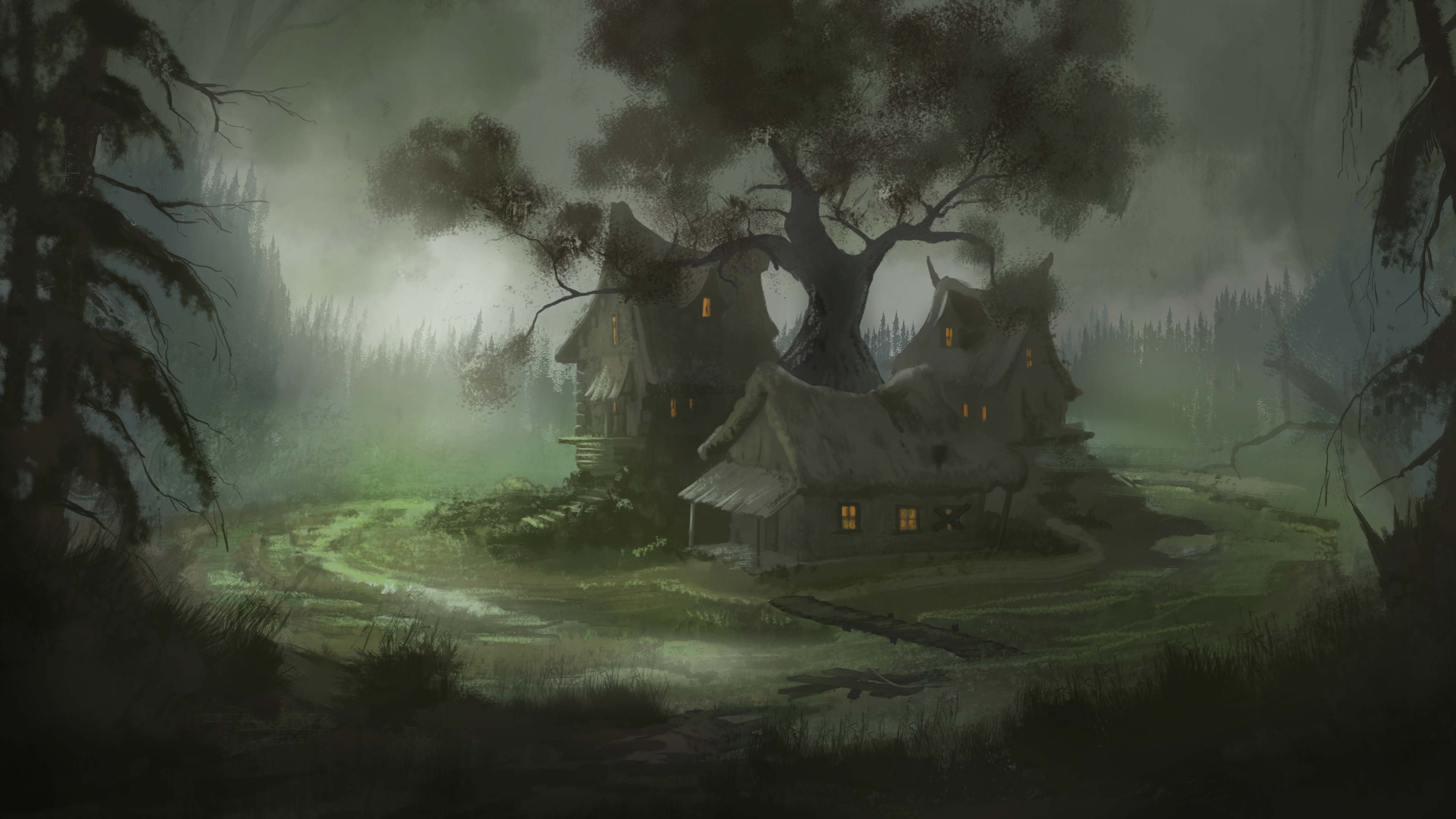
The Smoldering Bog – A Complete Blender Tutorial (Patreon)
Content
In this massive, step-by-step tutorial, we will create a realistic, atmospheric swamp environment in Blender, from sketch to final artwork. You’ll learn the entire workflow, including modeling, texturing, lighting, and post-processing, to achieve a cinematic and natural look.
What You’ll Learn
Sketch Analysis & Scene Blocking – Setting up composition and camera angles.
Realistic Environment Modeling – Creating landscapes, water, houses, and wooden bridges.
Texturing & Materials – Create realistic shaders, complex materials, color attributes, AO, and normal maps.
Lighting & Atmosphere – Volume light, fog, and fine-tuning the mood.
Vegetation & Scattering – Modeling trees, scatter grass, and foliage.
Final Touches in Krita – Enhancing realism with subtle post-processing.
The Sketch for this tutorial:
The Final Artwork we will get:
=========
Tutorial Chapters & Timeline
Part 1 – Sketch, Composition & Scene Blocking
Sketch, Camera View, and Blocking in Blender
Sculpting the Landscape
Modeling House 1
Modeling House 2 (Roof Tiles & Geometry Nodes)
Creating Wooden Bridges (with Geometry Nodes)
Part 2 – Texturing & Lighting
Texturing House 1 (AO, Normal Separation XYZ, Glass Shader)
Texturing House 2
Texturing the Environment
Lighting Setup (Volume Light, Sky, and Global Light)
Part 3 – Vegetation, Fog & Final Adjustments
Modeling & Texturing a Large Tree
Scattering Forest and Grass (Using a Secret Paint Add-on & GeoScatter)
Additional Lighting & Light Linking
Scattering Foliage on the Island
Creating Poisonous Fog Above the Swamp
Foreground Details
Final Touches in Krita (or Photoshop)
By the end of this tutorial, you’ll have a fully rendered, high-quality cinematic scene with realistic lighting, materials, and atmosphere.
Let’s dive in and create The Smoldering Bog!
WATCH HERE
Files