Home
Home

 Creators
 Search
 Recent
 Random
 Posts
Posts
 DMs
DMs
 Tags
Tags
 Random
 Importer
 Import
 FAQ
FAQ
 Account
 Register
 Login
Login
 Favorites
 Keys
Keys
 Logout
 Telegram

Translator++ Ver. 3.1.30 - RM2K & RM2K3 (Patreon)
Content
Hello fellow translators,
Thank you for your continuous support on Translator++.
Your support motivates me to continue making improvements and release the latest updates for Translator++.
This year is the third year of Translator++, so from now on Translator++ is entering its 3rd version.
Translator++ Ver. 3.1.30
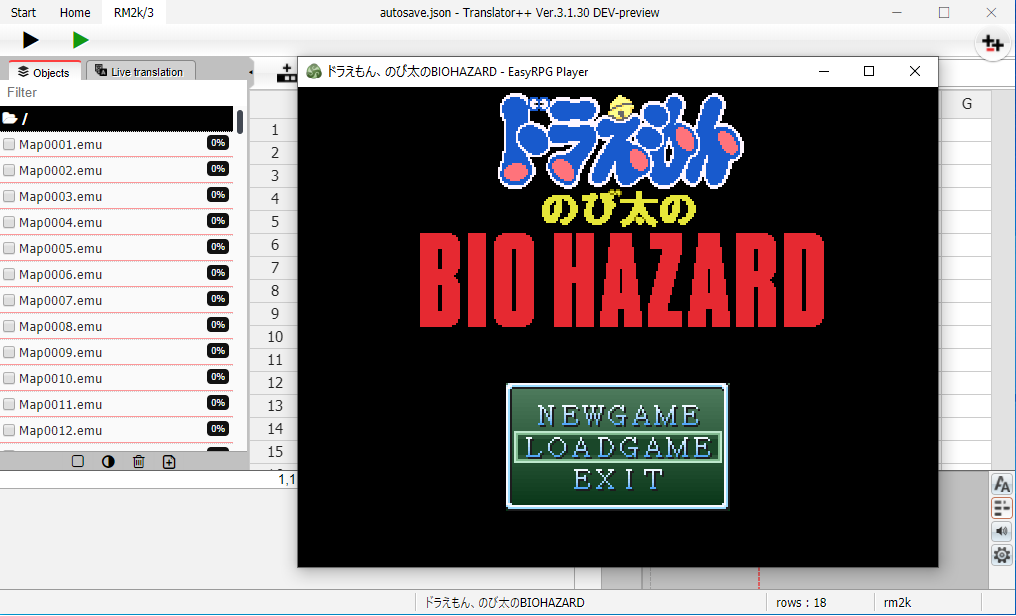
Add : Support for RPG Maker 2000 & 2003
New workflow for RPG Maker's project creation.
Add : WolfJS : Option to set maximum number of lines in the message box.
Fix : Third party application installer sometimes unable to install the software.
Inject translation from the main menu now will inject all objects disregard the selection. This is to avoid confusion.
Export translation from the main menu now will process all objects disregard the selection. This is to avoid confusion.
Fix : Layout broken when scroll bar appeared on Active Cell
Fix : Scrollbar on original text
Add : Can navigate cell from current cell field
Update : Bing translator
Update : V3 style
Translator++ now supports all version of RPG Maker available on Windows
Yes, that includes RPG Maker 2000 & 2003 too.
The biggest challenge when creating support for this legacy RPG Maker is unicode support. Because RPG Maker 2k & 2k3 only supports a handful of the text encoding formats.
Initially this was one of the reasons I was not too interested in working on this engine. But I saw some people working very hard to remake the interpreter of this almost obsolete game in the EasyRpg project. Because of that I became more motivated to work on this engine.
Many patrons also gave suggestions to make support for this engine.
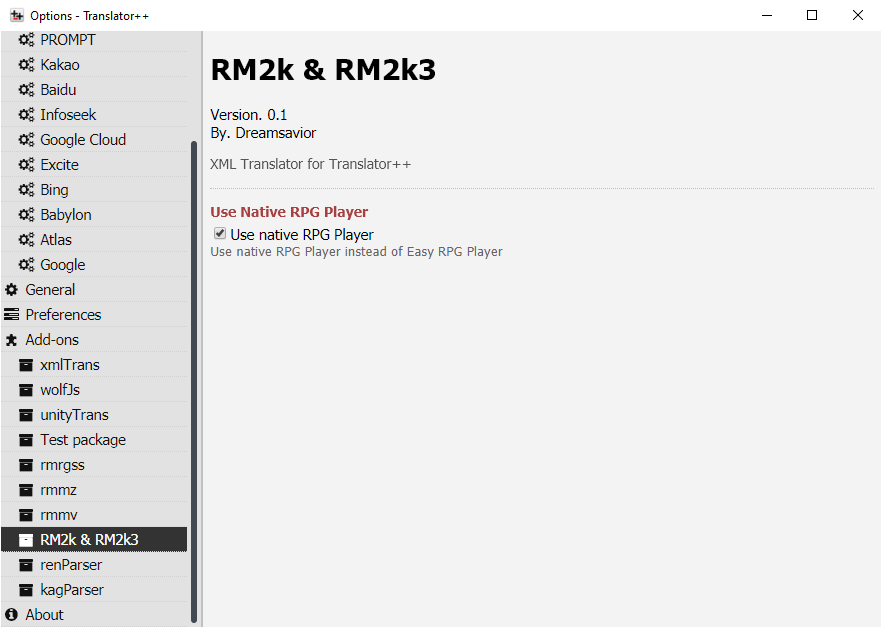
There is a switch to enable / disable the easyrpg interpreter in the options section. I highly recommend using easyrpg instead of native rpg maker’s interpreter.
Behavior change on export & inject translation
So far, some people who are using Translator++ for the first time are confused because the texts they translate are not all exported when there are several objects in the right pane checked. I have to admit this is a blunder in the UI design.
Now I change the export & import behavior to make it more sensible. If you export or inject a translation using the buttons in the main menu, Translator++ will process all the objects disregard the selection.
Export & Inject on main menu will disregards the selection.
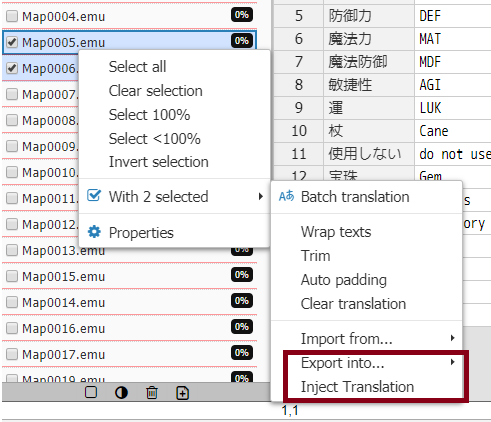
On the other hand, if you export or inject a translation through the right click menu, selection will be taken into account.
Export and the newly added Inject translation menu on the right click will process the selection.
Translator++ Ver 3.1.30 is available on patron’s download section.
Enjoy,
Dreamsavior
Files