 Home

 Creators
 Search
 Recent
 Random
 Posts
 DMs
 Tags
 Random
 Importer
 Import
 FAQ
 Account
 Register
 Login
 Favorites
 Keys
 Logout
 Telegram

[TUTORIAL] LCD Display Shader Effect (Patreon)
Published:
2016-05-04 09:29:13
Imported:
2026-06
haven't archived this post yet. have a subscription? use the importer!
Content
http://www.alanzucconi.com/2016/05/04/lcd-shader/
When it comes to shader, is certainly true that the devil is in the detail. This is the case for
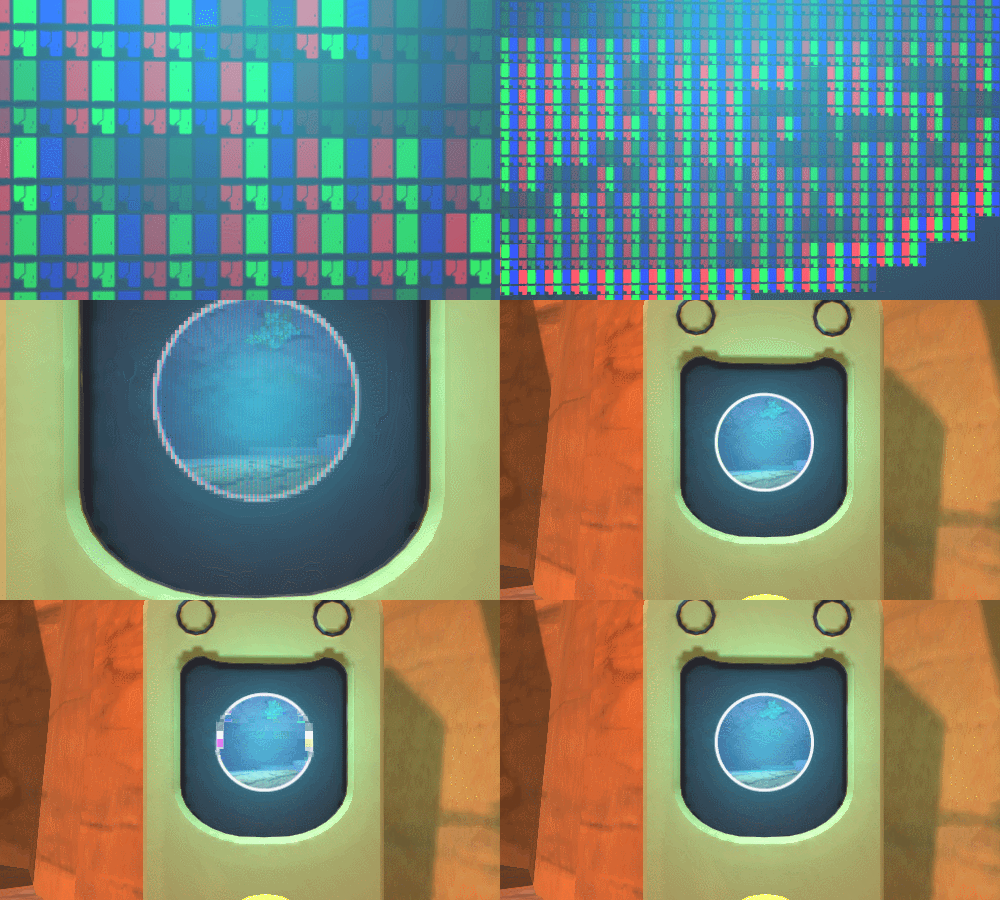
, a game which features one of the best LCD display effects I've seen in a long time (image below). This tutorial will teach you how to replicate most of its charm in Unity.
- Introduction
- Step 1. The Pixelated Effect
- Step 2. The LCD Rendering
- Step 3. The Zooming Out Effect
- Conclusion & Download
Thank you for your time and your generous support! ♥
Files
Previews only

