Home Creators Posts Import Register Favorites Logout

Downloads

Content

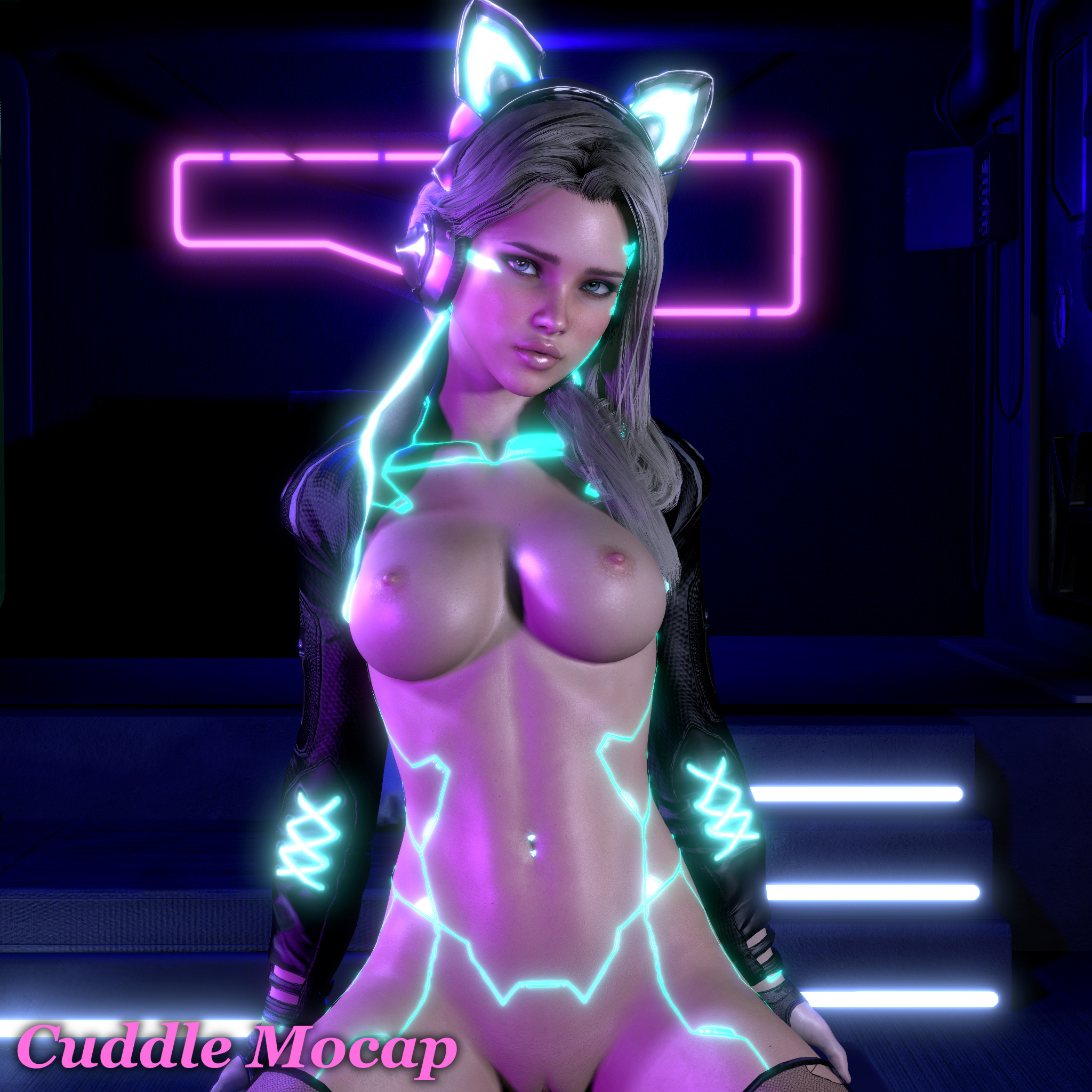
Download: https://www.patreon.com/collection/410826?view=condensedHub Link: https://hub.virtamate.com/resources/cyberpunk-cowgirl-part-1.44968/I have been working on this scene every day all month long, and I have to say, I am very happy with how things turned out! I spend an outrageous amount of time nailing down voices, face mocap, lip sync, and toy scripting. This is what I hope most of our future scenes will be like, and I've laid down a lot of the groundwork now. Yes, the body mocaps are recycled from scene 024, but I really needed some extra time to figure out the technical details on this one, and the mocap was already very good. I honestly can't really describe what makes this scene special, you'll just have to experience it for yourself. Strap on your VR headset, grab your motorized toy, and let her make sweet love to you. It's quite an experience! BTW, There WILL be an update for this scene soon! In the next version there will be additional voices to choose from, extra toy controls, an animated camride, and more. Feel free to drop me some requests!IMPORTANT NOTES: -I recommend when opening the scene that you turn OFF the floor lights. It's under the "Customize" menu. This will reduce the pixel lights from 9 down to 6, which is much more manageable.-Keep an eye on those new dependencies! There are 2 packages for the clothing that are NOT on the Hub. I have them attached here and in the download folder. There's also new plugins in use.-The Blazedust VamLaunch plugin will give you an error message when you first load it. You can fix this permanently by going into the plugin, which is in the "1TSC" atom. Open the plugin and click "As Default". That's it!Special thanks to VRDollz for giving me permission to use her NC clothing in this scene! They look amazing!:::::Dependencies:::::Plugins:CuddleMocap Scene Tools V2.3: https://hub.virtamate.com/resources/cuddlemocap-scene-tools-v2.43150Acid Bubbles Timeline: https://hub.virtamate.com/resources/timeline.94Acid Bubbles Glance: https://hub.virtamate.com/resources/glance-realistic-head-driven-eye-motion.5461Acid Bubbles SpawnPoint: https://hub.virtamate.com/resources/spawn-point.3125Acid Bubbles ImprovedPoV: https://hub.virtamate.com/resources/improved-pov.102Acid Bubbles Embody: https://hub.virtamate.com/resources/embody.6513Acid Bubbles ColliderEditor: https://hub.virtamate.com/resources/collider-editor.183PluginIdea Fake Lamp Bulb: https://hub.virtamate.com/resources/fakelampbulb.28852Everlaster Naturalis: https://hub.virtamate.com/resources/naturalis-free.35101Hazmhox VamMoan: https://hub.virtamate.com/resources/vammoan.3134Stopper Eyelid Behavior: https://hub.virtamate.com/resources/eyelid-behavior-editor.38274ToumeiHitsuji DiviningRod: https://hub.virtamate.com/resources/diviningrod.8992MacGruber SpeechRecognition: https://hub.virtamate.com/resources/speechrecognition.6865MacGruber PostMagic: https://hub.virtamate.com/resources/postmagic.161Blazedust ToySerialController: https://hub.virtamate.com/resources/toyserialcontroller-vamlaunch.12663Blazedust EmissiveClothing VERSION 2: https://hub.virtamate.com/resources/emissiveclothingplus.31436/historyCheezyFX ShakeIt: https://hub.virtamate.com/resources/shakeit.35052Clothing/Looks:CuddleMocap Cyborg Geoshell: Attached, and in downloads folderCuddleMocap VRDollz Clothing Alphas: Attached, and in downloads folderCuddleMocap Textures: In downloads folderVRDollz Cyberpunk Set: https://hub.virtamate.com/resources/cyberpunk-clothing-set.34025VRDollz Cyberpunk Kitty Set: https://hub.virtamate.com/resources/cyberpunk-kitty-clothing-set.34024CuddleMocap Alana: https://hub.virtamate.com/resources/alana.30425CMA Eye Cloth: https://hub.virtamate.com/resources/cma_iris_reflex_eyesshadow.24079Paledriver Eye Cloth: https://hub.virtamate.com/resources/eyes-reflection-and-shadow-male-female-futa.19237Crimeless Wet Penis: https://hub.virtamate.com/resources/wet-penis.14677Put the downloaded dependencies into your AddonPackages folder.

Files
Comments

b b

My man , in time for the weekend <3:) Will try it very soon :) FYI "PluginIdea Fake Lamp Bulb" and "CheezyFX ShakeIt" links point to their "overview-panel" not the download. Not a nitpick just letting you know. Aight I'ma go try it , I'm sure it's another banger.

b b

Really good scene. High quality in every way , the mocap , production values , UI has tons of great options. Great work as always.

Bancho

INSANE!

Bilbo

CM , in pre-history man found fire. In 2024 CuddleMocap was on fire!! Got to be the most technically brilliant piece of VaM artistry going. Stunning. Well done and thanks for your efforts and for sharing in what must be a ground breaking project.

posaune

My goodness!!! Love it love it love it!!! Please, yes... more voice options, because I will probably take a look at a few, um, er, ...many... different models trying this scene out, and I'd prefer to have a little more variety. :) However, you all have outdone yourselves on this one by far!!! Now I just need to figure out how to manipulate timeline a little... I'd love to be able to loop-watch that part where she leans back and says I love when you watch me bit and bounces a few times... yeah, I know it'll be choppy, but such a hot moment! Can you recommend any good timeline tutorials for that sort of thing?

CaseEP

Cute! <3

CuddleMocap

Hahaha, cheesy as hell and I love it. xD I'm glad you enjoyed it. :)

CuddleMocap

Yea, I found 13 voice models that I really liked, and I want to include at least 5 in this scene. :) The leaning back parts are my favorite. Every time it really gets my engine running, haha! We should make an entire scene like that. Ascorad made some good Timeline tutorials, although editing mocaps is kind of a different beast. My recommendation is to make a UI button that jumps to that specific time in the playback so you can click and re-watch it as many times in a row as you want. You can reference the "Orgasm" button to get an idea of how to do that.

posaune

Weird, I saw a notification about voting on which voice to do next, but can't figure out where the poll is. Your recommendation above works perfectly! Thank you!!!

posaune

For what it's worth... my vote is #5, then #7 ...is an asian or british accent an option?

Shane

You two are the absolute BEST creator/artists in the business !!!

Sentar

IMHO this ranks as one of the best scenes made so far, all things considered, Well polished; Alt models all look and work great, VamLaunch integration so easy and a big plus, voices =rock=, lip sync is right on, animations are sexy, natural and nailed, dialog brilliant, absolutely stellar scene.

CuddleMocap

Yay, thank you! I'm very glad you enjoyed it. :)

Cres Hallo

This scene was amazing. Can't wait to see more. Subscribed today after seeing the Cyber Striptease. The Cyber Striptease was a work of art (so was this). I'd definitely like to see more like that as well. The grab UI feature didn't work for me though and to my ear both of the voices are the same. I'm on Ver. 1.22.0.3. Didn't get any logged errors.

CuddleMocap

Thank you, very glad you liked it! :) These two AI voices are quite similar, in fact probably the most similar of any we use. The only real difference you should notice is that Fuchsia is much more "breathy" than Chelsea, and a little higher pitched. New voices are coming in the next update which should be more noticeable. As for the Grab UI, are you having trouble only in this scene? Or in all of our scenes? You should be able to grab it using the "trigger" button on your controller. You don't click on it with your thumb, like you do the rest of the UI. Please let me know if you are having any other troubles.

Cres Hallo

Can't cure stupidity. My room isn't that big so the orb was at the edge of the boundary so I didn't "physically" touch it, I only got close. Didn't realize I had to actually touch the orb. Once again the stuff you are making is so incredibly good. It's amazing from an artistic perspective and your scenes are very advanced from a technology standpoint. The other creators deserve a lot of praise as well, but you're clearly just very competent at using their tools as well.

CuddleMocap

Yea sorry about that, I moved the poll over to my Discord because it was way easier for me to manage the audio files. You are welcome to go vote there! So far #5 and #6 are in the lead, so I will be putting those in for sure. :)

Shaun Phua

i transfered to the var file into the addonpackage folder. put it does not show up on the scene browser.

CuddleMocap

Click "Show Hidden", and do a search for "031". If it still doesn't show up, it's possible the file might be corrupt, and you need to download it again.

HentaiLord

I just came back from a short hiatus of VAM, had some fun with this scene and I am pretty sure as of now, u are the best mocap creator right now. PLEASE NEVER STOP MAKING MOCAPS :)

Undarl

I am having the same issue, I have tried downloading from both the Primary like and the alternate. The file also appears to be very small compared to previous scenes.

CuddleMocap

Hmm... the file size should be 26.3 MB. If it's a different size, then something went wrong. I have had many people report to me that the scene is working fine for them, so I'm not sure what's happening.

Shaun Phua

the var file size is 2.1mb

CuddleMocap

It's possible you might be confusing the dependencies with the scene Var. Please check for the file name: CuddleMocap.031-Cyberpunk-Cowgirl-Part1.2.var. The download link can be found at the very top of the post.

Max Man

you really are the best ^_^ sending you love and appreciation.

ROGUE

The BGM is awesome! What is the name of this song?

M

I Put the downloaded dependencies into your AddonPackages folder, and then what should I do? with another files on OneDrive? please tell me where I should put the files into. Or any webpage explaining how to use those files?

CuddleMocap

The song is named Don't Reach for the Stars.

CuddleMocap

Inside the OneDrive folder, you will see the VAR files for the actual scenes (these are my paid resources). For this scene, locate CuddleMocap.031 and put that file into your AddonPackages folder. Then it will appear in your scenes in VaM. In addition, make sure you have all the dependencies listed on the above post also placed into your addonpackages folder, so everything in the scene is functional. Side note: CuddleMocap.035 includes this mocap in it as well, as a dual scene, so you should check that one out too. :)

M

Thank you very much! I will try it.