Home
Home

 Creators
 Search
 Recent
 Random
 Posts
Posts
 DMs
DMs
 Tags
Tags
 Random
 Importer
 Import
 FAQ
FAQ
 Account
 Register
 Login
Login
 Favorites
 Keys
Keys
 Logout
 Telegram

Success! (Perfect 3D printer settings) (Patreon)
Content
So after a few more attempts and weeks of trial and error I reckon Stan and I have finally solved the issue with the 3D prints warping.Before I go into the real technical stuff, here are a few picture of the learning process starting with an attempt that was far worse than the originals:
You can see from this first failed attempt a couple changes. The first was that we made the part solid by closing off the back. This added a lot of material to the print, but it did help constrain the shape and prevent warping. You'll see I also had an attempt at setting a specific infill pattern but that ended up failing miserably. This part just printed way too quickly and along with some poor fan settings, was by far the worst warped print I'd made. My next fun mistake was forgetting to flip the redesigned model and accidentally spending a full 24 hours and nearly 1kg of filament printing the exact same part I already had in fiberglass.
The one upside of this oopsie was that it let me test fit the print against the real fiberglass piece and confirm that it was a perfect fit. So not a complete waste, just a very big one.
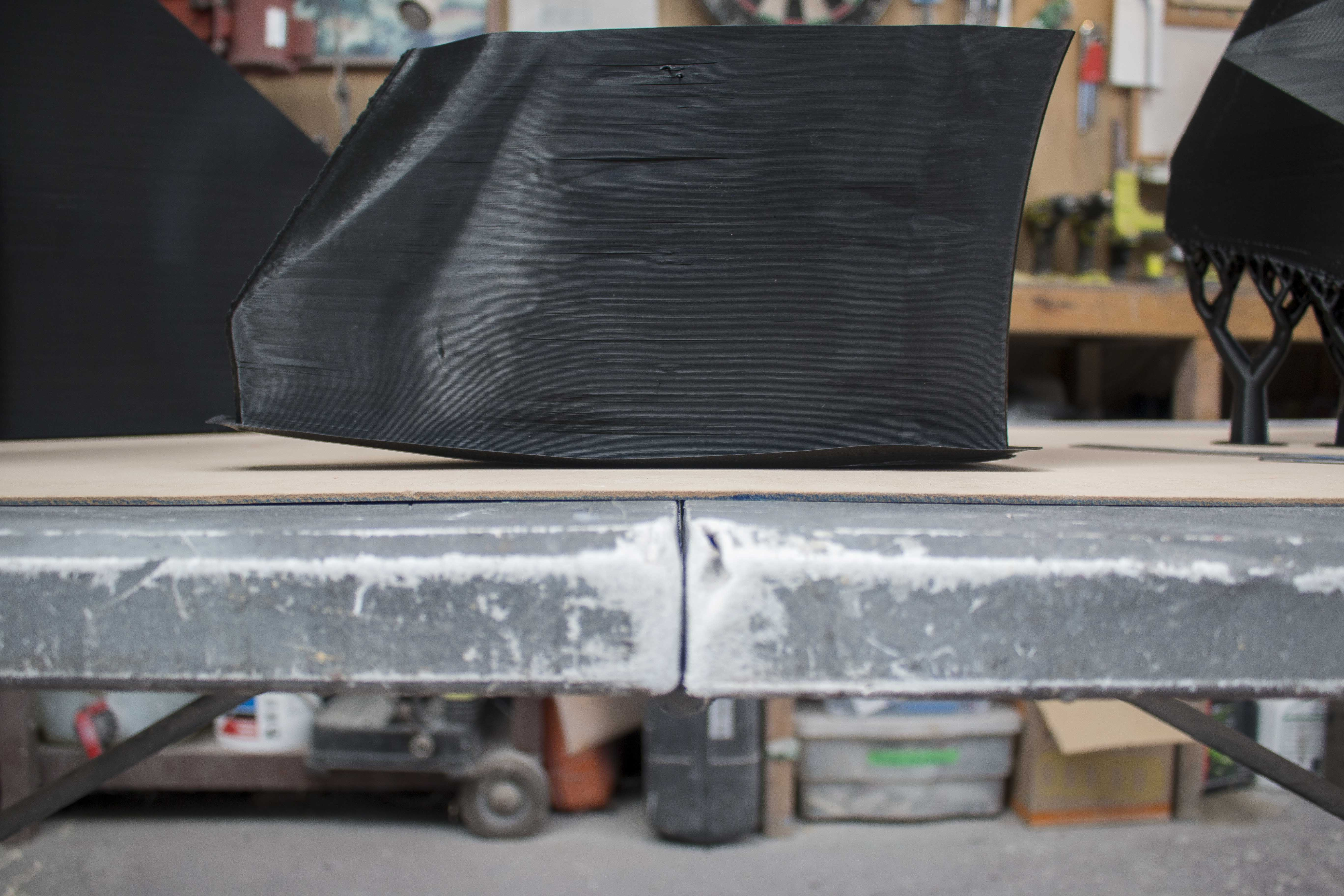
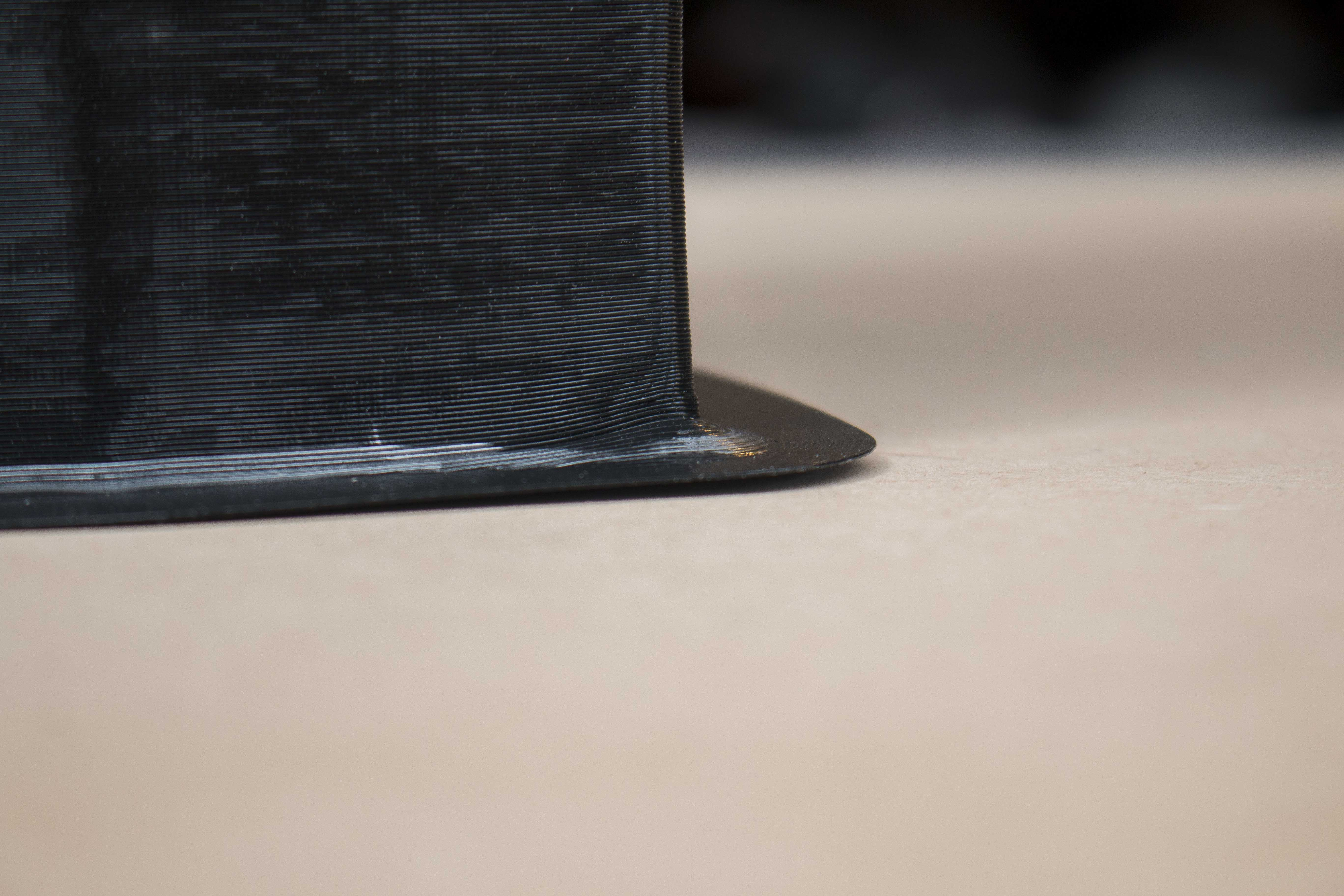
Besides those two mishaps, the rest of the rear fender printed off pretty well. There was only one section right when I was honing in on the ideal settings and accidentally printed the bottom few layers a little too fast and got some warping at the very corners.
You can really see the effect of this warping when you see how much it caused the part to bow. This back face is designed to be perfectly flat, and with only a small bit of warping at the base, it translated to this much deformation on the part.
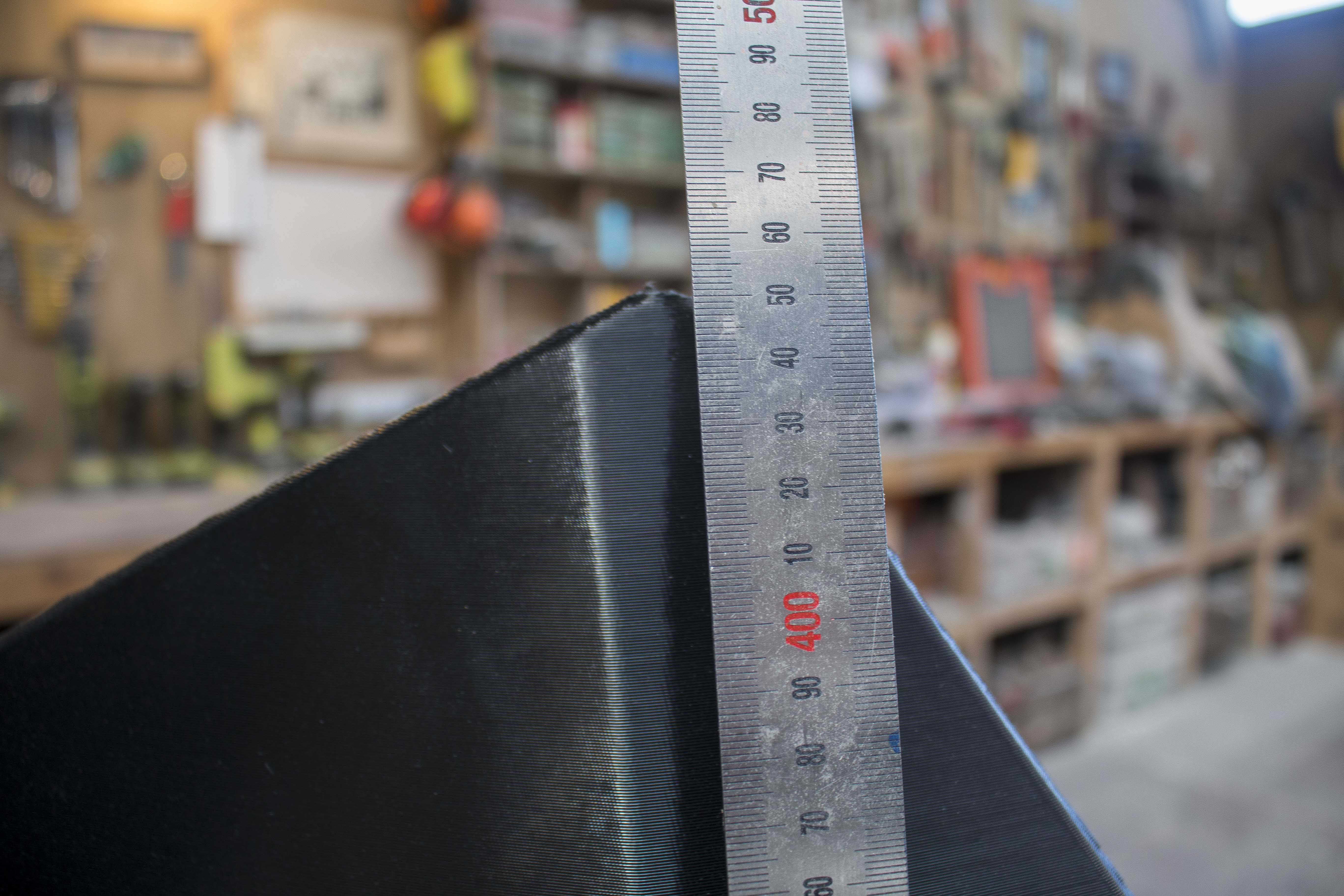
For reference, here is another print that was run at the correct speed, around 8.5mm³/s.
Dead flat. I know I'm holding the ruler near the top which will be straighter, but for some reason I didn't get a picture holding it across the middle. Over a months work figuring out these settings, you'll have to take my word for it, they're flat.
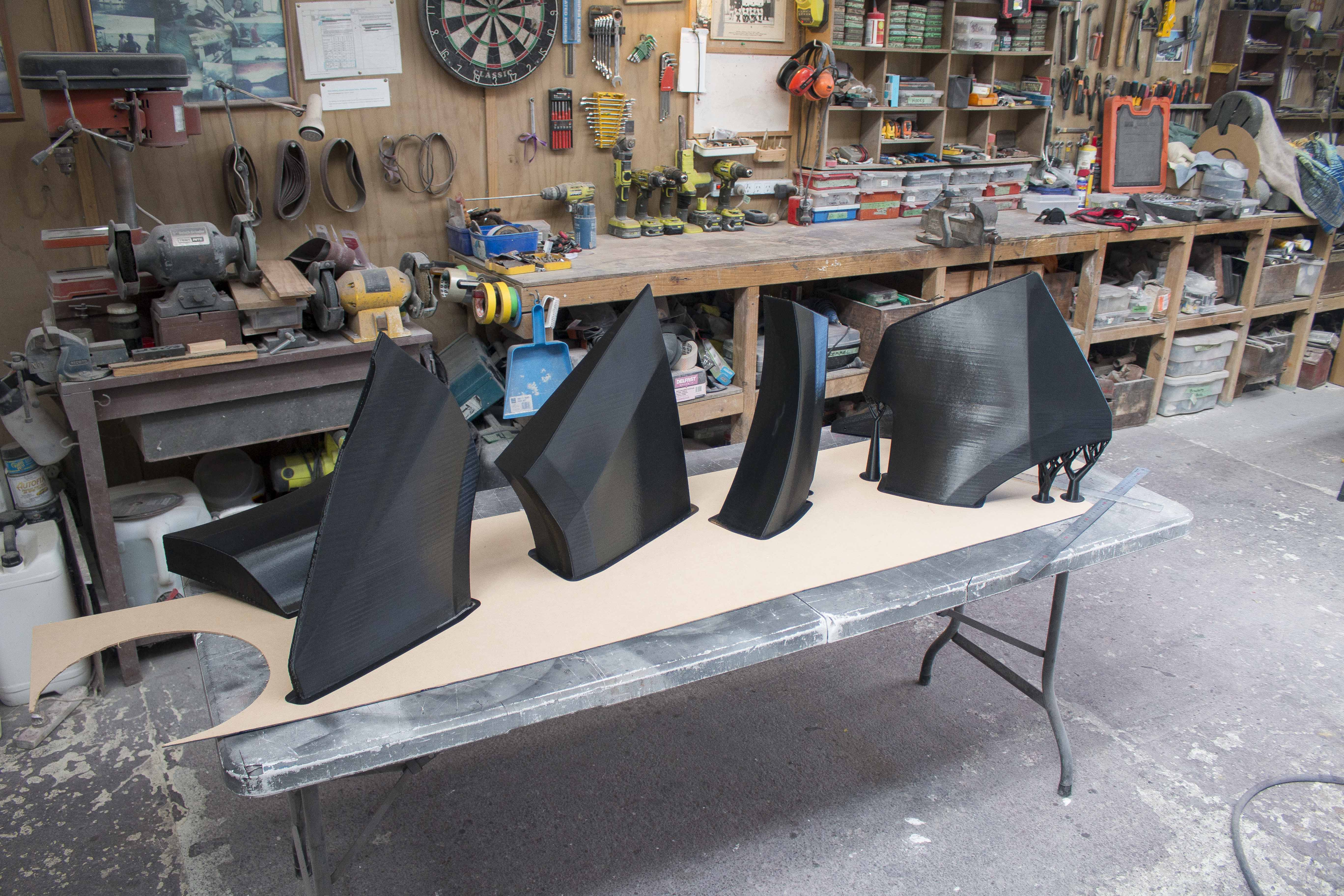
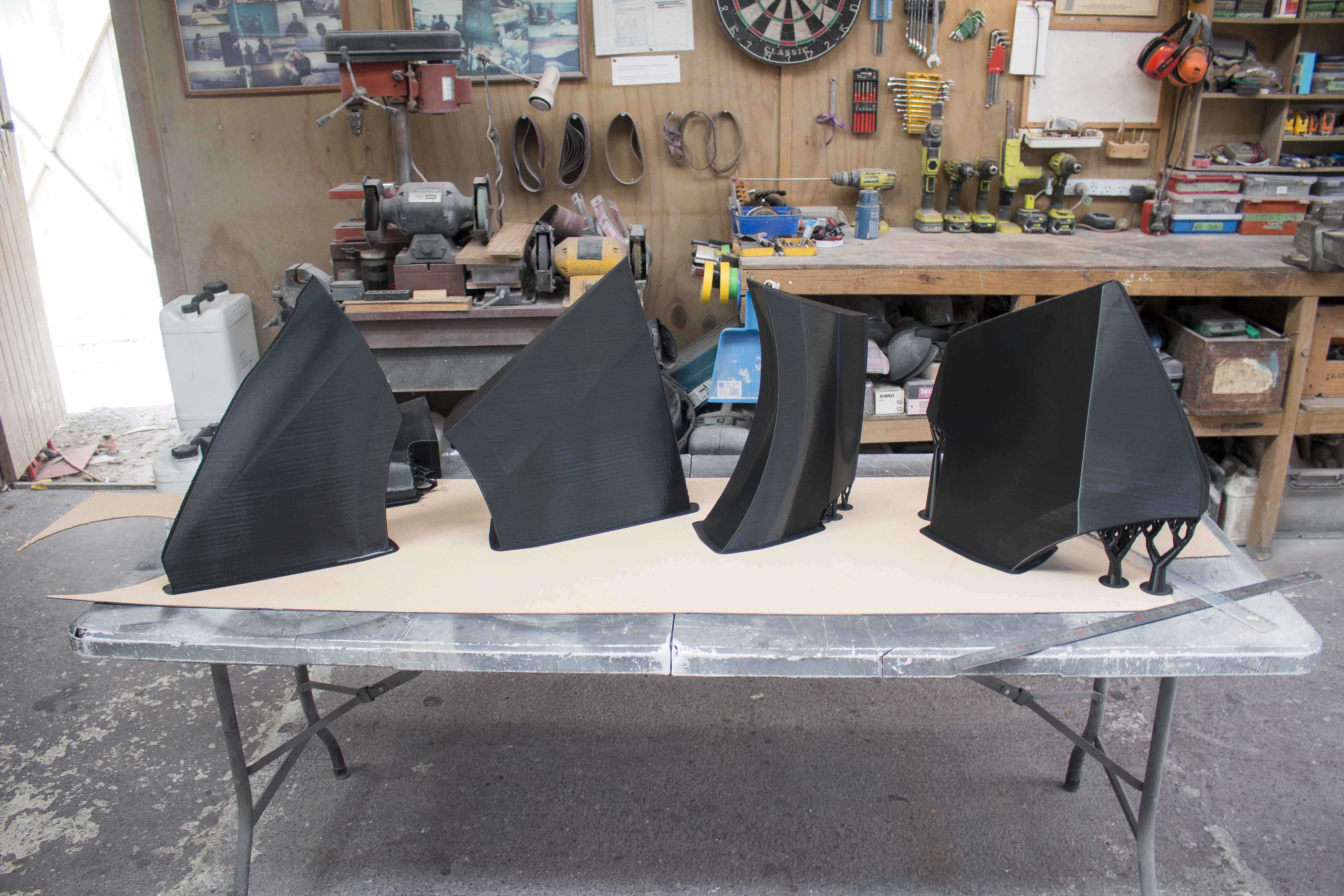
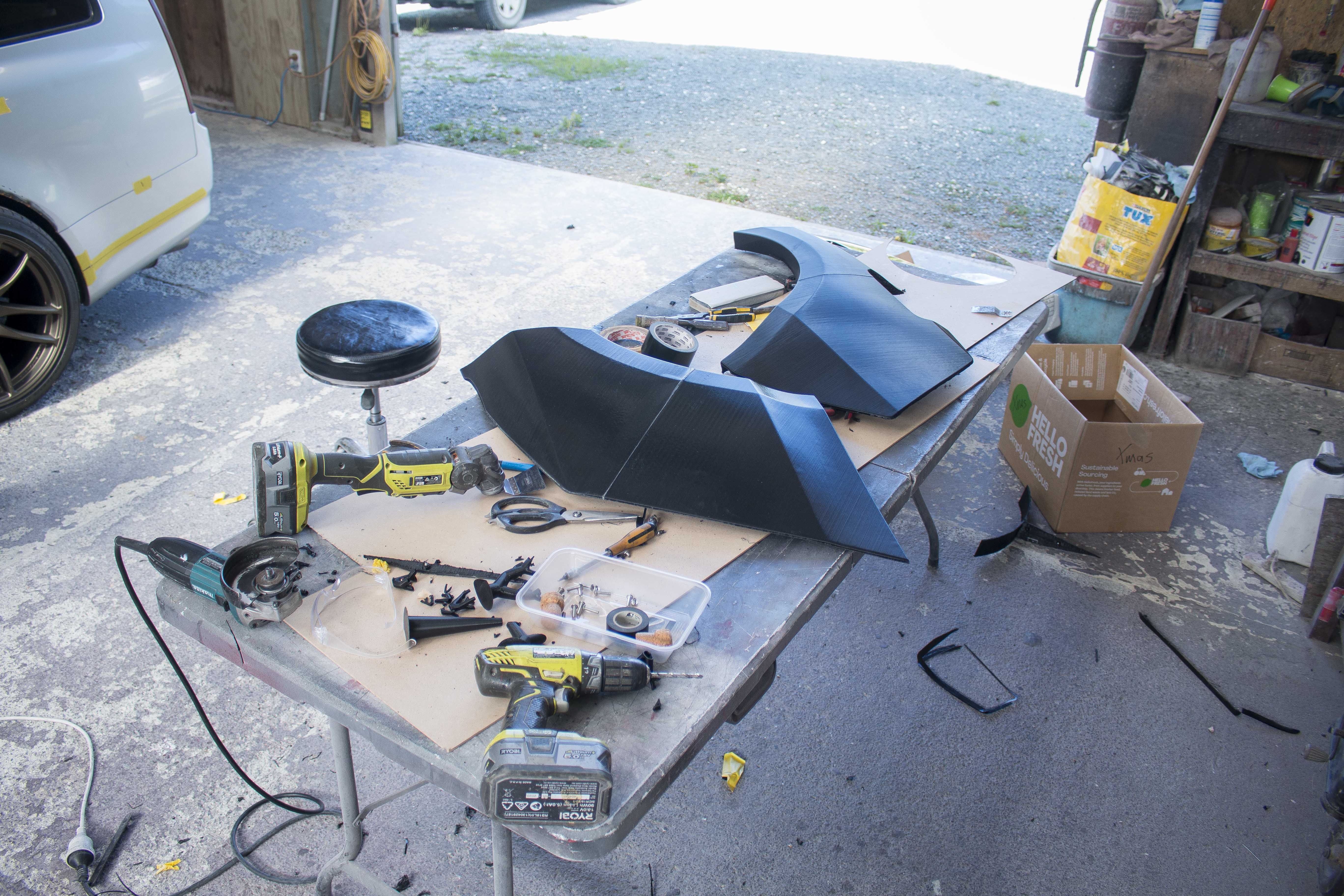
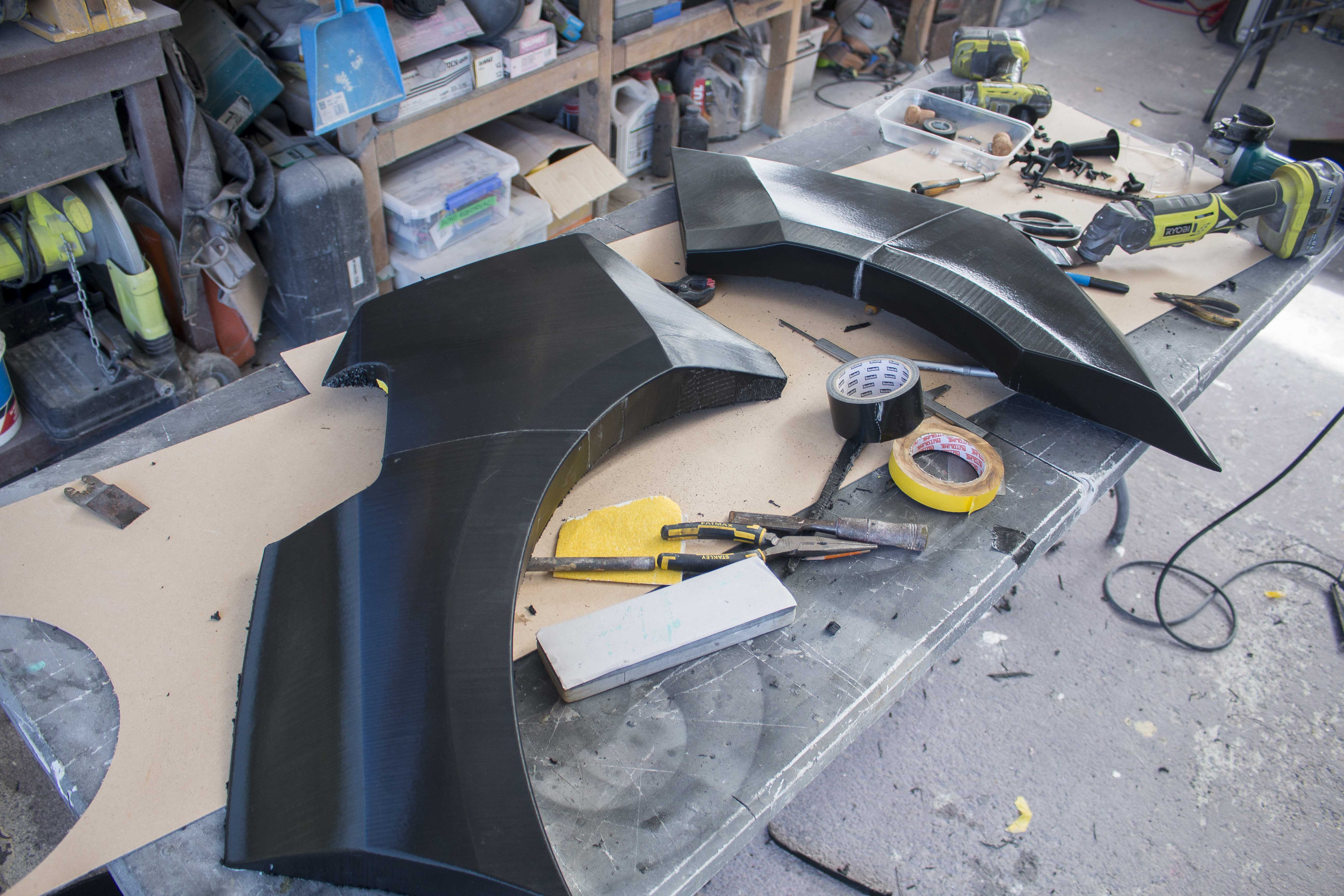
But all that testing and figuring out leaves us with these:
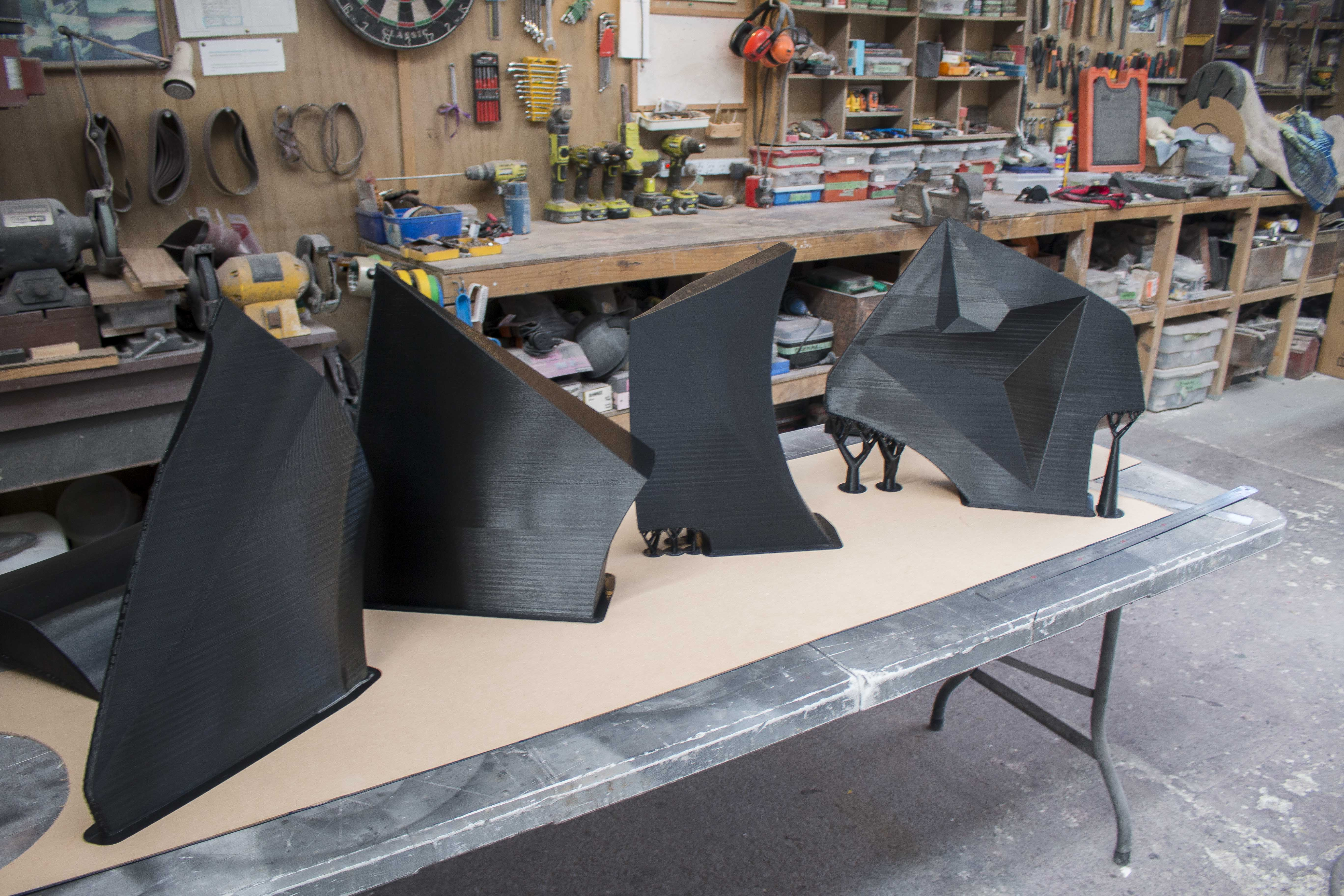
Four absolutely gorgeous and perfectly flat prints with no imperfections at all. Such a huge relief to finally get these prints playing nice and not having to compromise by printing them smaller to minimize warping.
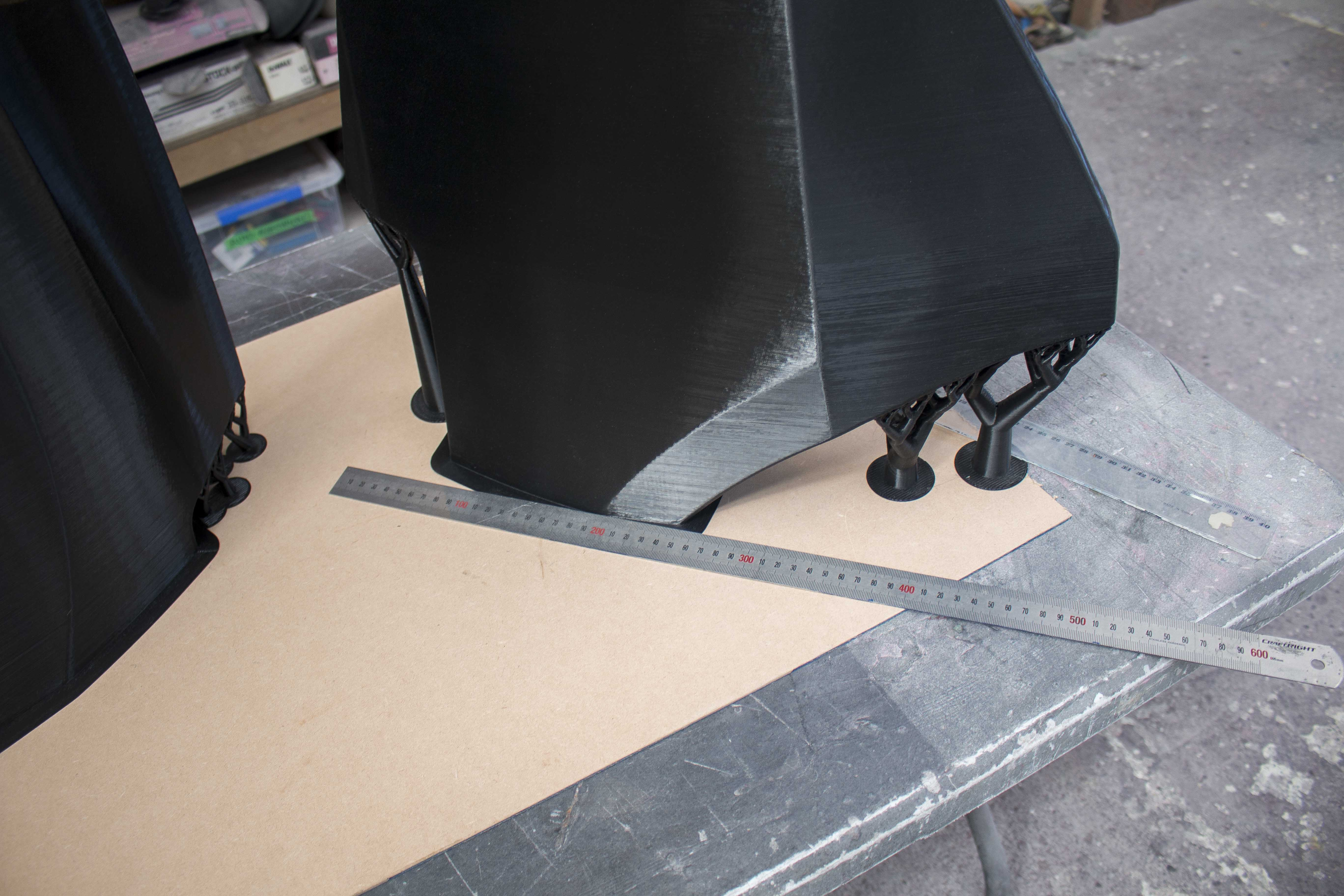
The very last print was probably the largest object that could fit in this print bed. I had to place it diagonally to fit as it was over 500mm wide, and 450 tall, only 50mm shorter than the max print height.
The other change that you'll see we made was the part geometry. In an attempt to minimze warping we added backs to all the parts.
From left to right you see perfectly flat back faces, a single diagonal line splitting the back face into two triangles, and then the 4th one has a few triangular cutouts. The reason for adding these details on the second two was to break up that long straight lines as I found there was more warping with a straight line, than a series of shorter lines.
To recap briefly, the largest difference that we made was massively reducing the printing speed to 8.6mm³/s, as the high speed was causing the parts to cool more rapidly, resulting in them shrinking and contracting. We also controlled the temperature by placing the printer in a small room, away from external walls, and placing a heater near the printer.Some numbers for anyone who cares:With my old setup I was using a 1.0mm nozzle, extruding at a width of 1.6mm and a layer height of 0.75mm. This was giving me a cross sectional area of 1.2mm²/s. With my first prints I was printing at a speed of around 20mm/s which resulted in a volumetric flow rate of 24mm³/s. (very high number)My current set up now uses a 0.6mm nozzle, extrusion width of 0.9mm, and layer height of 0.45mm, giving a cross sectional area of 0.432mm². I am still running it at 20mm/s resulting in a flow rate of 8.64mm³/s.The main difference here is the volume flow rate. I've heard the sweet spot is around 10 - 12 mm³/s depending on your printer and hot end, however one thing that I discovered while reading is that the particular filament that I am using, does have known issues with shrinking and warping and so the maximum flow rate is determined by the filament properties themselves, not the heating capabilities of the print head. For the filament I am using, eSun's PLA+ in black, (black specifically has these issues), the maximum flow rate you want is between 8.5 and 9mm³/s.Once I figured this out I was able to print off every single part both with the geometry changes and without, and have virtually 0 warping. I also found that there was no negative side effects from just making the print time as long as you can afford, and so often if I started a print that I knew I wasn't going to need that day, I chose to slow it down and just leave it running overnight.After realizing that print speed was the issue, I learned that there was no speed gained from having the 1.0mm nozzle over the 0.6mm as even with the 0.6mm nozzle, I'm not approaching the maximum speed of this printer and so I swapped them out to gain accuracy, and also a reduction in total filament used to print the exact same part.Once I had the parts printed I trimmed the back faces off and glued them together using the same epoxy mix I'd used previously.
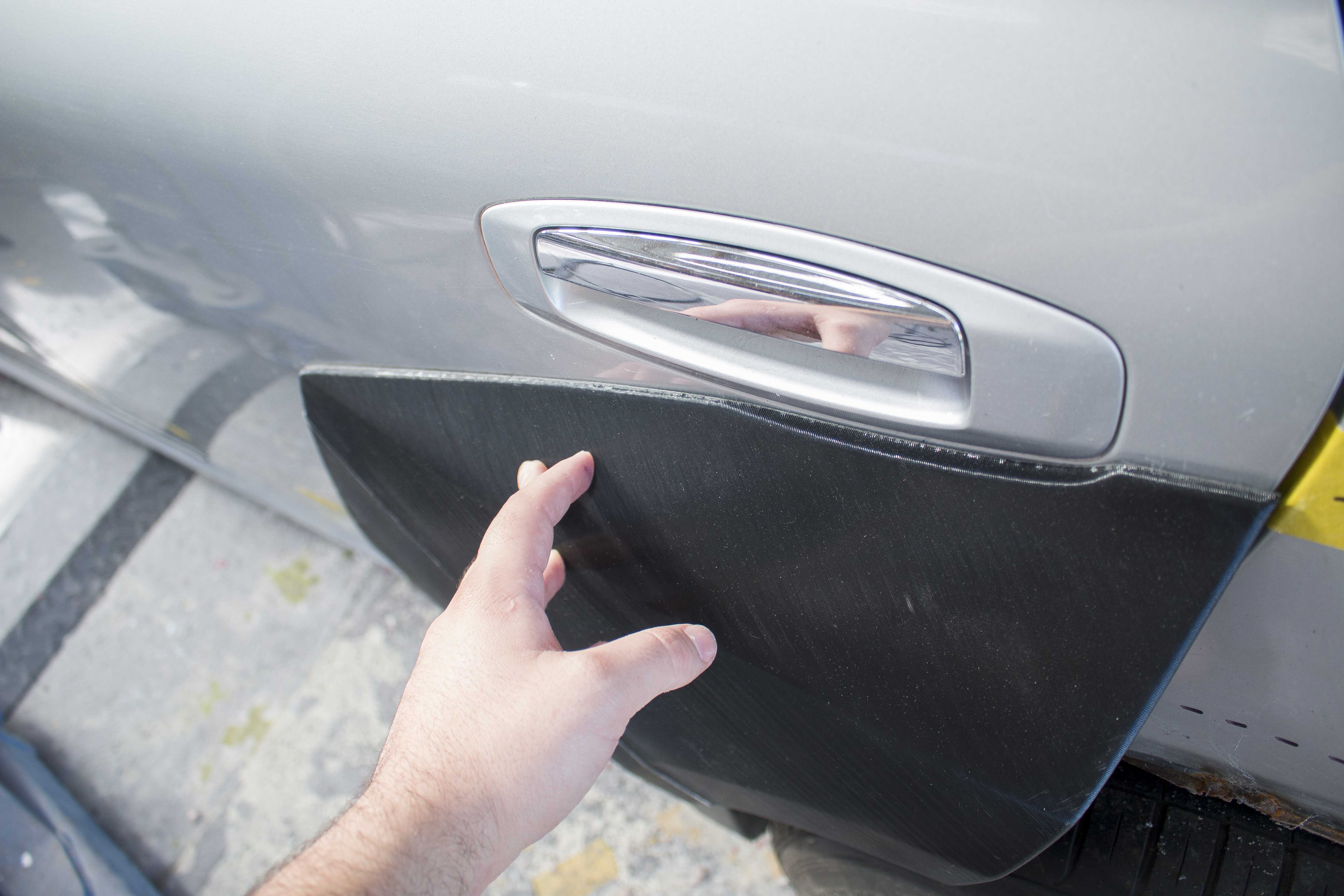
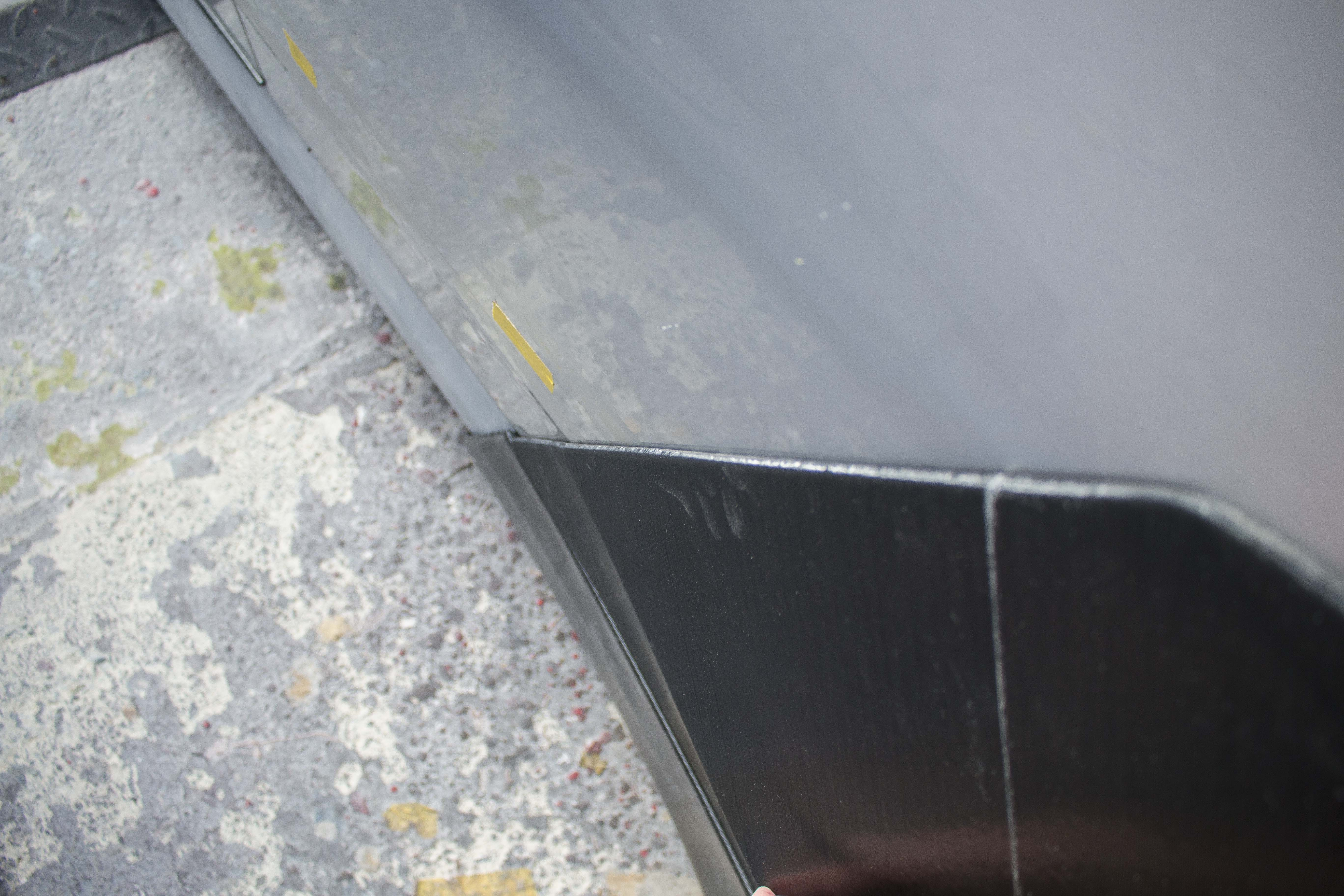
The fitment straight away was perfect. It lined up the whole way around and I only had to hold it in one spot with no more pressure than a piece of tape to get it contacting around all edges.
For reference, here is the previous flare, printed with the 1.0mm nozzle.
You can see, old fitment was TERRIBLE, utter trash. Disgusting. Get it out of my workshop.Following that though, even though I was happy with the fronts, I decided to actually measure them and compare them to the other side.
What I discovered was that they had warped worse than I'd realized and so since it was only going to be a few more days and a few more rolls of filament, I decided to re-print the front flares as well.
And the results were MUCH better.
Still a small dip, but overall it matches the actual curves a lot better.While I wait for the fronts to print, I started test fitting the rear flares. To do this I started by tracing the outline of the existing flares, and then measuring and transferring these to the new side.
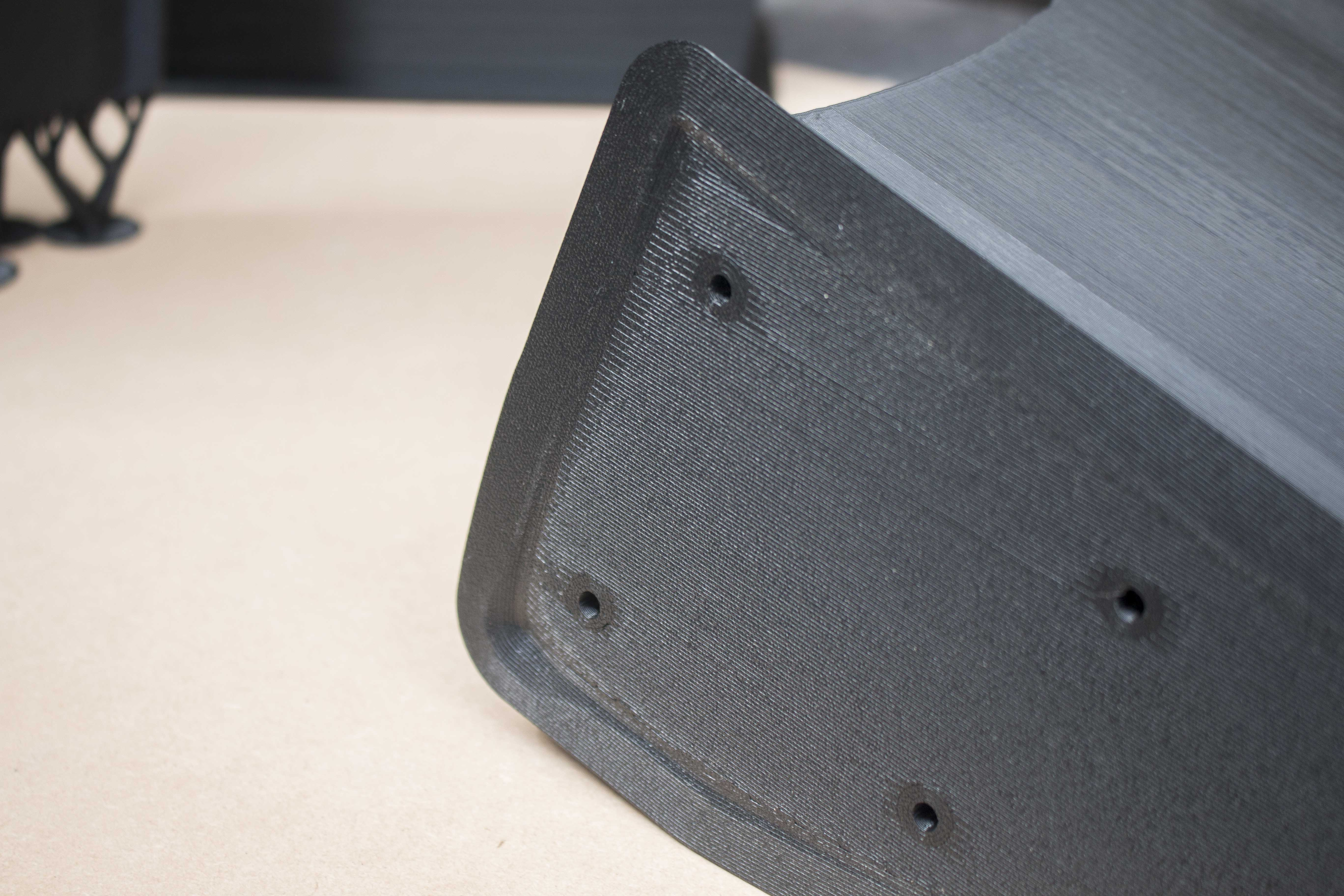
After I'd confirmed they were fitting alright, I just drilled some holes where I was going to be mounting the hardware down the line and glued them in place.
You also see the benefit of us leaving the filler cap, it gave a reference point in the middle where I could trim it to the exact same level as the original and that just helps to make sure the kit sits out the same distance this side as it does on the other.The last thing I've been working on is fixing the sideskirt. The angle was slightly off and it didn't flow well with the doors so I trimmed and angled them out before adding fiberglass to fix them in place. Once that's done I'll be able to start fitting the fender flare caps to the sideskirts as well.
Pretty soon I'll be onto applying body filler which should be much quicker now as the shape is already almost all the way there.Massive update but that's all for now. I'll be back in once I've finished up with the front flare and have both of them bonded to the car and ready for body work.
Files