Home

 Creators
 Search
 Recent
 Random
 Posts
 DMs
 Tags
 Random
 Importer
 Import
 FAQ
 Account
 Register
 Login
 Favorites
 Keys
 Logout
 Telegram

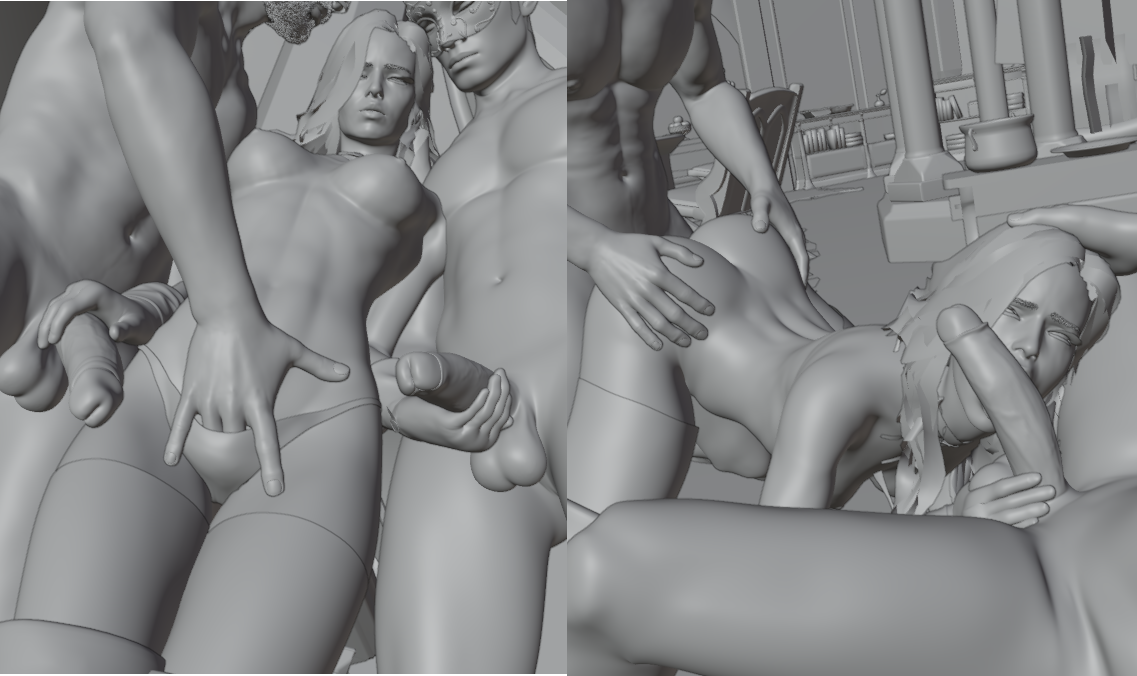
Yennefer Masquerade .blend file (Patreon)
Published:
2024-03-19 23:37:23
Edited:
2024-07-16 14:13:00
Imported:
2026-06
Content
THIS WAS BUILT USING BLENDER 4.0.2, IT WILL NOT OPEN USING AN OLDER VERSION!
You will need Diffeomorphic 1.7.3 and the MHX addon enabled. To swap the male skin color, select the body mesh object and go under properties tab. Poses are separated by keyframes, so I didn't need to upload each pose as a blend file. I've used the Screen Space Global Illumination for Blender Eevee build, you can download it directly from here.
Yennefer by coderestricted
Map by AstexR34
Mask by TetraVision
In case you have pink textures, go in File > External Data > Find Missing Files and choose the textures folder that came with the download!
Files