Home
Home

 Creators
 Search
 Recent
 Random
 Posts
Posts
 DMs
DMs
 Tags
Tags
 Random
 Importer
 Import
 FAQ
FAQ
 Account
 Register
 Login
Login
 Favorites
 Keys
Keys
 Logout
 Telegram

BLOOB Realism v0.66 (Patreon)
Downloads
Content
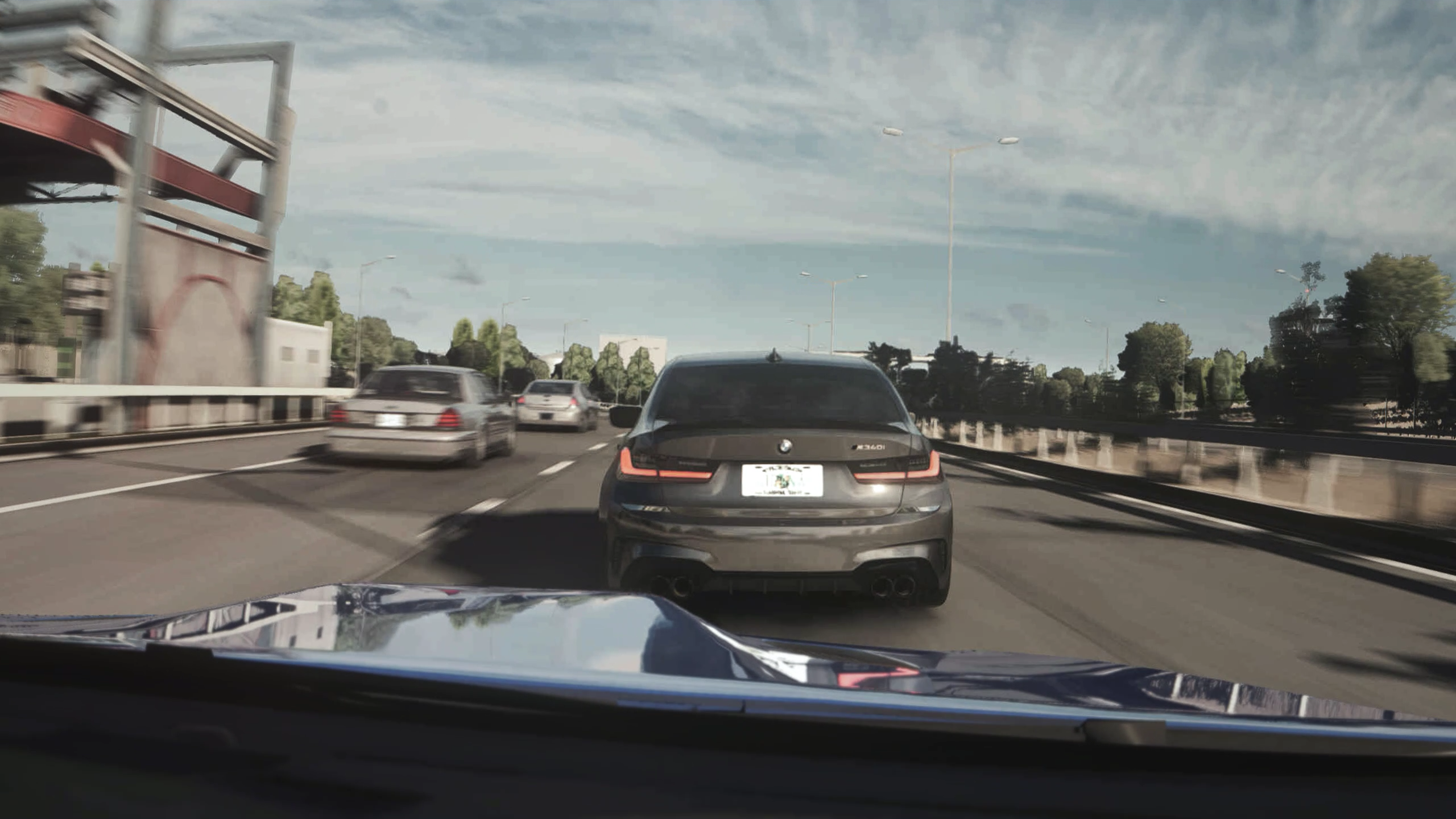
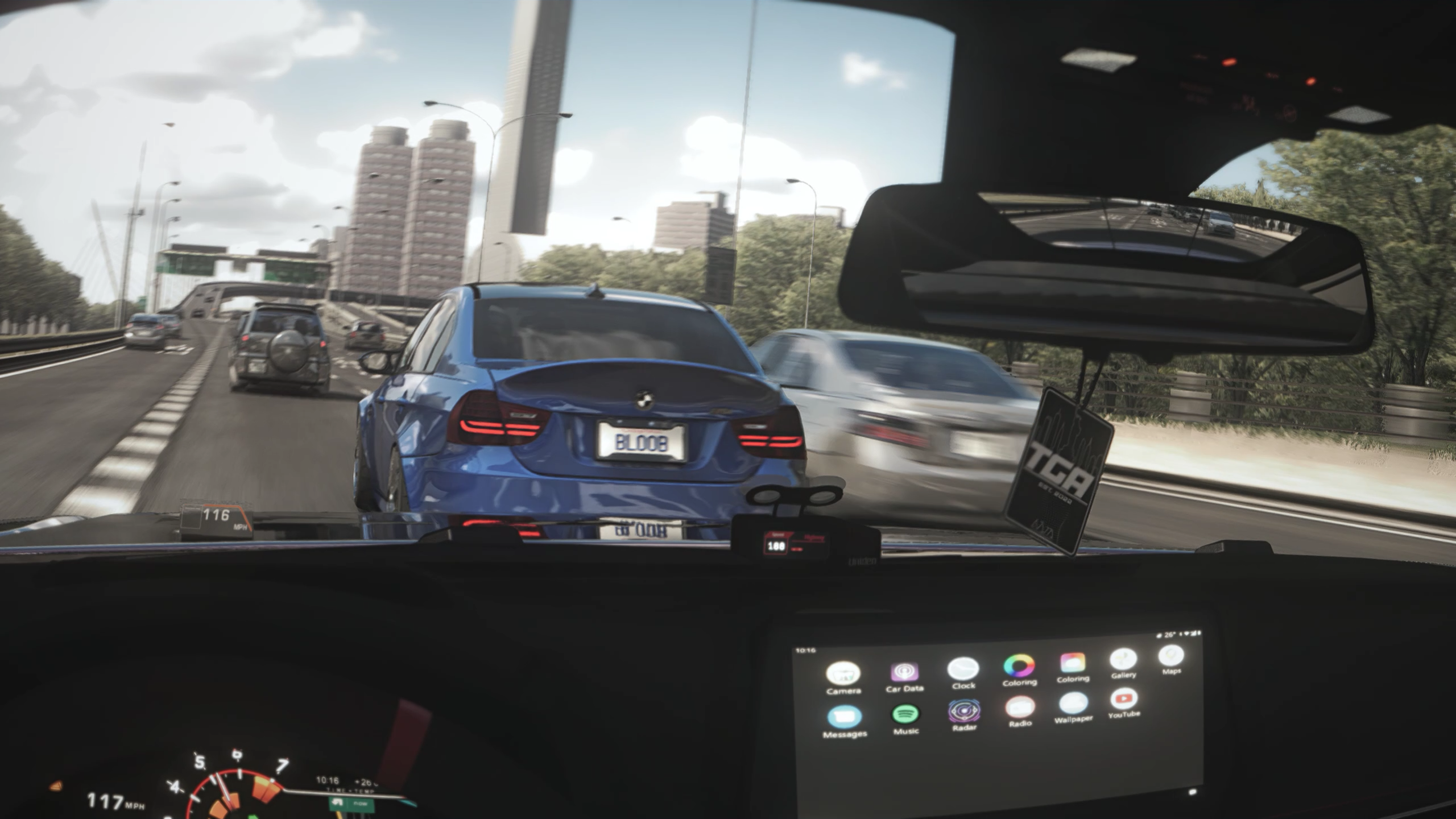
Was trying to update Lite Realism when things got a bit too heavy and ended up with this. Future updates of Lite Realism will be updated as Lite Versions of RealismHOW TO INSTALL
Drag and drop "BLOOB - Realism v0.6.ini" into your "assettocorsa" root folderIt is usually C:\Program Files (x86)\Steam\steamapps\common\assettocorsa
Download & install reshade here: https://reshade.me/Install reshade on acs.exe, select DX10, skip when asked to select a preset.When asked which effects to install, click uncheck all then check all to install all effectsOpen the Reshade panel in game and select the config you want to use
If you need assistance or have suggestions/feedback,Leave a comment on my channel: www.youtube.com/@bloobGT/Or on the #support channel on my discord: https://discord.gg/bhNydpyJFH
Files