Home
Home

 Creators
 Search
 Recent
 Random
 Posts
Posts
 DMs
DMs
 Tags
Tags
 Random
 Importer
 Import
 FAQ
FAQ
 Account
 Register
 Login
Login
 Favorites
 Keys
Keys
 Logout
 Telegram

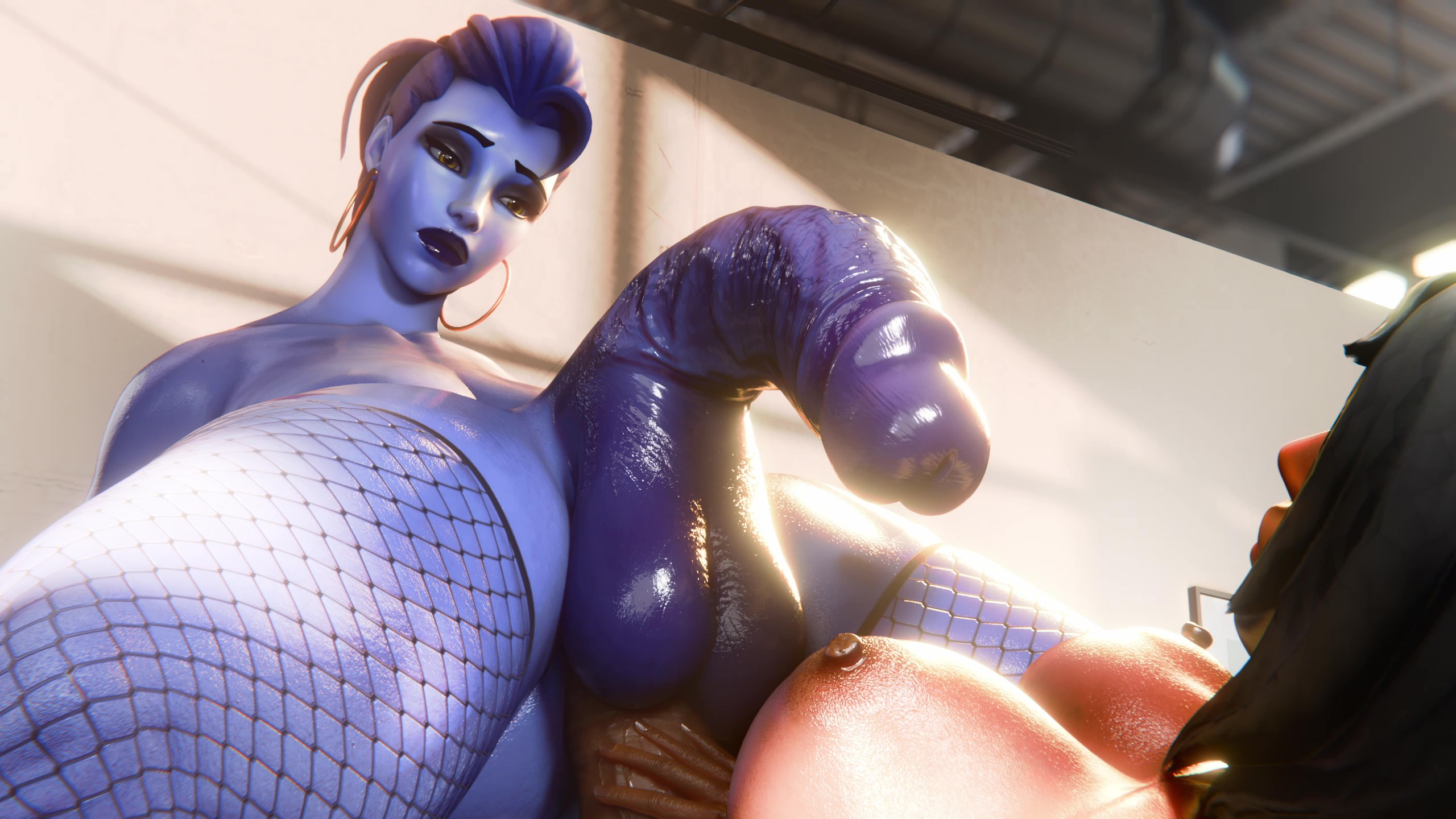
Animation Completed (Patreon)
Content
Here's little surprise something I did because it was the weekend and I wanted to do a quick 1 day animation. (It had render issues so it's 2 days late.). No WIP for this cause I did it in a day
Time to get back to the other animations and stop procrastinating them now 😁.
Check the usual links in Patreon's collections Tab named "Tier Folders" for peanut tier and cashew tier. Check folder called "Pharah-Widow".
**Tech Notes**
TLDR: I used alot of old things I used to do such as manually keying Pharah's wang and shapekeys for physics mixed with new stuff I'm comfortable with
These notes are quite important if you care about my process within the last few months.
So... for this animation I wasn't going to do anything specific originally but as I got started I thought to myself, "let's try to work like I used to a bit". This wasn't for everything but I dropped certain things like physics and anything I wasn't completely comfortable with and just decided to see what I can get done. Animating the PEEN
One of the things I did that I haven't done in many many months was to animate the peen (pharah's) manually. Normally I have been using a spline which basically lines up the peen for you but I realized for this animation I wanted to have the peen be expressive. So, the spline is quite restrictive because it looks bland to look at head on and in my opinion is just used so you don't have to worry about actually doing anything to it. Which is nice when you just need it to look normal but here I wanted it to bend and for pharah to touch it. And with a spline that is alot harder to do.
The huge upside to the spline however is that whenever the characters move the spline auto moves with it and I wouldn't have to manually animate new stuff just because of a specific movement. So, what I did (and what I used to do all the time) was to animate the loop for the peen and anus and not move them. Everything else around them moves but those are basically glued together. As I've gotten better I know ways to make them move together atleast so it looks a bit less loopy.
Widow's movement
Pharah is kinda similar process to Widow but this animation was for Widow to shine so what I say here is mostly for her. If you animate yourself by chance, I cannot stress enough to get "Animation Layers". This is king. What it does is to add additional movements, so lets say a characters is bending forwards. With animation layers you can make them do something like bend sideways at the same time without having to go back and do it all again. Widow had her general motions and then I took animation layers and let her sway from side to side and it was kinda that simple. I could say more but these notes are already too long
Conclusion
I'm constantly learning so my stuff can be inconsistent at times but I wanted to do the quickest test of what I can basically do within a day to test my general animation ability. I've felt I need to work on my visuals and scene more than anything recently. Feel free to chime in, in the comments if you want. I'm always fine with criticism👍.
Files