Home
Home

 Creators
 Search
 Recent
 Random
 Posts
Posts
 DMs
DMs
 Tags
Tags
 Random
 Importer
 Import
 FAQ
FAQ
 Account
 Register
 Login
Login
 Favorites
 Keys
Keys
 Logout
 Telegram

Monday Devlog 2026-06-29 (Patreon)
Content
Happy Monday!
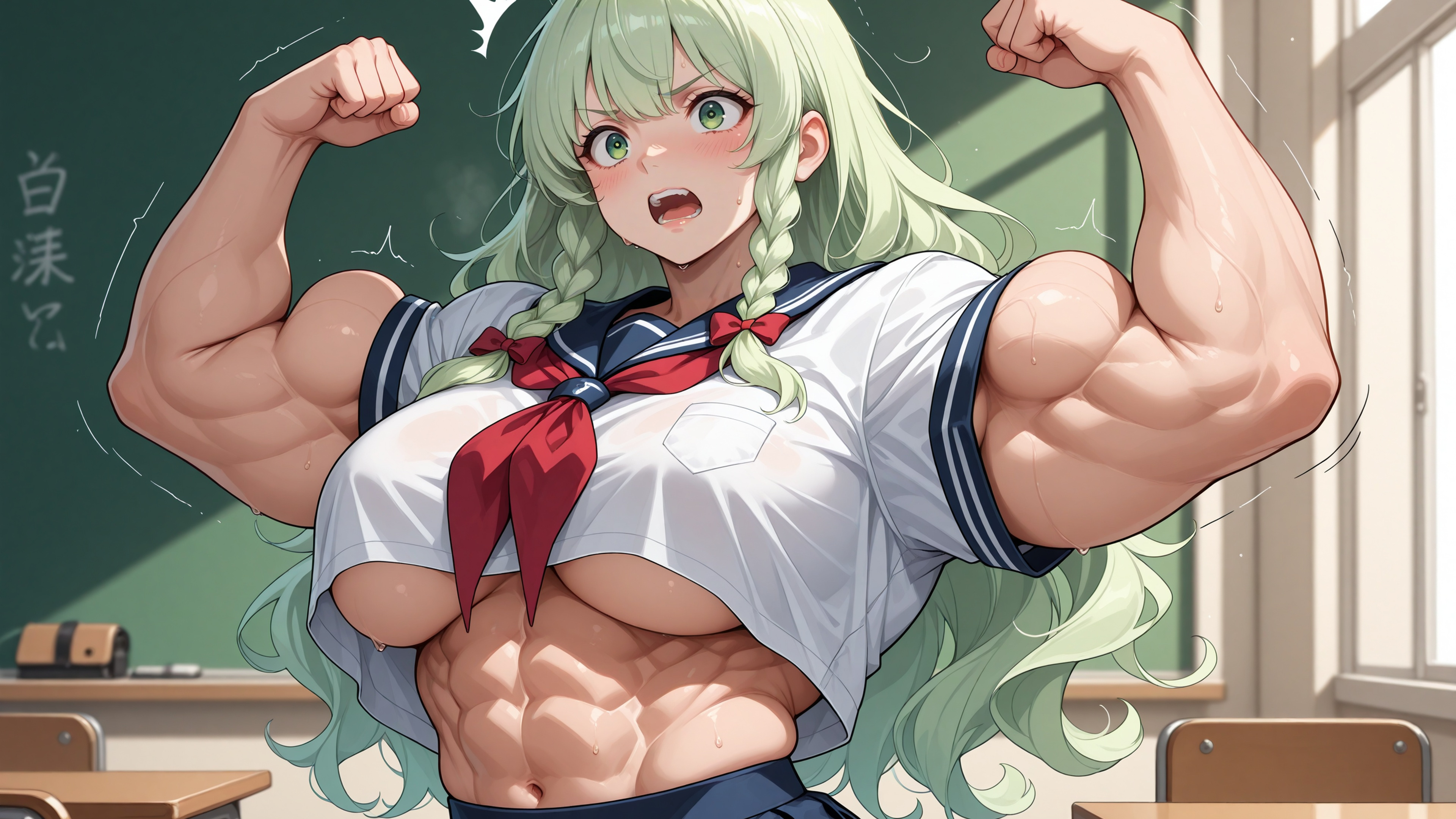
This week has been productive. Work continues on Chapter 7 with the individual girl scenes more and more falling in place. Kaori's main story fully done.
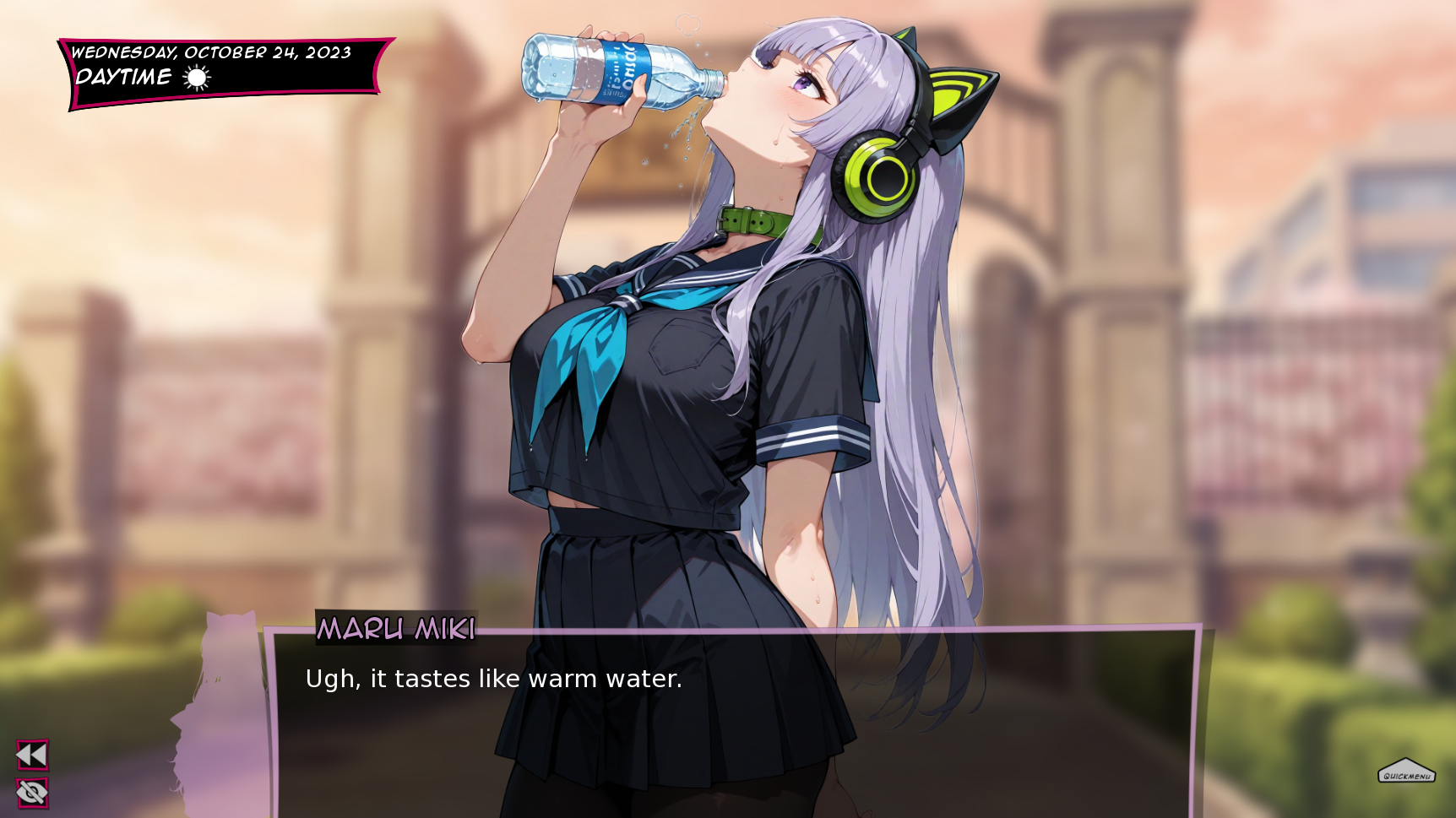
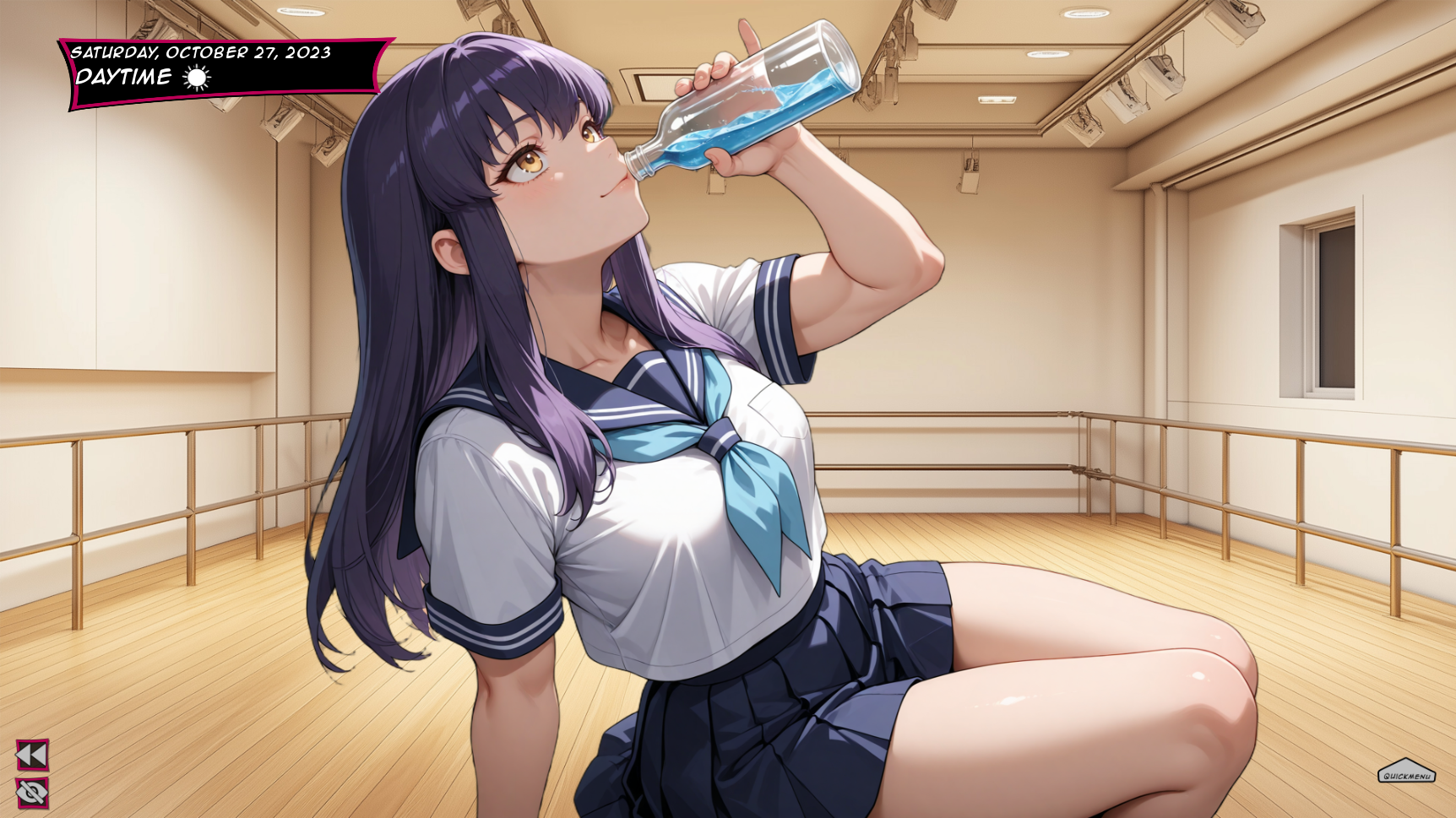
Manami progressing as well with Sora getting thirsty for more
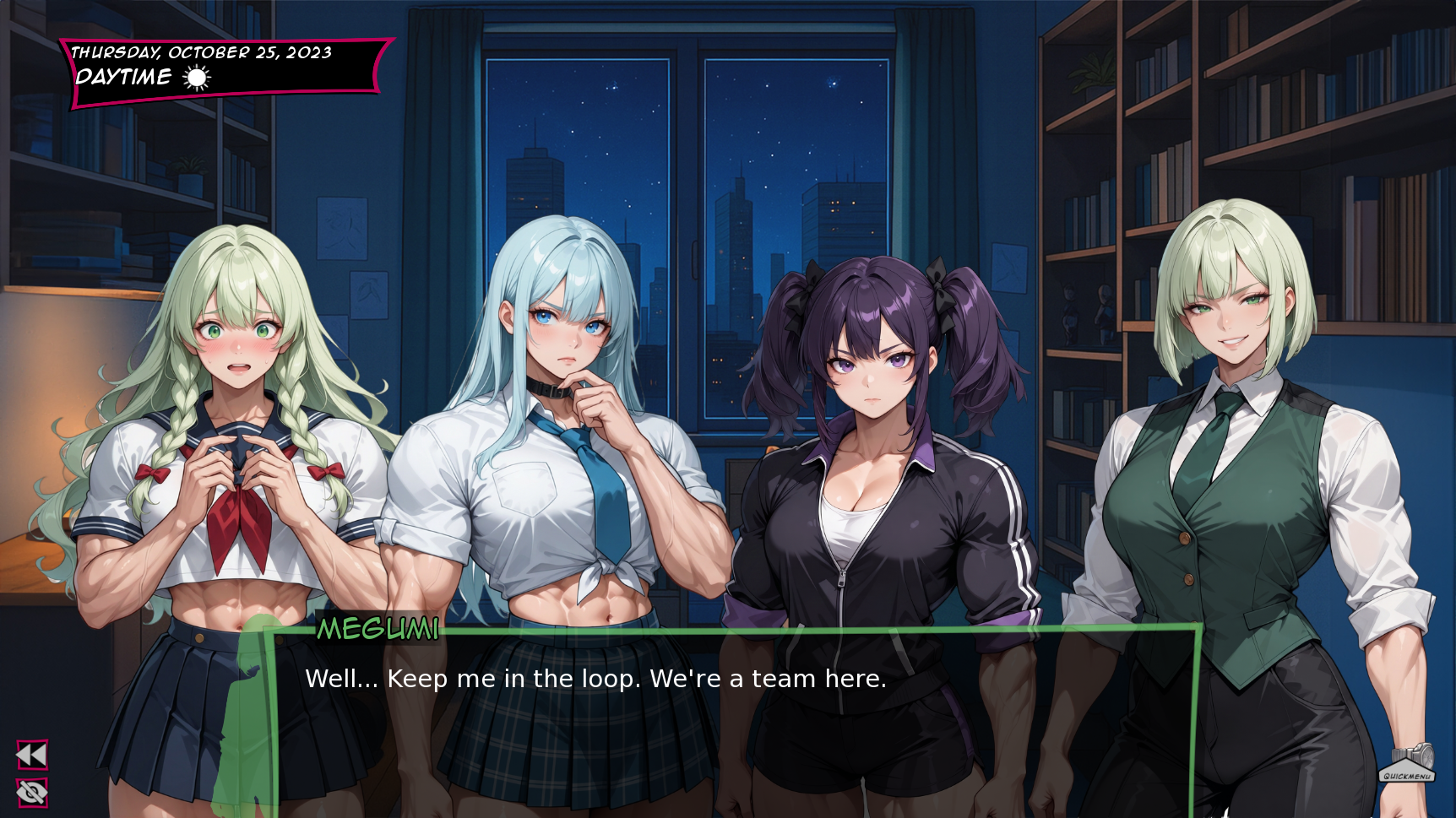
Megumi is part of the team it seems.
I hope these screenshots are enough to tide you over. I am locked in and hope to have a clearer view of how much is left next week.
Last week I showed that chapter 5/6 and side stories were being remastered as well with the help of one of you and using the stronggirls studio. I asked if you are willing to wait for the complete release with all art updated and I didn't get much reaction. I take it as you are okay to wait for the game to be at a point where I am happy to ship it without skipping or rushing things. If that's the case I am happy too.
More updates on the studio:
Ultra Supporters
StrongGirls Studio Update https://stronggirlsvn.com/studio
This update makes the Studio dramatically easier to use. Here's what's new.
What's new
Describe it in words (experimental). New box at the top of the form: type a plain sentence ex: "a buff cheerleader doing the splits in a stadium, cheeky grin" > hit Translate to tags, and the Studio fills in the fields for you. Tweak anything you like, then Generate. No tag knowledge required.
It sorts your description into the right places. Clothing lands in Outfit, the setting lands in Location, the expression lands in Expression. You see exactly what it understood, so you can adjust.
It understands more than plain clothes. Costumes (cheerleader, maid, nurse), fantasy armor (pauldrons, greaves, loincloth), and even vague vibes ("chic outfit", "cozy cafe", "elegant and mysterious") get turned into concrete, working tags.
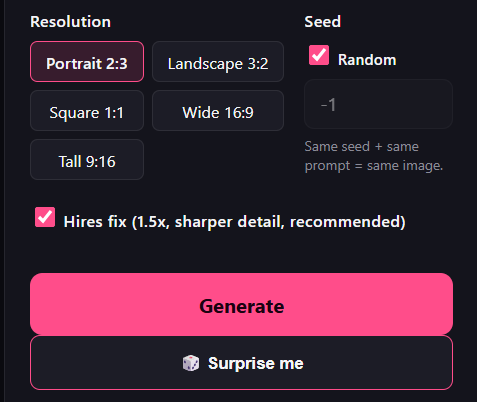
🎲 Surprise me. One click rolls a random character, build, outfit, scene, and format and generates instantly. Perfect for when you just want to hit next and be delighted.
New image formats. Added Wide 16:9 and Tall 9:16 alongside Portrait, Landscape, and Square
Smarter prompting under the hood. Outfits no longer get accidentally doubled up, your requested details stop fighting the built-in quality settings
for example the negatives had 'man' before - now that gets dropped if you prompt a man.
multi-character and scene prompts behave more sensibly. It was hardcoded as 1girl, solo for every image but now those tags drop if you prompt for multiple characters.
Under the hood (for the curious)
The "Describe it in words" feature is doing a lot more than find-and-replace:
It runs an AI language model on our own hardware (NSFW enabled) that reads your sentence and interprets what you actually want including abstract ideas like "regal" or "cozy" and turns them into the precise visual tags the image engine responds to.
Everything it produces is a real, recognized tag. Image models like ours speak a specific visual vocabulary of tens of thousands of established tags. A generic AI would happily invent tags that do nothing; ours is locked to the proven vocabulary, so what comes out actually renders. (We even auto-correct common misspellings to the form the model knows.)
It works in layers for speed. Common requests resolve instantly from a built-in dictionary (free and immediate); the AI only steps in for the creative or unusual parts. Repeat phrasings are remembered, so it gets faster the more it's used.
It gets smarter as the community creates. Every image made in the Studio helps us understand which tags and combinations actually produce great results so the translator keeps getting better at turning your words into the look you're after. By using the Studio, you're literally helping train it.
❓ FAQ
Do I have to learn tags now? Nope that's the whole point. Type a sentence, let the translator do the work, and generate. Tags are there if you want them and you see exactly what your normal language prompt produces before you hit generate. This allows you to also learn how tags work just by seeing the fields fill up automatically.
Why are some of the tags different from the words I typed? The translator converts your everyday wording into the exact terms the image engine understands best. "Half-lidded eyes" might become the model's canonical version, "indoor" becomes a recognized location tag, and so on. It's translating, not just copying.
It put a tag in the wrong box / added something I didn't want. It's experimental, and the fields are fully editable. Every translated tag is shown to you. Fix anything, remove what you don't like, and Generate. Over time you'll naturally pick up the tag language by watching your words get translated.
What is "Surprise me"? A one-click random image: random girl, build, outfit, scene, and format, generated instantly. Great for inspiration or just vibing through ideas.
What are the new Wide and Tall formats? Wide (16:9) for cinematic/wallpaper shots and Tall (9:16) for phone-screen / full-length shots, in addition to the existing Portrait, Landscape, and Square.
Is the translator slow? Usually no most of the work is instant, and the AI step is only used when needed (and cached afterward). If the Studio is very busy, the AI step may take a moment.
Will it keep improving? Yes. It's experimental today and getting better continuously as more images are created. Your feedback (and your creations) directly shape it.
--
I also posted the next part of the animated teachers saga in ultra vault: https://stronggirlsvn.com/ultra
Which means the public facing youtube/x/deviantart content drip has the next part up:
That's it for this week! Stay tuned for more!
-Jon
Files