Home
Home

 Creators
 Search
 Recent
 Random
 Posts
Posts
 DMs
DMs
 Tags
Tags
 Random
 Importer
 Import
 FAQ
FAQ
 Account
 Register
 Login
Login
 Favorites
 Keys
Keys
 Logout
 Telegram

Walkthrough Mod | v0.09.00 Fix | Big Brother: Another Story Rebuild (BBASr) (Patreon)
Downloads
Content
WTMod is a unique idea & approach towards enhancing your game play experience.
** WTMOD Updated to v0.09.00 Fix ** Language Files available as add-ons to WTMOD **(Kindly Note: The Data contents are only upto v0.07 Game version)
Overview:WalkThrough Mod (WT Mod) is a unique idea and approach towards enhancing your game play experience.The goal is to take you through step-by-step approach in completing a Task/Quest.
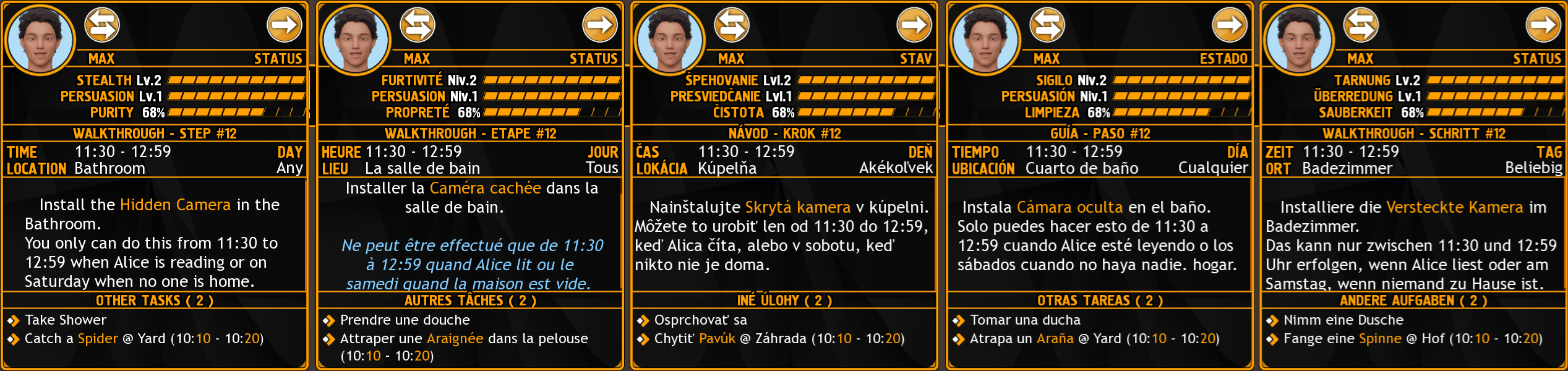
Available Languages - English, French, Slovak, Spanish, German
Features:
Choices Highlighting.
WalkThrough Mod can be moved from "Left" to "Right" and vice-versa, based on your preference.
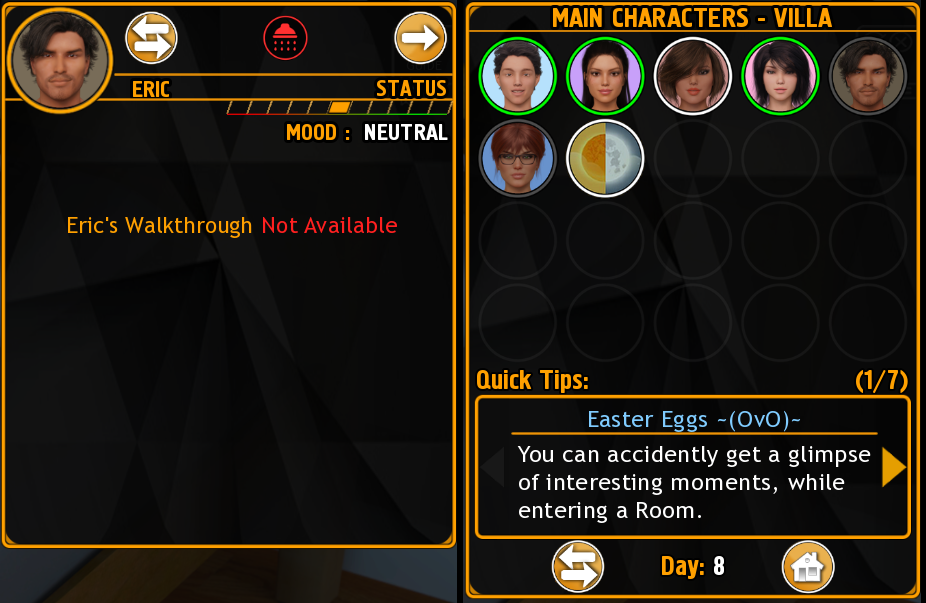
There are "Quick Tips" available in the Characters Panel.
Daily Duties panel provides Hourly information for the current day.
Daily Duties panel's Time slot moves along with the Game Hour.
Clicking ".Black Panther." icon in the Main Panel, opens the Readme document. The PDF file contains overview on using this WT Mod.
German, French Languages are now updated.
Shift+w shortcut key added to open/close Mod's Main panel
Main panels will auto-close after few seconds. (Individual Character panels will not auto-close)
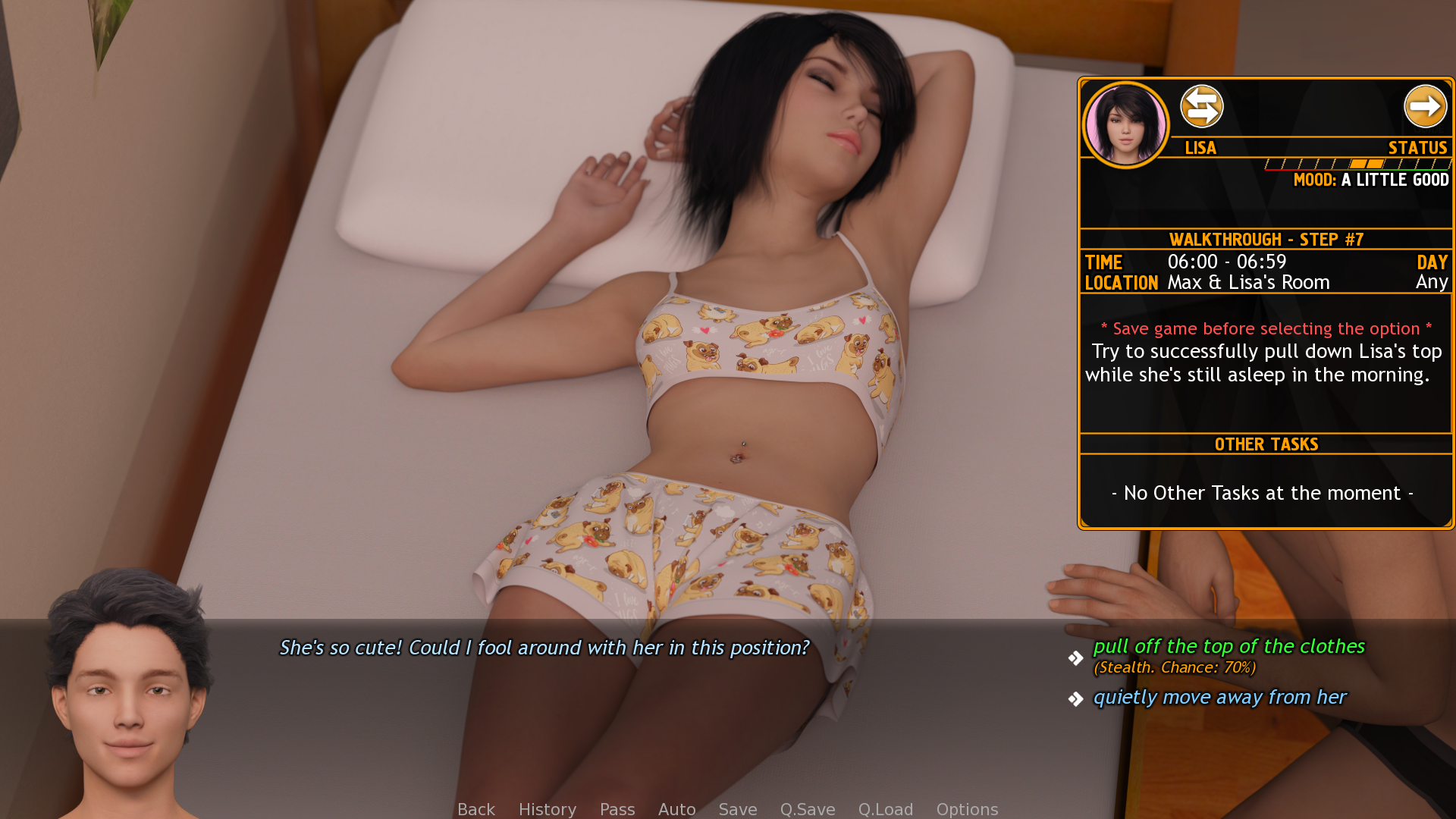
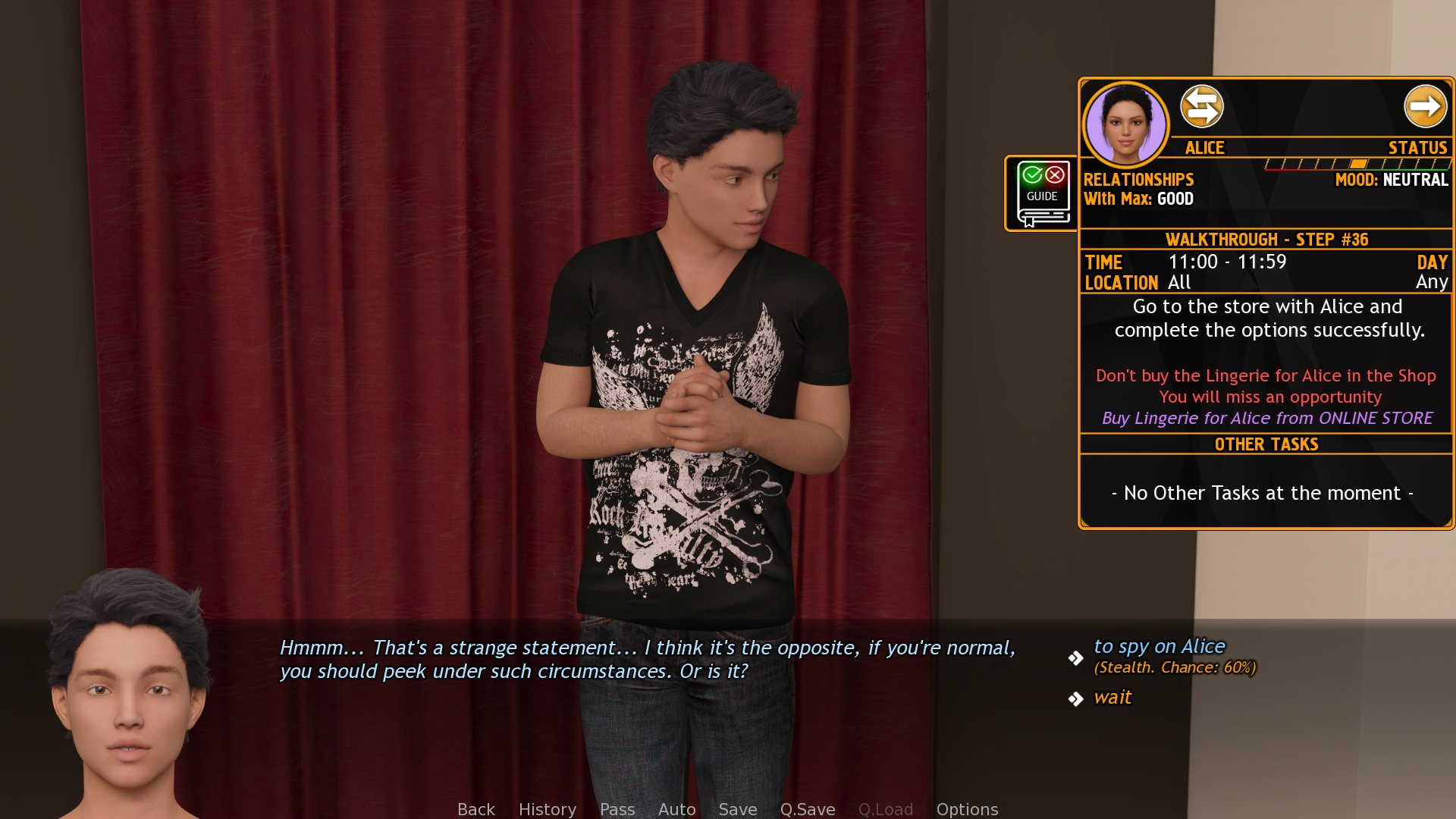
Choices are highlighted wherever necessary.
Individual Character Panel provides Walk-Through Steps to progress.
Daily Duties panel provides Hourly information for the current day.
Notification icons are added to show the status.
Installation:
After you download the file (right click and "Save as")
Extract the Zip file in base folder. (Zip archive is packed with folder format)
Installing in Windows
UnZip file using "Extract here" option in the <Game Folder>-or-Copy the Mod folders (scripts & gui) in to [ <Game Folder> \ game ]Location should look as below:D:\BB_ASr-0.07.00-pc\game\scripts\BBASr-WalkThroughMod.rpycD:\BB_ASr-0.07.00-pc\game\gui\<Mod image files>
Language files: (xxxxx = language name)
D:\BB_ASr-0.07.00-pc\game\scripts\BBASr-WTMOD-xxxxx.rpyc
Installing in Android Device
( Android Build @ https://www.patreon.com/posts/97830172 )
Run the game for once (that will create data folders).
Using a File Manager navigate and to goto "Android > data > bb.another.story.rebuild > files".
Once you enter the folder, Paste the "GAME" folder from the archive.
(check for the folders "scripts" and "gui" of MOD inside "game" folder)
Cheers~
Files