Home
Home

 Creators
 Search
 Recent
 Random
 Posts
Posts
 DMs
DMs
 Tags
Tags
 Random
 Importer
 Import
 FAQ
FAQ
 Account
 Register
 Login
Login
 Favorites
 Keys
Keys
 Logout
 Telegram

[ Zhongzhu ] Double reward HD (+ process + PSD) (Patreon)
Downloads
Content
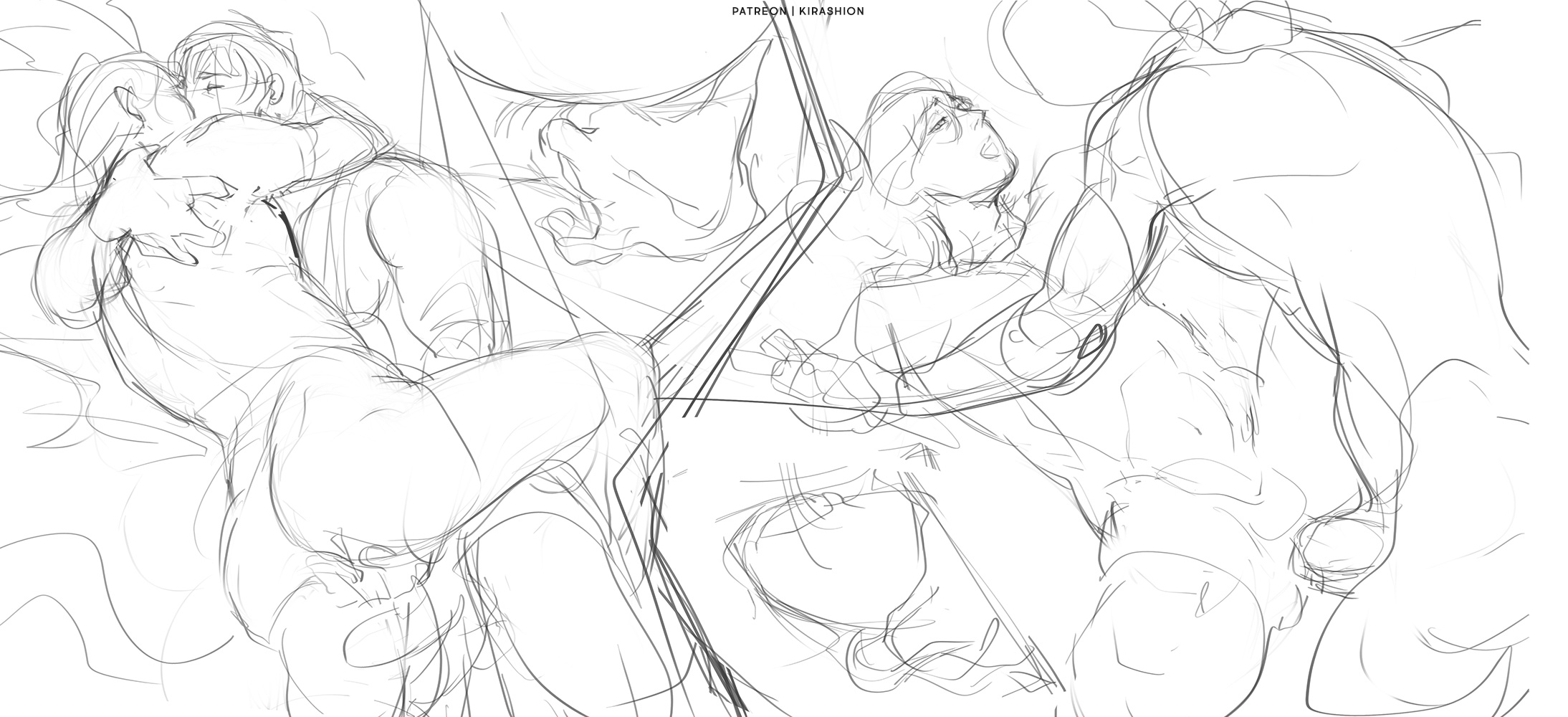
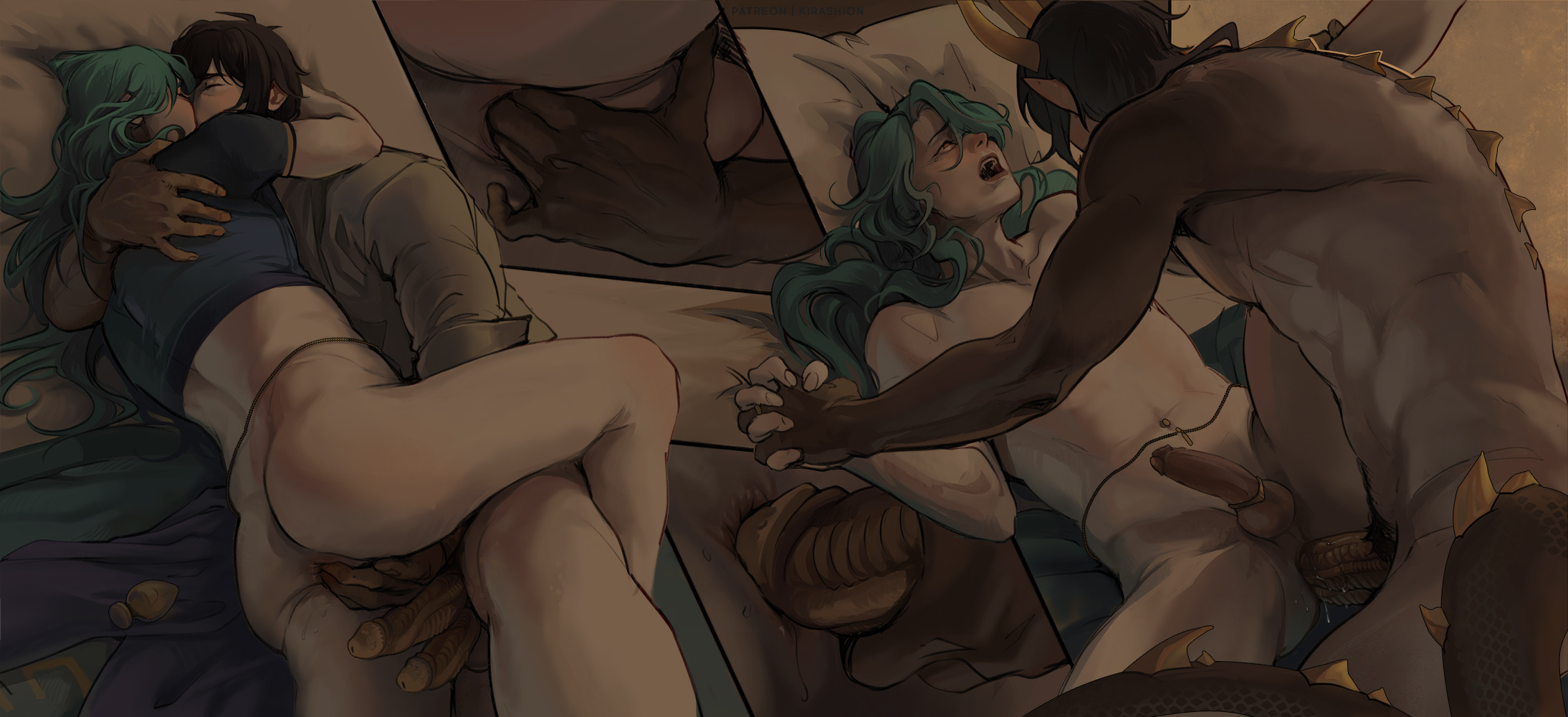
I had some hard time with the color picking phase of this one. I wanted to create a soft atmosphere in semi-darkness, but I realized colors turned too dark and too muted- thankfully, Adjustments came in handy once again! I think they really saved the work 🙏
I used 4 (which is a fairly low amount, I had to resort to 10 Adjustment to save other pieces haha):
Gradient map to shift all the yellow/orange of the background towards green which made it less warm, I simply didn't like it, it felt overwhelming
Levels to brighten the whole canvas. MUCH NEEDED, this was the main one!
Color Lookup #1 NightFromDay.cube which is the usual Adjustment I use to increase contrast between lights and shadows!
Color Lookup #2 FallColors.look to make the parts affected by Zhongli's glowing tattoos more orange.
You can explore their use in the attached PSD file!
💌 HD + PSD in attachments!
If your software doesn't read my PSD correctly and you do not have Photoshop, you can open my files on the free online tool https://www.photopea.com !!
Files