Home
Home

 Creators
 Search
 Recent
 Random
 Posts
Posts
 DMs
DMs
 Tags
Tags
 Random
 Importer
 Import
 FAQ
FAQ
 Account
 Register
 Login
Login
 Favorites
 Keys
Keys
 Logout
 Telegram

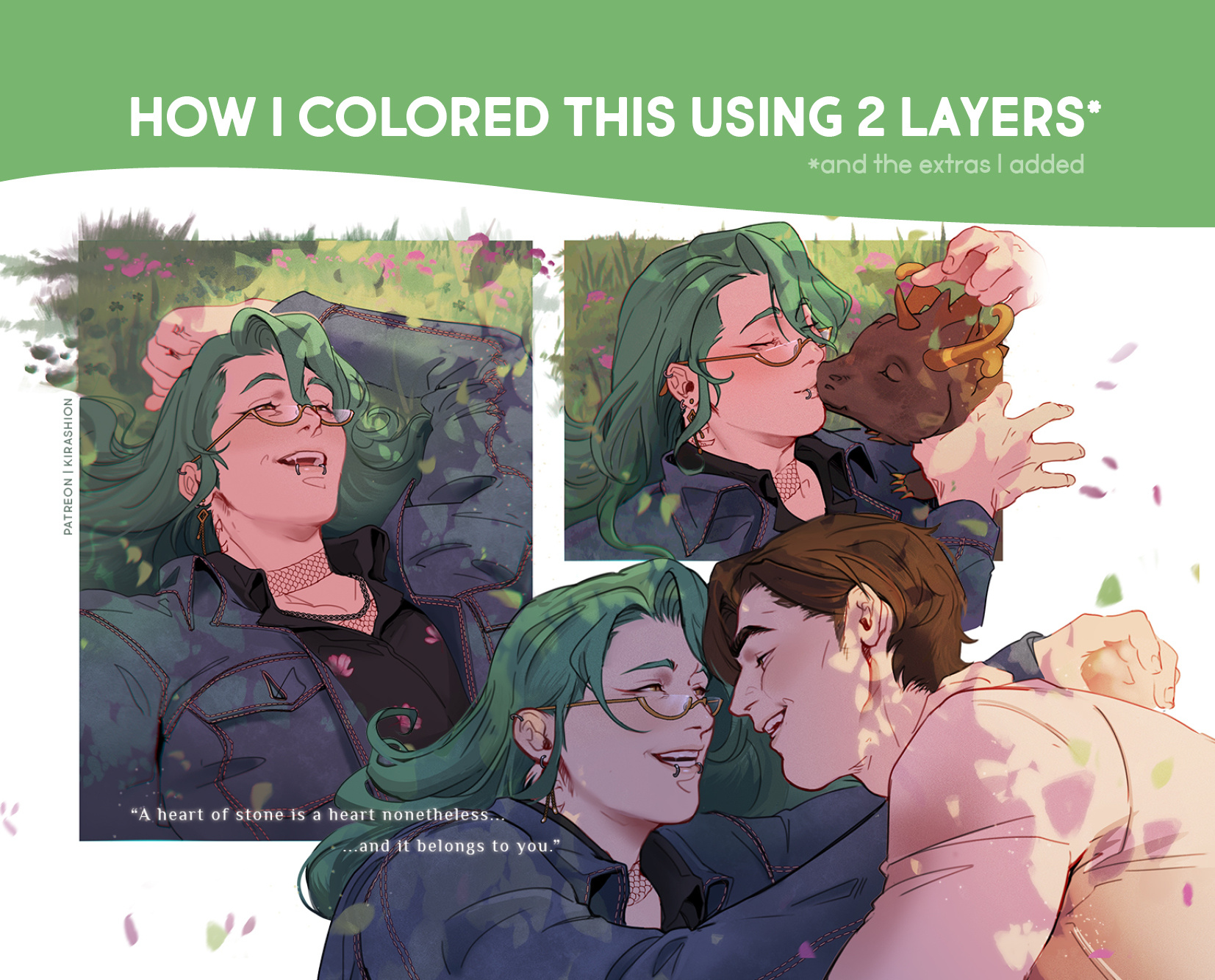
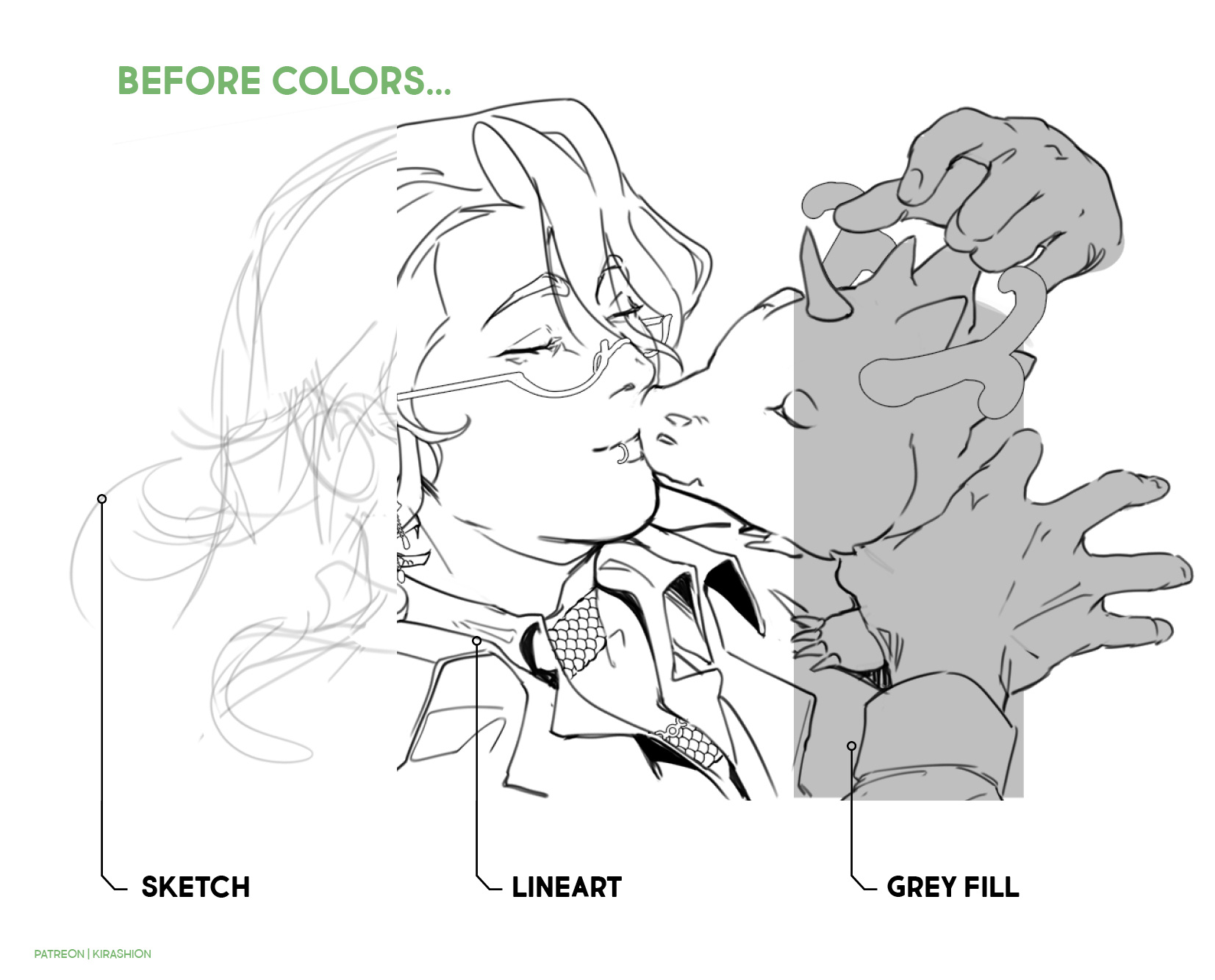
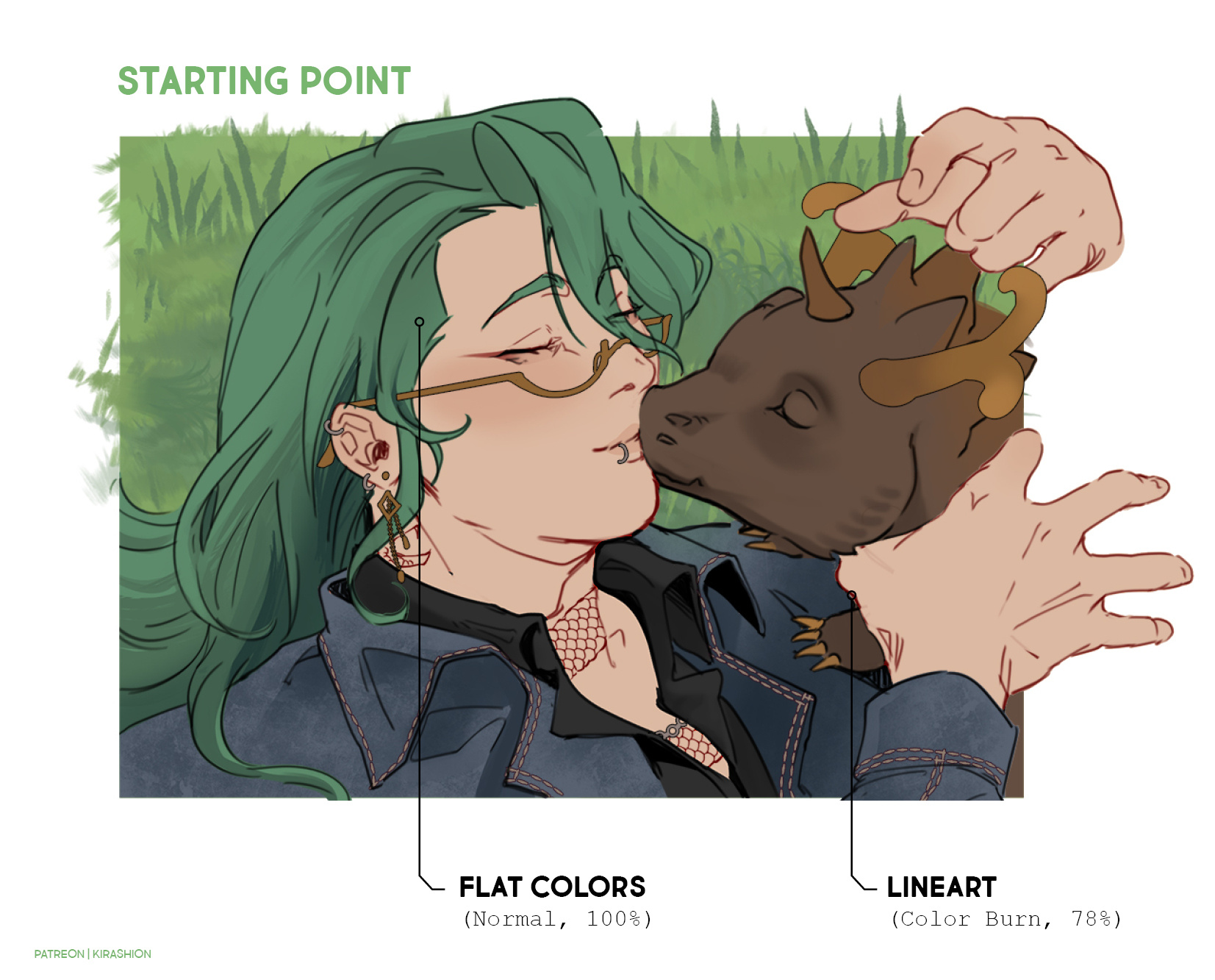
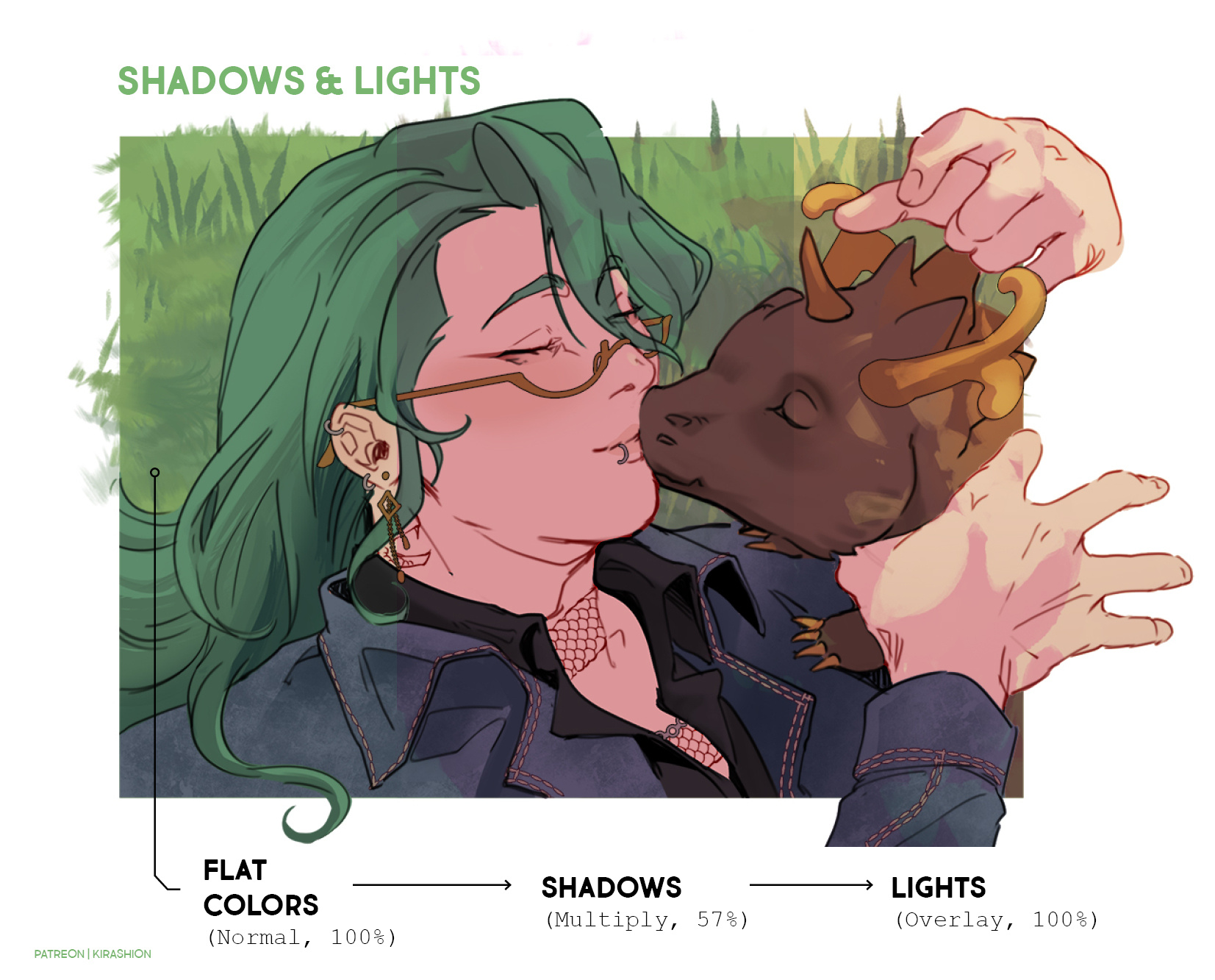
[ Zhongzhu ] 🌸💚 Coloring TUTORIAL (detailed process + PSD) (Patreon)
Downloads
Content
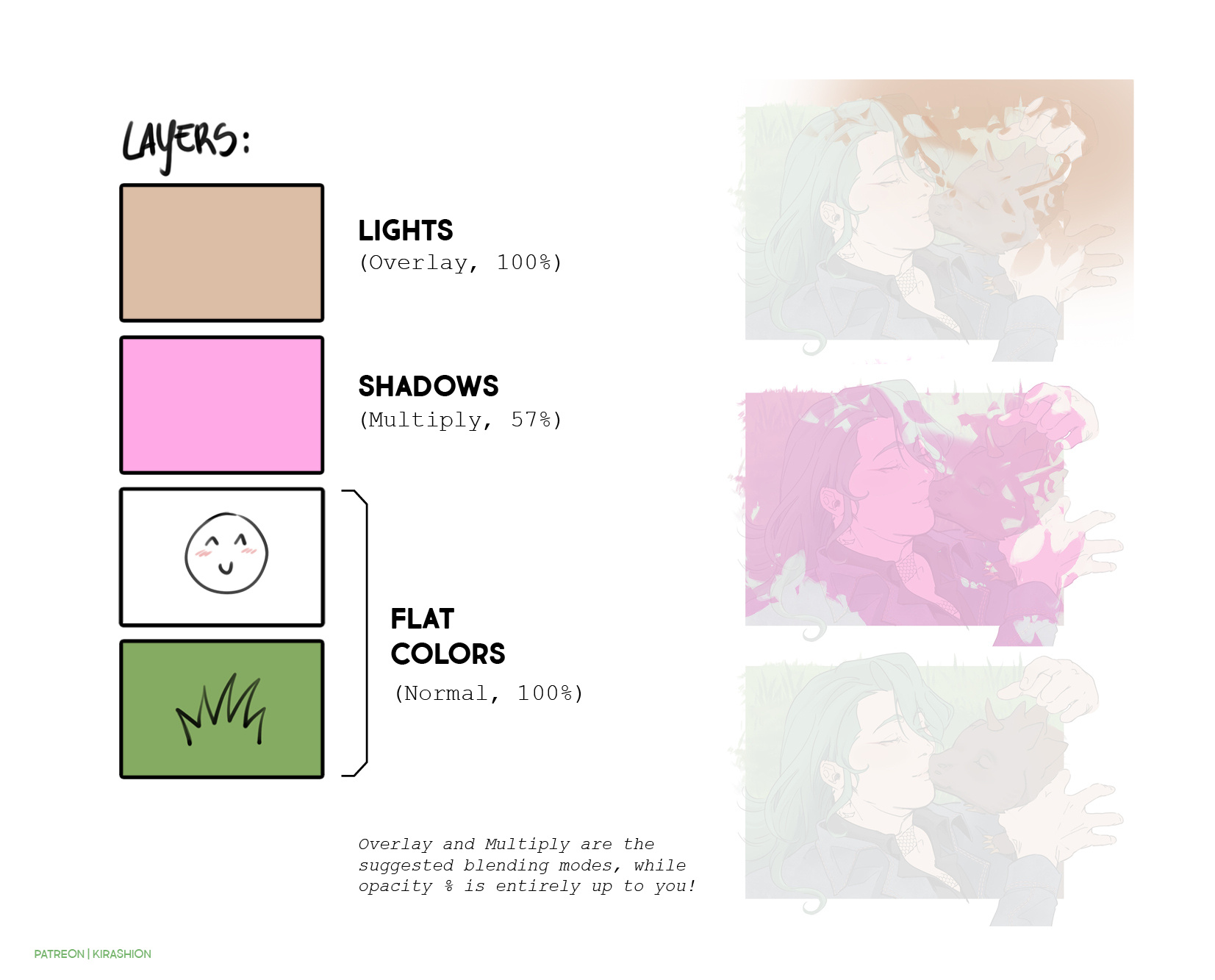
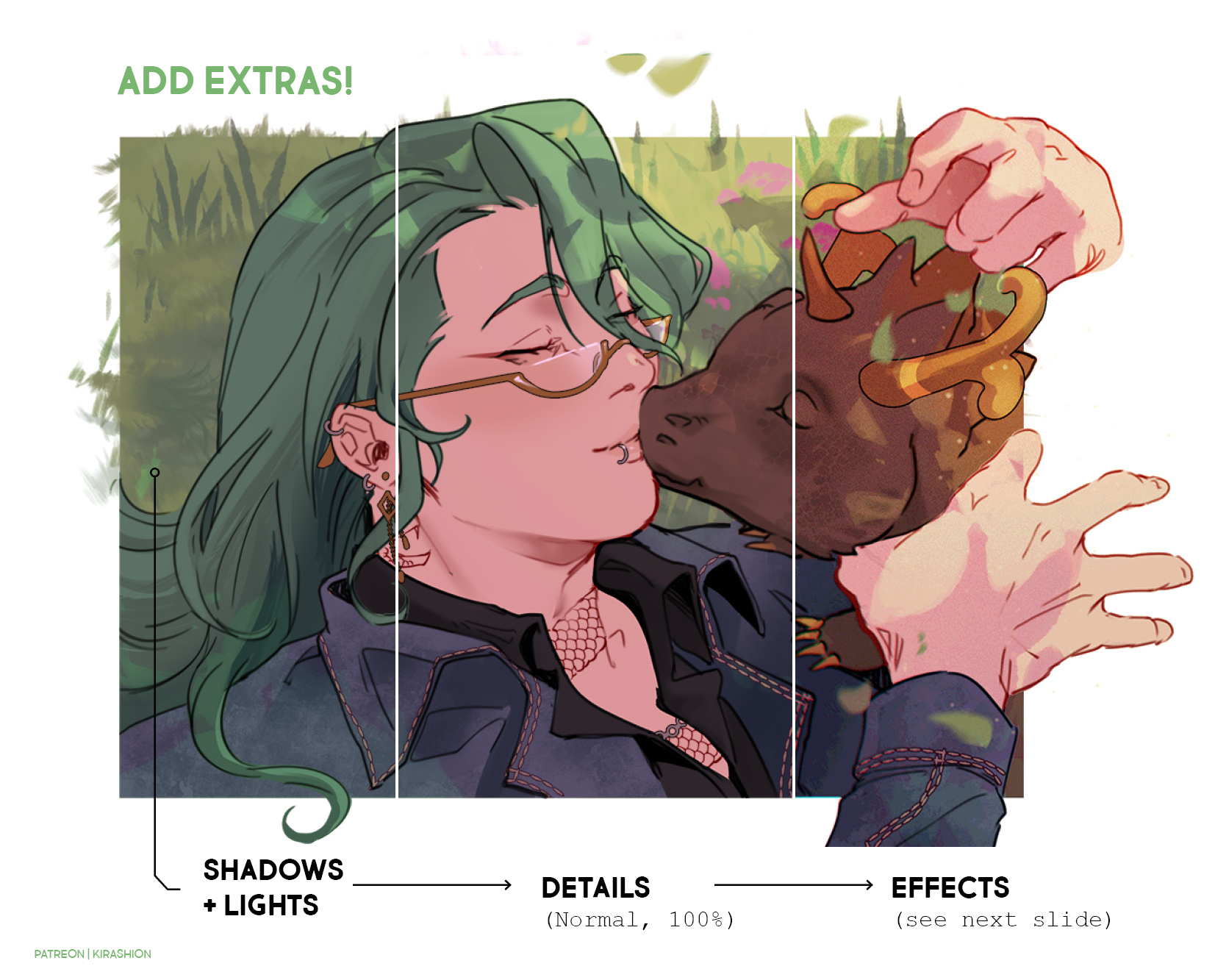
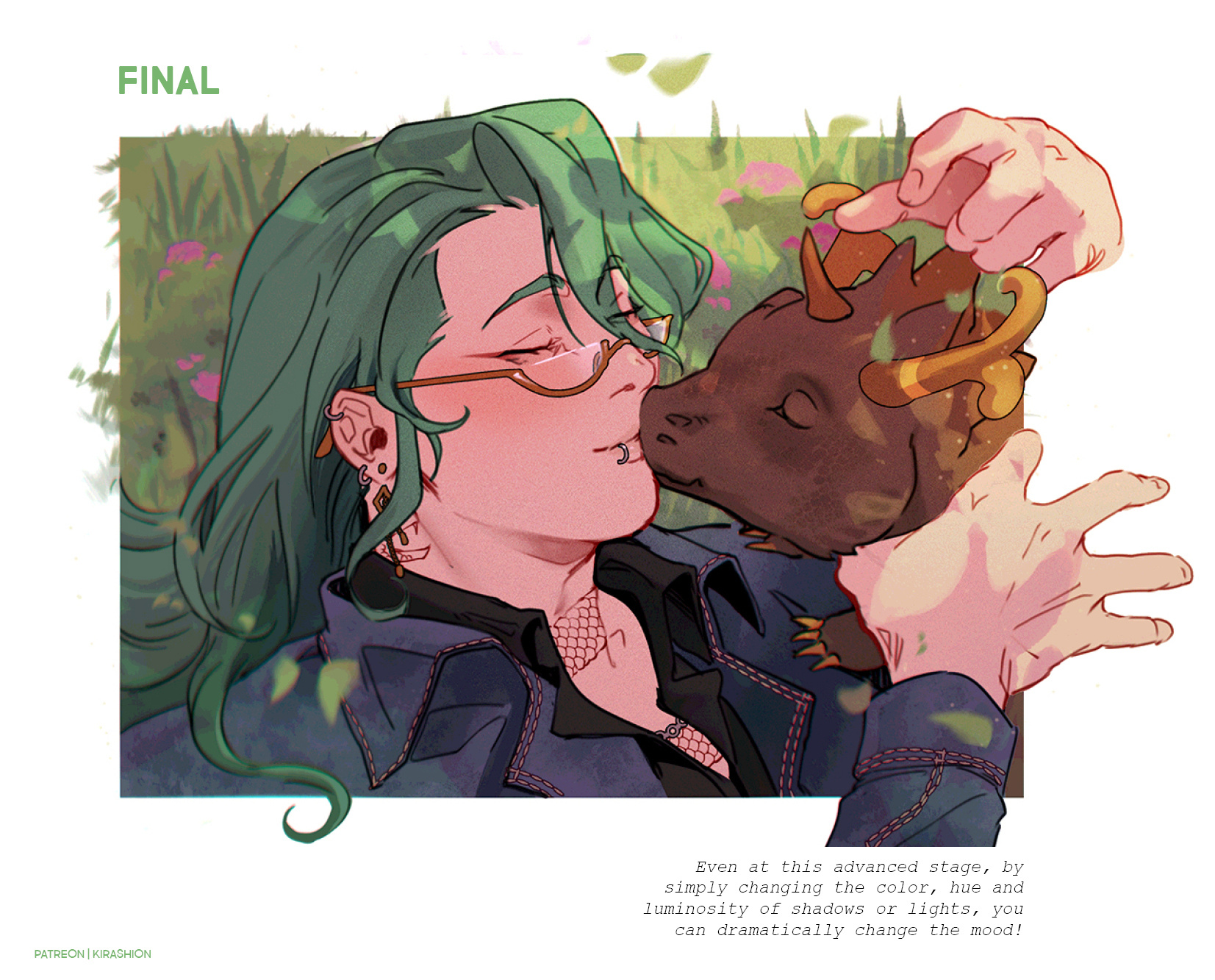
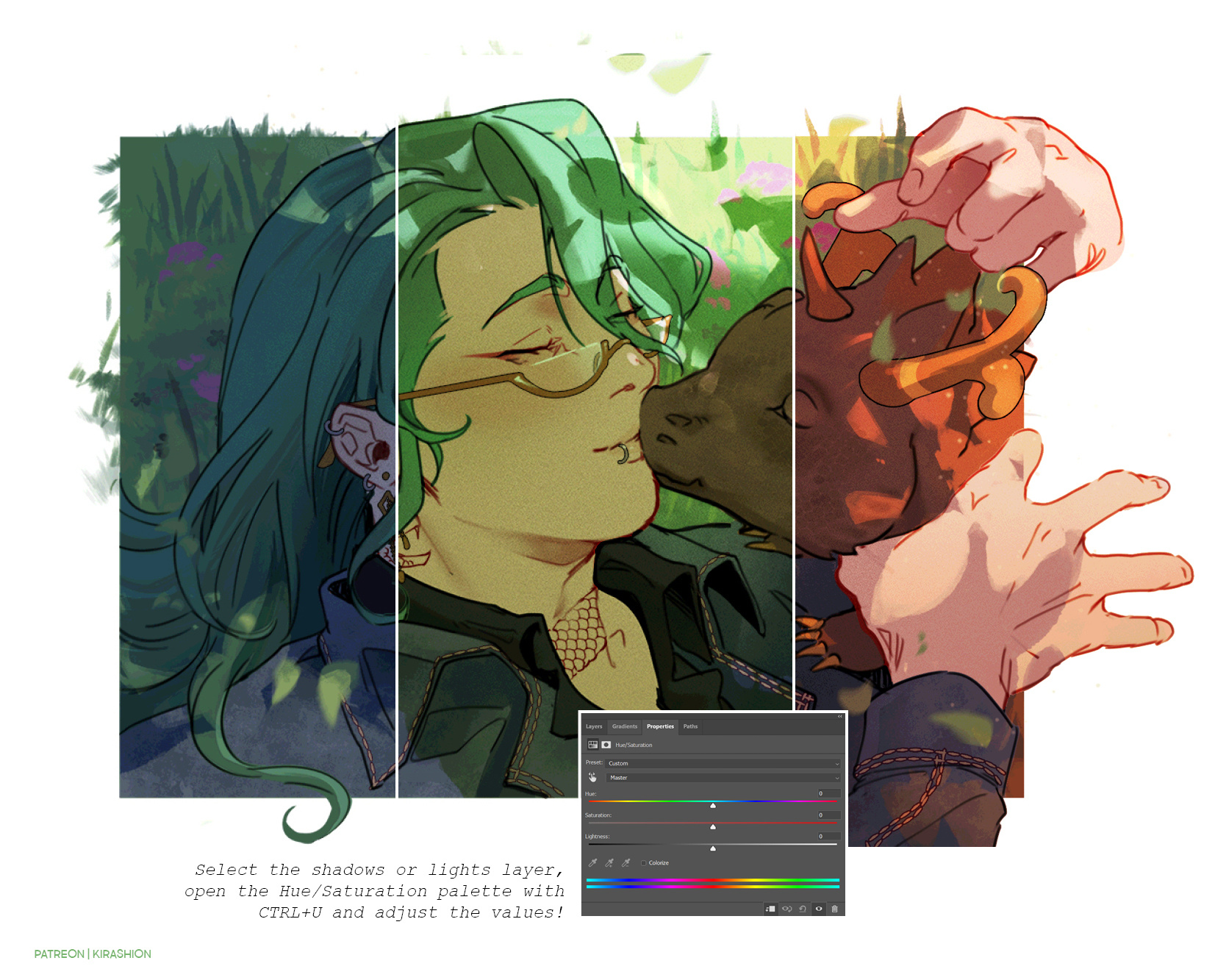
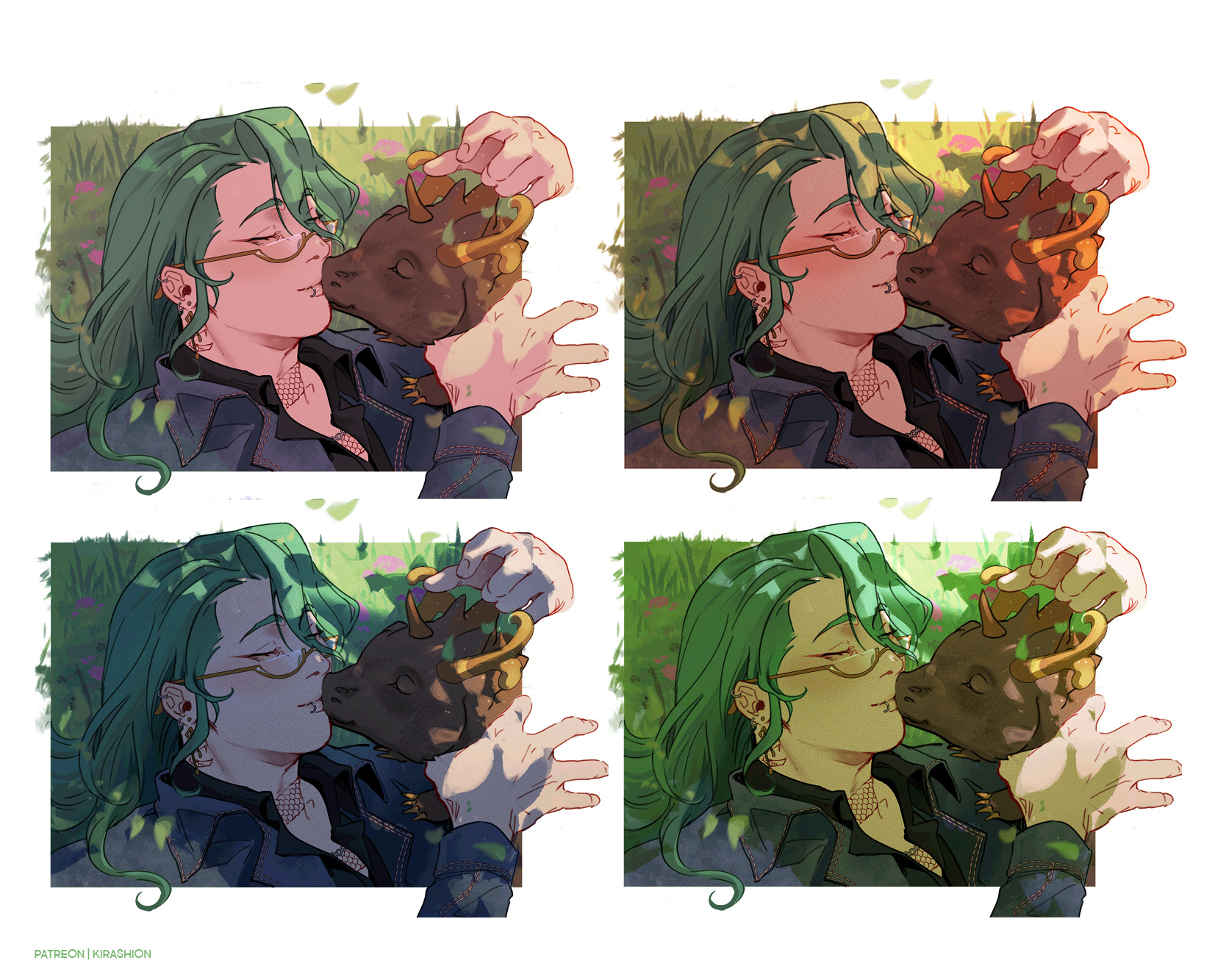
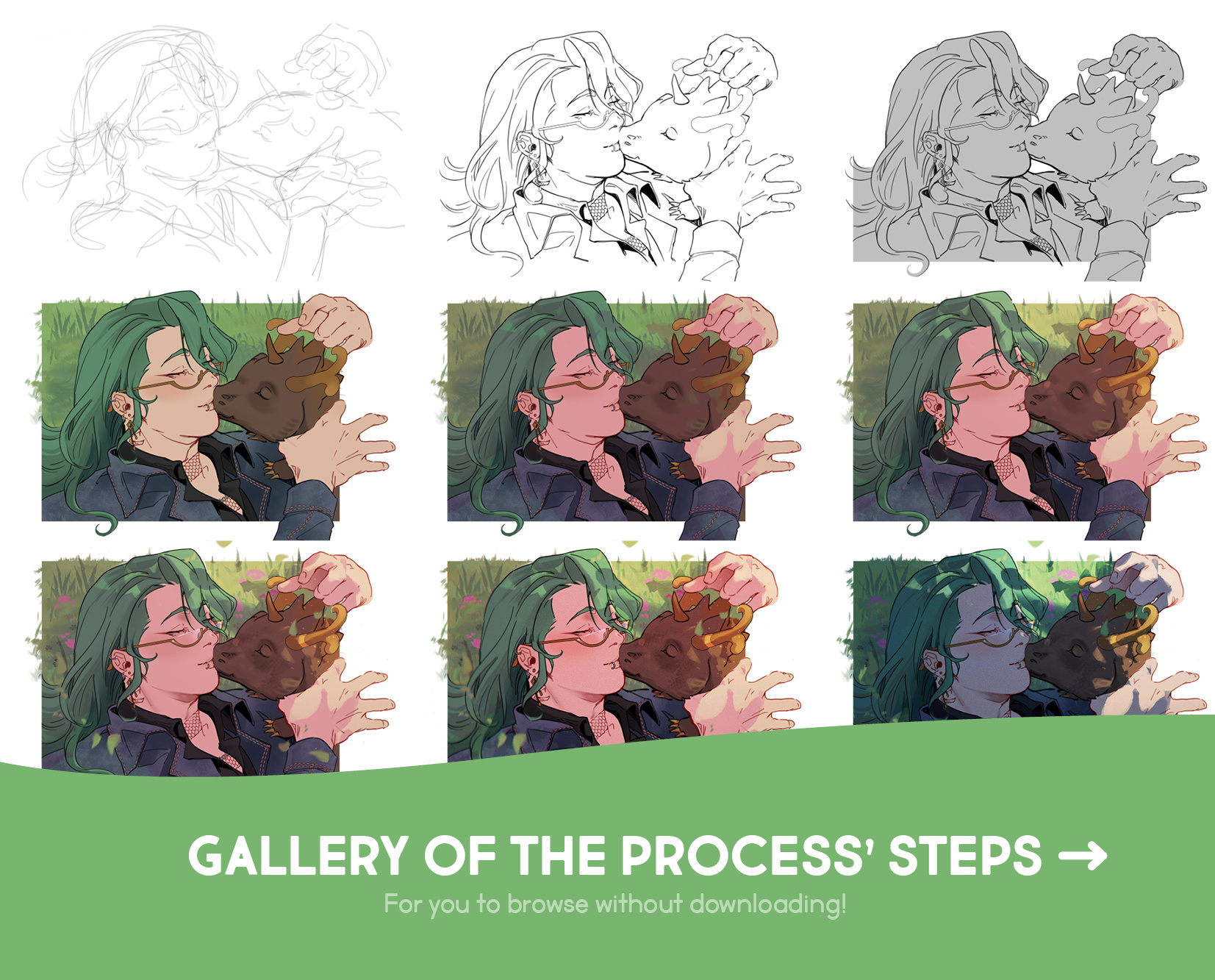
Very fun coloring process! As one who enjoys spending time adding details and refining a lot, this approach helps me quickly setting up the mood so that I can dedicate more time to my favorite part! I highly suggested testing this out∼
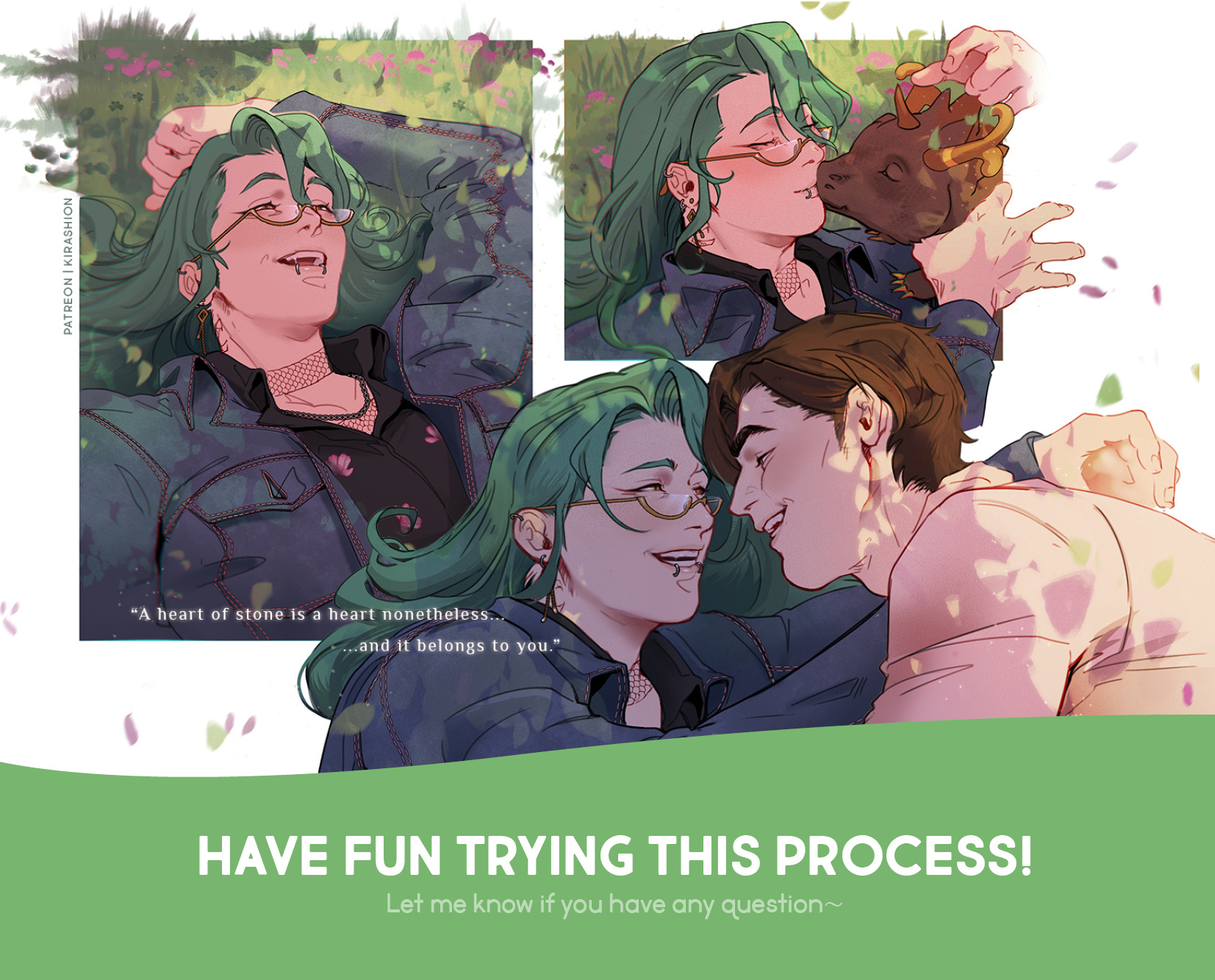
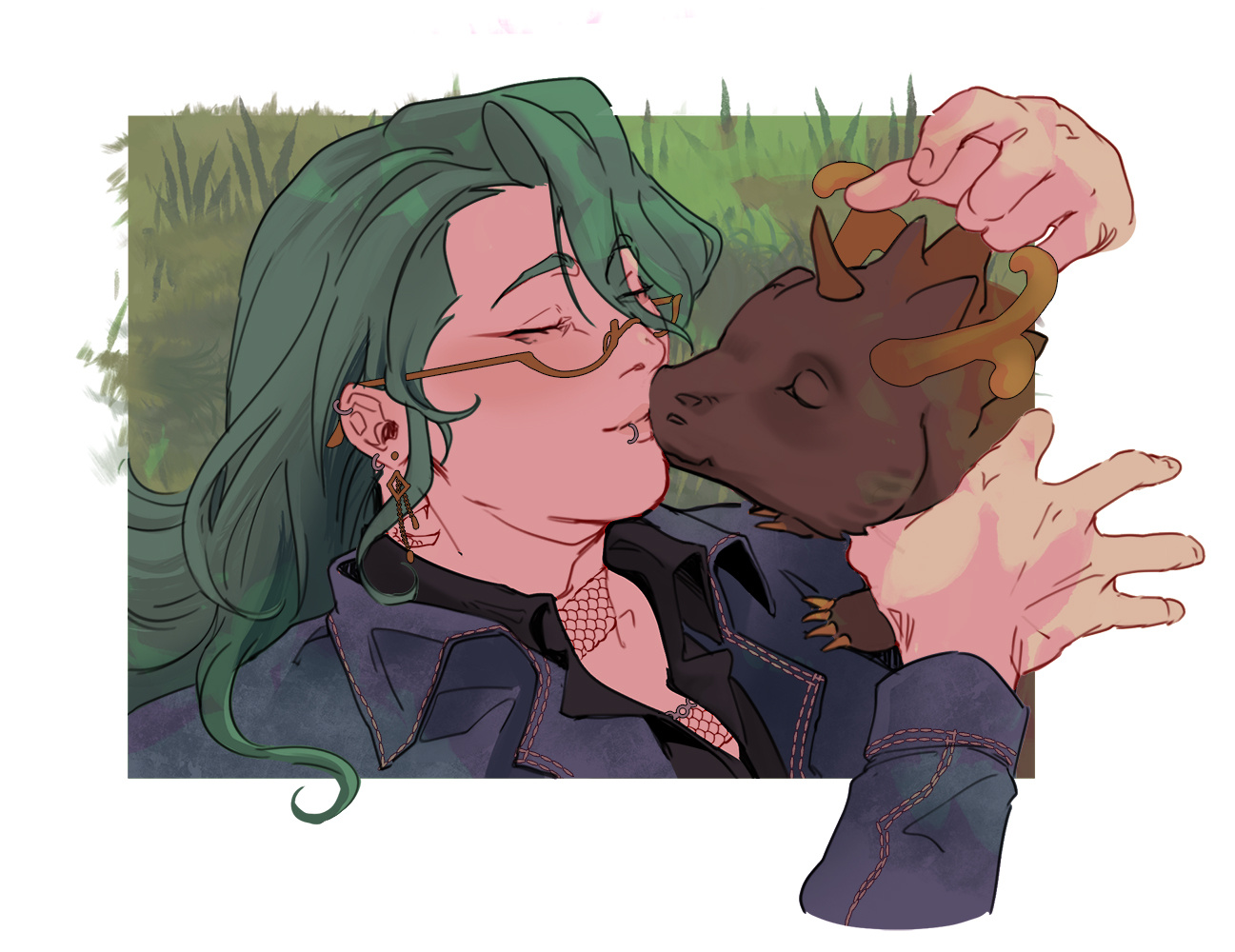
These [ Zhongzhu ] 🧡💚 illustrations + the Wriolette art in caption were also colored using this very same method!
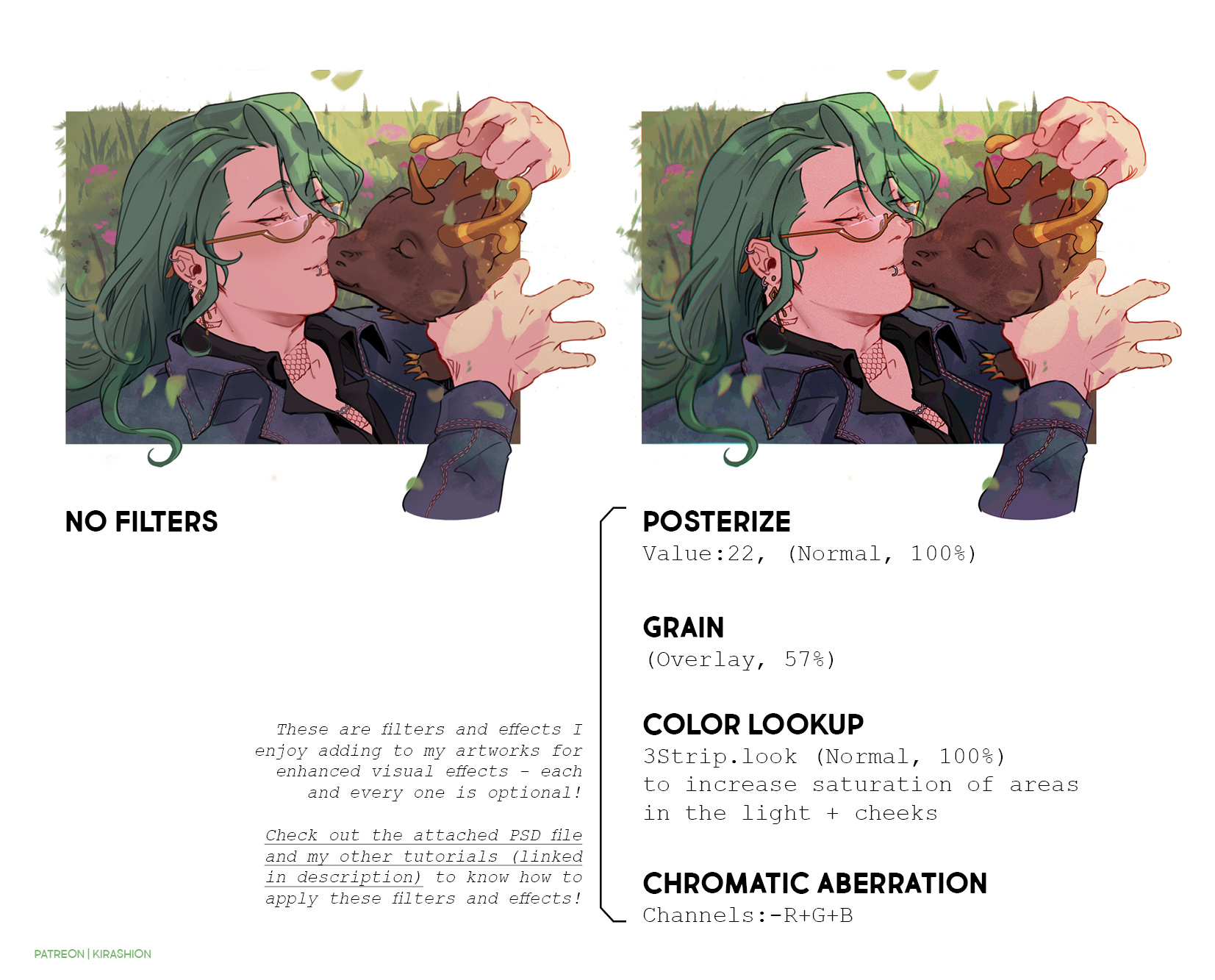
As promised, links to useful tutorials for the filters/effects mentioned on slide 7:
POSTERIZE: explained at step 6️⃣ of [ Wriolette ] Office AU HD (+ process + PSD)
GRAIN: this is an extra layer I apply on top of my illustration! Obtain it by dowloading the attached PSD and feel free to use it on your art∼
COLOR LOOKUP: explained at step 1️⃣ of [ Wriolette ] Office AU HD (+ process + PSD). Please note that Color Lookup is an Adjustment of Photoshop only and another software may not read the layer correctly (you can use Photopea). You can obtain the same result by adding colors in various blending modes, similarly to how I showed today for lights and shadows! For instance: blush on cheeks can be enhanced with red color on a Multiply or low-opacity Color Burn layer.
CHROMATIC ABERRATION: explained at step 4️⃣ of [ CaeHengday ] Welcome on board 🚂Step-by-step TUTORIAL (+ HD + process + PSD)
Please let me know if you have questions or doubts! I'll make sure to better explain what is unclear ( ̄︶ ̄)
💌 PDF + PSD in attachments!
If your software doesn't read my PSD correctly and you do not have Photoshop, you can open my files on the free online tool https://www.photopea.com !!
Files