Home
Home

 Creators
 Search
 Recent
 Random
 Posts
Posts
 DMs
DMs
 Tags
Tags
 Random
 Importer
 Import
 FAQ
FAQ
 Account
 Register
 Login
Login
 Favorites
 Keys
Keys
 Logout
 Telegram

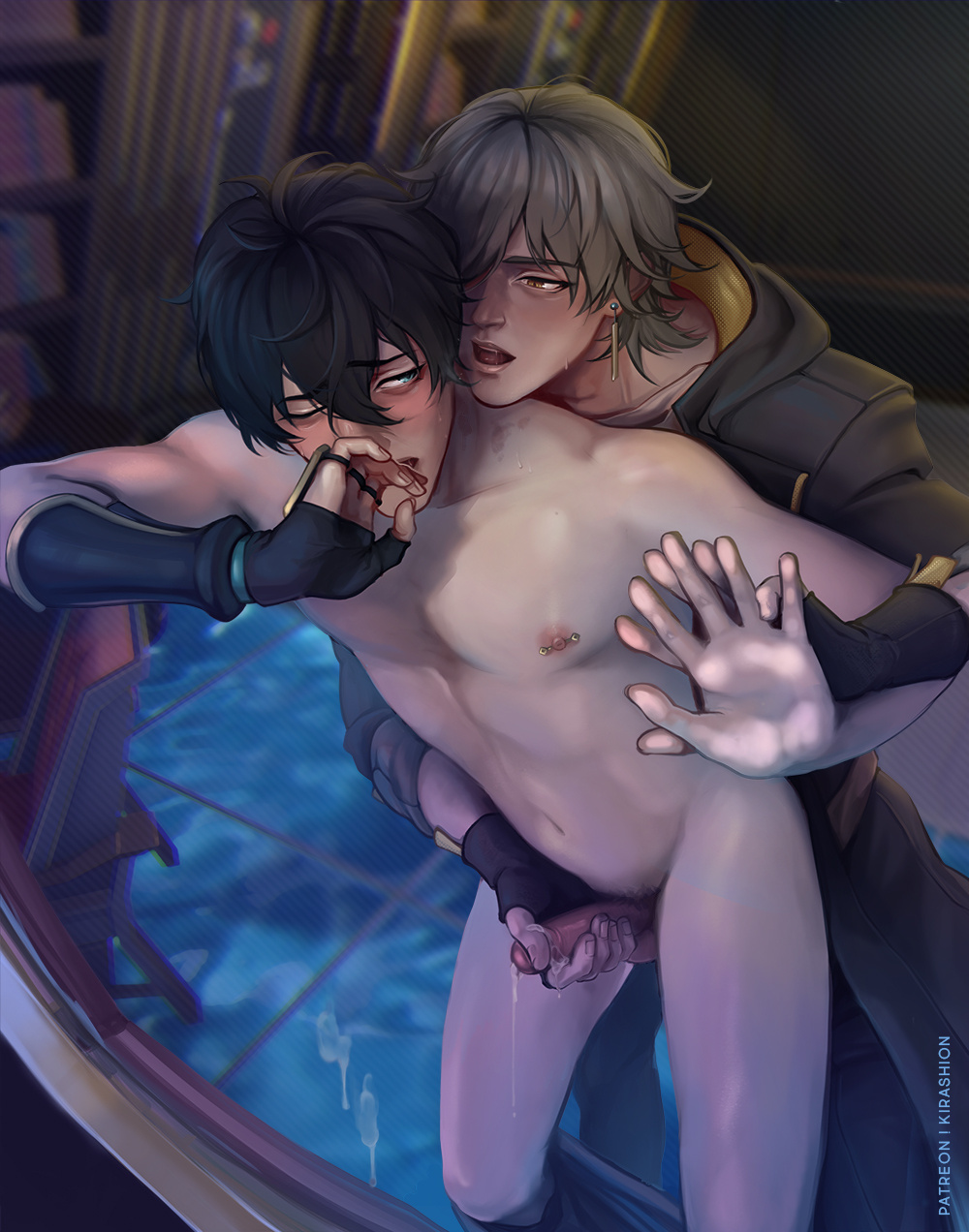
[ CaeHeng ] Space Oddity HD (+ process + PSD) (Patreon)
Downloads
Content
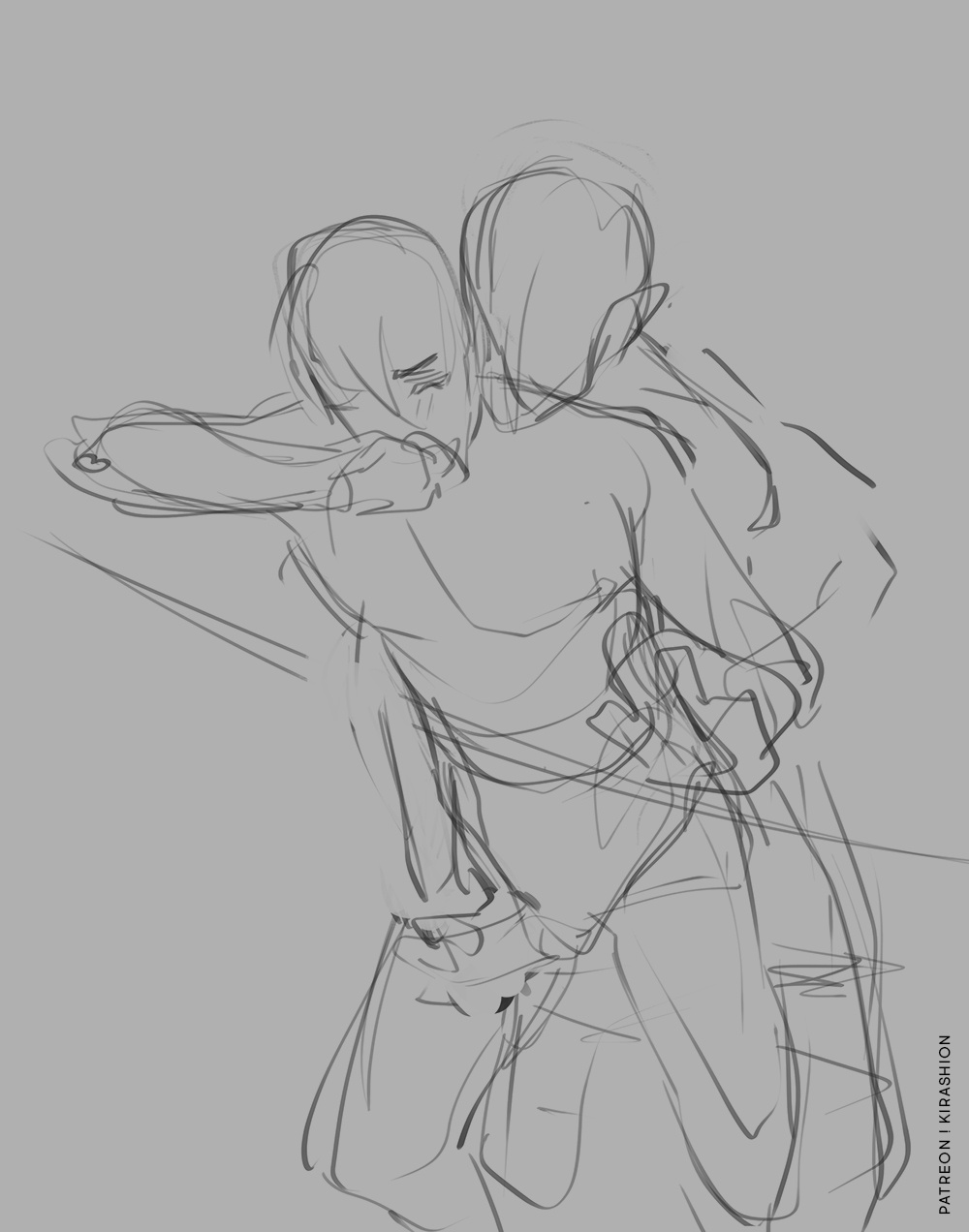
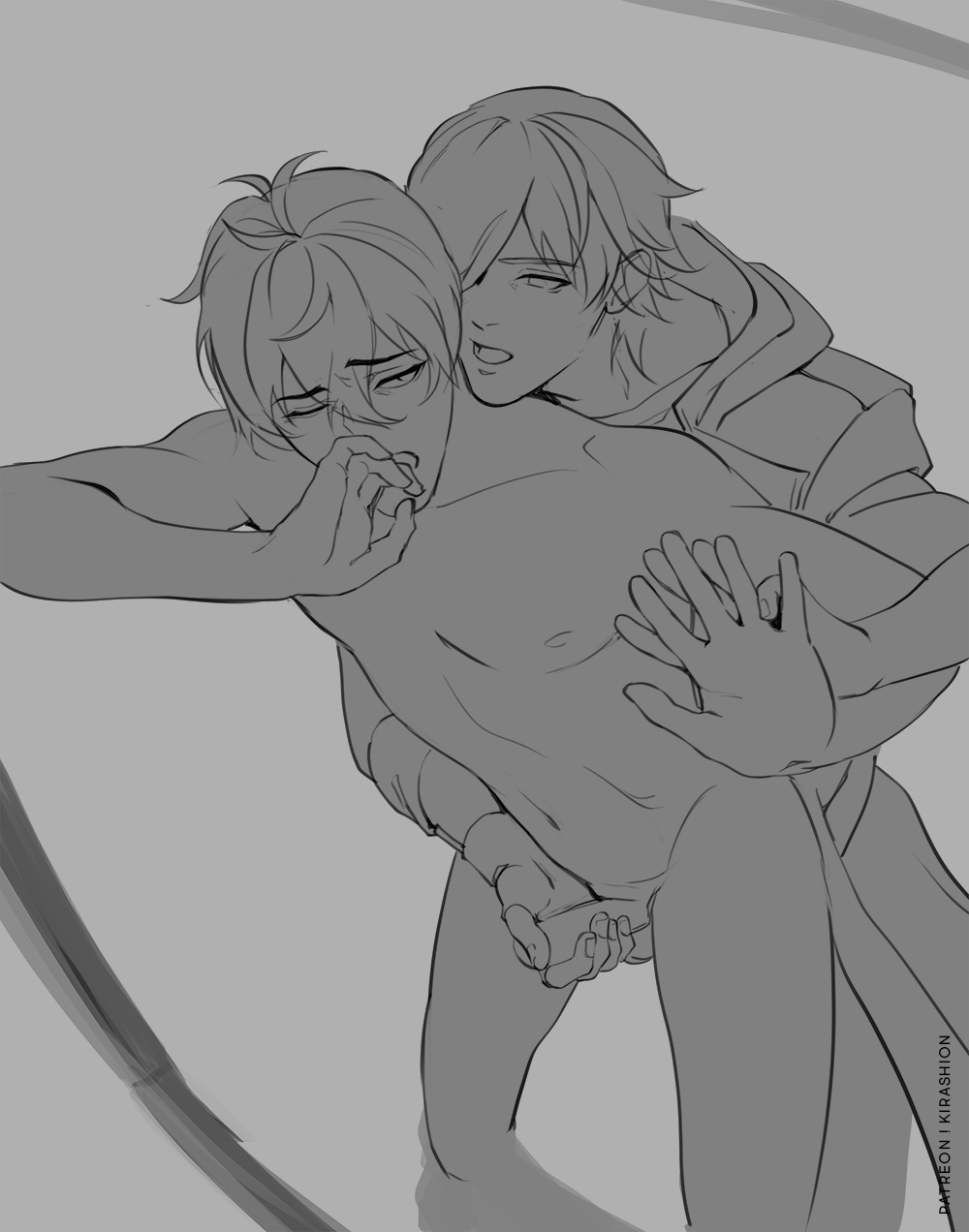
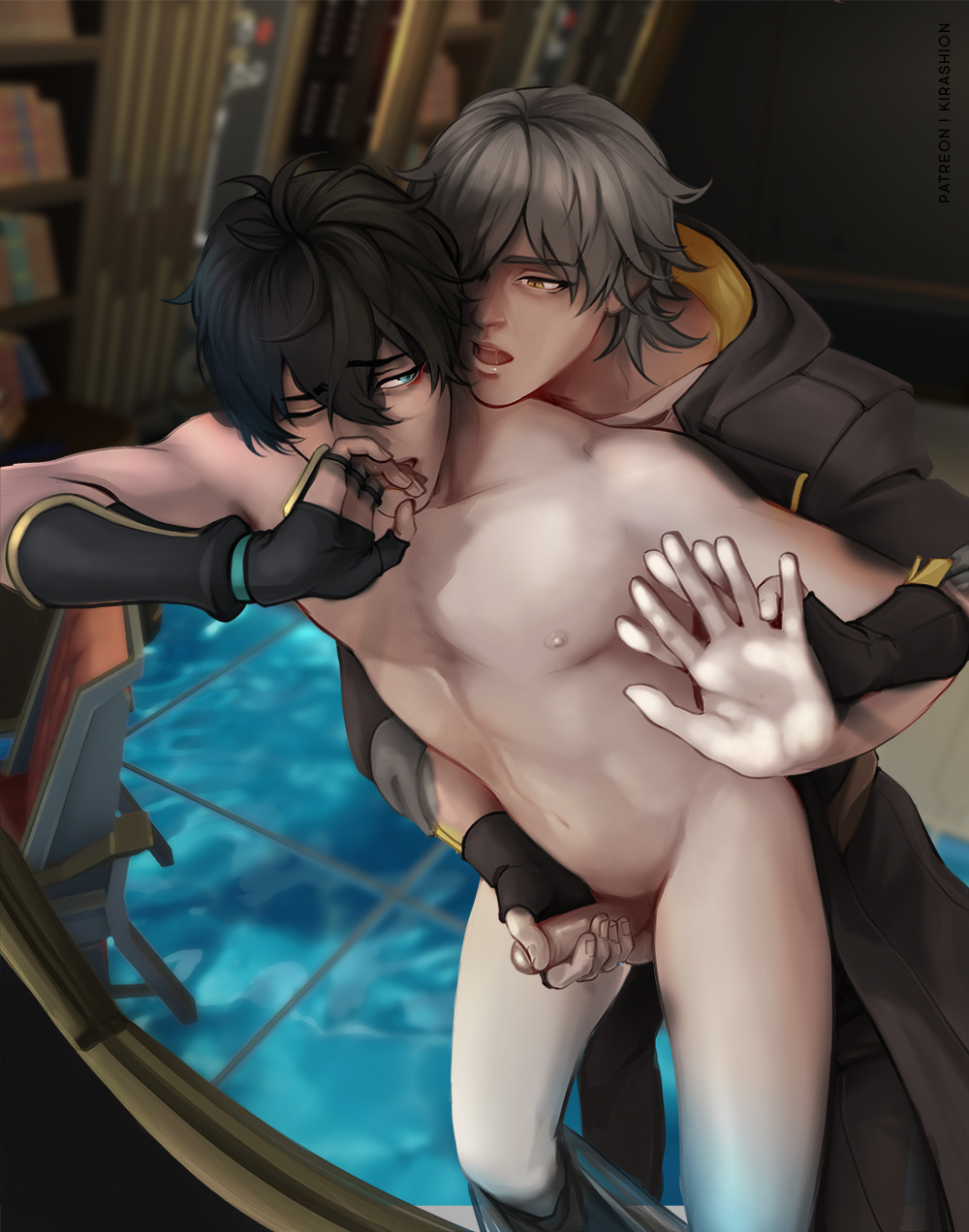
This is the third experiment with the values-to-color process! Knowing the process better, I've had a lot of fun with this! 🌌
The process in a nutshell:
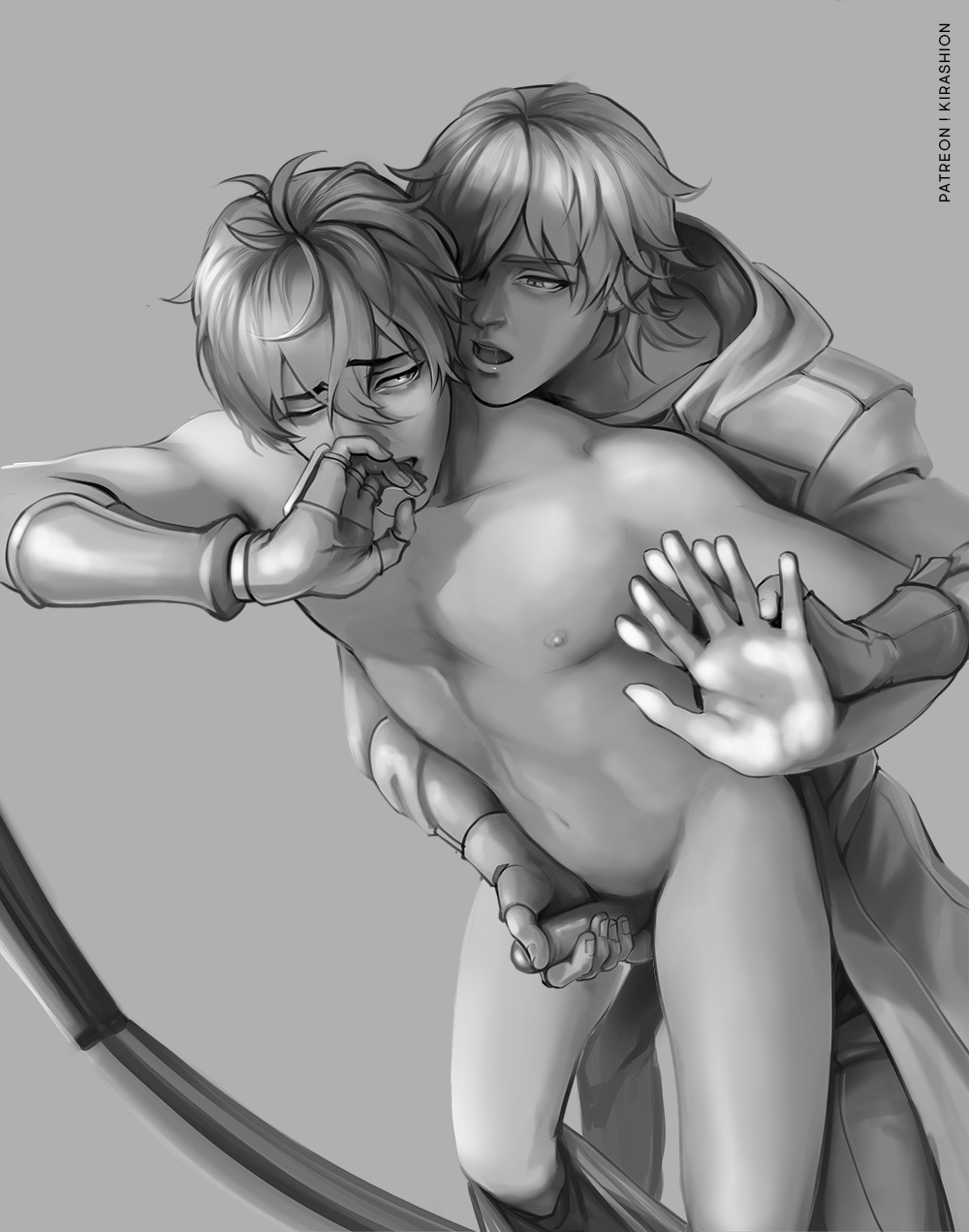
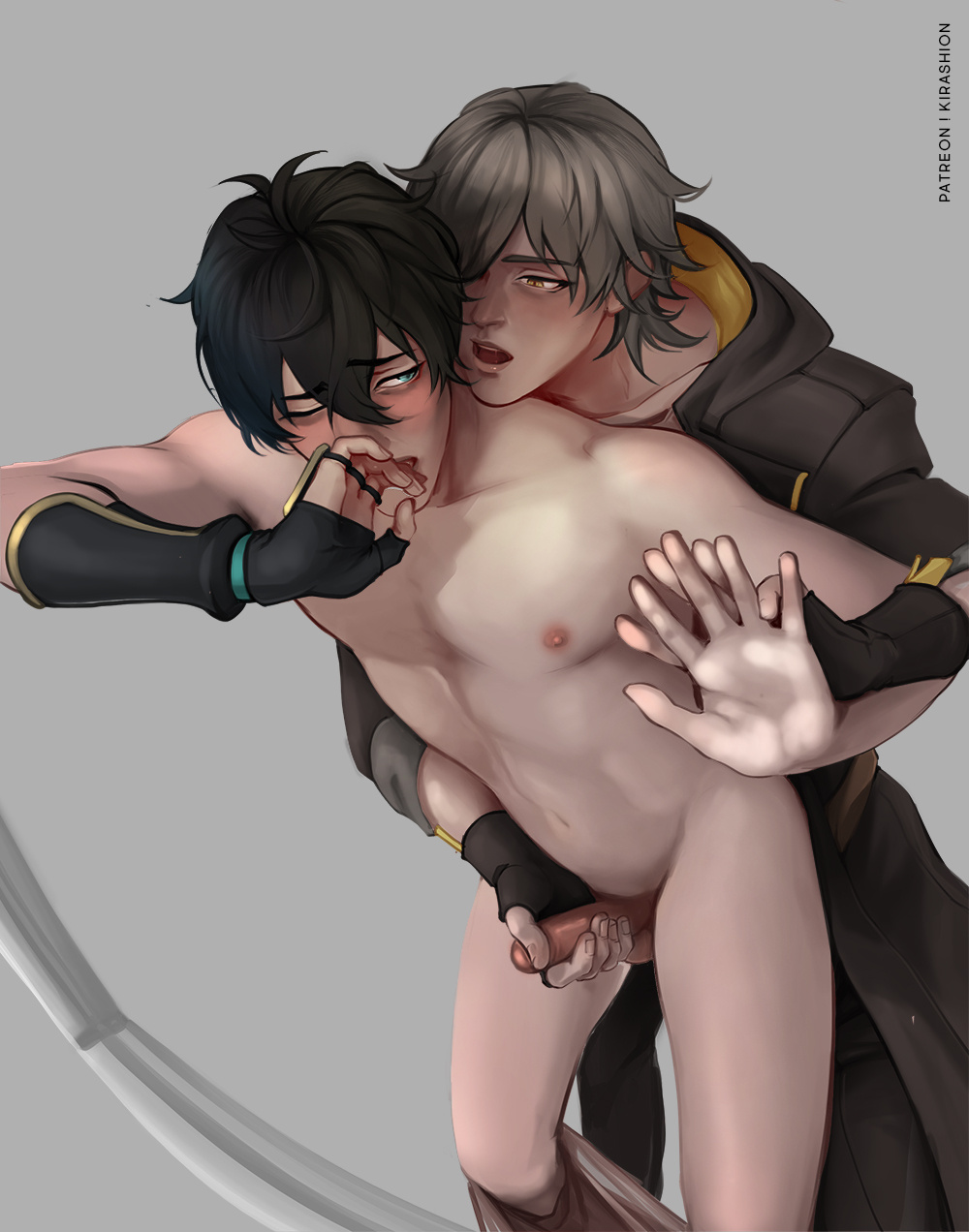
1️⃣ VALUES
Paint values in only 5 shades of grey, then blend where necessary:
100% (WHITE) → Accents75% → Highlights50% → Mid tones25% → Shadows0% (BLACK) → Accents if you must but try not to use 0% black
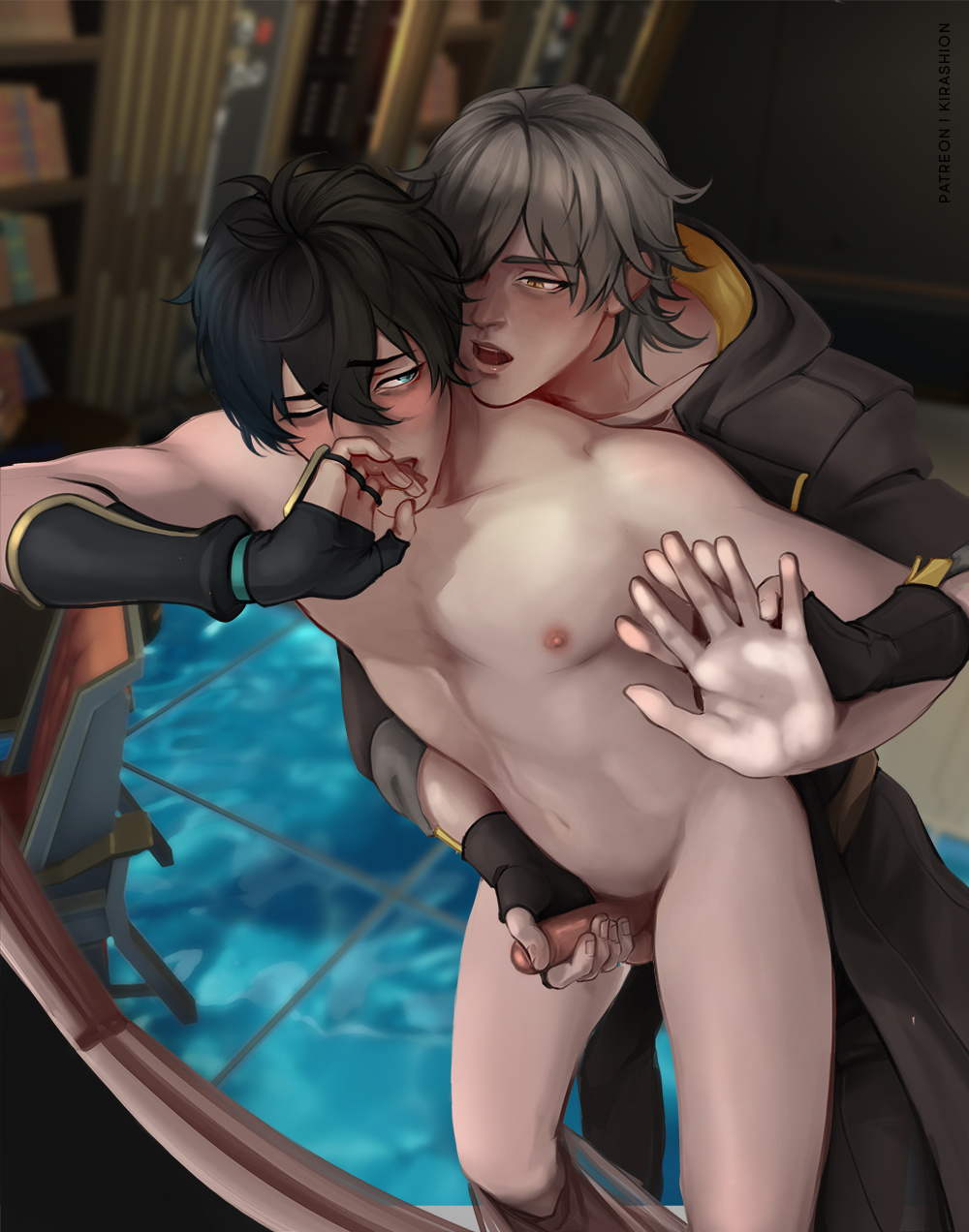
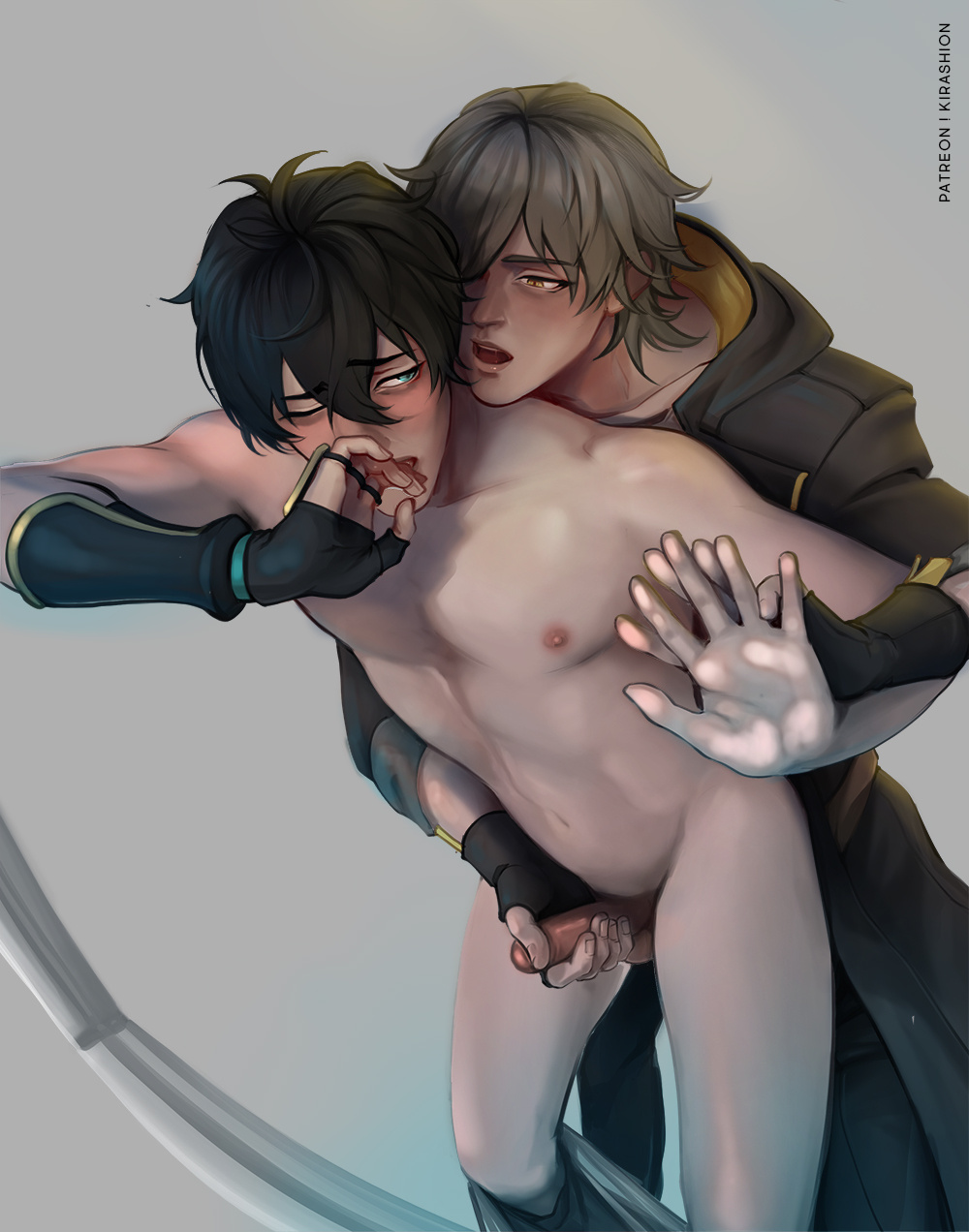
2️⃣ COLORS
Lay down your flat colors, add some simple shading for a better result! Precision at this stage is gonna reward you later so be careful at outlines!
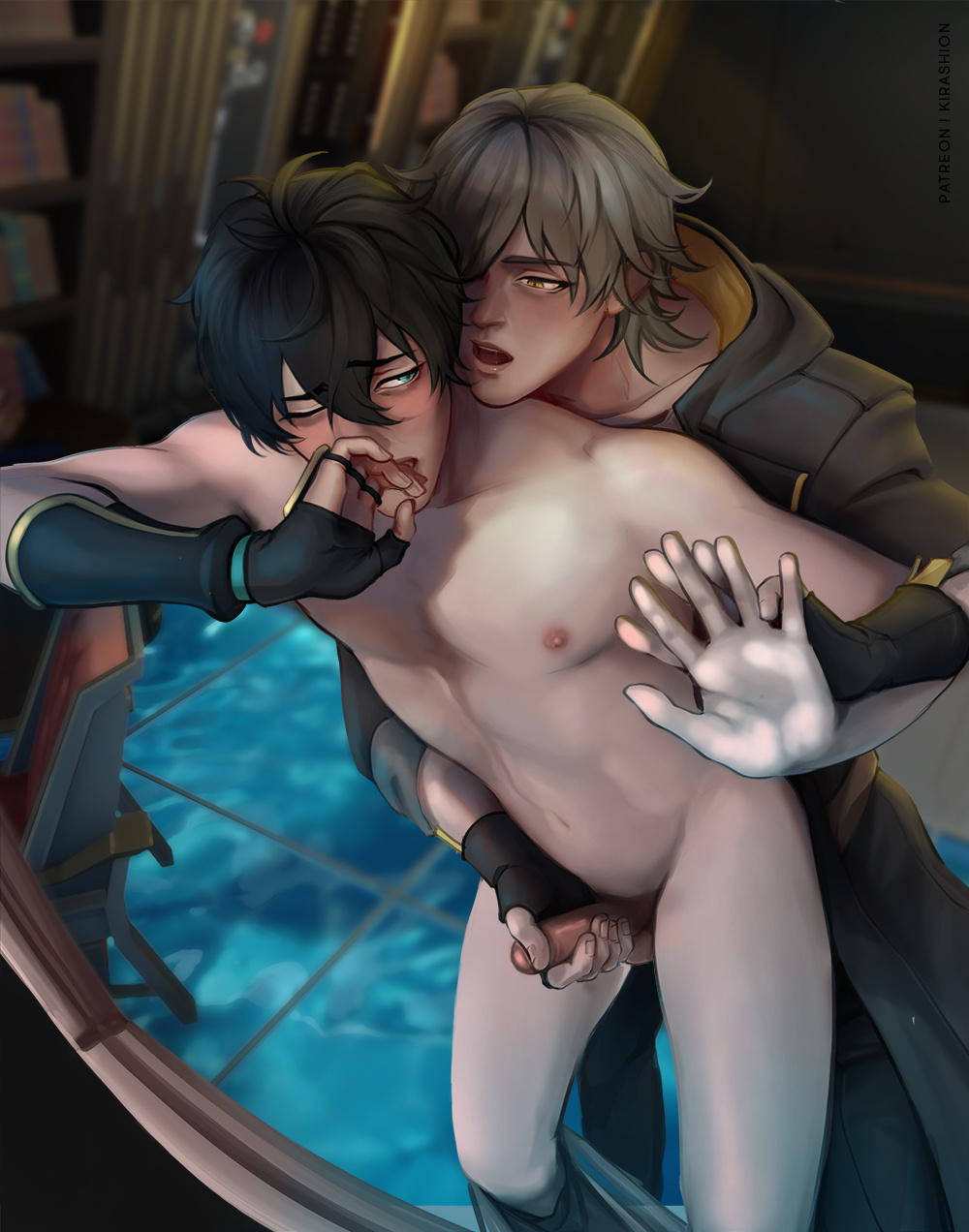
3️⃣ VALUES + COLORS
Values layer/s set to Overlay, 100% opacityColor layer/s placed under Values and set to Normal, 100%
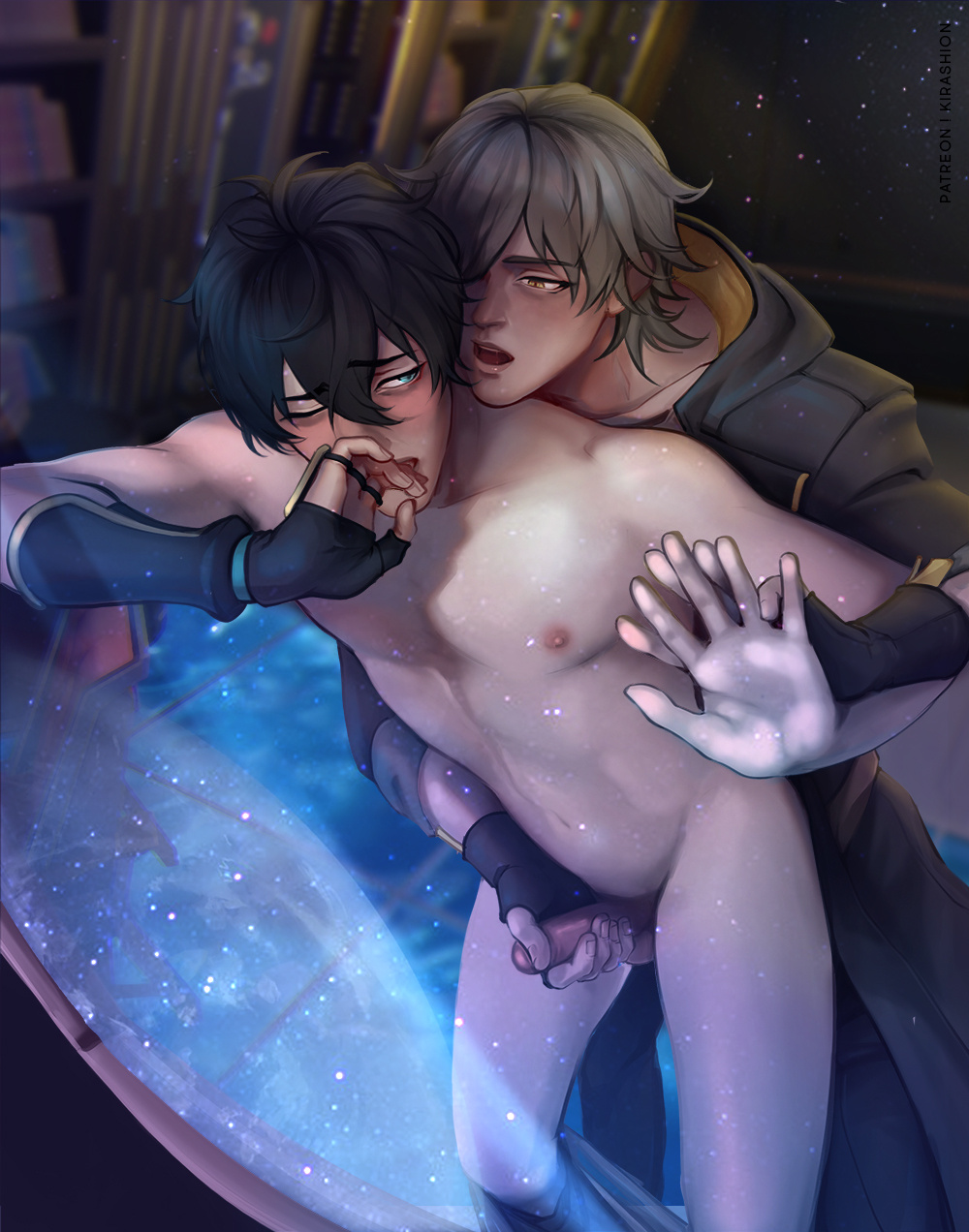
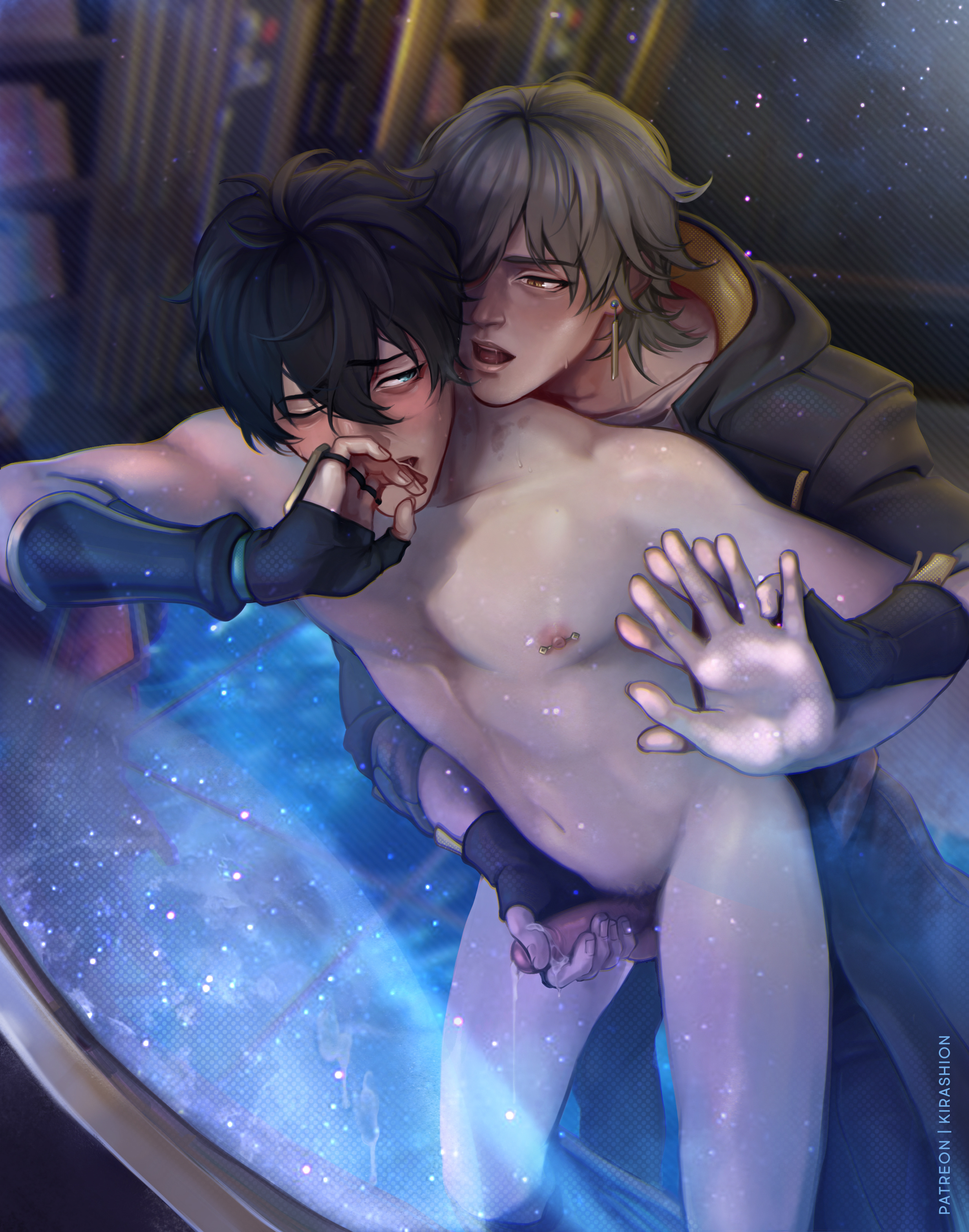
4️⃣ EXTRAS
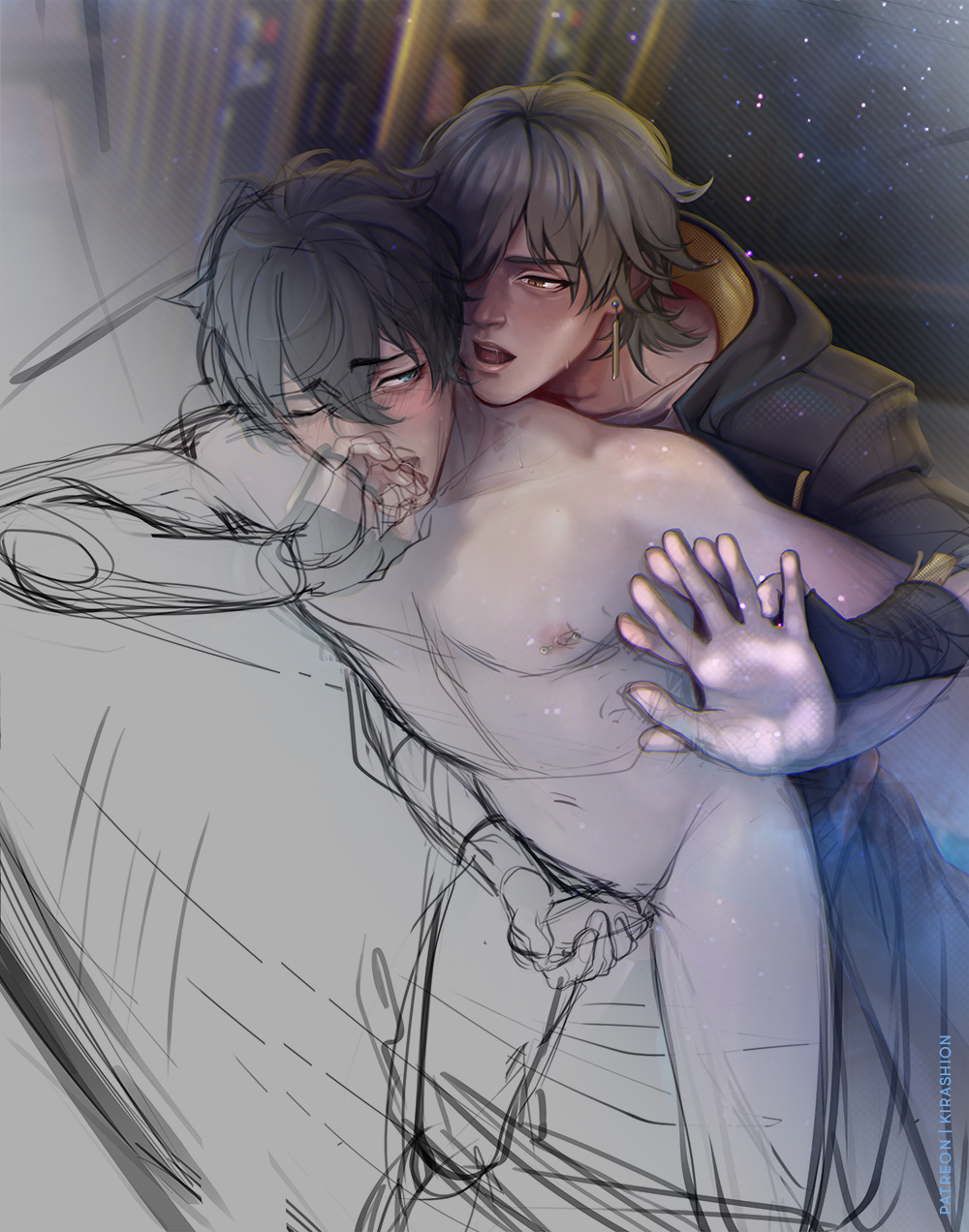
Additional lights/shadows like the ones you see applied to the following WIP are needed in order to blend the characters into the surrounding.
The image below serves as showcase but you don't want to go this far without setting a background first! Actually, you should decide on your background even before picking colors for stage 2!
💌 HD + PSD in attachments!
If your software doesn't read my PSD correctly and you do not have Photoshop, you can open my files on the free online tool https://www.photopea.com !!
Files