Home Creators Posts Import Register Favorites Logout

Content

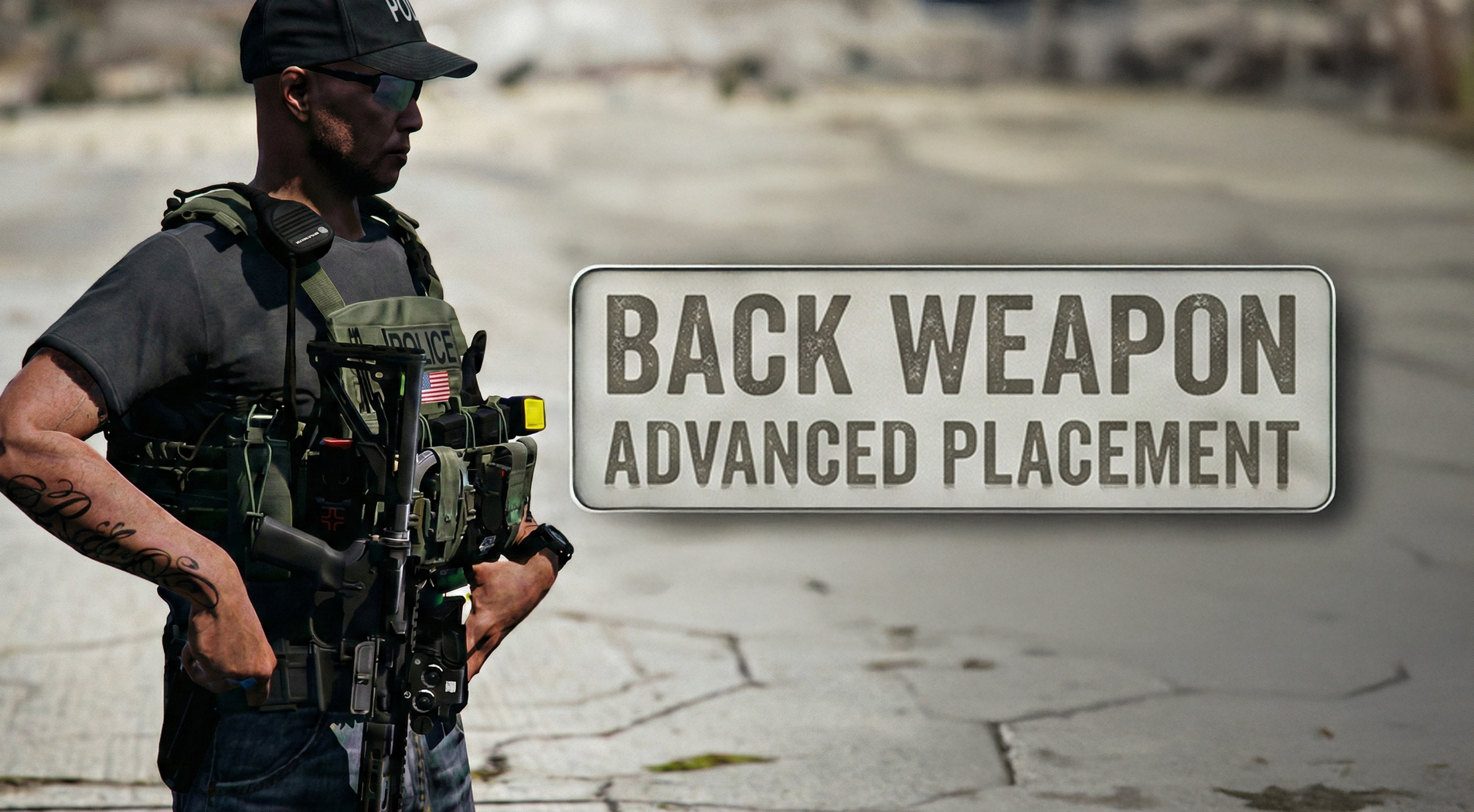
Stow that weapon aka Back Weapon has had a menu upgrade. Learn how to install this properly and also how to get this on the AI in the game i

Stow that weapon aka Back Weapon has had a menu upgrade. Learn how to install this properly and also how to get this on the AI in the game including your police partnerBasic Install and Setup + Advanced Setup for equipping addon-weapons onto your partners.For players without a numpad, the best solution is to use Microsoft PowerToys to remap your standard keys to numpad functions using the Keyboard Manager. Related Videos:Stow That Weapon Mod My Back Weapon Config hereHow to install Addon Weapons like this AR-15 Pictured on this thumbnailWeapon Replacement for your Carbine with this new AR-15Creating the Perfect Police PartnerCreating Uniforms for all of your Backup PartnersCreating Uniforms for all of your Backup Partners - POLICEING REDEFINED - NEW VIDEOMenyoo Trainer Video - Why you want this for your LSPDFR

Files
Comments

Vam .

For some reason when I used the number pad keys it would do the samething as the up and down keys

BlueLine Vibes

First, thank you for commenting. I expected more people to like this type of video since most could not get this to work for the AI police partners. I guess it is not as popular as I thought. To answer your question: Numpad keys should function like that, but it's not always the case. My advice is to start to press the button that you think should move it a certain way and if it's not it, use another. Depends on the angle of the gun as well. The numpad keys are not the up and down as you would think. Instead it is more of a in and out of the angle.

David .s

The first half of the vid was helpful cus i was too lazy to even notice the option to add the attachments to the rifle and every time it would spawn with not even the mag 😂 the other half i was like... Mhh... ohh i remember... i already changed THE WHOLE FILE with the add on DDM4V7... with different lengths and attachments for both the Cops and SWAT... 3 hours well spent... Great vid i finally have the attachments showing on the gun! it was annoying asf having the rifle with no attachments... thanks man!

B9Bot 1

Not related to this but I saw two new mods that might be worth trying out. Police AI which makes the units work together with you. And one I know you have been asking for Mike, Tourniquet to stop bleeding.

BlueLine Vibes

Thanks John, I actually started to install the Police AI, but then realized the config needs a lot of work. For example, it only allows 5 ped models to be pit maneuvered. Author says he is working on it. Tourniquet plugin does show some promise. Would not be compatible with More Gore unfortunately, but it's at least worth trying out I agree.

B9Bot 1

Thanks for looking at those mods Mike.

unitedOrange66 (edited)

Comment edits

2026-09-05 22:00 Somehow I cannot get the DDM4 components to work with the Back Weapon plugin, I added the "advanced" section in the .ini.
2024-11-01 01:40

BlueLine Vibes

Great, glad to hear it. So did you watch the video that I mention at the 12:00 min mark as well as the link provided to help get the Backweapon, and all components added on?

TheRealKingRyan

Is there a way without the Num Pad, i use a 3/4 keyboard

BlueLine Vibes

You can change your nav keys in TrainerV EDIT: Correction - Realized that you were asking about the Nav portion of the Backweapon. You will want to use a free program called Microsoft PowerToys (Keyboard Manager) If you do a Google on it, sure you can find out how to get it installed and how to use it. Essentially you will need to remap keys.

BlueLine Vibes

Never heard back, so I will assume you got that worked out