Home
Home

 Creators
 Search
 Recent
 Random
 Posts
Posts
 DMs
DMs
 Tags
Tags
 Random
 Importer
 Import
 FAQ
FAQ
 Account
 Register
 Login
Login
 Favorites
 Keys
Keys
 Logout
 Telegram

AltStore and AltServer 1.6b4 - Checking App Compatibility 💜 (Patreon)
Content
Hey everyone!
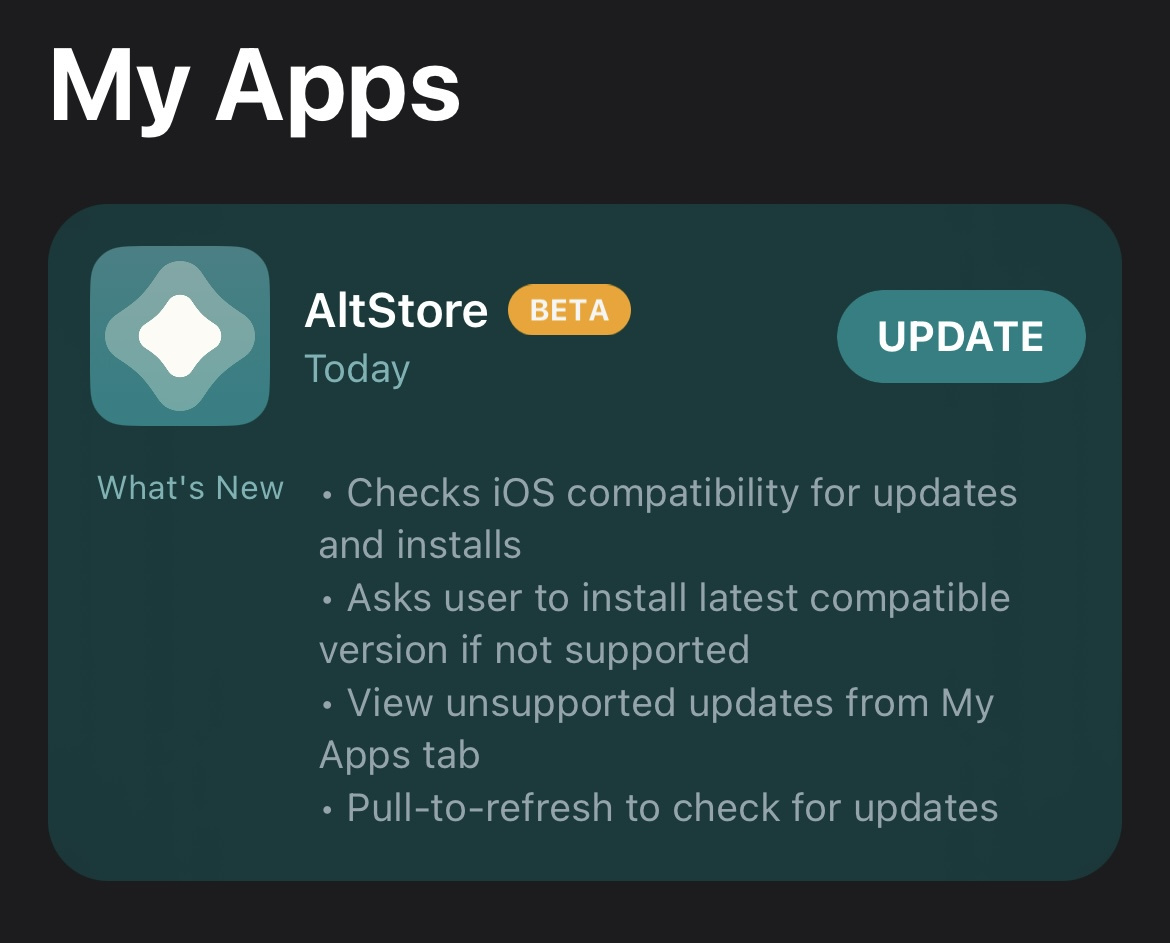
AltStore 1.6b4 is now available with a few more improvements and an important feature as we move towards AltStore 2.0: checking whether updates are compatible with your iOS version. Now if you try to download an app from the store that isn’t compatible with your device, AltStore will show a prompt asking if you would like to download the last compatible version of the app instead. This is important because AltStore 2.0 will require iOS 15 or later, and we want to make sure that transition is as smooth as possible.
As mentioned, there are a couple of other improvements we have included, such as being able to “Search FAQ” from all AltServer error alerts (updates to the FAQ are coming soon!) and pull-to-refresh for updates in the “My Apps” tab.
This will also be the final beta before the RC, which we hope to have available soon. If all goes well, the final release of 1.6 should follow quickly after. We’re close to the end of the error handling journey, so thanks for sticking with us!
Riley + Shane
Release Notes
New
Supports updating apps from app detail page
Changes AltServerErrorDomain to “AltServer.ServerError”
Adds pull-to-refresh to check for updates
Allows viewing unsupported updates from My Apps tab
Hides app updates that don’t support device’s OS version
Verifies iOS version is compatible before downloading app
Asks to download older app version if necessary
(AltServer) Adds "Search FAQ" button to error alert
(AltServer) Downloads latest compatible AltStore version for your iOS device
Improved
Improves error message when file does not exist at AppVersion.downloadURL
AltServerErrorDomain codes start at 2000
Changes AltServerErrorDomain from "com.rileytestut.AltServer" to "AltServer.ServerError"
Verifies sources don't contain duplicate app bundle identifiers
Verifies sources don't contain duplicate app versions
Shows error if a source is configured incorrectly instead of silently failing
(AltServer Windows) Uses CFBundleDisplayName instead of CFBundleName for app name if it exists
Fixed
Fixed error log's “UITextView is switching to TextKit 1 compatibility mode” runtime warning
Fixed error log's “Unable to simultaneously satisfy constraints” runtime warning
Fixed incorrect app name and iOS version in "Unsupported iOS version" error message
Fixed refreshing tweaked apps with removed app extensions
(AltServer) Fixed installation alerts saying "iPhone" instead of actual device name
Installation Instructions
To update AltServer, download the appropriate AltServer attachment for your computer. Windows users, make sure to uninstall previous versions first before installing this one so that AltServer updates correctly.
If you’re already using the AltStore beta, you can update to this version from the My Apps tab.
If you're installing the beta for the first time, make sure to first link your Patreon account in the Settings tab by following these instructions: https://faq.altstore.io/patreon/altstore-beta
Files