Home
Home

 Creators
 Search
 Recent
 Random
 Posts
Posts
 DMs
DMs
 Tags
Tags
 Random
 Importer
 Import
 FAQ
FAQ
 Account
 Register
 Login
Login
 Favorites
 Keys
Keys
 Logout
 Telegram

AltStore 1.6rc: The Updating Update (Patreon)
Content
Happy Holidays All!
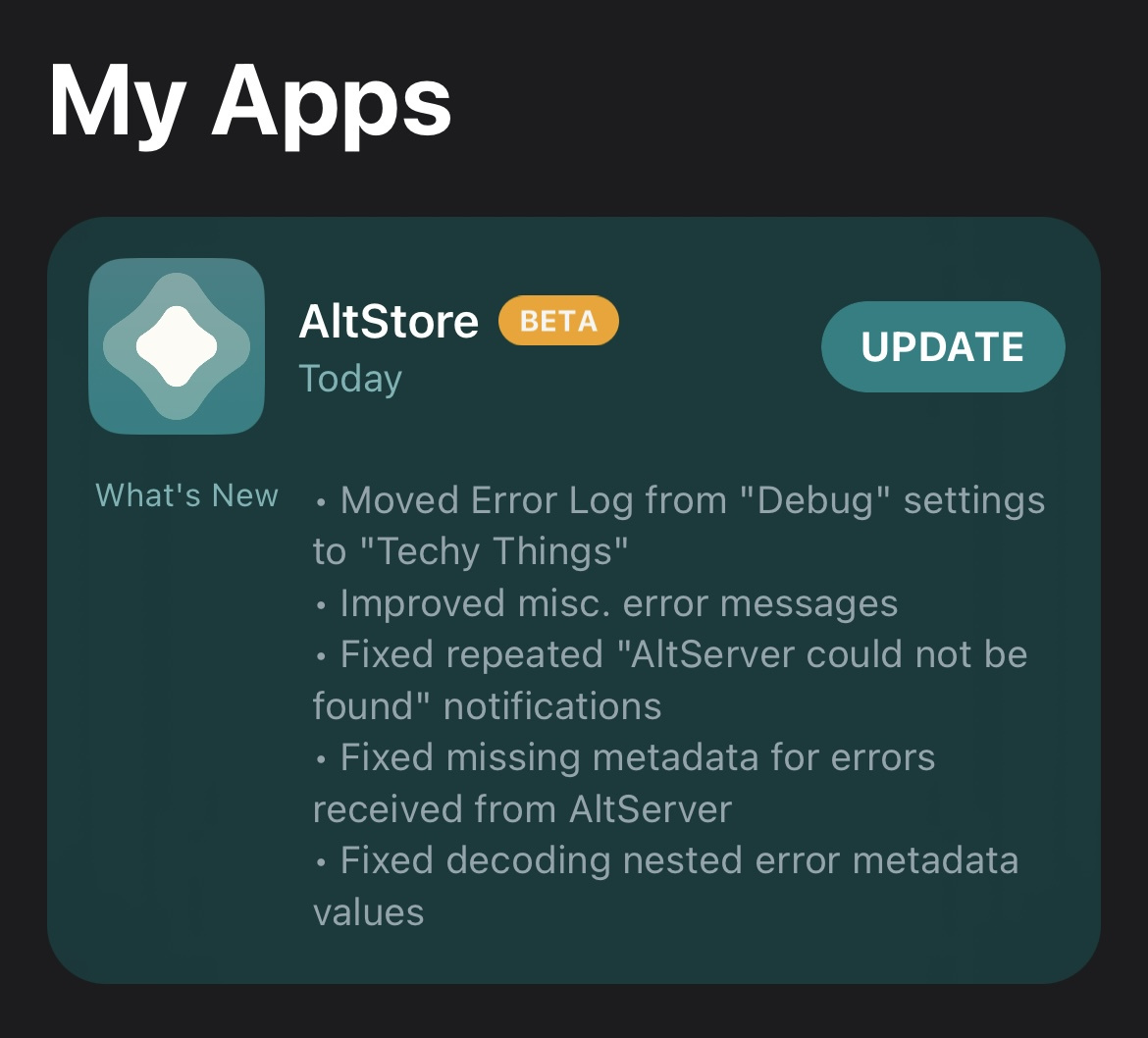
AltStore + AltServer 1.6rc are here with a very important update…updating! The updating logic has been revised, and we will be testing that out now at scale with this release. If everything goes well and y’all can update to this new version no problem, we’ll be set for the public release. So please let us know if you have any issues!
We also have a couple other small updates. One fun thing is the introduction of the “Techy Things” section in Settings, where you can now find the Error Log. We’ll be adding more tools like this in the future under Techy Things for the more tech-savvy users. Other than that, there are some other fixes for error handling, such as some edge cases when sending errors from AltServer to AltStore and improved error messages on AltServer Windows. If all goes smoothly, this should end our push to improve error handling and we’ll be moving on to a new phase in the new year 🎆
And with that, we are signing off until 2023 where we will have some big things coming :)
Riley + Shane
Release Notes
New
Moved Error Log to new “Techy Things” section in Settings
Improved
Uses underlying error messages (if available) for several AltServer.ServerError errors
Encodes/Decodes all CodableError codable user info values, not just recognized types
(AltServer Windows) Revised error messages to match AltServer macOS
Fixed
Fixed repeated “AltServer could not be found” notifications when attempting to refresh in background
Fixed decoding CodableError nested user info values
Fixed error encoding CodableError Int/UInt user info values
Fixed “missing provisioning profile” error when refreshing DEBUG builds
Fixed adding failures to NSErrors with nil localizedFailureReasons
Installation Instructions
To update AltServer, download the appropriate AltServer attachment for your computer. Windows users, make sure to uninstall previous versions first before installing this one so that AltServer updates correctly.
If you’re already using the AltStore beta, you can update to this version from the My Apps tab.
If you're installing the beta for the first time, make sure to first link your Patreon account in the Settings tab by following these instructions: https://faq.altstore.io/patreon/altstore-beta
Files