 Home

 Creators
 Search
 Recent
 Missing
 Random
 Posts
 DMs
 Tags
 Random
 Importer
 Import
 FAQ
 Account
 Register
 Login
 Favorites
 Keys
 Logout
 Telegram


sirokataのチャット
If you’re having trouble linking your Discord account, please try disconnecting it first and then linking it again.
If you can’t use Discord at all, please let me know. I’ll provide you with a free UniFans access code instead.
見れません、
DMでお送りしたのでご確認下さい
Hello. I tried to connect discord but it doesn’t work. I tried disconnect with patreon and your account but it doesn’t work. Please help me
There can sometimes be a delay before the Discord role is assigned.
Could you please tell me your Discord username? I’ll check whether the role has been assigned on my end.
You can send it to me here or via a DM if you prefer.
ディスコードへの参加の仕方が全く初めてでわからない。過去のチャットを参考にするも英語表記のためわからない
別の方の記事ですが、こちらを参考に試してみて頂けますか?
https://www.patreon.com/KurokagiNeko/posts/discordlian-xi-143782162
難しそうならunifansの無料コードを発行しますので、DMでお知らせください
Anyone else having the same issues on Mega?
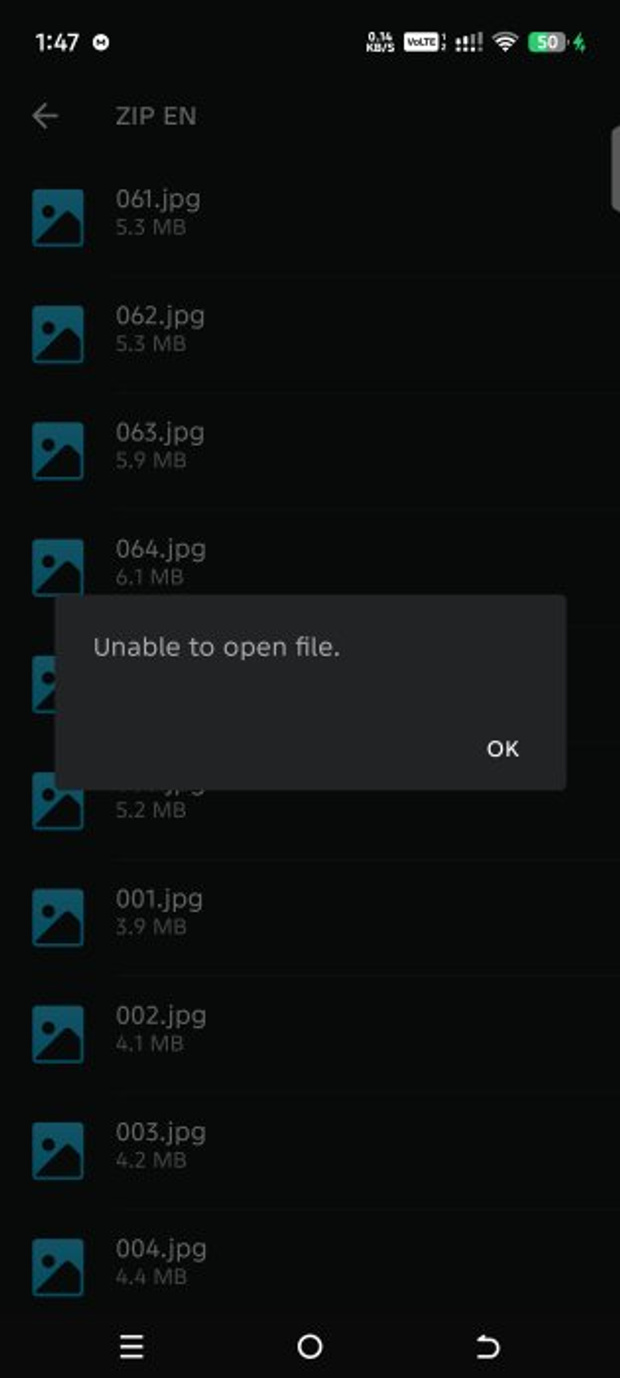
Was the downloaded file corrupted?
If so, the download may have failed, so please try downloading it again.
Already tried Redownloading 3 times. I think it’s like you said some content is only available in Pixiv
Having issue joining the discord server. Did try unlinking and relinking discord
Never mind it’s working now, thanks
有最新的链接吗
你说的“最新链接”是指什么?
每月整合包吧
Hello, nice to meet you. I’ve just joined the membership. This is my first time accessing content through Discord, so I’m not quite sure how it works. I do have a Discord account, though. Should I just wait for a DM with an invitation link?
I was able to access the works through Discord. Thank you for sharing such wonderful work!
为了把更多时间放在制作和测试上,我暂时不打算每月整理合集,抱歉啦 🙏
目前还是会把更新内容直接放在 Mega 的同一个文件夹里,方便大家下载。
I’m glad you were able to access the works through Discord! Thank you so much for your kind words and for supporting my work. I hope you enjoy the content!
I do have a lot of problem with connect to the server, I just cannot make it appeaer on my discord. I already connected pateon with discord tho. Any Idea how to make it work ;-;
Ok, finally make it worked. xD
Glad you got it working! xD
This message was deleted.
付費完成後怎麼加入Dc,
感謝你的支持!
如果你是透過 Patreon 訂閱的,可以按照以下步驟加入 Discord:
- 使用瀏覽器登入 Patreon。
- 進入帳號設定(Settings),找到「Connected Apps(已連結的應用程式)」。
- 找到 Discord,點擊「Connect(連結)」。
- 登入 Discord 並完成授權。
- 連結成功後,按照頁面提示加入 Discord 伺服器。
Patreon 官方操作指南:
https://support.patreon.com/hc/en-us/articles/212052266-Getting-Discord-access
連結後,Discord 身分組可能需要一點時間才會自動分配。如果暫時看不到頻道,請先等待約 30 分鐘。
如果還是無法使用,可以嘗試解除連結後重新連結一次。
希望你能順利加入並享受作品!
