Home

 Creators
 Search
 Recent
 Random
 Posts
 DMs
 Tags
 Random
 Importer
 Import
 FAQ
 Account
 Register
 Login
 Favorites
 Keys
 Logout
 Telegram

[Blog?] Behind the scenes of what I've been up to: Learning animation in a new program - ToonBoom! (Patreon)
Content
ALRIGHT, uhhhhh this might end up being a long boring post where I geek out about animation stuff, BUT there's some bouncing titties at the end so bear with me (there's a couple GIFs in this post, so it might take a sec to load them all)
-
For someone called DoctorLoops, it's been awhile since the last time I've made any LOOPS! But the thing is: the idea of wrestling with Adobe Animate into making it cooperate long enough to create an animation sounds exhausting. Back when it was called Adobe Flash, it was nice! Just a simple art program with clean frame manipulation, no significant bugs, and it even had Actionscript 2.0; a programming language you could use to make your animations into interactive games by adding clickable objects.
But then Adobe renamed the program to Adobe Animate and starting adding a bunch of features nobody asked for, bogging down the programs load times and accidentally integrating a bunch of VERY frustrating bugs (which remain unfixed to this day). Sometimes you'll draw a line and the program will just delete it for no reason, or completely morph your line into a glitchy blob. Sometimes a simple motion tween will cause your Graphic to spaz out in the final 3 frames of the tween for no fucking reason, and there's NO workaround. But it was the only program I really knew how to animate with - it's what I grew up with! I tried dabbling with animation in Krita, but the process isn't too smooth because Krita is primarily an art program.
A few days ago, I was watching Frieren and admiring the BEAUTIFUL animation and character acting, and... I just hated how I felt like I'd lost my ability to do that. My primary tool was essentially broken. Hell, Adobe just recently tried to shut down development on Adobe Animate entirely because they knew it was a lost cause. But... I really do like to animate! I don't WANT it to become something I lose, so I decided I'd start over and learn a NEW animation program and the current industry standard is called ToonBoom. I downloaded the two-week trial, loaded up some tutorials on YouTube by a helpful artist named DrawnSean, and started from scratch.
First off, it's an art program in itself - I have to use the brush/pencil tools inside ToonBoom to draw my characters before I can rig them, but unlike Animate, the brush tool isn't complete ass. Most of what I know about animation fundamentals can thankfully be carried over into ToonBoom (tween ease-in/out, parent/child layering, keyframe shortcuts, etc), but of course, finding out how to use these things is a different process entirely. That giant web/graph looking thing attached to the top of this post? That's all the LAYERS. It's setup like a programming web of sorts - everything stems from a Composite, so if I want to draw Veronica's head, I have to create a block for the Head, and then parent it to another block for her Eye, then another block for her mouth, etc, and link them all underneath the head. THEN, every block has to have a Peg created above it, which is what you use to manipulate the shape/movement of the object without fucking up your drawing.
So, in any animation program, the first thing you should always be animating... is the classic bouncing ball:
Here, I was testing out two things: Keyframe creation, and a new effect node: Cutting. It's essentially like Masking in most art programs, but you can selectively choose layers of the drawing to be affected. In this case, I can use it to hide the black outline around the bouncing ball; when the ball passes through the center ball, the black outlines on BOTH objects disappear. This is good! It means I can draw things like different segments of hair and place them all on top of a head without them all having visible outlines. So, naturally, the next thing I wanted to do was create a rigged head for Veronica and try wiggling it around a bit:
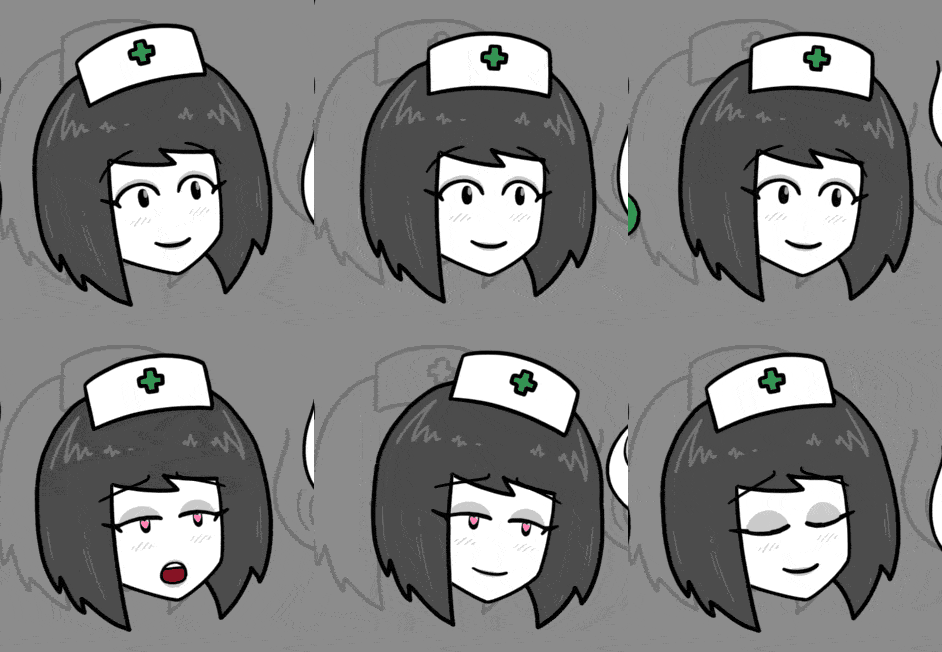
Alright, a LOT of things going on here: Object Rigging to connect all the pieces together (so when I move Veronica's head, it moves her eyes/mouth too), Drawing Substitutions (different versions of existing objects, so I can swap out variations of her pupils/mouth/eyebrows throughout an animation), and Cutting (Her hair is made of three parts: LeftHair, MainHead, RightHair, so Cutting allows me to overlay them on top of each other cleanly). I also figured out where the Ease In/Out tools are, so her movements can speed up or slow down towards the end of a tweened motion. Getting the actual setup for all these pieces is probably the part that took the longest. For this Head composition, here's what my Node setup looked like:
Everything connects to a Head composite at the bottom, and every block represents the different pieces of the head (blue) and their respective pegs (green). The dark blue bits are the Cutter effects, which are linked to the Line Art, Color Art, and Overlay layers on each drawing involved in the mask. It's a LOT, and trying to figure out this new system was probably the most demoralizing part of the experience 💀 I have no idea how I'm supposed to arrange these nodes so it doesn't look so messy, but the more I add to the drawing, the more nodes inevitably fill up my screen.
But I powered through (much thanks to that DrawnSean youtuber and his ToonBoom tutorials), and after I felt like I had a decent grasp on the Node web, I tried my hand at something more jiggly:
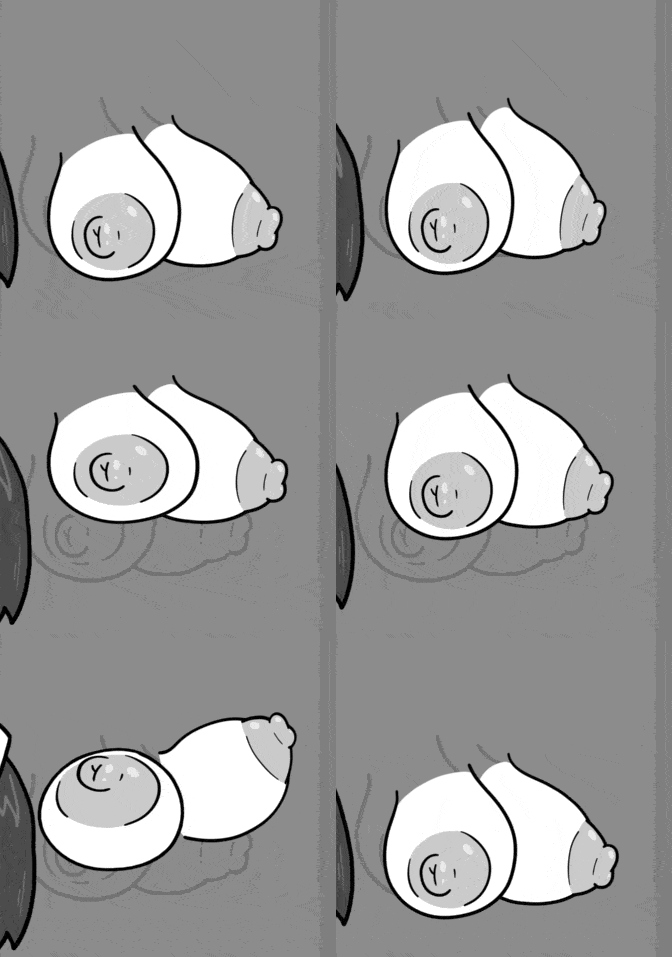
Yaaay, boobies! The main things I wanted to test out here was the Curve Rigging tool, which lets you deform/stretch a drawing by creating a "bone" through the object. You can use it to make things animate a bit more fluidly and make things look "squishy", but there's plenty of other rigging types, like Bone, Envelope, and Freeform. If you notice, I even used Drawing Substitution again here on the left boob to turn it into a different drawing entirely as it bounces upward! The node web for the boobs isn't as complex as the Head was, thankfully - it's just the two boobs, two areola, two nips, and the Deformation node for the Curve Rig:
I definitely feel like I'm making good progress with learning ToonBoom and the neat part is that it actually FEELS good to use - nothing is TOO pointlessly convoluted (looking at you, node web) and all the features I'm familiar with from Adobe Animate can be found relatively where you'd expect to find them. Even the keyboard shortcuts aren't too tricky to get used to, and some even share the same shortcuts from Animate (like F6 to create a new Keyframe).
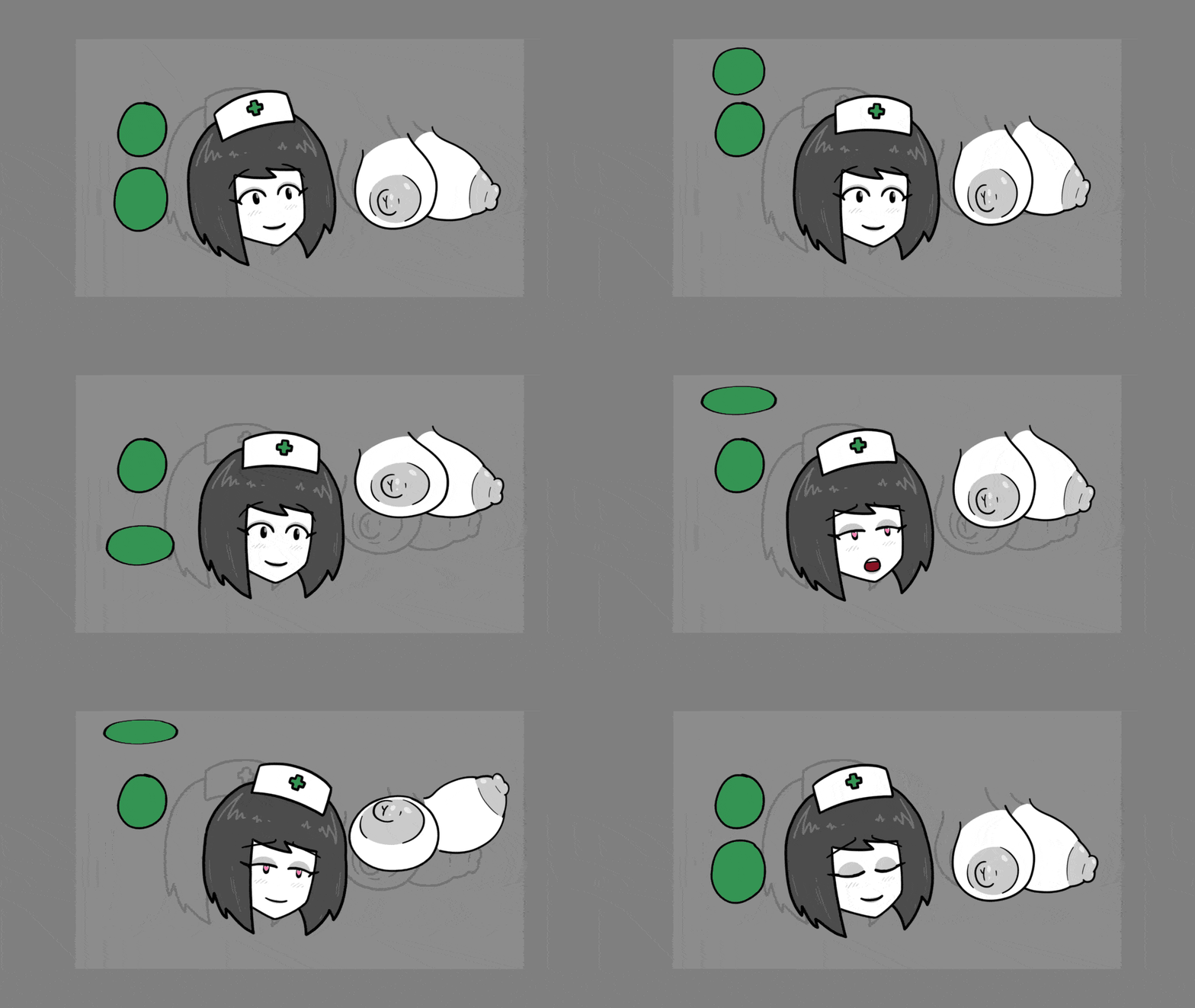
For fun, here's the overall composition I ended up with:
Alrighty, I think that's enough yapping your ear off about this stuff - I can't imagine reading all this white text on Patreon's black background is good for your eyes, so I'll let you get back to your day. I'm sorry if things have been a little quiet on the comic-side while I've been teaching myself how to use ToonBoom, but I'm hoping that eventually I can fully swap over to this program and use it to create even better (lewder) content for you guys 💚 I hope you have a nice relaxing weekend!
Files