Home
Home

 Creators
 Search
 Recent
 Random
 Posts
Posts
 DMs
DMs
 Tags
Tags
 Random
 Importer
 Import
 FAQ
FAQ
 Account
 Register
 Login
Login
 Favorites
 Keys
Keys
 Logout
 Telegram

Patreon Tutorial #47 - NES Game Product Render - Part 6 (Patreon)
Videos
Content
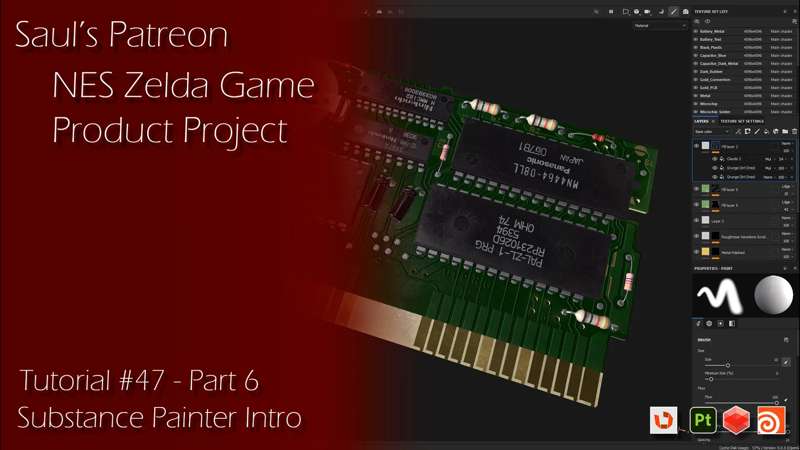
In part 6 of our NES Game Product Render series, I will be continuing with our Photoshop Textured assets inside of Houdini and applying them quickly to our Redshift shaders. This will let us quickly verify if there are any issues with our texture masks for our microchip text or our NES game cartridge labels. How to apply these masks in a quick layered setup and examine them for any issues.
After that, I will be bringing these textures into Substance Painter. I will be going over the general UI and layout for Substance Painter and touch on the tools/shelves for everyone to follow along on a default UI. I know some users might not have any experience with Substance Painter, so this will be a brief introduction showing everything you need to know to dive into using this awesome tool quickly. After that, I will go over the process of importing our FBX model, and some of the considerations we need to take for our import process.
At the end of this tutorial, I will go over the Substance Painter baking process, which is critical for us to do at the very start before we move on to painting our asset. This will let us use the object's curvature, direction, etc. during our texture painting phase in the next tutorial, part 7.
Files
Previews only