Home
Home

 Creators
 Search
 Recent
 Random
 Posts
Posts
 DMs
DMs
 Tags
Tags
 Random
 Importer
 Import
 FAQ
FAQ
 Account
 Register
 Login
Login
 Favorites
 Keys
Keys
 Logout
 Telegram

Devil Horns V1 - Both Vs and More Head Meshes (Patreon)
Downloads
Content
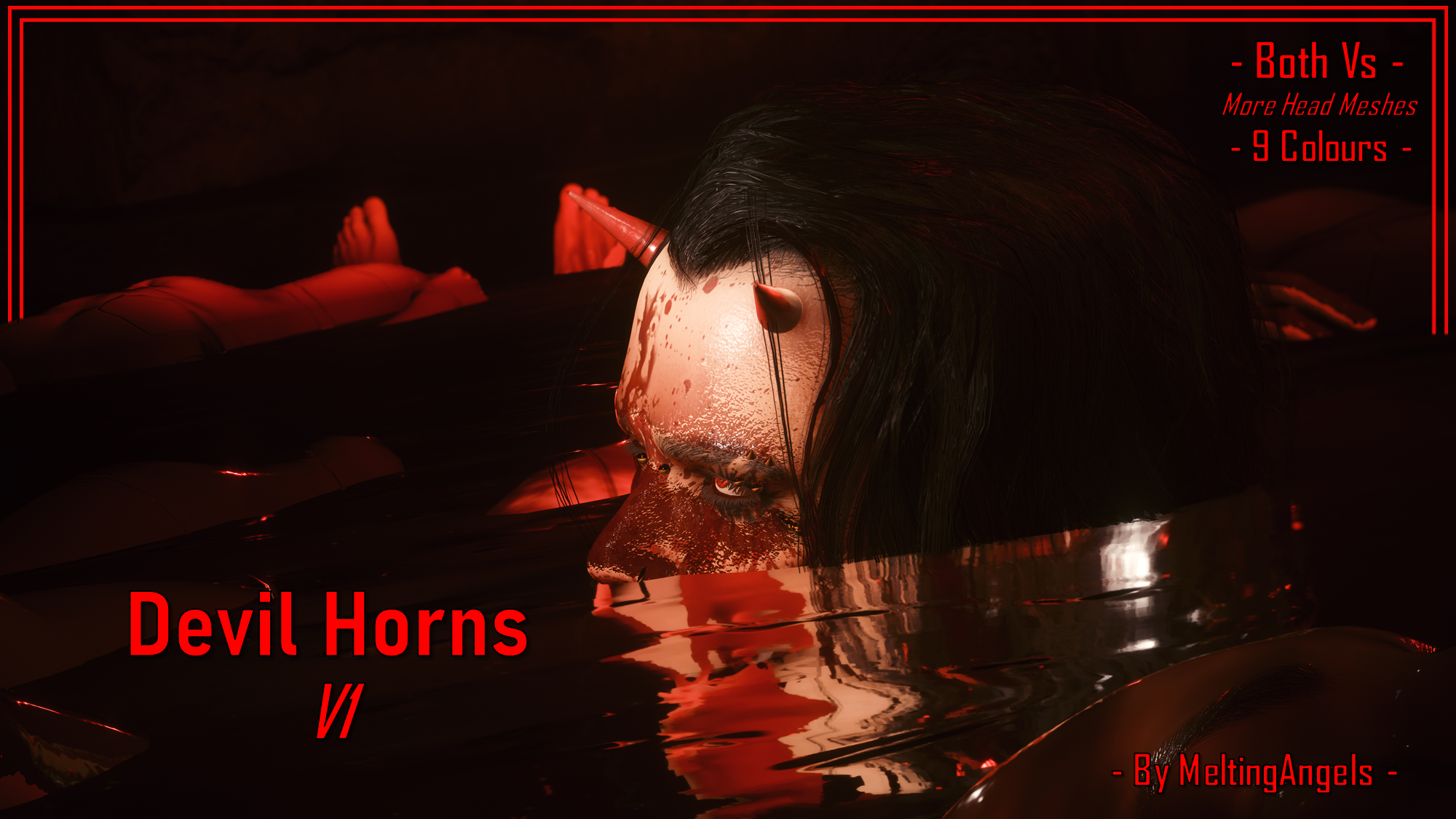
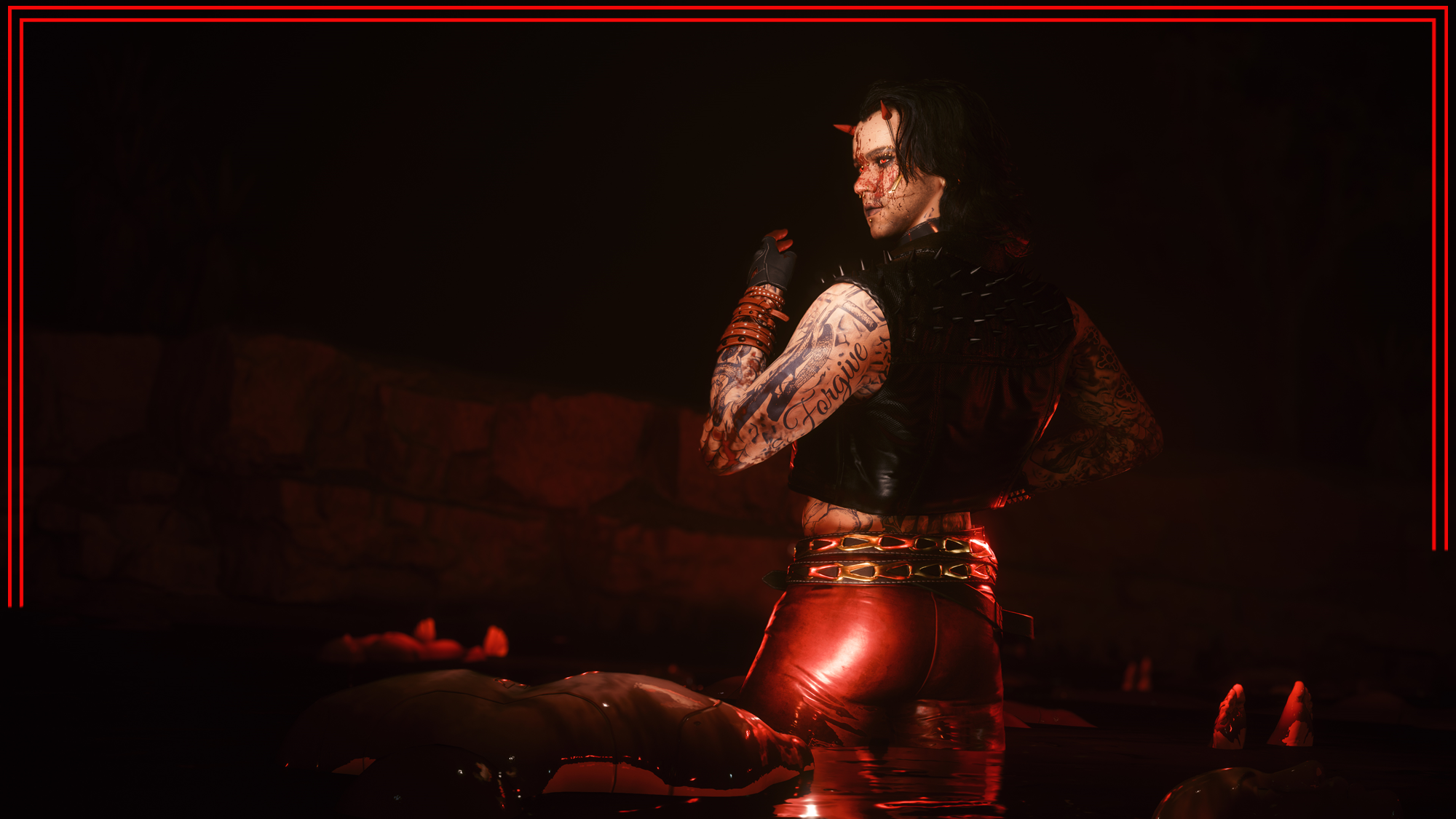
Heya my Patreon chooms! Thanks for all the support!This is available for Both Vs!As I mentioned in my WIP posts for this mod, this mod gives your V permanent Devil Horns. This is a modified version of a mesh I found in the game files. It's one you can see on various NPCs, and I used the base version of this mesh for one of my Head Spike mods.
This was supposed to just be a fun little side project, but it kind of spiralled into a full mod. It's given me major inspiration, and I definitely plan to experiment with these Devil Horns in the future.I also want to do an ArchiveXL version, to allow for easier switching between colours and adding more colours in general.
Please note I am no longer uploading to Nexus, so scroll down for Installation Instructions.
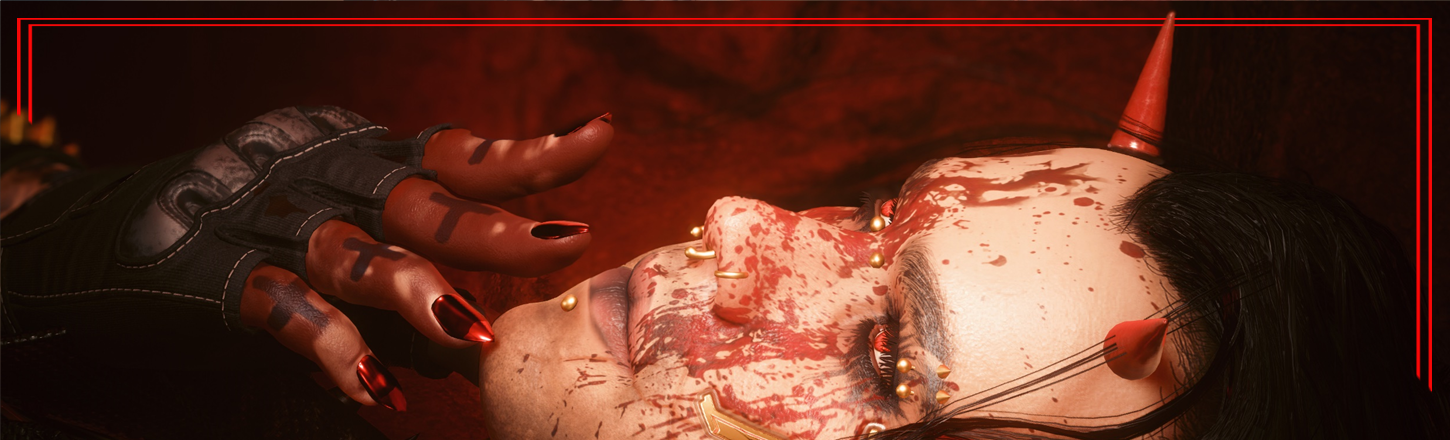
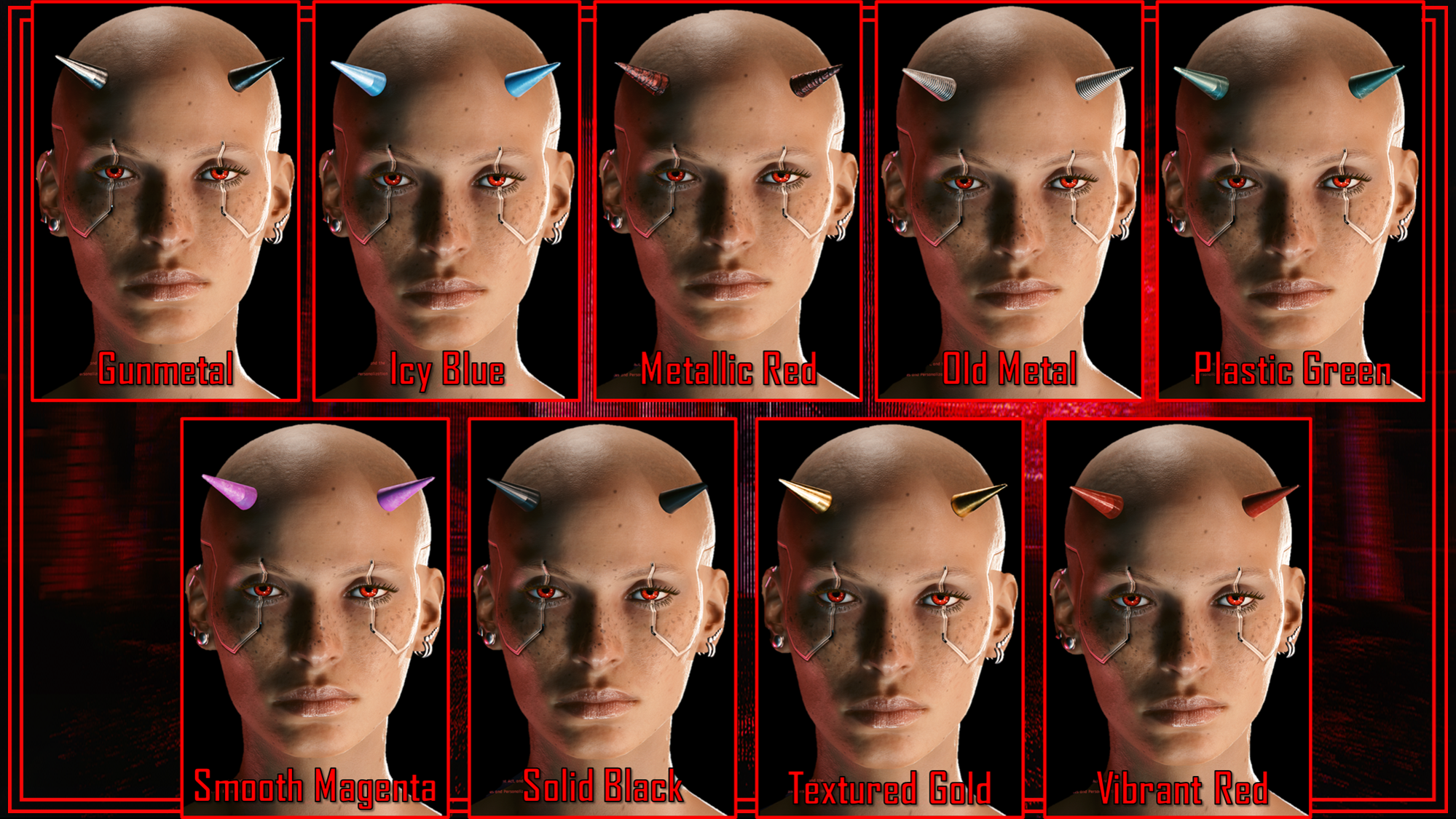
This mod is available for Both Vs, and uses the More Head Meshes mod by Nim/Nimrain on Nexus. That mod is essential for this one to work; nothing will show up without the framework, obviously.There are 9 Colours available, which you can see in the Mod Page Screenshots. For those shots, I used the Vibrant Red colour swatch:
Important Note: This is a modified version of the Head Spikes mesh, as I said. As such, they also use the same 9 colour options. If you choose a colour for your Devil Horns from THIS mod, it'll also affect the Head Spikes if you have those installed.
That's a major reason I want to convert this mod to ArchiveXL.
Nexus Link (Head Mesh Framework): More Head Meshes
This mod is essential for the horns to show up and work properly.
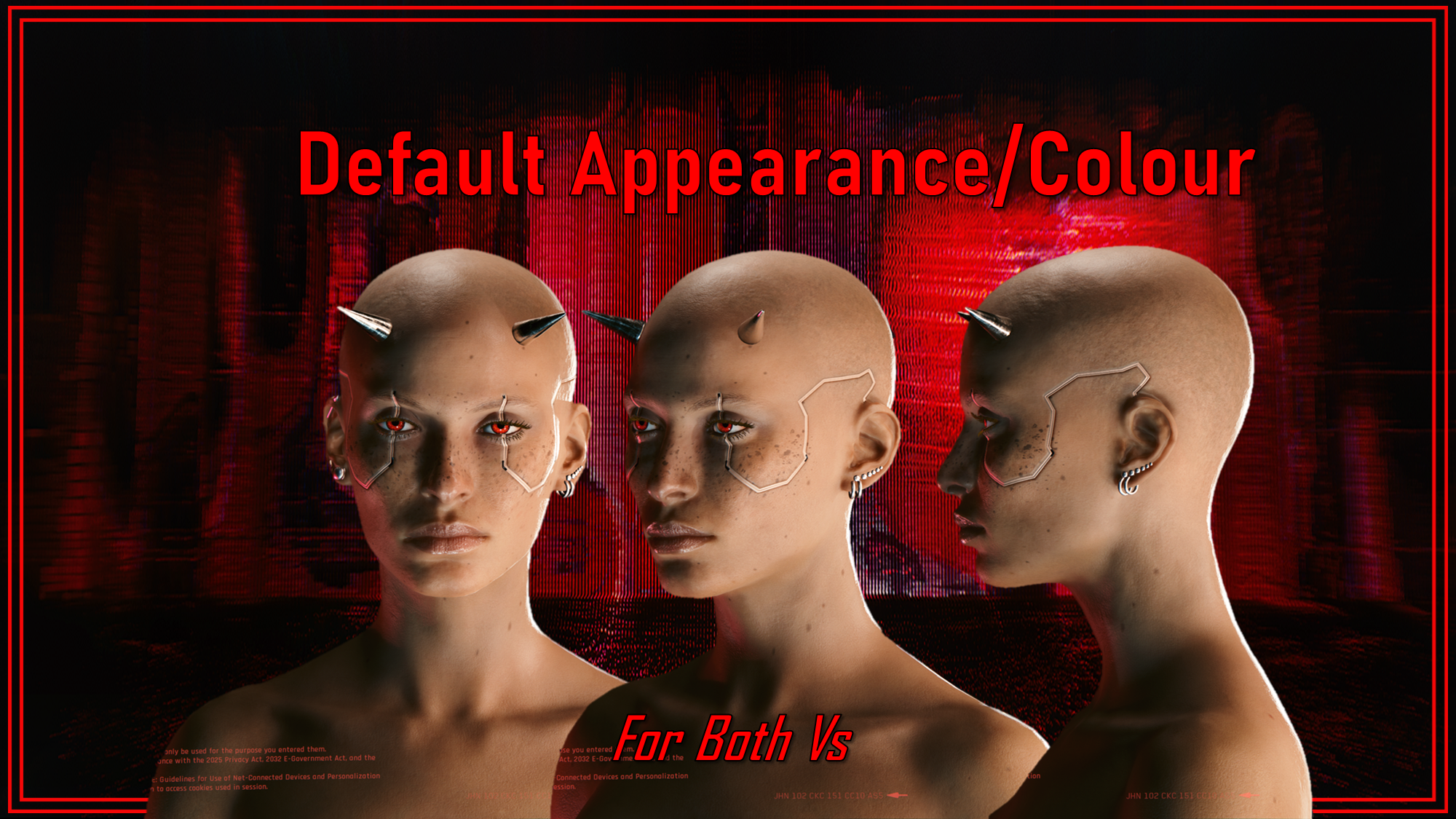
Installation:These will have a Default Colour if you don't install any additional files; see the screenshots.1) Download More Head Meshes and follow the installation instructions on their page.2) Download either the Masc or Fem V zip files from THIS mod.3) Choose ONE Head Mesh slot, and keep a note of this if you intend to use more mods that also use the More Head Meshes framework.4) Pop that into your game's mod folder. On Steam, the file path is as follows:steam - steamapps - common - Cyberpunk 2077 - archive - pc - modYour .archive Slot file needs to go in the MOD folder at the end of that file path!!!5) If you want a colour, download the Colours Zip File from THIS mod.6) Choose ONE colour, and put it into the same folder you just placed your Head Mesh Slot file in.7) Load up the game, and the horns will show up on your V!
That about does it for this mod, and this week's posts! I'll be back with more previews next week; thank you all again for supporting my modding journey!
Files