Home
Home

 Creators
 Search
 Recent
 Random
 Posts
Posts
 DMs
DMs
 Tags
Tags
 Random
 Importer
 Import
 FAQ
FAQ
 Account
 Register
 Login
Login
 Favorites
 Keys
Keys
 Logout
 Telegram

Wolven Storm - Wolf Eyes for V (Patreon)
Downloads
Some files exceed the archive size limit and weren't saved: 2 files. Please note these limits are in place to keep this site running long term, without costing a fortune. You can favorite the creator though, certain milestones increase the limit.
Content
Hey everyone! Hope you've all been having a good week so far! I am here with another new mod for you all!
A few days ago, I previewed my set of Wolf inspired eyes. So here I am with the actual mod post! This set was honestly so satisfying to paint! (Yes, as with all my eyes, these were hand painted by me) And it was also super fun to take the mod page screenshots. Once again, I used my main V, Avery, for the mod photoshoot. Somehow, she looks good no matter what outfit or hairstyle I put her in.
The ears look super cute honestly, I am so glad I used them for the pictures.
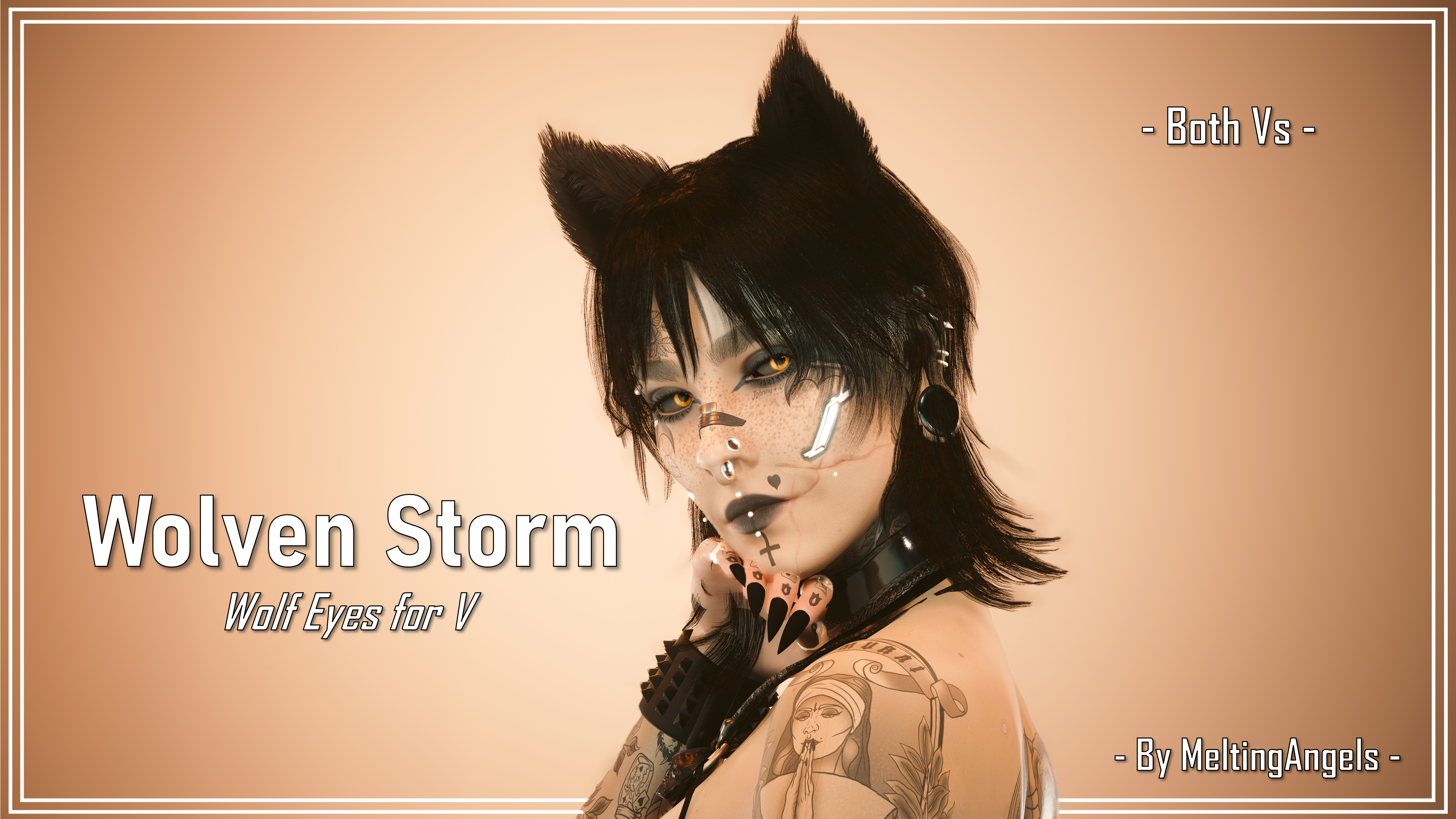
Here's the unblurred main thumbnail:
It's a super simple thumbnail, but I think that really works; the eyes stand out super well in my opinion. Though I cannot choose one option from the set as my sole favourite, these ones in the main thumbnail are pretty high up there. The yellow/amber eyes stand out alot especially when you use them with the Black Sclera option!
And yes, the hairstyle mod I used is a wolfcut ;)
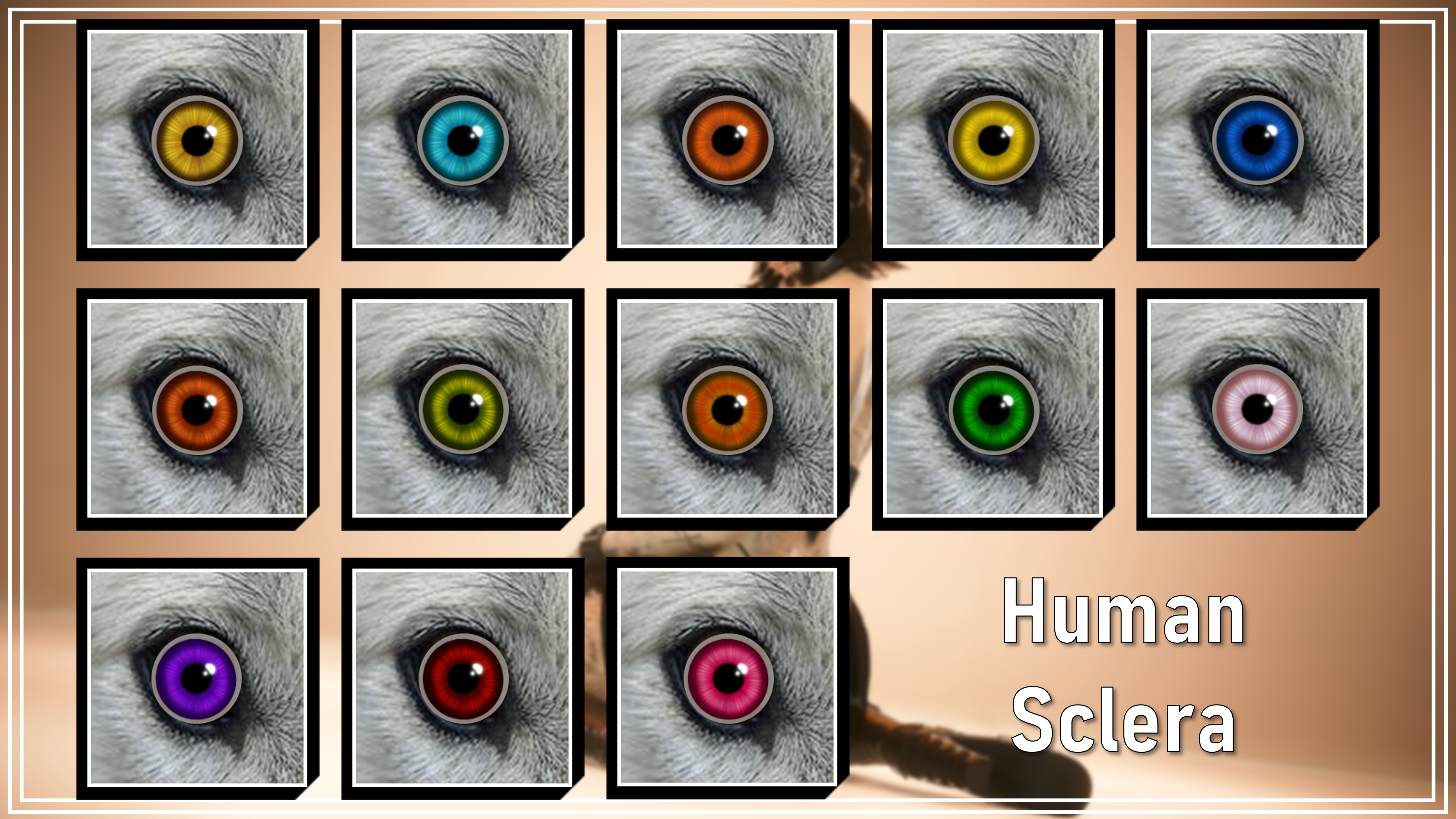
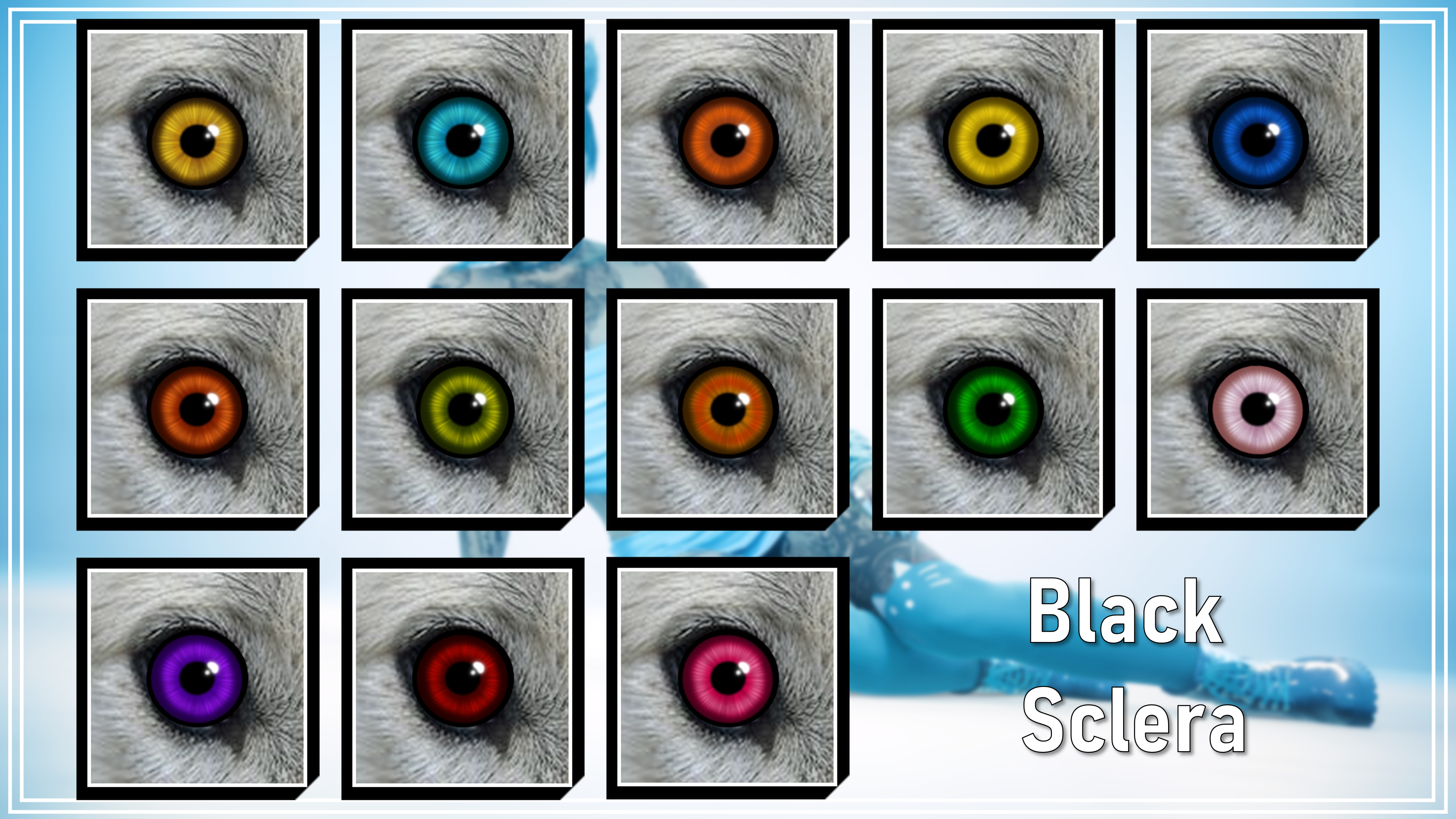
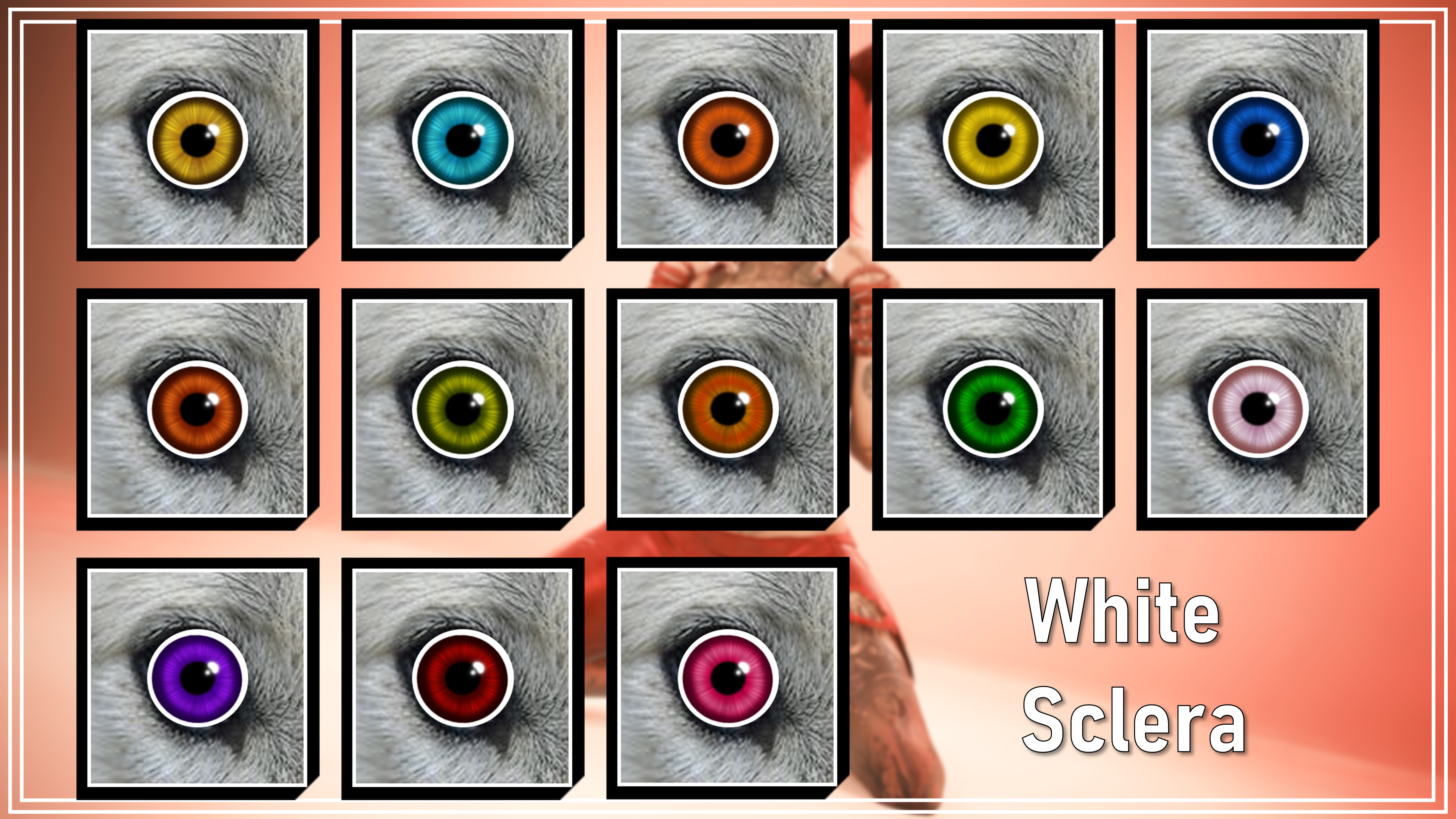
Here's the 13 eye colour options alongside the 3 sclera options:
As you can see, the eyes do stand out particularly well with the Black sclera. So much so, that they blend in with the wolf photo I used for the icons. Yes, I made Custom UI Icons for these eyes. Unfortunately, you can only use them in pre 2.2 games. The icons rely on the ICONIC UI Framework mod, which is sadly broken in 2.2+ saves.
Hopefully one day that gets updated, so you can all enjoy the icons!
Before we get to the rest of the screenshots, here are some Installation Instructions:
Icons for Pre 2.2 Users ONLY:
1) Download the '#wolfeyesicons' .archive file from this post.
2) Place it in your Mod folder. On Steam, the file path is as follows:
steam - steamapps - common - Cyberpunk 2077 - archive - pc - mod
(You want to put your file in the 'mod' folder at the end of that file path)
3) Launch your game, and the icons should show up for the 39 eye options!
Eyes for Pre 2.2 AND 2.2+ Users:
1) Download the '#wolfeyes' .archive file from this post.
2) Place it in your Mod folder. On Steam, the file path is as follows:
steam - steamapps - common - Cyberpunk 2077 - archive - pc - mod
3) Launch your game, and the 39 wolf eyes should show up!
(The remaining eyes should just be the vanilla ones)
Required Mods:
Pre 2.2 Users: Unique Eyes Core by Halvkyrie
2.2+ Users: Unique Eyes Core 2.2 by EKT
Now that's all done, I am going to go ahead and post the rest of the mod photos. Thank you all for your support! Bye for now!
Files