Home
Home

 Creators
 Search
 Recent
 Random
 Posts
Posts
 DMs
DMs
 Tags
Tags
 Random
 Importer
 Import
 FAQ
FAQ
 Account
 Register
 Login
Login
 Favorites
 Keys
Keys
 Logout
 Telegram

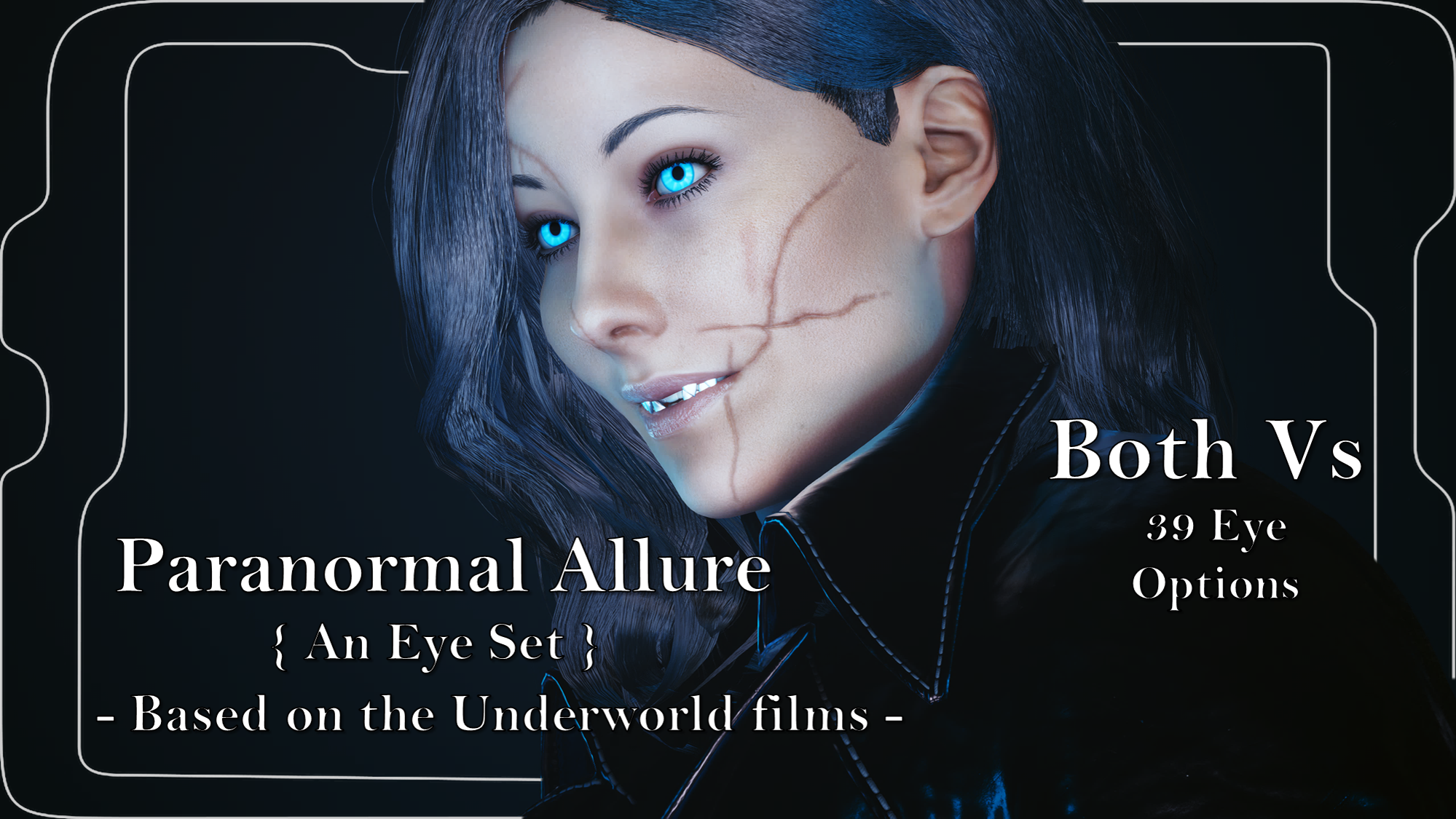
Paranormal Allure {An Eye Set} Based on the Underworld films - Halloween Day 4 (Patreon)
Downloads
Content
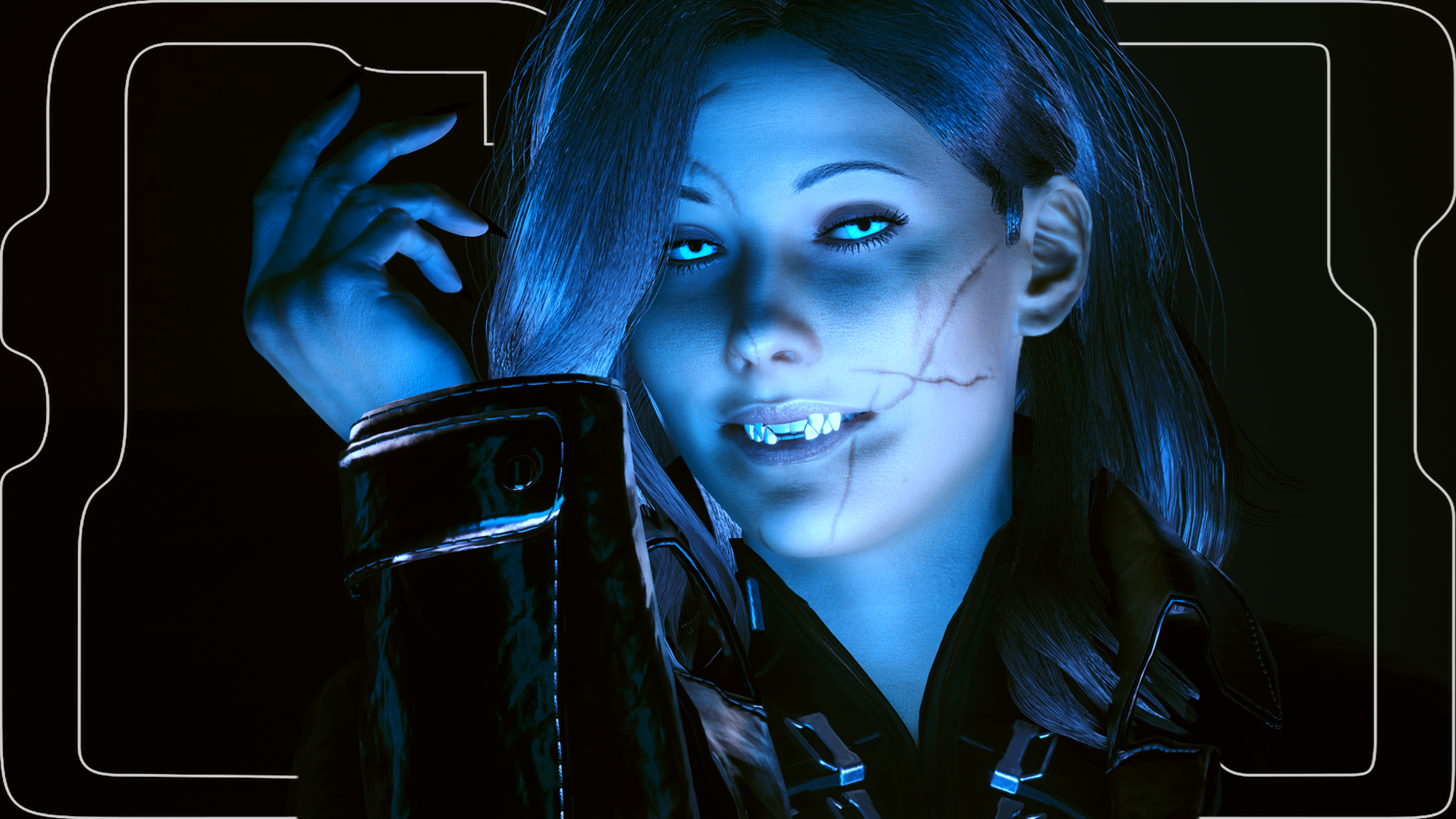
For day 4 of this gargantuan modding project, I decided to tackle my first ever eye mod set!!! First and foremost, this wouldn't have been possible without the help and guidance of PinkyDude, JSILVERHVND, and Nora- they showed me how eye mods work and were very patient with my many questions.
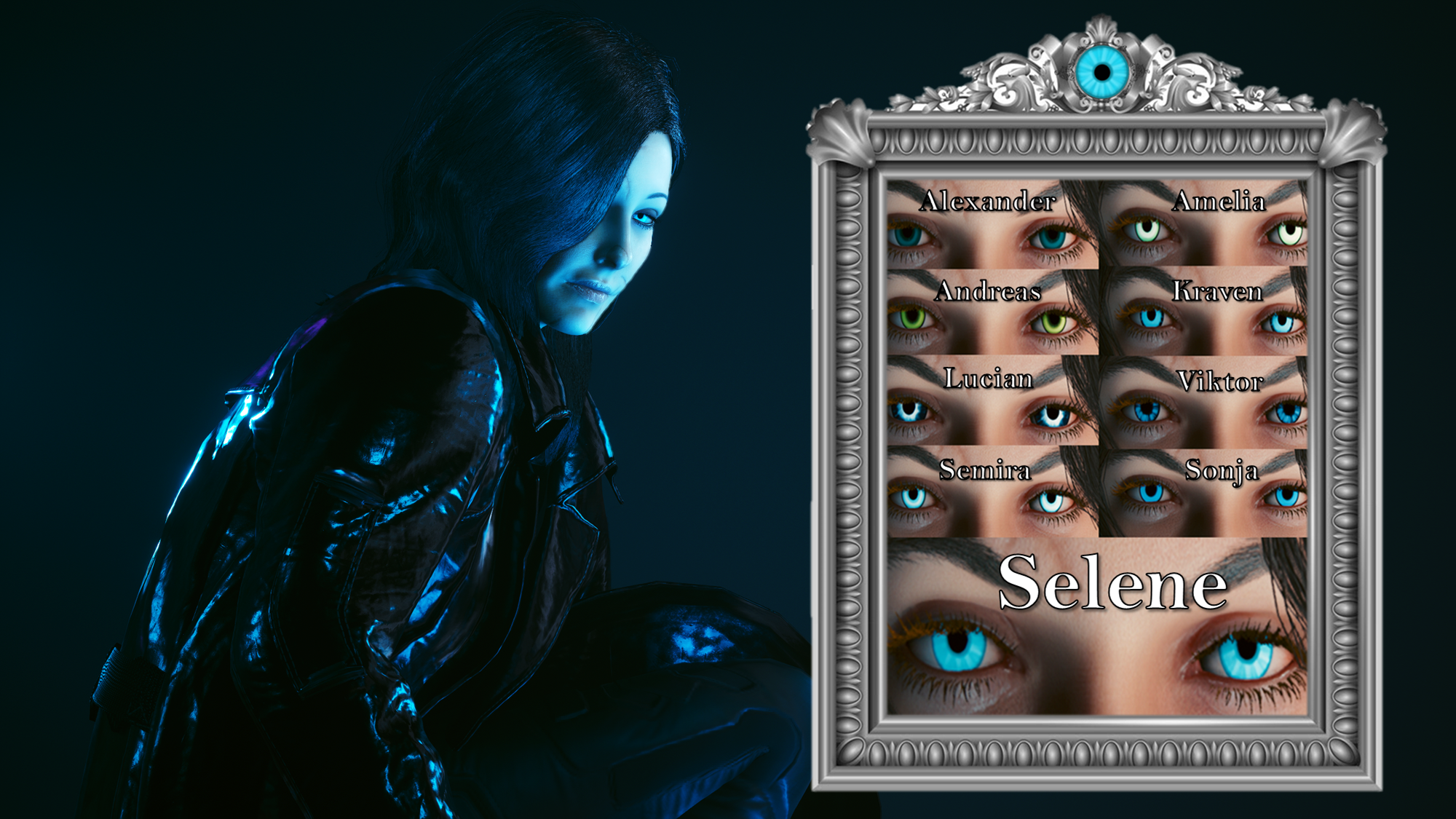
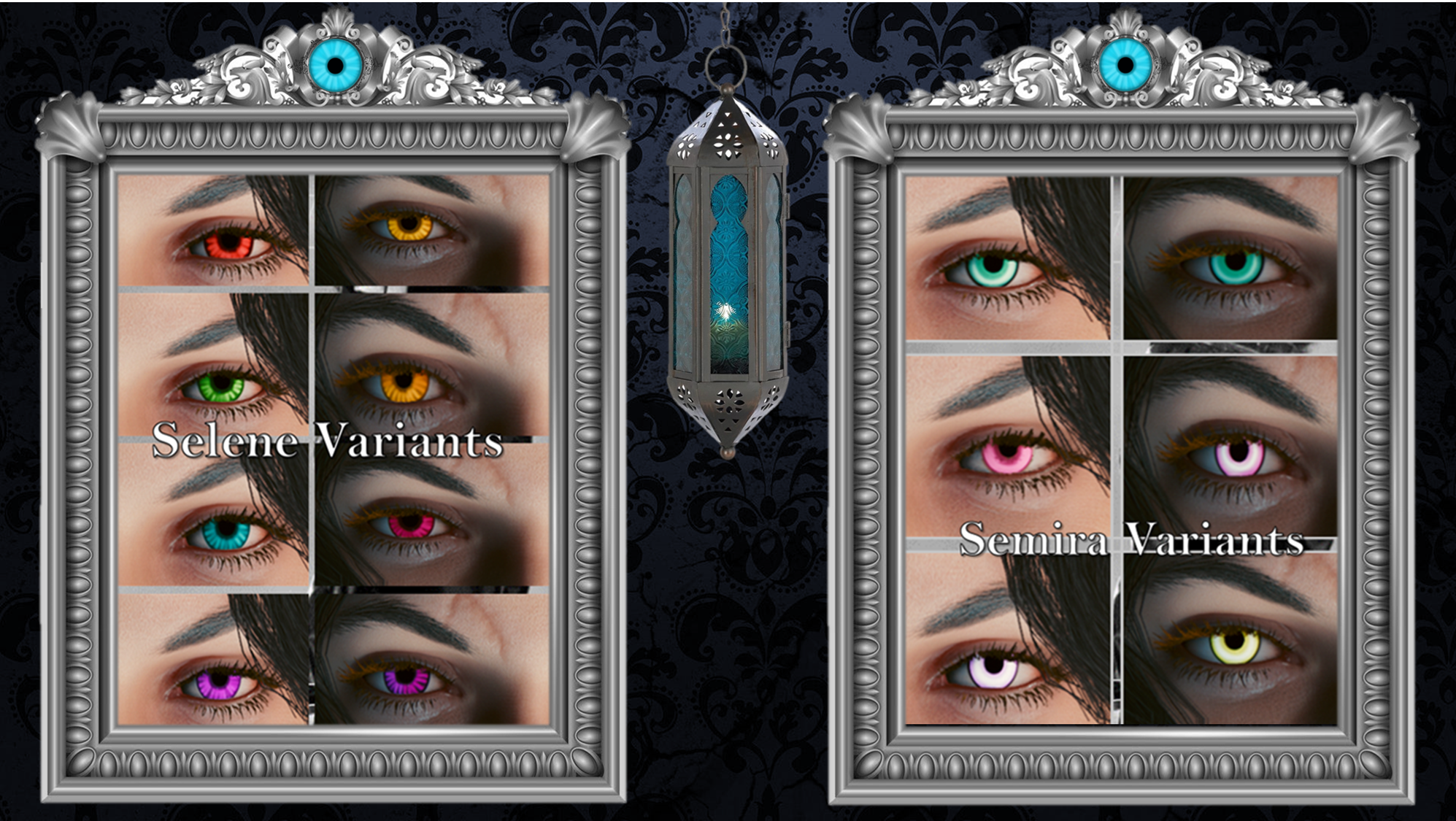
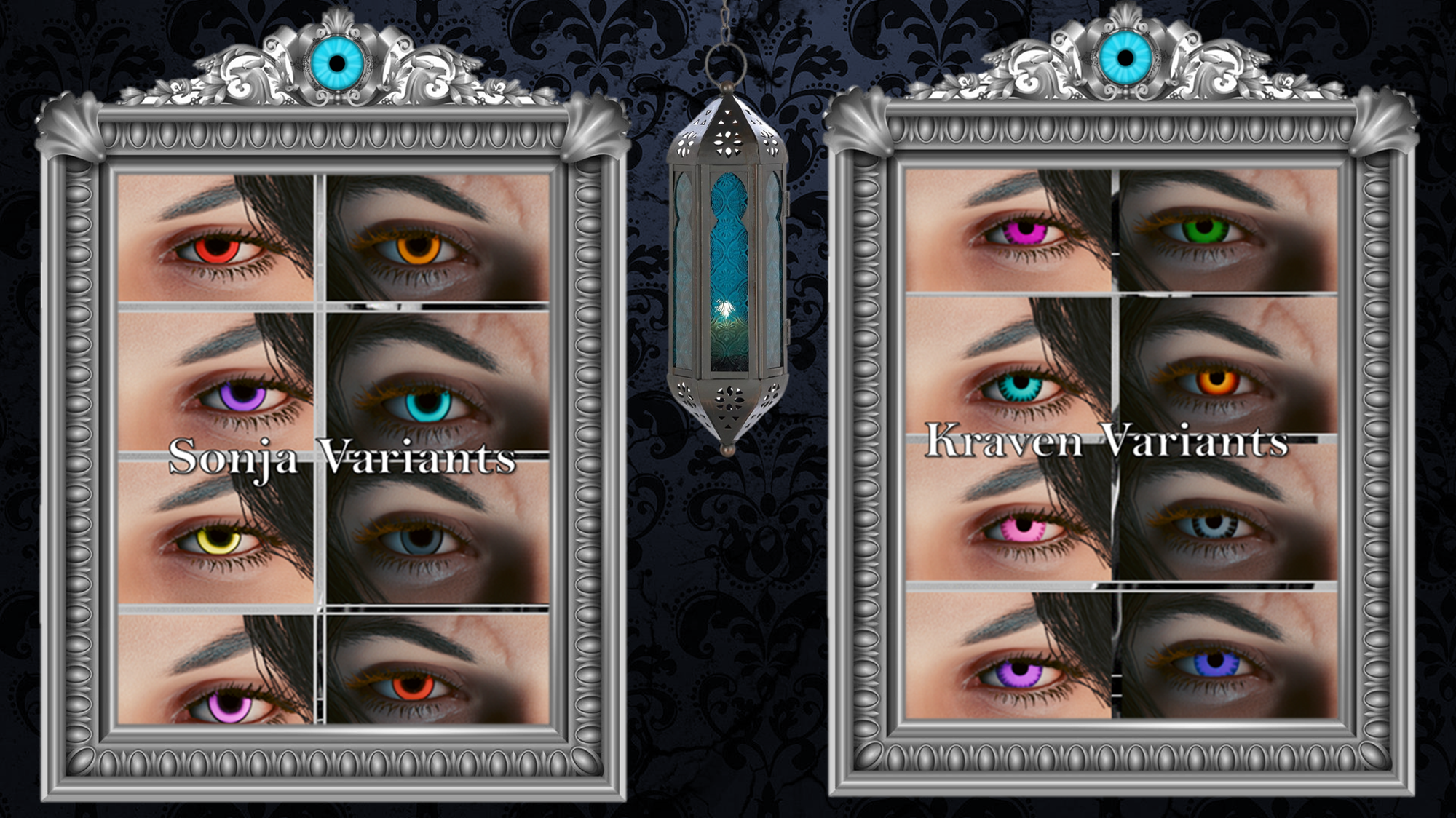
Back to the mod! This is a full set of 39 eye options; you do select them in vanilla cc, but they aren't actual replacers- they rely on the Unique Eyes Core (Default) mod to function, and also to ensure the eyes remain unique to V.
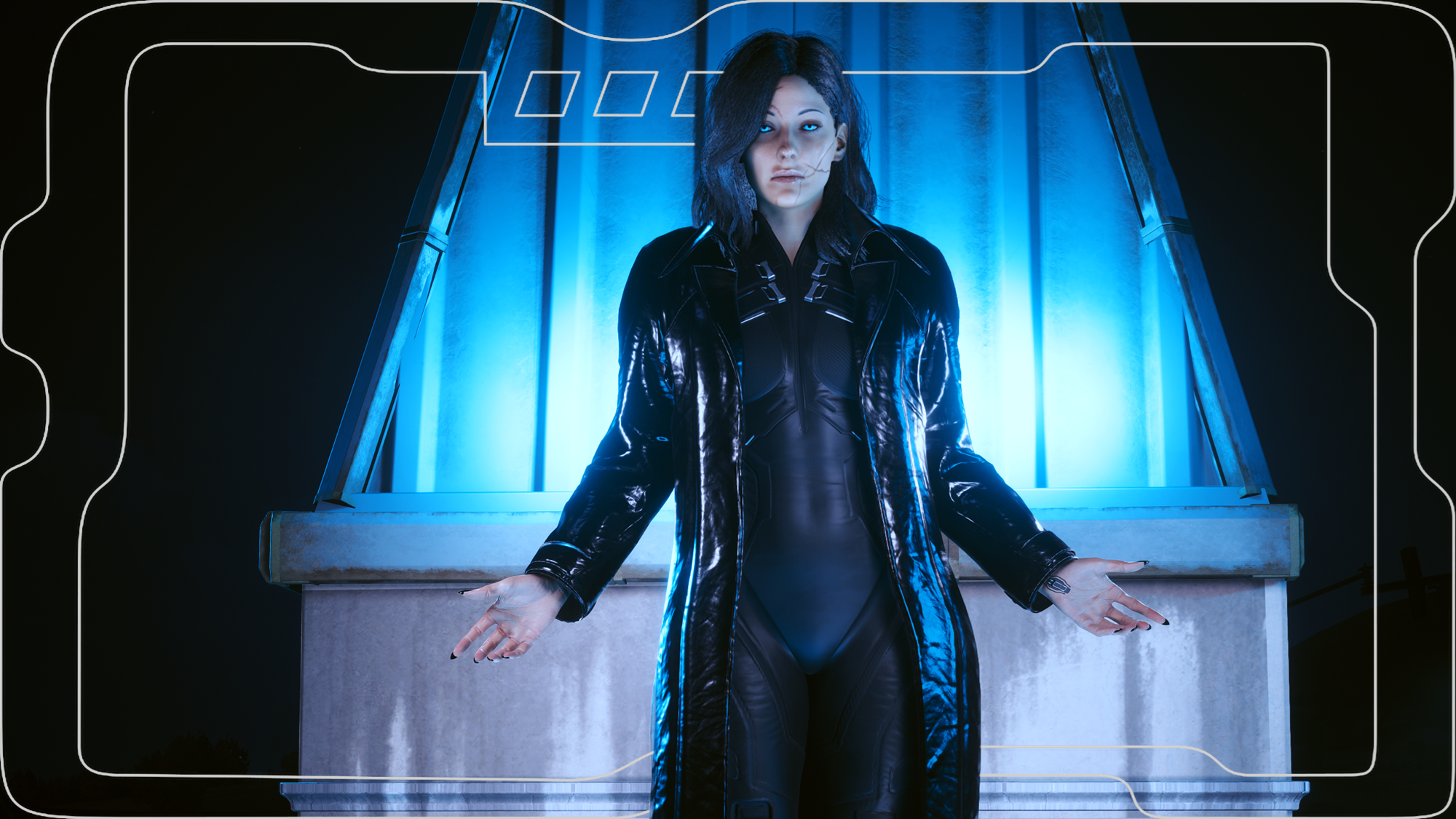
They of course work with Both Vs! I hand painted every single one of these eyes myself! Several eyes are recreations of iconic eyes seen on named characters in the Underworld films, and then recolours of my favourite eyes make up the rest of the eye slots!
(I am no longer uploading to Nexus, so please scroll down for Installation Instructions)
Very happy with how these turned out; especially with Selene- who I was most concerned with getting right. This, whilst kinda tedious, was still pretty fun- and I had an absolutely amazing time taking screenshots for the mod. It was cool to style my V, Avery, after Selene herself.
CCXL Version of these eyes: Paranormal Allure CCXL
Nexus Link (Pre Patch 2.2 Users): Unique Eyes Core
Nexus Link (Patch 2.2+ Users): Unique Eyes 2.2
Nexus Link (UI Icons): ICONIC UI Framework
(Be aware that mod is broken in 2.2+ games)
Installation (Eyes for Pre 2.2 or 2.2+):1) Install the Unique Eyes Core mod OR the Unique Eyes 2.2 mod; go to the pages linked and follow their install instructions- ALWAYS DOWNLOAD THE DEFAULT VERSION, NOT THE GRADIENT!!!2) Download the Eyes zip file from this mod page.3) Unzip the file, and place it in your mod folder. On Steam, the folder path is as follows:steam - steamapps - common - Cyberpunk 2077 - archive - pc - mod(You will place the .archive file in that final mod folder)4) Load up the game, and the Eyes will appear for Both Vs to use!!!Installation (Icons):1) Install the ICONIC Framework by JSILVERHVND; go to the page linked and follow their installation instructions.2) Download the Icon zip file from this mod page.3) Unzip the file, and place it in your mod folder. On Steam, the folder path is as follows:steam - steamapps - common - Cyberpunk 2077 - archive - pc - mod(You will place the .archive file in that final mod folder)4) Load up the game, and the Icons will appear for Both Vs to use!!!
Optional Stuff seen in the screenshots:
Fangs: Teeth and Metal Toofs by Anrui
Hair: Manavortex hair by Wingdeer
(The coat is from another modder's (Kala! :D ) Patreon)
Files