Home
Home

 Creators
 Search
 Recent
 Random
 Posts
Posts
 DMs
DMs
 Tags
Tags
 Random
 Importer
 Import
 FAQ
FAQ
 Account
 Register
 Login
Login
 Favorites
 Keys
Keys
 Logout
 Telegram

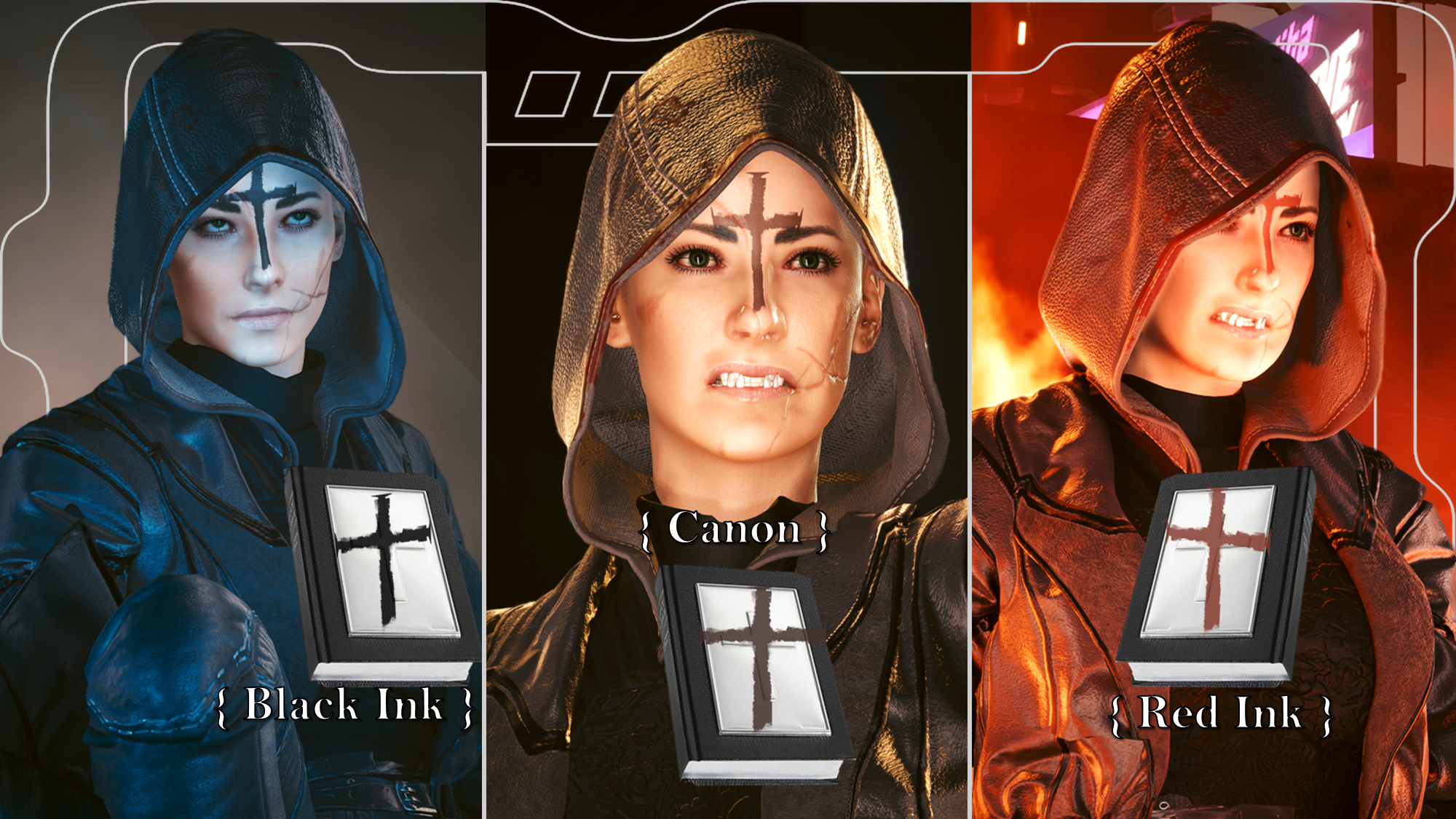
Crucifix Head Tattoo - From the film Priest - Halloween Day 5 (Patreon)
Downloads
Content
For the 5th day of my big Halloween modding project, I decided to do the Crucifix head tattoo; seen on the main character of the criminally underrated film, Priest! I highly reccomend it, by the way; I'm still holding out hope for a sequel even though it's been 12 years since the film came out.
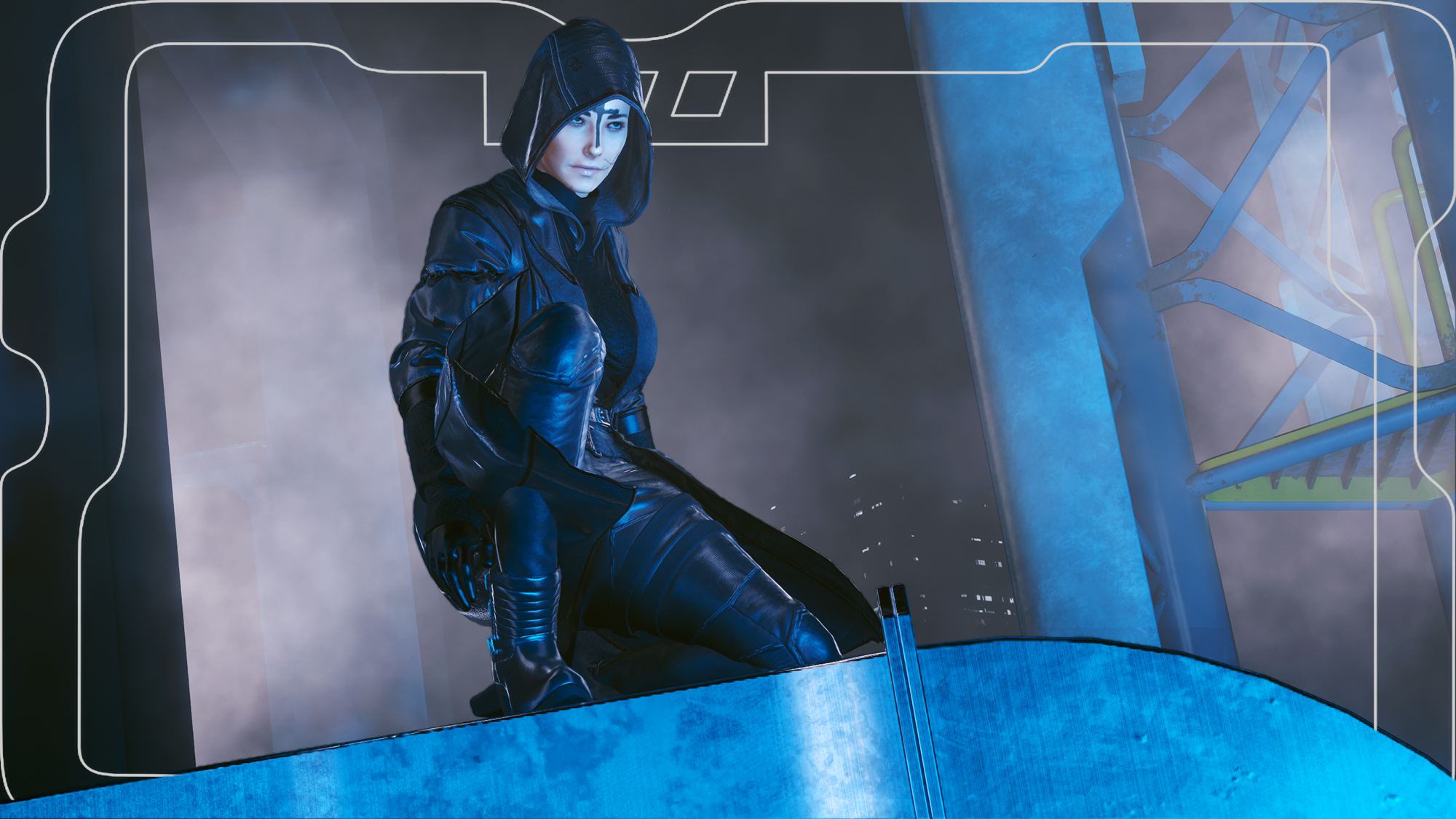
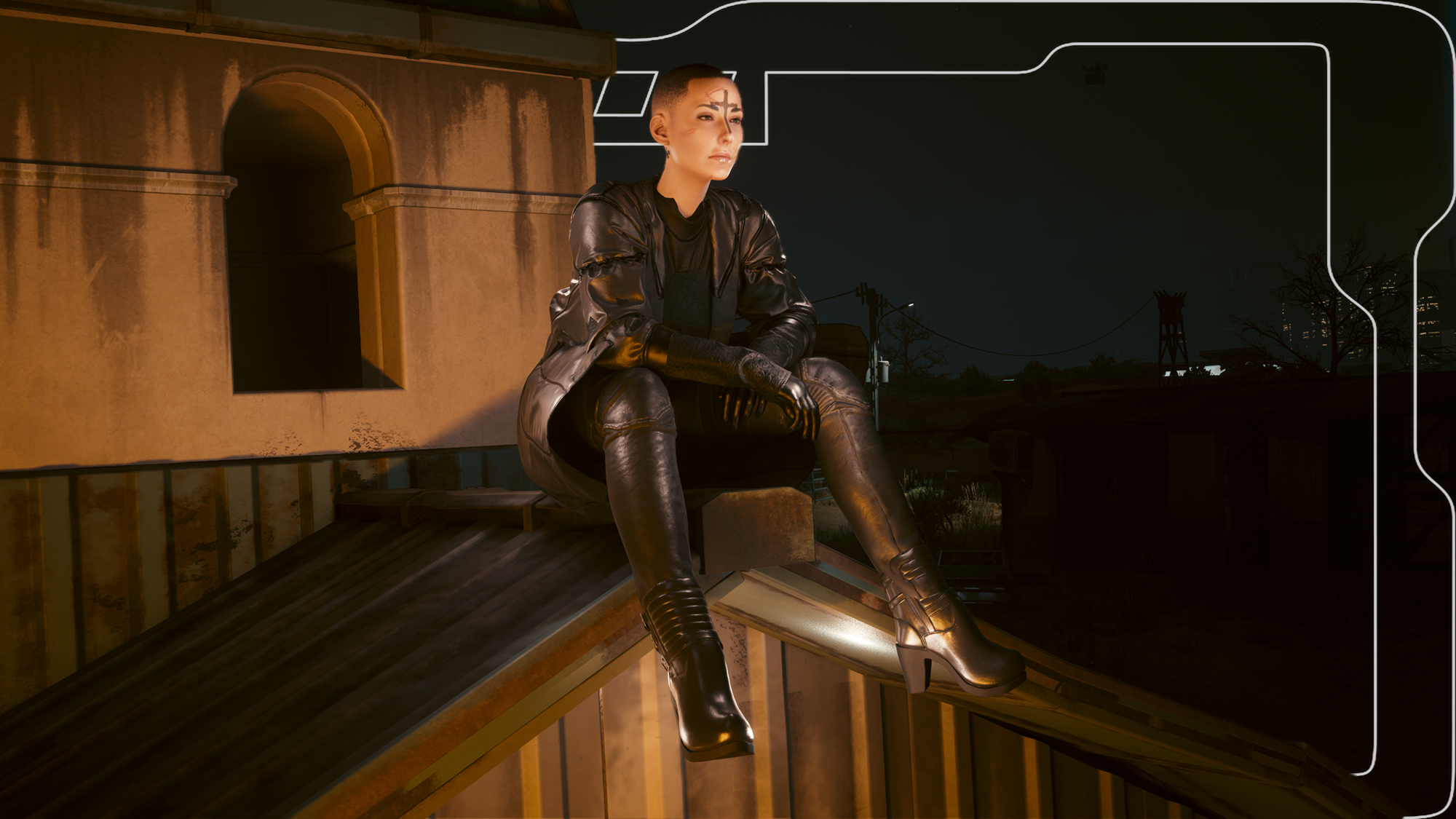
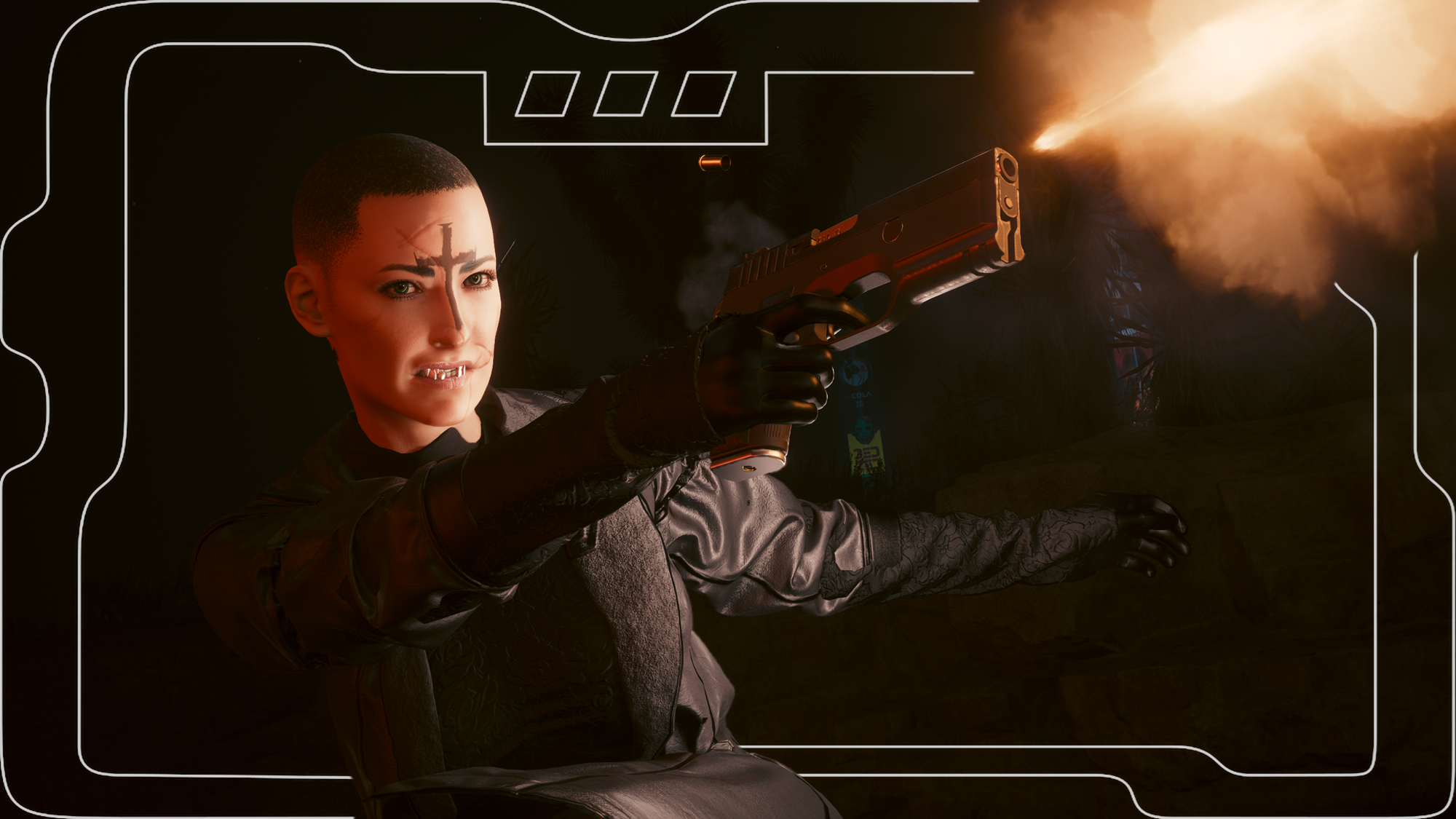
But anyway, yeah, I made the head tattoo! There are 3 options for this tattoo; one which mirrors the canon brownish tone, a black ink, and then a red ink version. I think they turned out great, and I'm very happy with the placement.
Doing the screenshots for the Nexus mod page was also super fun; I am loving virtual photography more and more, especially with all these Halloween themed mods.
This is available for Both Vs, with these bodies:
- VTK.
- Hyst Bodies.
- KS UV Bodies.
- Gymfiend Body.
(Shoutout to Edith/JSILVERHVND for making the system which allows my Gymfiend face/head tattoos to work)
I am no longer uploading to Nexus, so here are installation instructions; First of all, make sure you've correctly installed your chosen body mod.
Installation:
1) Download the right version of this mod for your V and your chosen body mod.
2) Put the downloaded zip file somewhere safe on your PC.
3) Open up the zip file, and drag the included .archive file to the same place you placed the zip file.
4) Put the .archive file in your mod folder. On Steam, the file path is as follows:
steam - steamapps - common - Cyberpunk 2077 - archive - pc - mod
(You put the .archive file in that MOD folder at the end of the file path)
5) Start up your game, and the tattoo should appear automatically on your V!
Please only use 1 tattoo at a time!!!
(For UV versions, if they don't show up, try adding a ! to the start of the file name so it gets bumped up in the load order)
(VTK versions work with the VTK and Hyst Bodies; for both of those you WILL need the VTK HD Head for this tattoo to show up)
Files