Home
Home

 Creators
 Search
 Recent
 Random
 Posts
Posts
 DMs
DMs
 Tags
Tags
 Random
 Importer
 Import
 FAQ
FAQ
 Account
 Register
 Login
Login
 Favorites
 Keys
Keys
 Logout
 Telegram

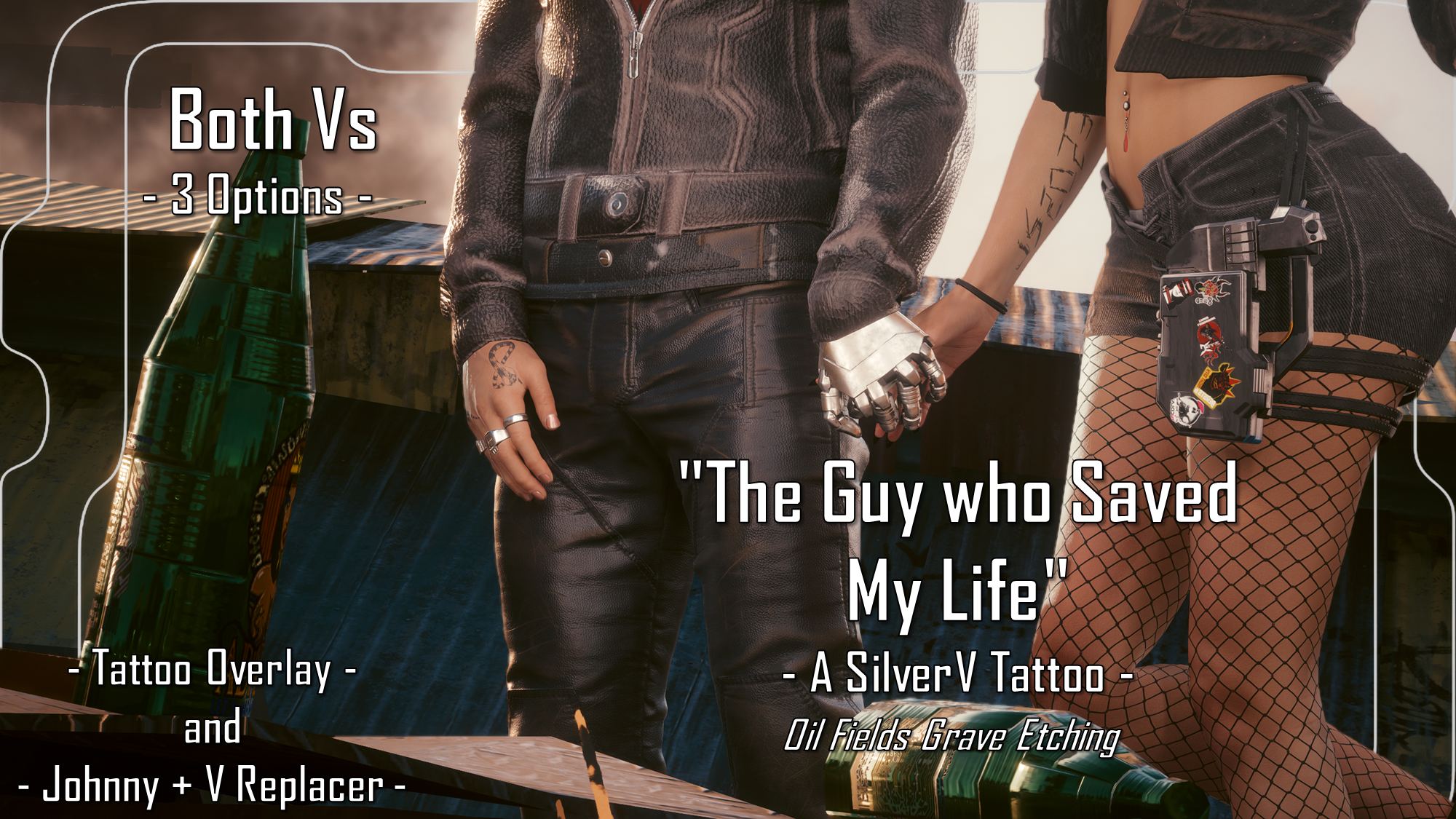
The Guy Who Saved My Life - Oil Fields Grave Etching - SilverV Tattoo - Both Vs - Tattoo and Replacer (Patreon)
Downloads
Content
Hey choom! This is available for Both Vs!As mentioned, whilst digging in the game's files via WolvenKit, I found the little message V etches into Johnny's 'grave' in the Oil Fields. I always wanted to see this in full detail, and when I did, I knew I had to make it into a tattoo. So here we are! I am so happy with how this turned out; it's such a perfect SilverV tattoo as well! It has major sentimental value and fits in perfectly to the Johnny/V situation post Chippin' In. It works so well!Taking the screenshots for this mod was such a joy. I am a huge SilverV shipper, and have a major attachment to my V as she's basically how I saw my first ever V in my head; when I did that first time playthrough on PS4 at launch. And I always wanted to romance Johnny; none of the other canon Romance options grabbed me even remotely as much as the idea of Johnny and V together. So putting my Avery together with Johnny for these screenshots was the best. I may have cried a little because I am a dumbass.
Please note I am no longer uploading to Nexus. But don't worry, you only need to scroll down a bit on this post for installation instructions.This is available for Both Vs, either as a Tattoo Overlay or as a Replacer for the Johnny + V tattoo you can get from Cassius during Chippin' In. Both versions go on the right arm, and Both versions of the mod have 3 colour options:- Black Ink.(Seen in mod photos)- Dark Blue Ink.- Dark Red Ink.The Tattoo Overlay is available for these bodies:- VTK body.- Gymfiend body.- Hyst bodies.- KS UV bodies.Note 1: Please only install 1 tattoo file at a time, chooms.Note 2: The JS 2023 design is a bit smaller on the Johnny + V Replacer version, as I had to work within the confines of the vanilla texture.Note 3: If you are using a body mod which beefs up the arms, then hopefully the Body Creator has done a refit of the vanilla tattoos. This just replaces the texture, so if they've refitted the vanilla tattoo meshes, you should be good to go with the Johnny + V Replacer. If not, please go to the Body modder about that; I wouldn't know where to start with meshes and stuff.
Installation (Tattoo Overlay for any Body):1) Install your chosen body; go to the pages linked and follow their install instructions.2) Download the Tattoo Overlay version of this mod.3) Unzip the Zip file to somewhere on your desktop/PC.4) Check the 'Read Me' note file.5) Place ONE tattoo 'archive' file in your mod folder. On Steam, the folder path is as follows:archive/pc/mod6) Load up your game, and the tattoo should appear on your V!(For KS UV, if the tattoo doesn't show, try adding a ! to the file name, to bump it up to the top of your load order)Installation (Johnny + V Replacer):1) Make sure you have the Johnny + V tattoo in-game already, or are about to do the Chippin' In quest.2) Download the Johnny + V Replacer version of this mod.3) Unzip the Zip file to somewhere on your desktop/PC.4) Check the 'Read Me' note file.5) Place ONE 'archive' file in your mod folder. On Steam, the folder path is as follows:archive/pc/mod6) Load up your game, and the tattoo should appear on your V, replacing the Johnny + V heart tattoo; it works with Both Vs!
Files