Home
Home

 Creators
 Search
 Recent
 Random
 Posts
Posts
 DMs
DMs
 Tags
Tags
 Random
 Importer
 Import
 FAQ
FAQ
 Account
 Register
 Login
Login
 Favorites
 Keys
Keys
 Logout
 Telegram

Cyberware 3 Recolours - Both Vs - 25 Options - Edition 1 (Patreon)
Downloads
Content
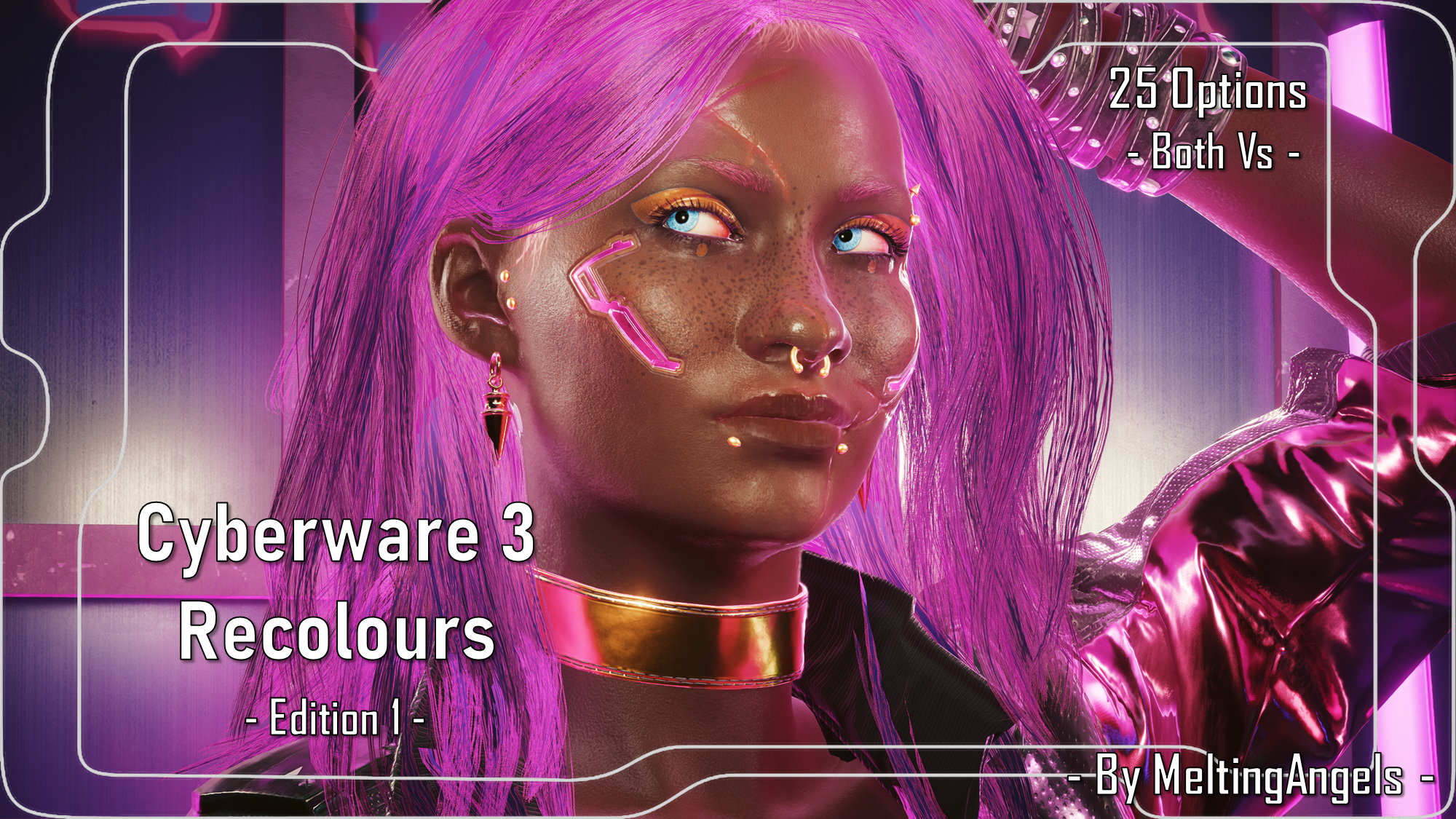
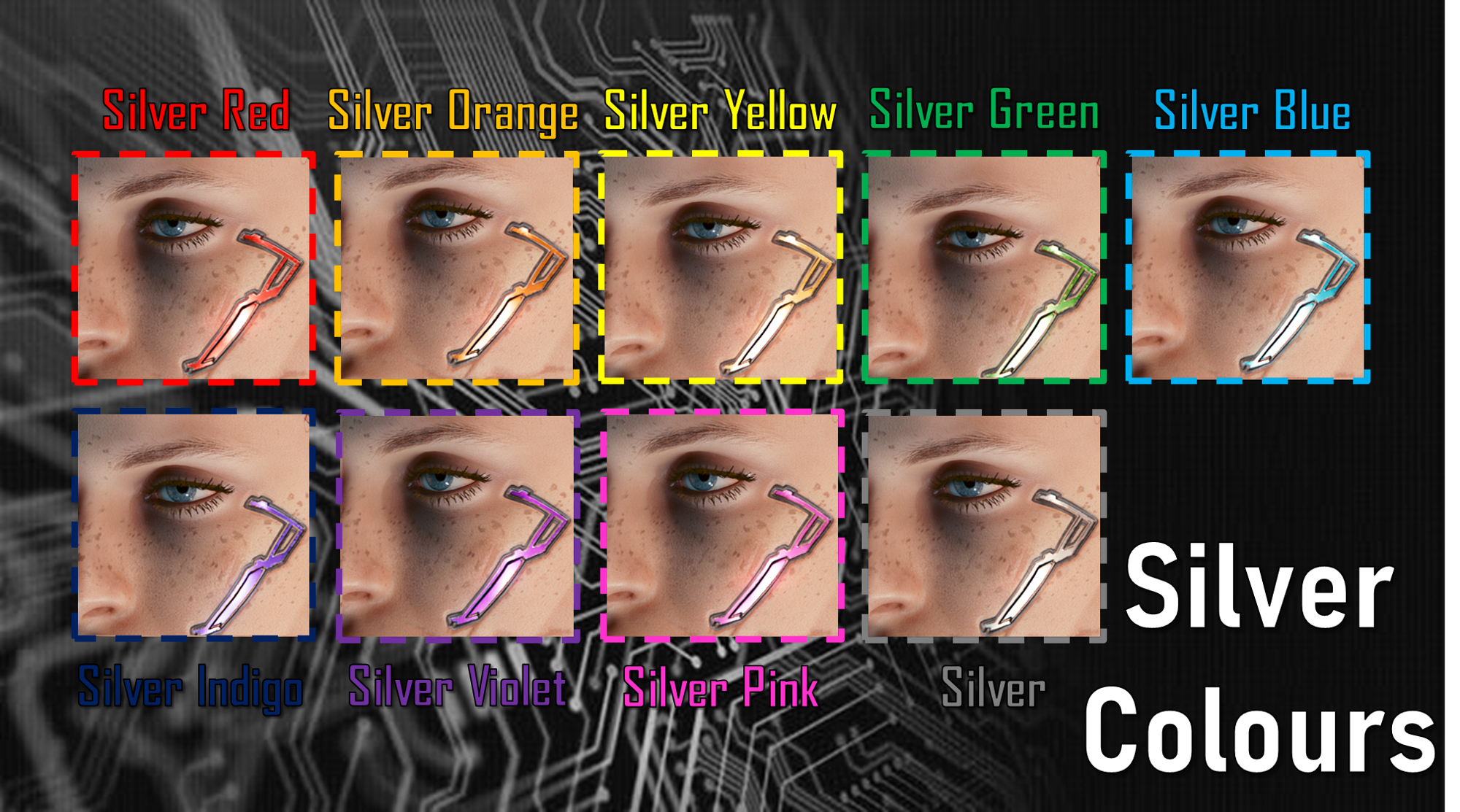
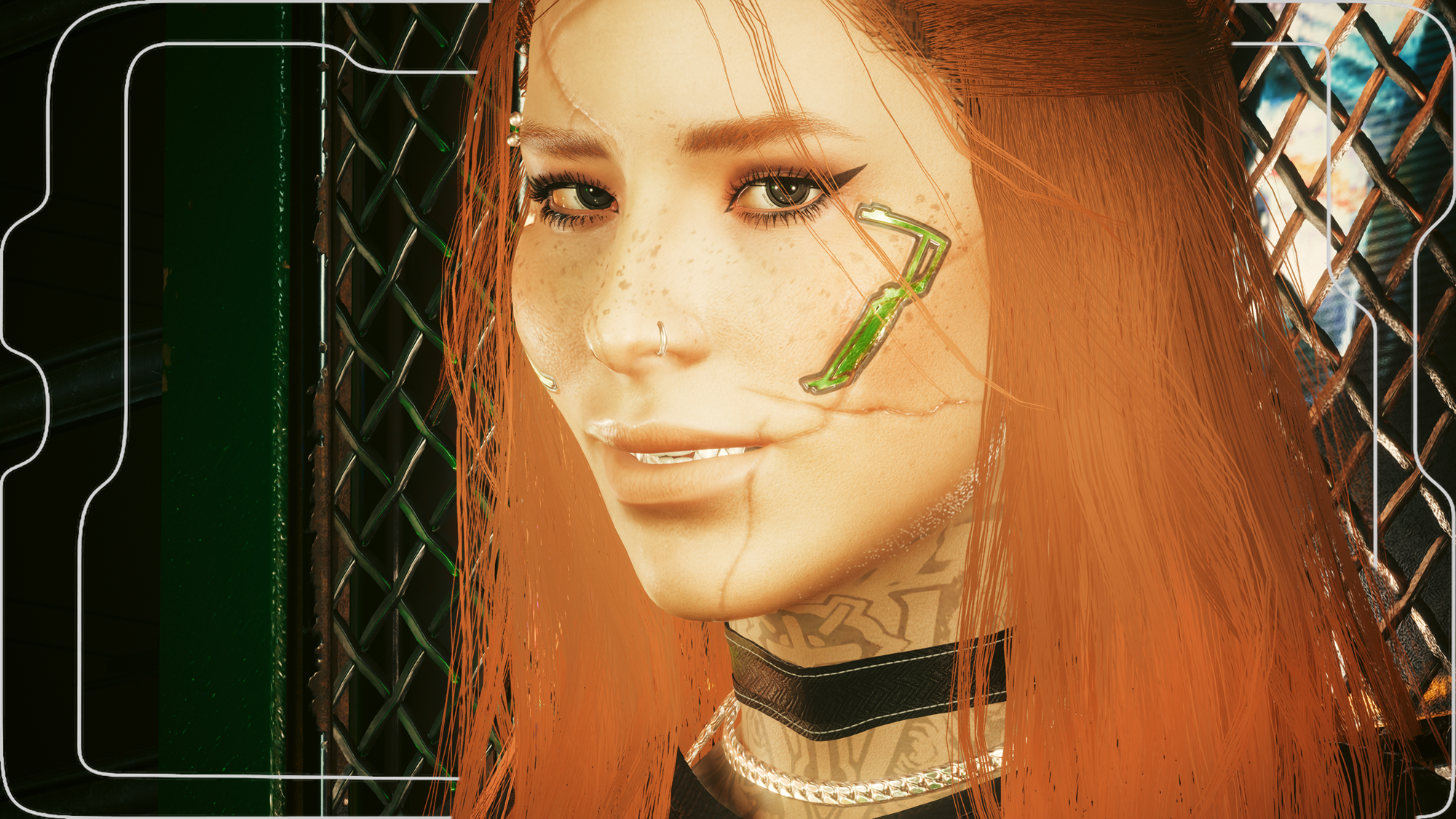
Hey choom! This is available for Both Vs!Yesterday I started looking at the various Cyberware options in Vanilla CC, and had my eyes drawn to Cyberware 3. I've used it for 1 V, and wanted to use it on another; but that particular V tended to go for silver...not the gold of the original colour. So I looked into recolouring it, and here we are! This was really fun, and I cannot wait to do more recolours in the future, both for this Cyberware, and for the other CC Cyberware options!It was, as always, super fun to take the screenshots; I picked out the Silver and OG V that got me to explore this recolour business, and then whipped up two other OCs to showcase some of the other, brighter colour options! I think they all turned out great, especially for my first attempt at recolouring. This literally just changes the colour, and retains the texture/material options of the original Cyberware 3.There are 25 Options, split into these 'packs':- Basic Rainbow.(Red||Orange||Yellow||Green||Blue||Indigo||Violet||Pink)- Gold Colours.(Gold Red||Gold Orange||Gold Yellow||Gold Green||Gold Blue||Gold Indigo||Gold Violet||Gold Pink)- Silver Colours.(Silver Red||Silver Orange||Silver Yellow||Silver Green||Silver Blue||Silver Indigo||Silver Violet||Silver Pink)- Silver.This mod should work with Both Vs, but please only install ONE archive/recolour at a time.IMPORTANT NOTE: I couldn't get this to work in a pre-2.0 game for some reason. You're welcome to try it, but I can only reccomend 2.0+ save games.
THIS ALSO WORKS WITH MY HALF CYBERWARE MOD!!!
Since I am no longer uploading to Nexus, please scroll down for installation instructions.
Installation (All Recolours):1) Download the pack/recolour you want from this mod.3) Unzip the Zip file to somewhere on your desktop/PC.4) Check the 'Read Me' note file.5) Place ONE recolour 'archive' file in your mod folder. On Steam, the folder path is as follows:archive/pc/mod6) Load up your game, select Cyberware option 3, and the recolour should appear!(If it doesn't appear, try adding a ! to the start of the file name to bump it to the top of your load order)
Files