Home
Home

 Creators
 Search
 Recent
 Random
 Posts
Posts
 DMs
DMs
 Tags
Tags
 Random
 Importer
 Import
 FAQ
FAQ
 Account
 Register
 Login
Login
 Favorites
 Keys
Keys
 Logout
 Telegram

Enchanted Rose - An Eye Set - Handpainted by MeltingAngels (Patreon)
Downloads
Content
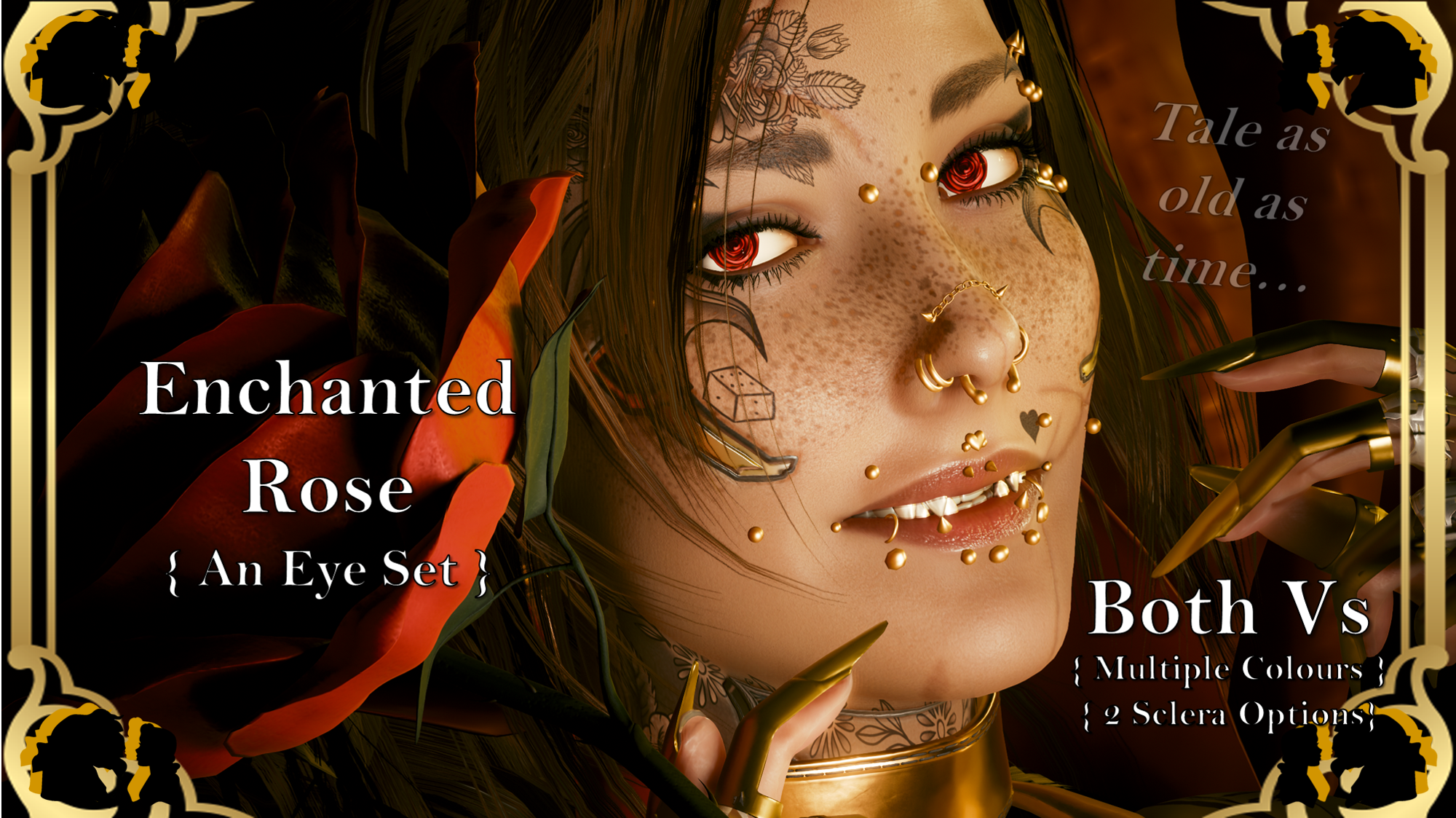
Hey choom!This is available for Both Vs!Whilst it may be cliche, the Rose is one of my favourite flowers. It's so classically beautiful. And they also remind me of one of my favourite Disney movies. So here we are. Yes, I drew the rose by hand and hand painted every colour you see. It was alot of detail work, but I am so, so happy with how they turned out. I am also super stoked about the mod images, and all the wonderful contributions from my friends.Special Thanks to these Chooms for their amazing Screenshots:
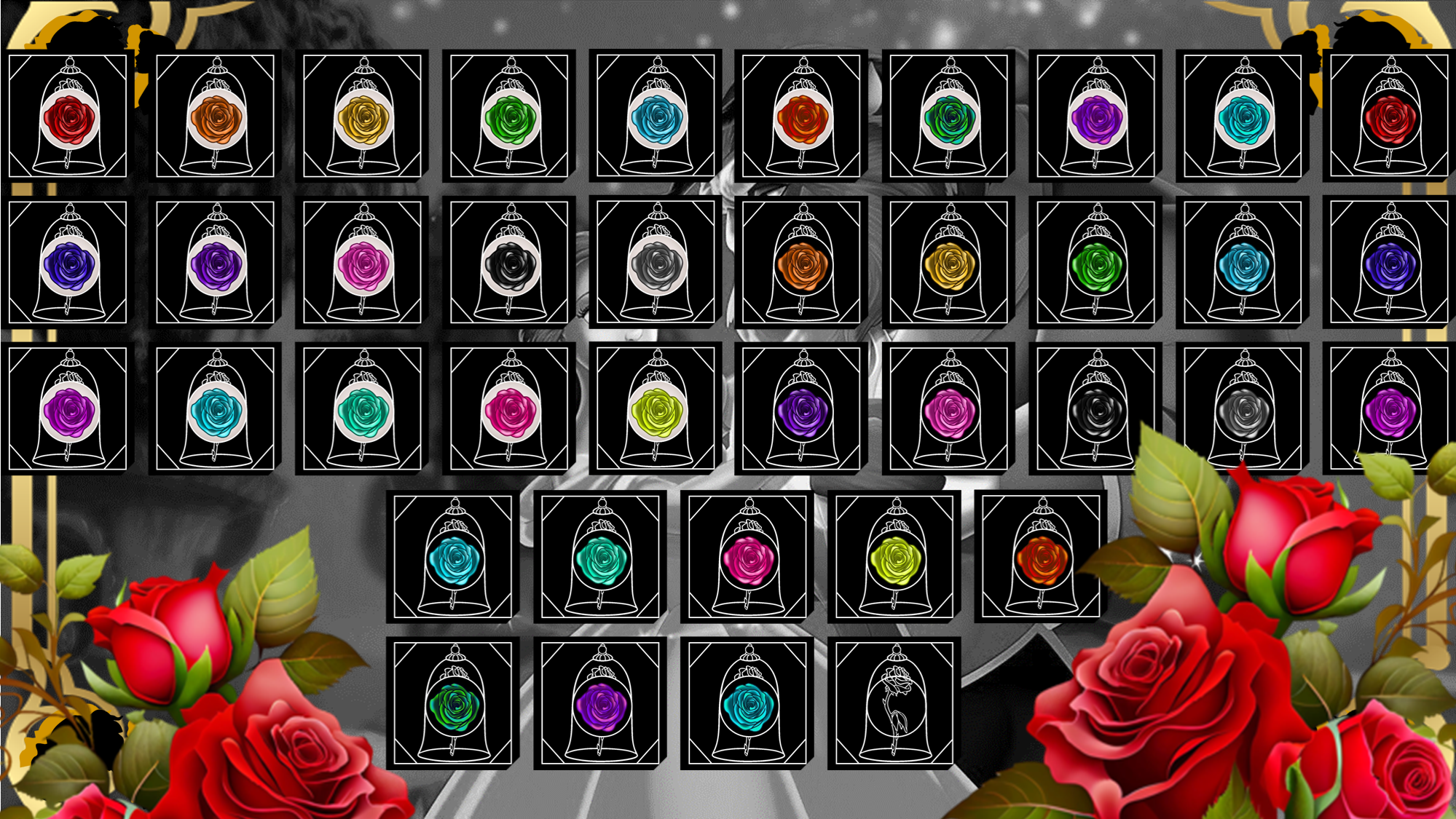
(Check the Nexus mod page out to see them)hazellblogs || JSILVERHVND || OfficiallyJewls || limerencexo ||quelatoni || winks There are 19 eye colours in the set, split into two 'versions':- Black Sclera.- Normal Sclera.
Please note I am no longer uploading to Nexus, so going forward I will be including Installation Instructions on my posts.
Nexus Link (Pre Patch 2.2 Users): Unique Eyes Core
Nexus Link (Patch 2.2+ Users): Unique Eyes 2.2
Nexus Link (UI Icons): ICONIC UI Framework
(Be aware that mod is broken in 2.2+ games)
Installation (Eyes for Pre 2.2 or 2.2+):1) Install the Unique Eyes Core mod OR the Unique Eyes 2.2 mod; go to the pages linked and follow their install instructions- ALWAYS DOWNLOAD THE DEFAULT VERSION, NOT THE GRADIENT!!!2) Download the Eyes zip file from this mod page.3) Unzip the file, and place it in your mod folder. On Steam, the folder path is as follows:steam - steamapps - common - Cyberpunk 2077 - archive - pc - mod(You will place the .archive file in that final mod folder)4) Load up the game, and the Eyes will appear for Both Vs to use!!!Installation (Icons):1) Install the ICONIC Framework by JSILVERHVND; go to the page linked and follow their installation instructions.2) Download the Icon zip file from this mod page.3) Unzip the file, and place it in your mod folder. On Steam, the folder path is as follows:steam - steamapps - common - Cyberpunk 2077 - archive - pc - mod(You will place the .archive file in that final mod folder)4) Load up the game, and the Icons will appear for Both Vs to use!!!
Files