Home
Home

 Creators
 Search
 Recent
 Random
 Posts
Posts
 DMs
DMs
 Tags
Tags
 Random
 Importer
 Import
 FAQ
FAQ
 Account
 Register
 Login
Login
 Favorites
 Keys
Keys
 Logout
 Telegram

Deal in Absolutes - A Sith Eye Set - Handpainted by Me (Patreon)
Downloads
Content
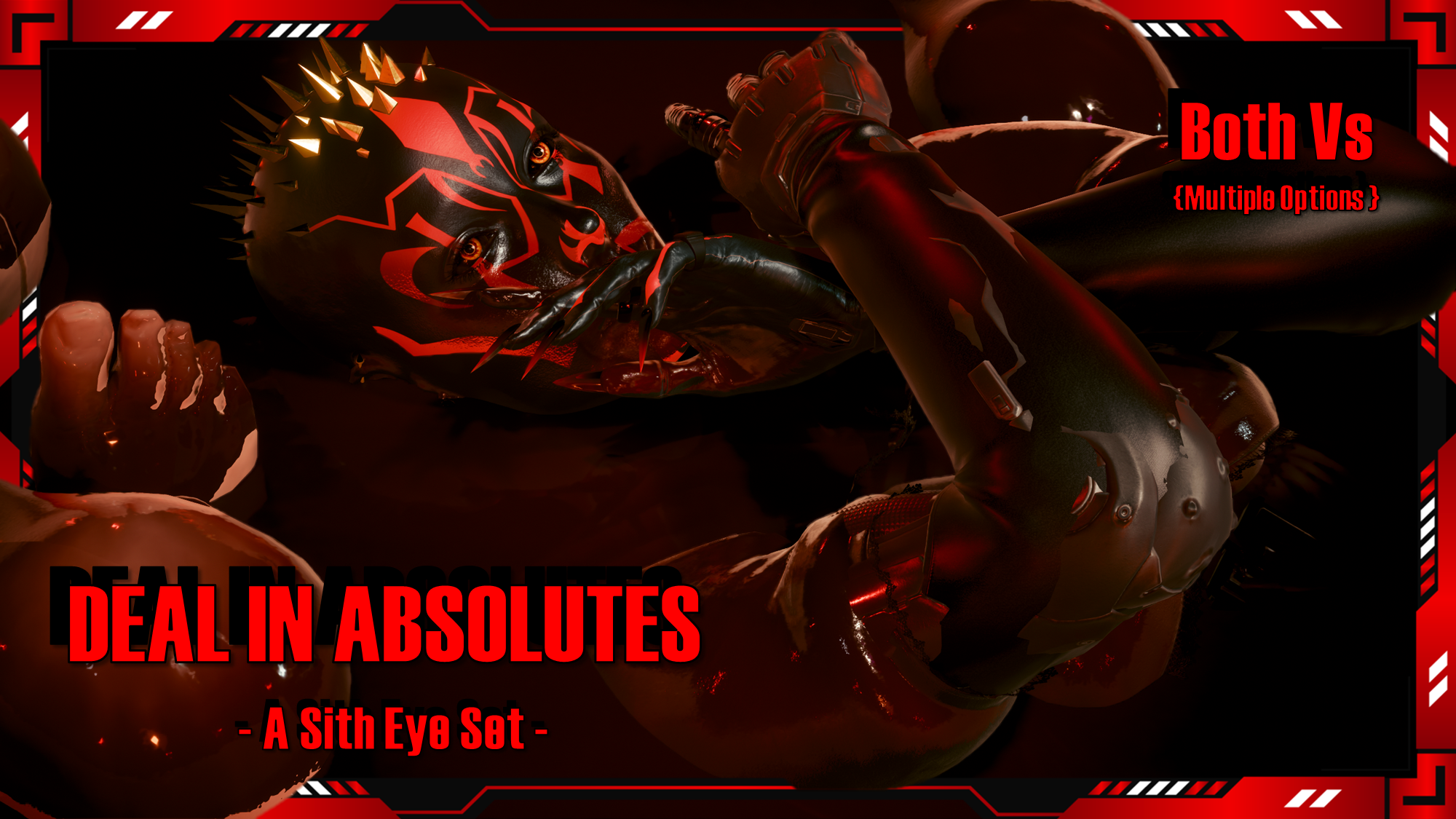
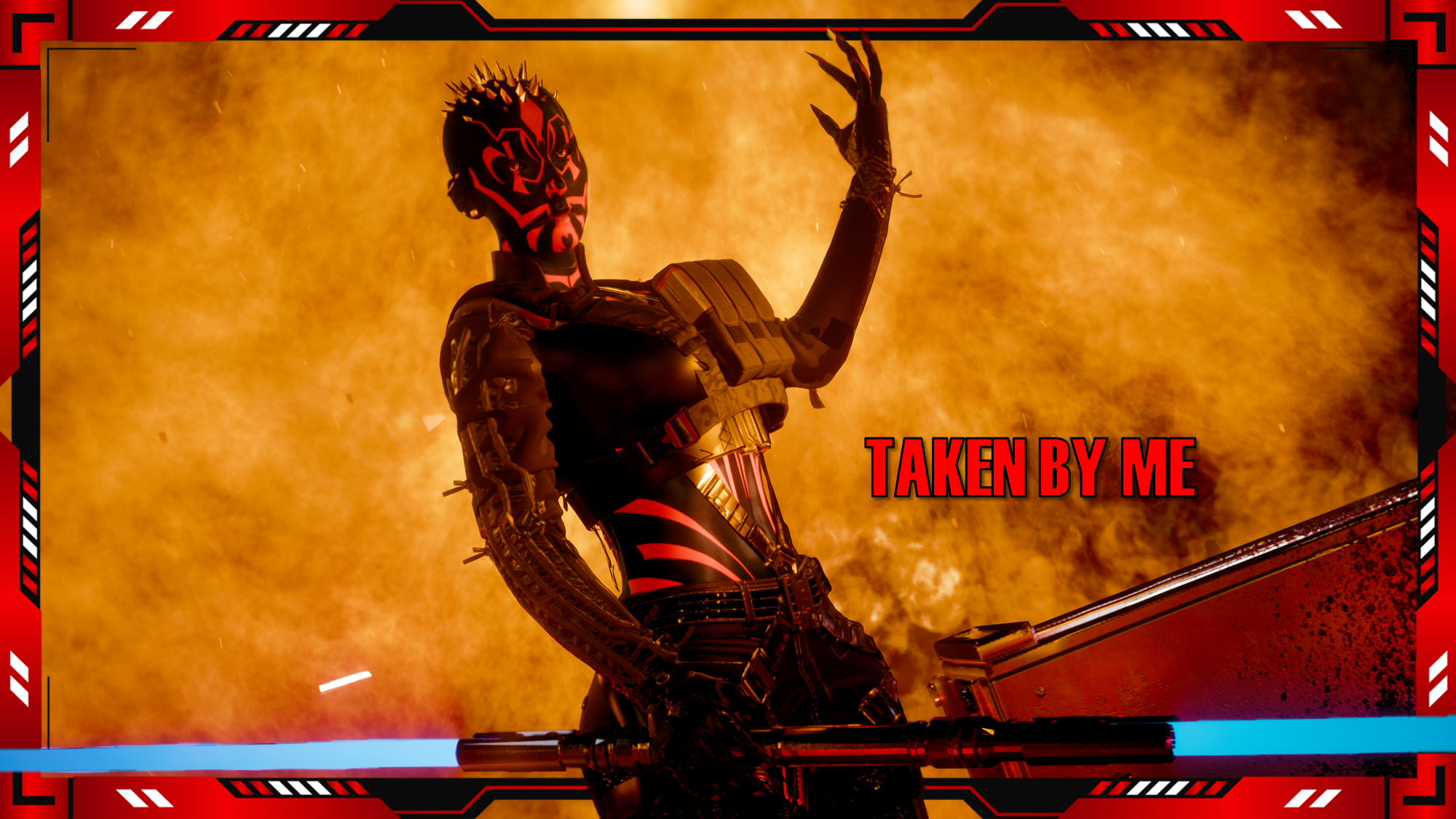
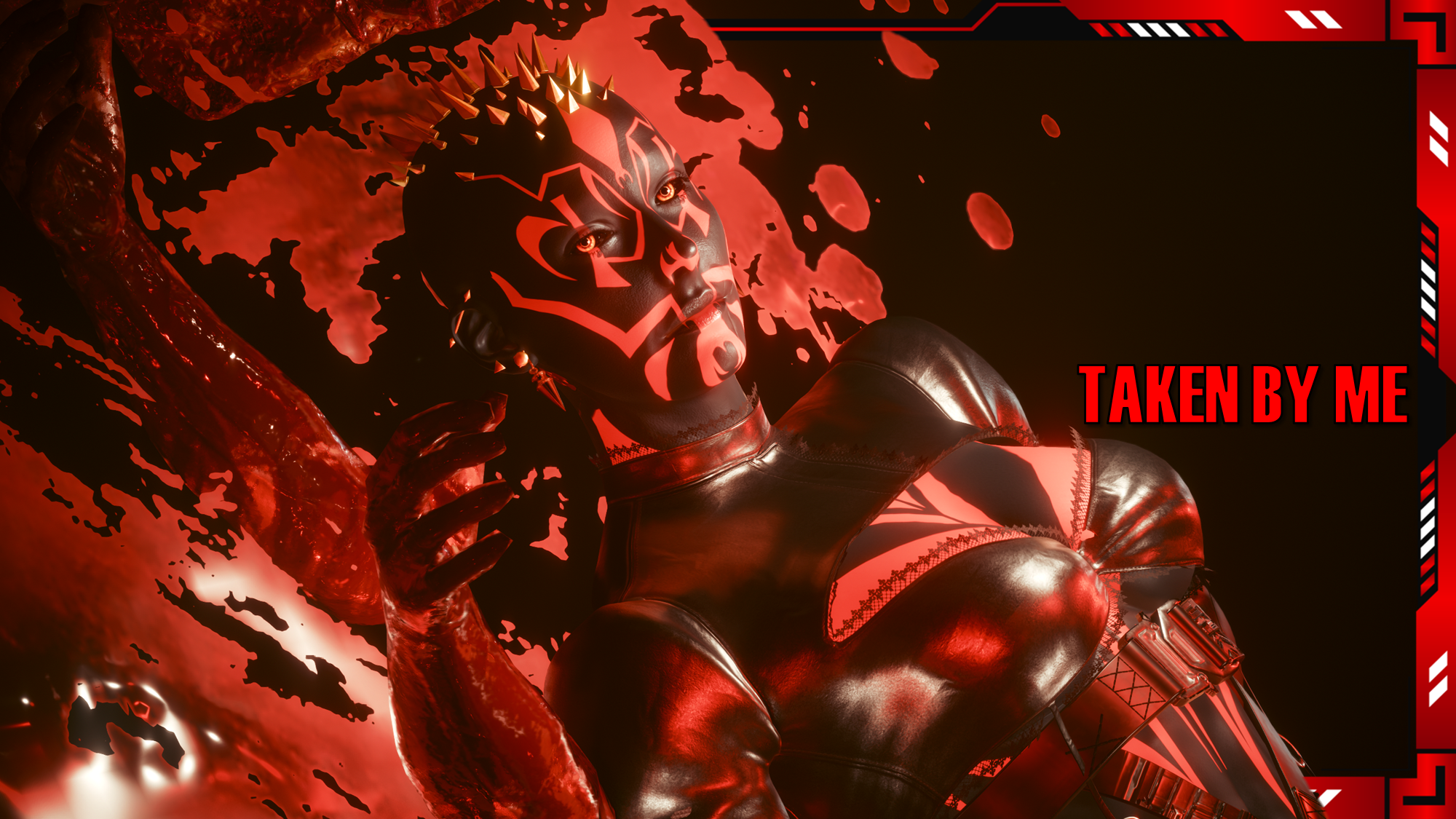
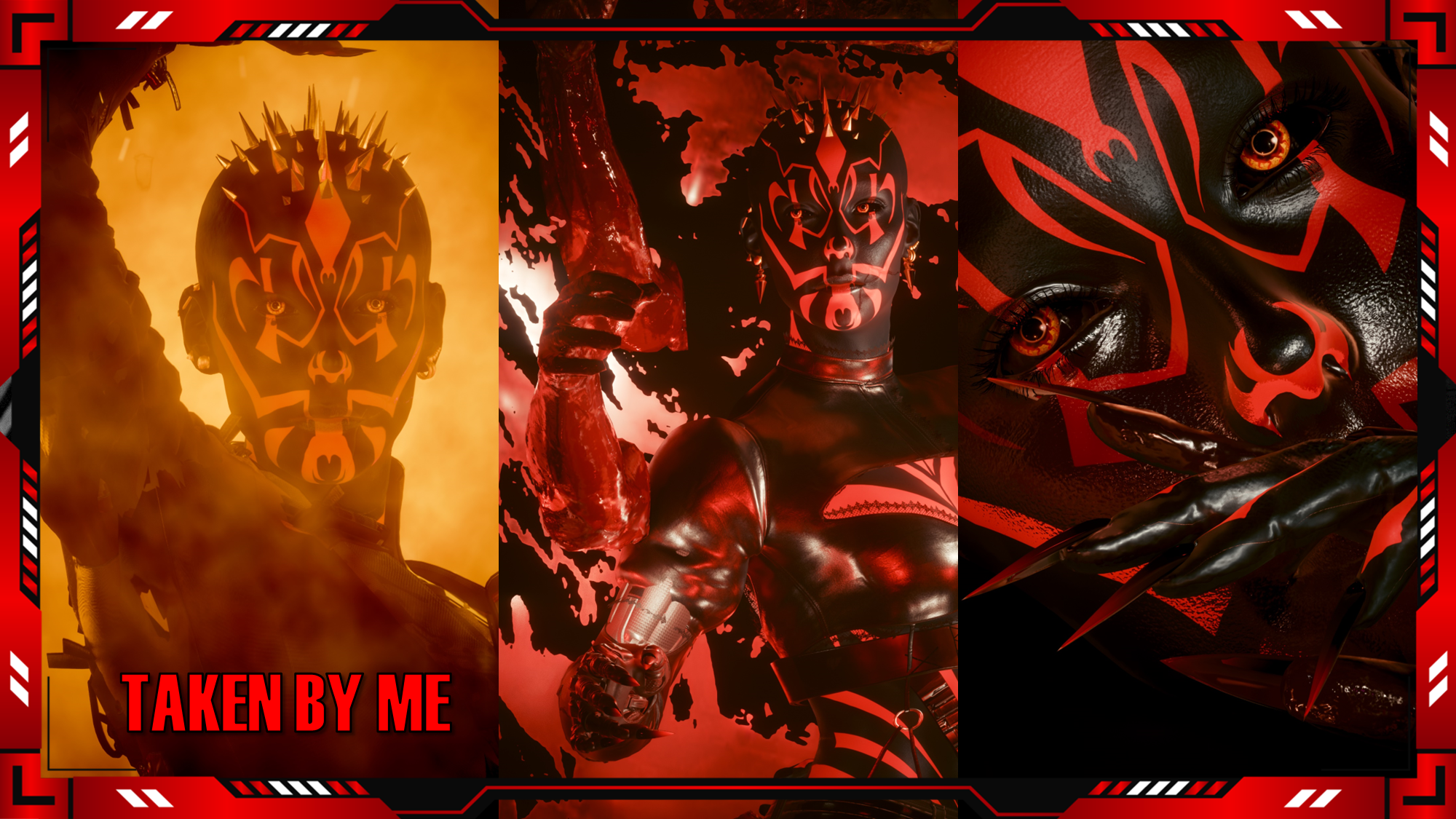
Hey choom! This is available for Both Vs!I've always had a fascination with the Dark Side of the Force. I think it's incredibly interesting. As well as the history of the Sith and the Empire. Don't get me wrong, I love the Jedi, I love our OG heroes. But there's something about the Sith and Dark Side in general that tend to pull me in more. I mean, I roll a Sith Sorceror on SWTOR. They're just so effortlessly cool. Can't really blame Anakin for being tempted honestly.These eyes were hand drawn and hand painted by me. I'm sure you'll recognise who some of the eyes belong to. I am so proud of how these eyes turned out; this may be my favourite set so far.
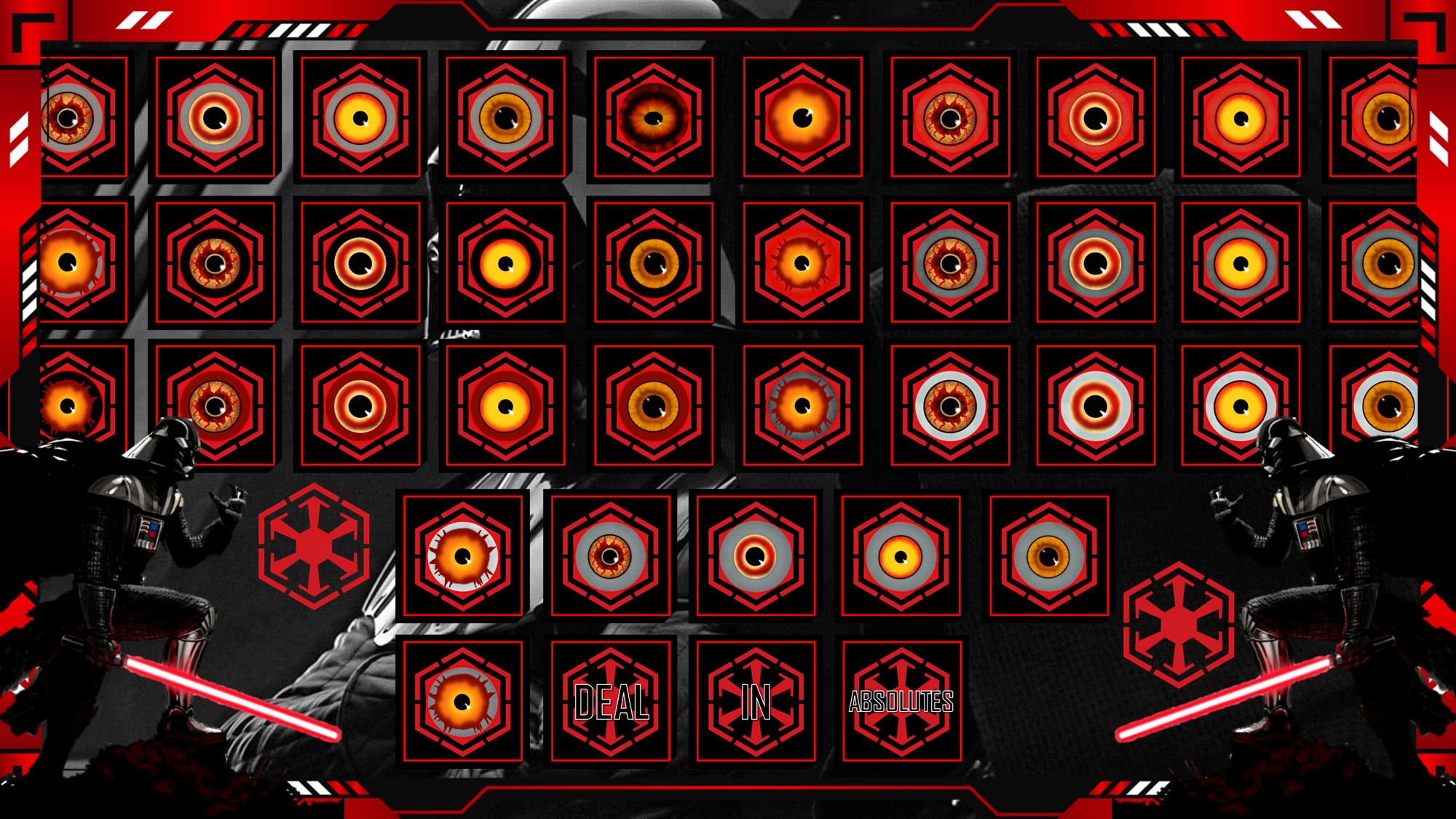
I am no longer uploading to Nexus, so scroll down for installation instructions.Special Thanks to these Chooms for their amazing Screenshots:(Seriously everyone killed it on this mod, please have a look through all the images on the Nexus page)OfficiallyJewls |-o-| Alexander Ravana |-o-| JSILVERHVND |-o-| Maniek |-o-| quelatoni |-o-| WinksAre you tempted by the Dark Side? Then join us, and become Sith ;)There are many options available:There's about 6 or so designs, but they are highly detailed; and I did a whole bunch of sclera variations to fill up the set; I think they all turned out great!
As mentioned, I am no longer uploading to Nexus, so going forward I will be including Installation Instructions on my posts.
Nexus Link (Pre Patch 2.2 Users): Unique Eyes Core
Nexus Link (Patch 2.2+ Users): Unique Eyes 2.2
Nexus Link (UI Icons): ICONIC UI Framework
(Be aware that mod is broken in 2.2+ games)
Installation (Eyes for Pre 2.2 or 2.2+):1) Install the Unique Eyes Core mod OR the Unique Eyes 2.2 mod; go to the pages linked and follow their install instructions- ALWAYS DOWNLOAD THE DEFAULT VERSION, NOT THE GRADIENT!!!2) Download the Eyes zip file from this mod page.3) Unzip the file, and place it in your mod folder. On Steam, the folder path is as follows:steam - steamapps - common - Cyberpunk 2077 - archive - pc - mod(You will place the .archive file in that final mod folder)4) Load up the game, and the Eyes will appear for Both Vs to use!!!Installation (Icons):1) Install the ICONIC Framework by JSILVERHVND; go to the page linked and follow their installation instructions.2) Download the Icon zip file from this mod page.3) Unzip the file, and place it in your mod folder. On Steam, the folder path is as follows:steam - steamapps - common - Cyberpunk 2077 - archive - pc - mod(You will place the .archive file in that final mod folder)4) Load up the game, and the Icons will appear for Both Vs to use!!!
Files