Home
Home

 Creators
 Search
 Recent
 Random
 Posts
Posts
 DMs
DMs
 Tags
Tags
 Random
 Importer
 Import
 FAQ
FAQ
 Account
 Register
 Login
Login
 Favorites
 Keys
Keys
 Logout
 Telegram

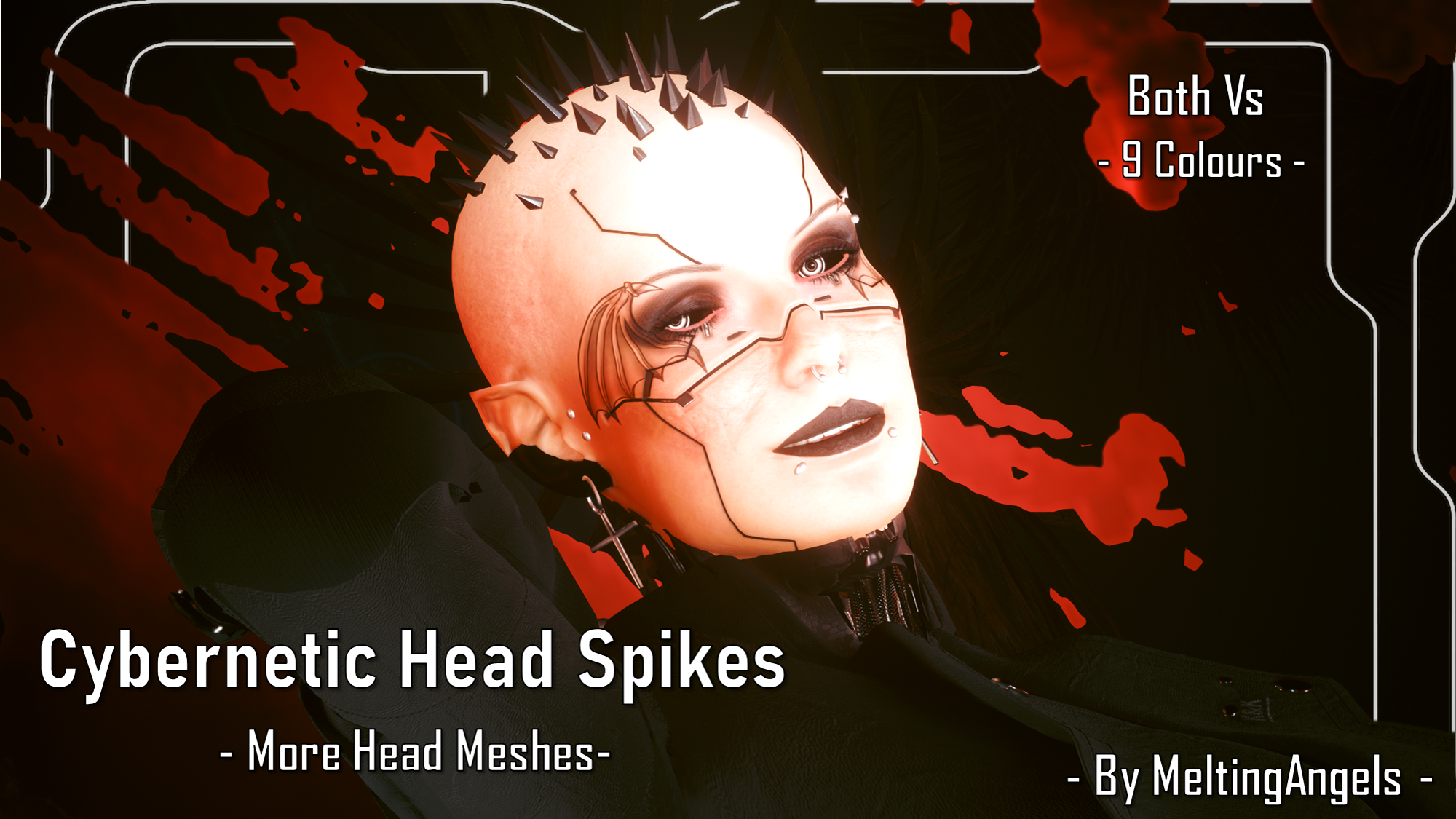
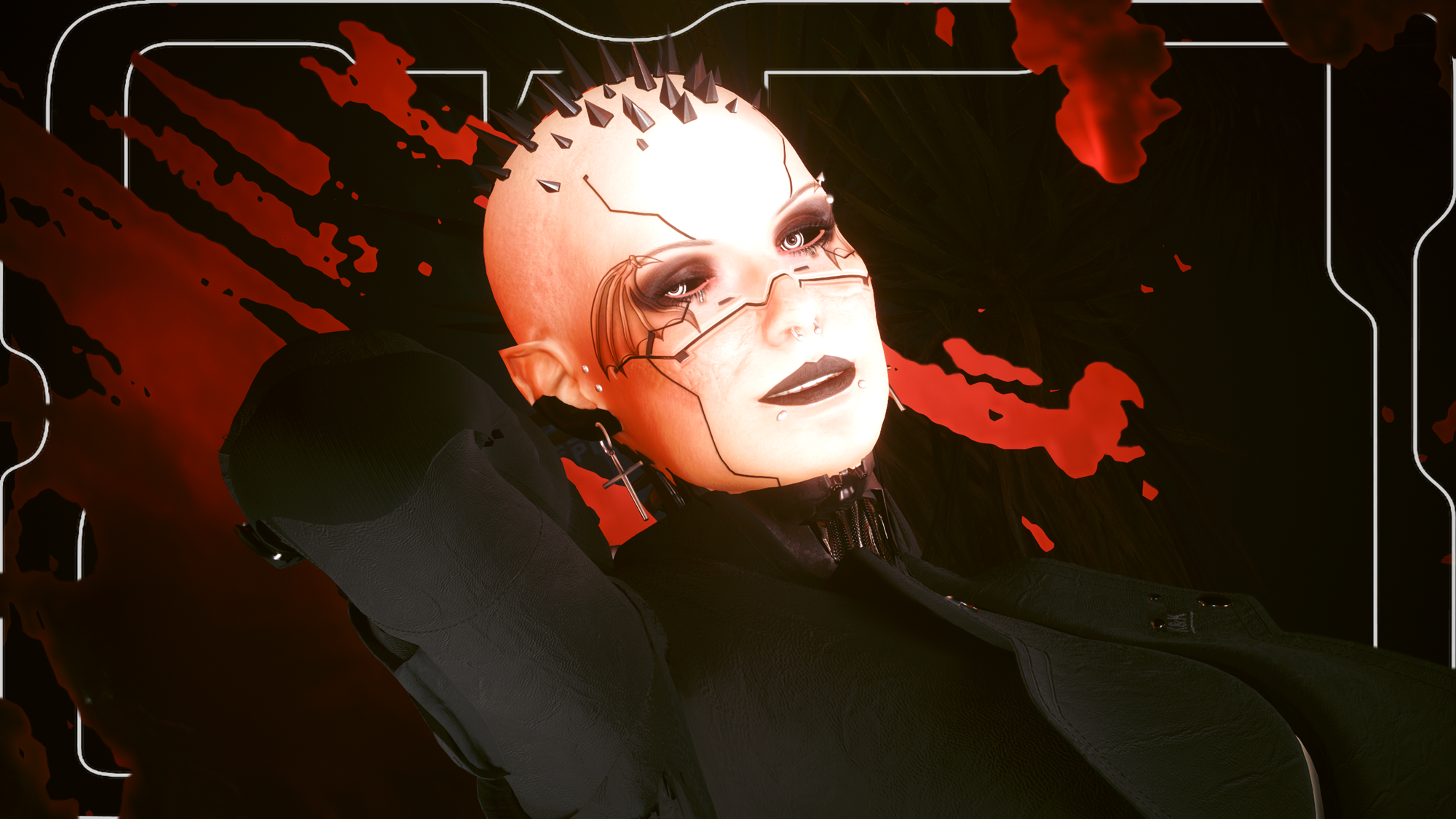
Cybernetic Head Spikes - Both Vs - 9 Colours (Patreon)
Downloads
Content
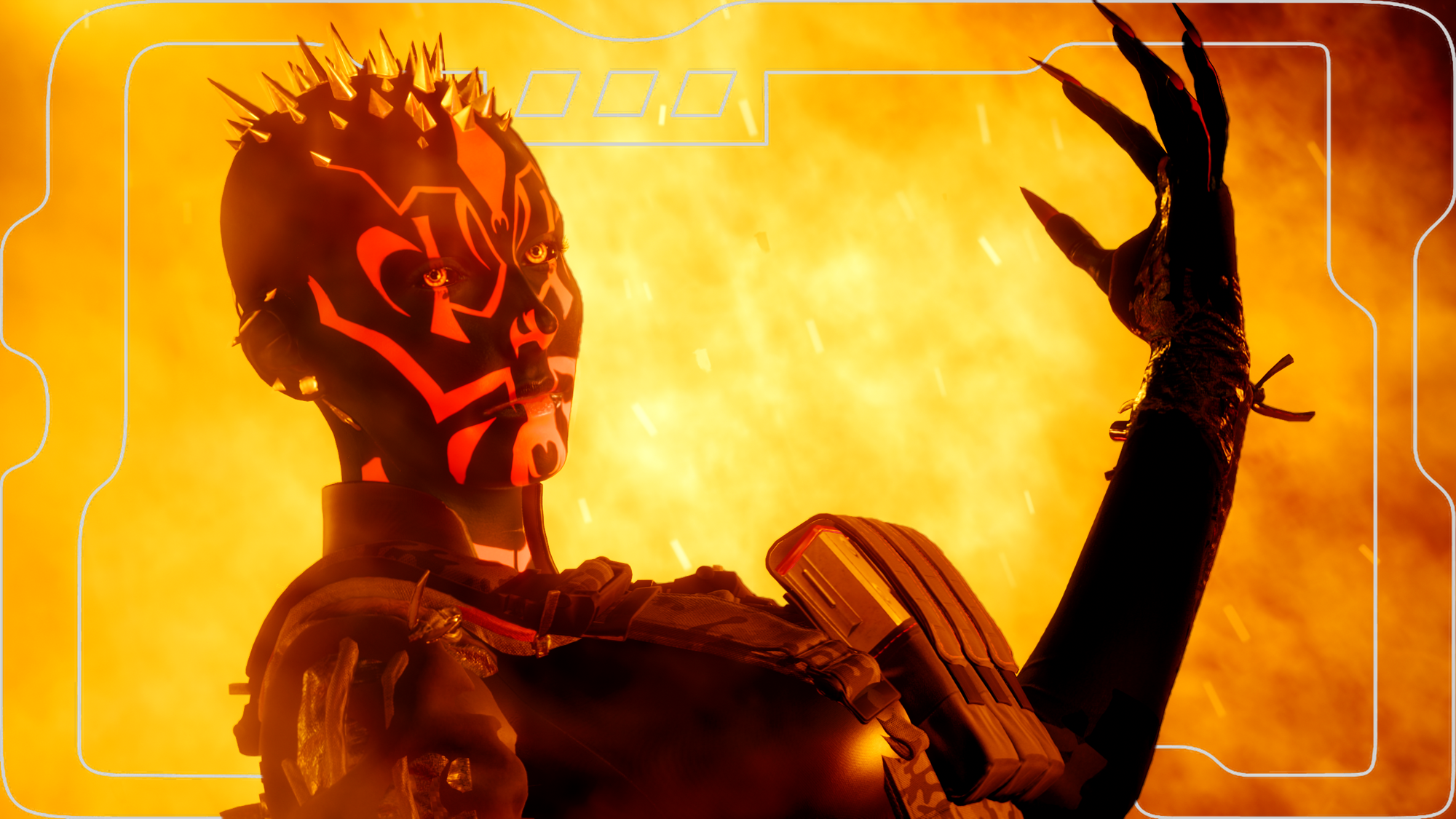
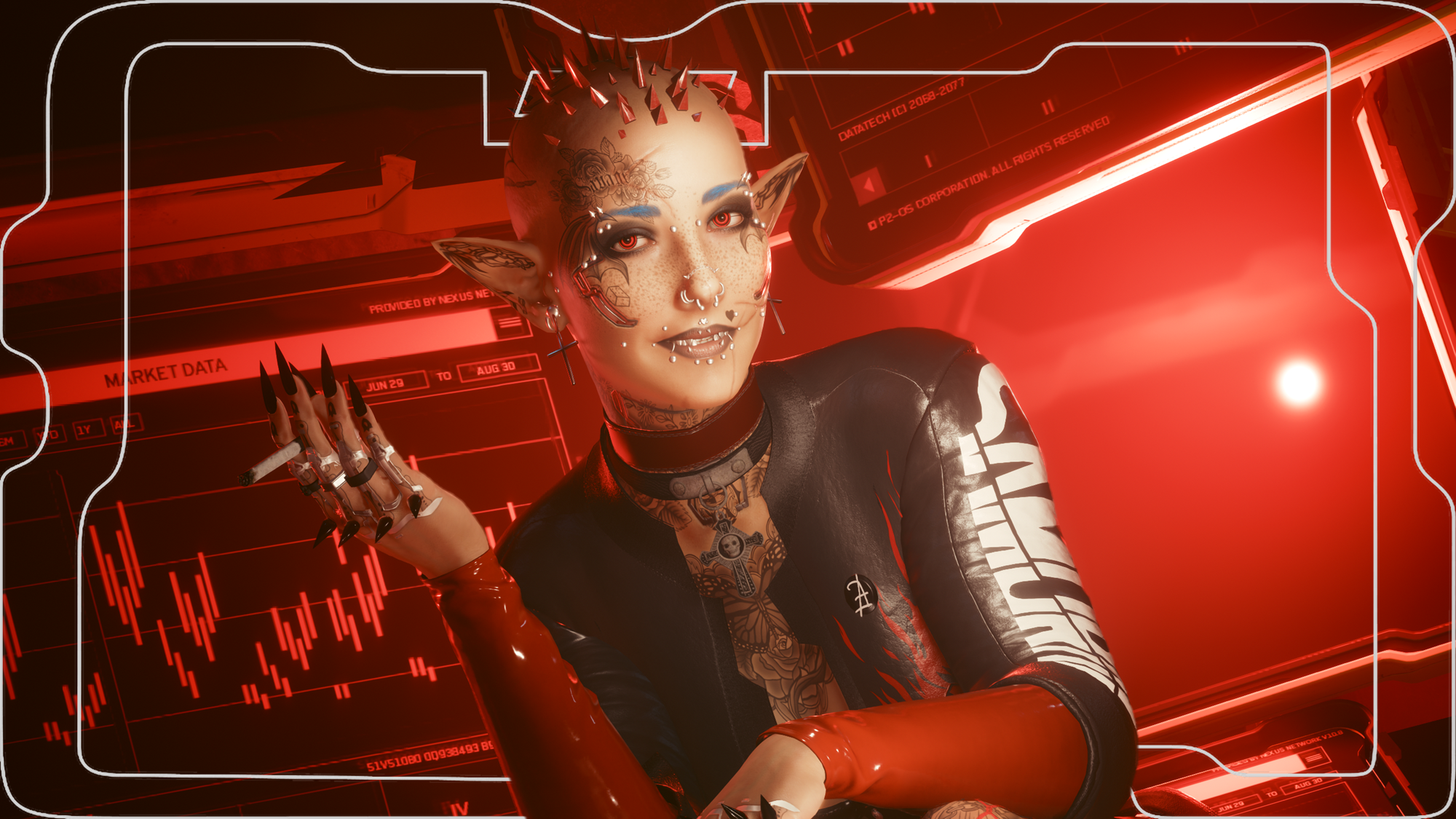
Hey choom! This is available for Both Vs!When I got to making my Sith Eyes, I then decided to make a quick Sith Overlay inspired by Darth Maul. Then I realised how having the Head Spikes could really tie together the look and pay homage to that iconic character. And that spiralled into an entirely seperate mod; this one right here! Yes, it is just the spikes; I personally am not too keen on the Head Plate, and I only wanted the Spikes anyway. I think they look even cooler coming directly out of the scalp, honestly.
I am no longer uploading to Nexus, so scroll down for installation instructions.Special Thanks to these Chooms for their assistance:
OfficiallyJewls; for introducing me to More Head Mesh modding and helping me figure out a good chunk of the process.
Nora, Anrui, and Phren for their help further into the process, as well as explaining how MLSetups work; that last part baffled me for a hot minute.
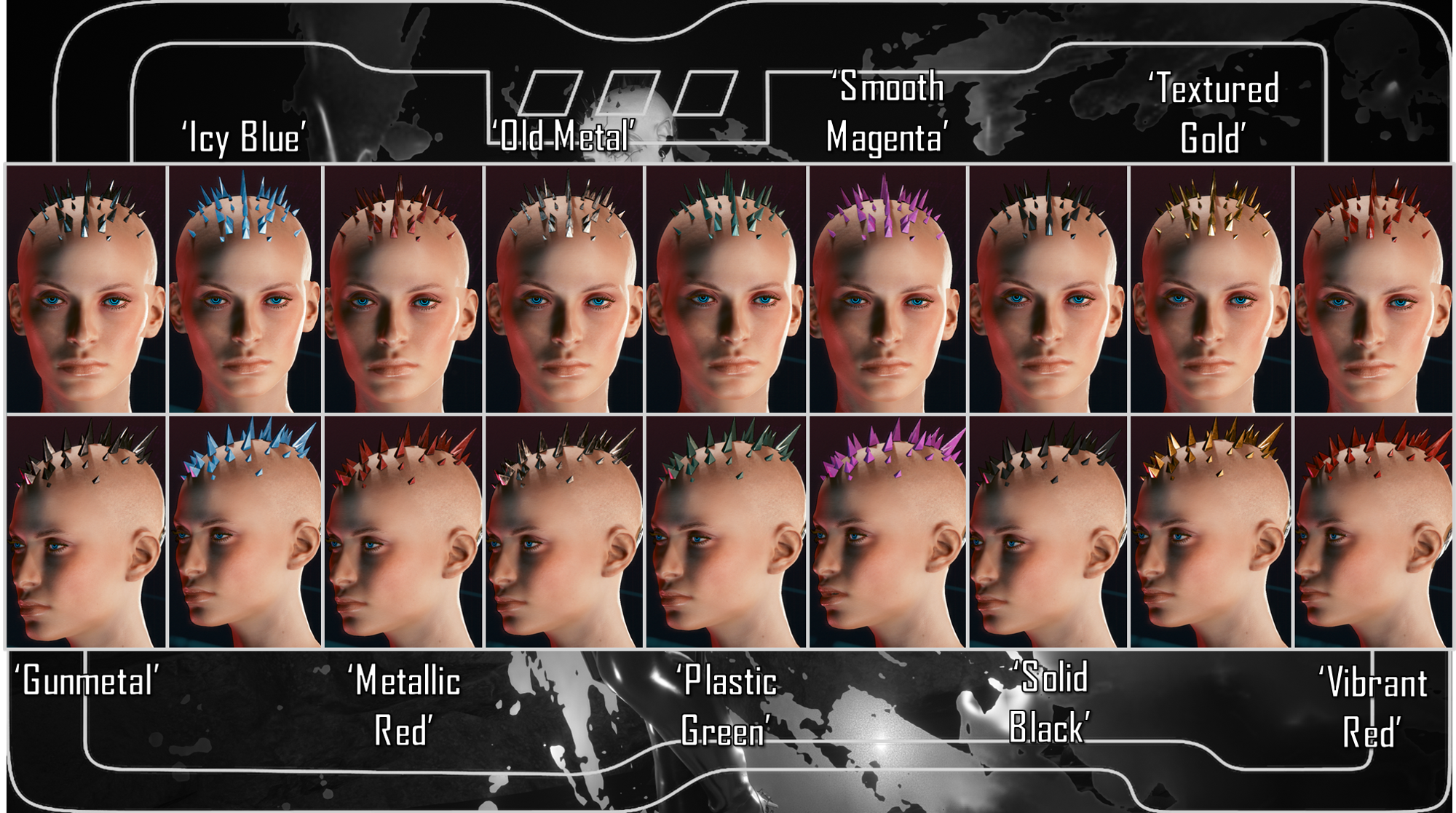
I had alot of help in figuring out how this worked; the More Head Mesh stuff, and the MLSetups for all the colours. This was a learning process, and I am humbled by the help I received.This is available for Both Vs, and the Spikes come in 9 Colours:
Gunmetal.
Icy Blue.
Metallic Red.
Old Metal.
Plastic Green.
Smooth Magenta.
Solid Black.
Textured Gold.
Vibrant Red.
Nexus Link (Head Meshes): More Head Meshes
Installation:1) Install More Head Meshes. 2) Download the Spikes file from this mod for whichever V you use.3) Download the Colours file from this mod.4) Choose ONE Spikes file, that corresponds to the More Head Meshes slot you want to use.5) Choose the Colour that you want.6) Put both into your Mod folder. On Steam, the file path is as follows:Steam - steamapps - common - Cyberpunk 2077 - archive - pc - mod7) Load up your game, and the Spikes/Colour of your choice will automatically show up on your V!
Files