Home

 Creators
 Search
 Recent
 Random
 Posts
 DMs
 Tags
 Random
 Importer
 Import
 FAQ
 Account
 Register
 Login
 Favorites
 Keys
 Logout
 Telegram

Tutorial Tunnel/Rays in 3d (Patreon)
Content
something very basic but effective !
this is a question from a patreon I would like to answer with a few screenshots.
I use these effects a lot as a background, as a mask or overlay. you can see these clips in my resolume tutorial pack. I also like to set these loops to bpm sync.
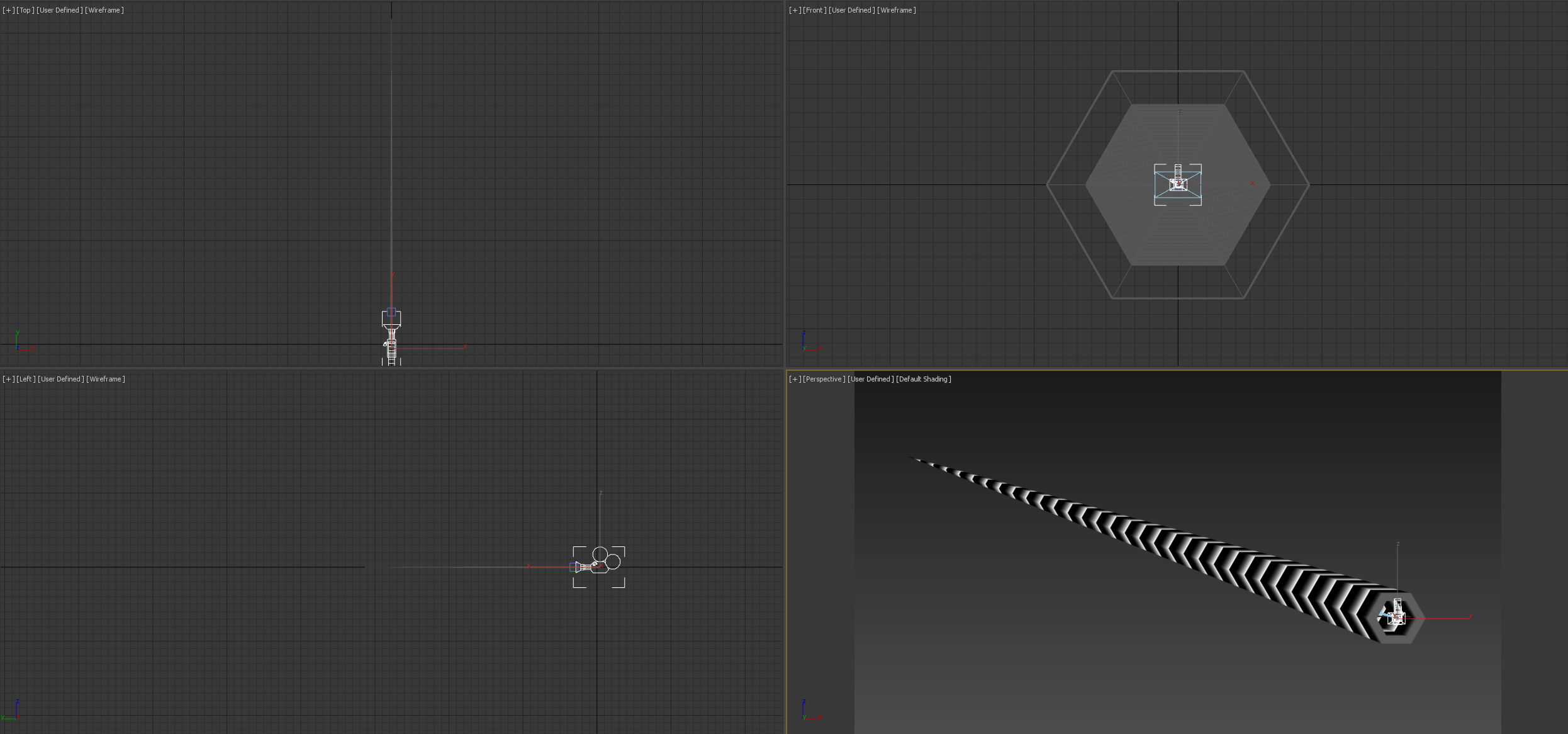
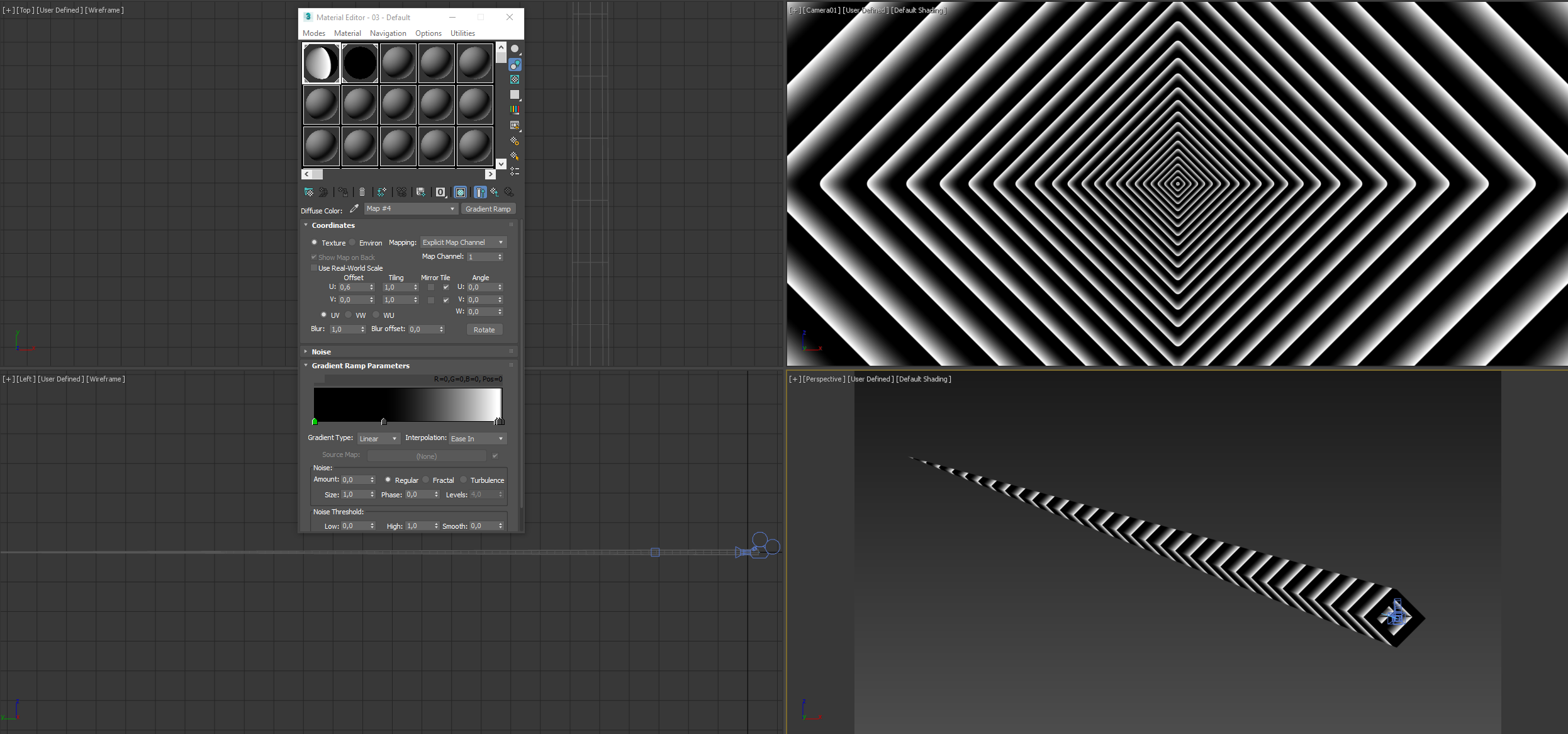
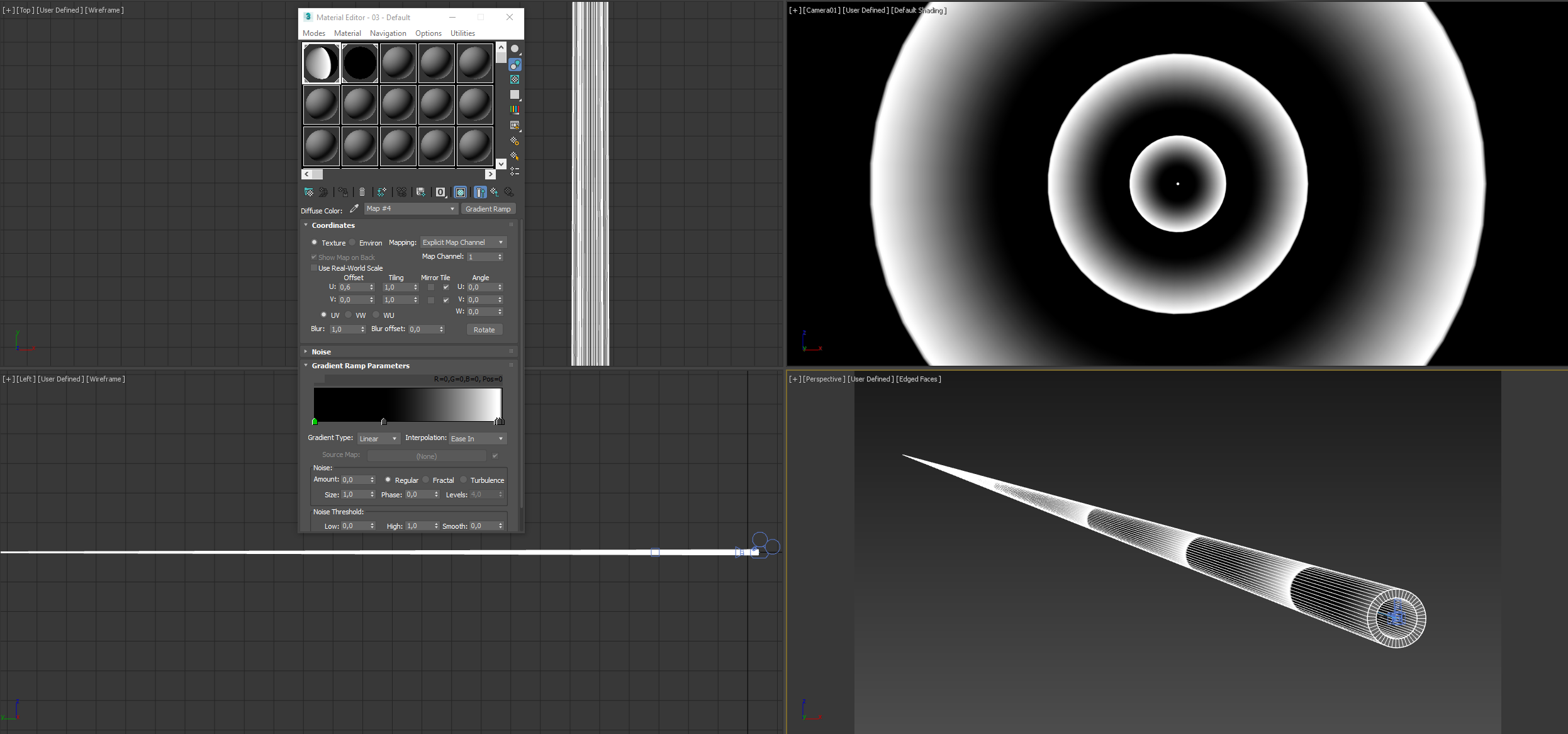
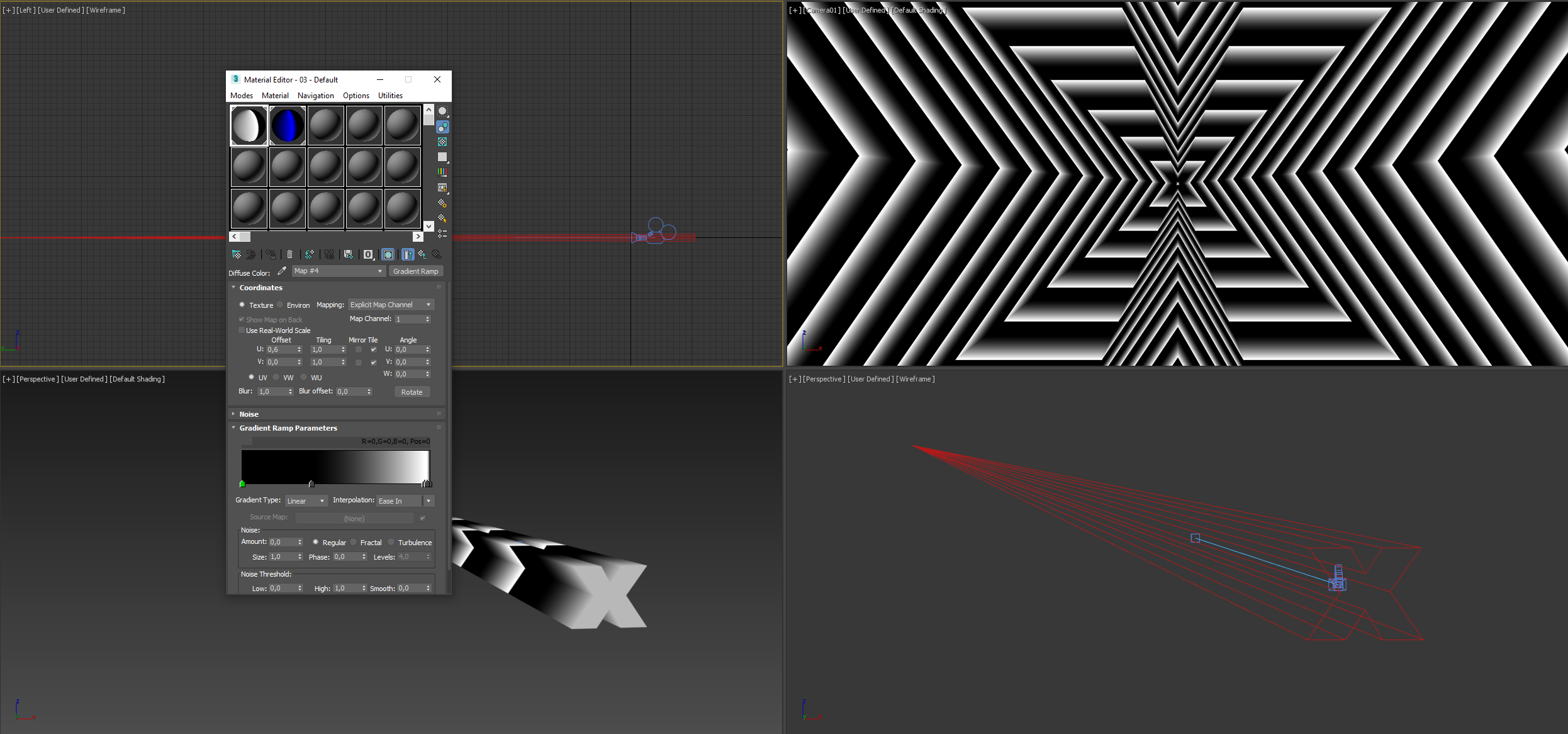
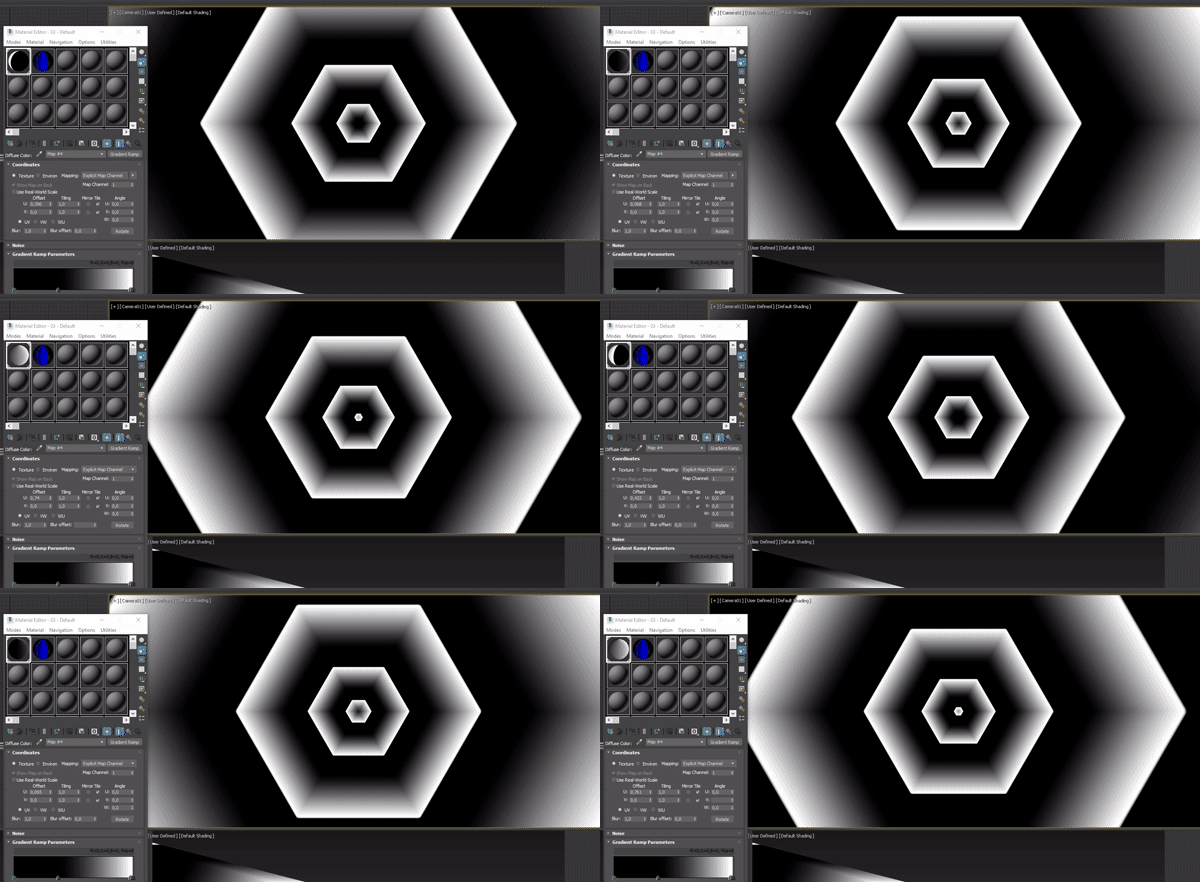
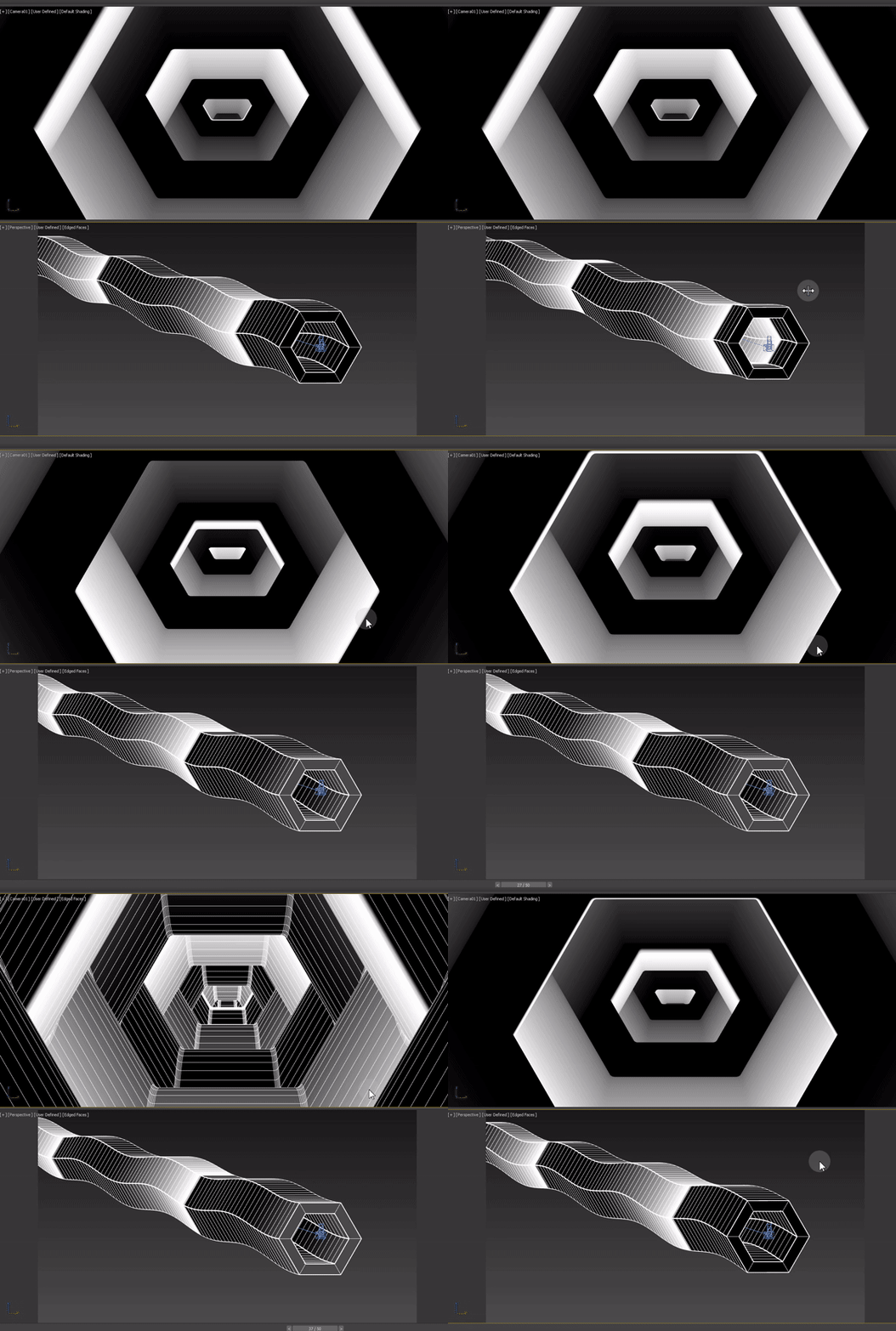
the best way is to create a tube object in 3d, set the amount of sides and place the camera in the center. then use a taper modifier to scale down one end of the object to 0. add a simple gradient texture and animate the gradient on one axis so it moves towards the camera. set the uv map area so the texure repeats along the tube. you can add additional modifiers like twist, champfer, waves. you can do this with any shape as well. extrude a shape, place camera inside and use a taper modifier to scale down on end of the object.
Files