Home

 Creators
 Search
 Recent
 Random
 Posts
 DMs
 Tags
 Random
 Importer
 Import
 FAQ
 Account
 Register
 Login
 Favorites
 Keys
 Logout
 Telegram

Resolume Arena & Hardware (Patreon)
Content
THIS POST IS WORK IN PROGRESS here I am going to collect stuff about resolume area, hardware and settings for live performance and more ...
Updated: May 25, 2025This post is a work in progress. I’m collecting my experience and tips on working with Resolume Arena, hardware, codecs, live performance setups, and more...
🎞️ CODEC & RESOLUTION
I typically render clips at the following resolutions:
Main resolution: 2560x1440
Square formats: 1280x1280, 1440x1440
Simpler elements: 1080x1080
Widescreen stage mappings (3 projectors): 3500x1080 or 3800x900
Notes:
I avoid 4K content for now due to performance limitations — I aim to layer and play up to 14 clips simultaneously at 60 fps.
All animations are rendered as PNG sequences and encoded using Alley to DXV (High Quality).
Alpha only when needed. No alpha = smaller files + better performance.
All DXV files are stored on NVMe SSDs, e.g., Samsung EVO Pro series.
⏱️ FRAMERATE & SPEED CONTROL
My animations are designed slow so they can be sped up in Resolume:
Typical frame counts: 400, 800, or 1600
Render rate: 30 fps
In Resolume:
Many clips are played at double speed (Speed = 2)
Composition Master Speed is assigned to a MIDI Controller knob (range 1–10) for real-time tempo control. It has to be 1 otherwise it will look ugly.
📌 Keep an eye on composition FPS — it should stay above 50 for smooth visuals.
💻 HARDWARE SETUP
Recommended Specs:
OS: Windows 11
GPU: Nvidia (RTX 30xx or RTX 40xx series)
Gaming Laptop: MSI, Asus, Alien Ware (robust, reliable, 3 video outs)
Laptop Screen Resolution 2560x1440px. I avoid 4k displays.
My Current Rig:
MSI Raider GE77 HX 12UGS (I use MSI for more than 10 years now)
RTX 3070Ti
3 Video Outputs: HDMI + 2× USB-C (Thunderbolt)
Always carry: 2x USB-C to HDMI adapters
💡 Not all USB-C ports support video! Always double-check specs — cheaper models often only support 1–2 video outputs.
If I bought today:
MSI Raider GE78 HX Smart Touchpad 13VG-090
Core i9 / 32GB RAM / 2TB SSD / RTX 4070
Price: ~€3400
https://de.msi.com/Laptop/Raider-GE78-HX-13VX/
🎛️ MIDI CONTROLLER
Your controller setup depends on your workflow.For live performance I prefer compact, travel-friendly gear. My go-to:
Korg nanoKONTROL2
It’s slim, portable, and just enough for hands-on control without clutter.
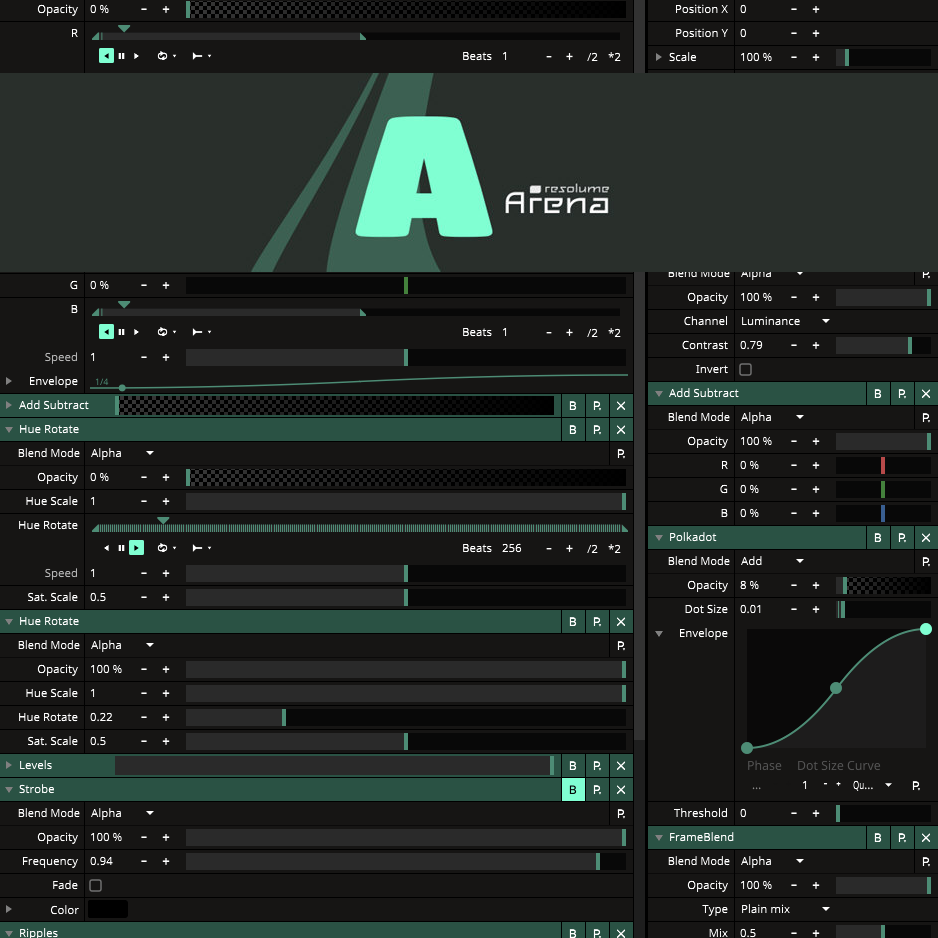
🎨 FAVORITE RESOLUME EFFECTS
I love transforming clips with effects — a single clip can become many with creative use.
Here are my essentials:
Add/Subtract
Edge Detection
Hue Rotation
Transform
Slide
Levels
Trails
Ripples
Polkadot
Mirror
Infinite Zoom
Auto Mask
Meta Shape
Blow
Chroma Key
Linear Cloner
Strobe
🧃 JUICEBAR ADD-ONS
More powerful effects available via Juicebar:
Free:
RoundMask
SoftCropper
Premium:
Displacer
FrameBlend
Files