Home
Home

 Creators
 Search
 Recent
 Random
 Posts
Posts
 DMs
DMs
 Tags
Tags
 Random
 Importer
 Import
 FAQ
FAQ
 Account
 Register
 Login
Login
 Favorites
 Keys
Keys
 Logout
 Telegram

Filters & Keytracking (Patreon)
Content
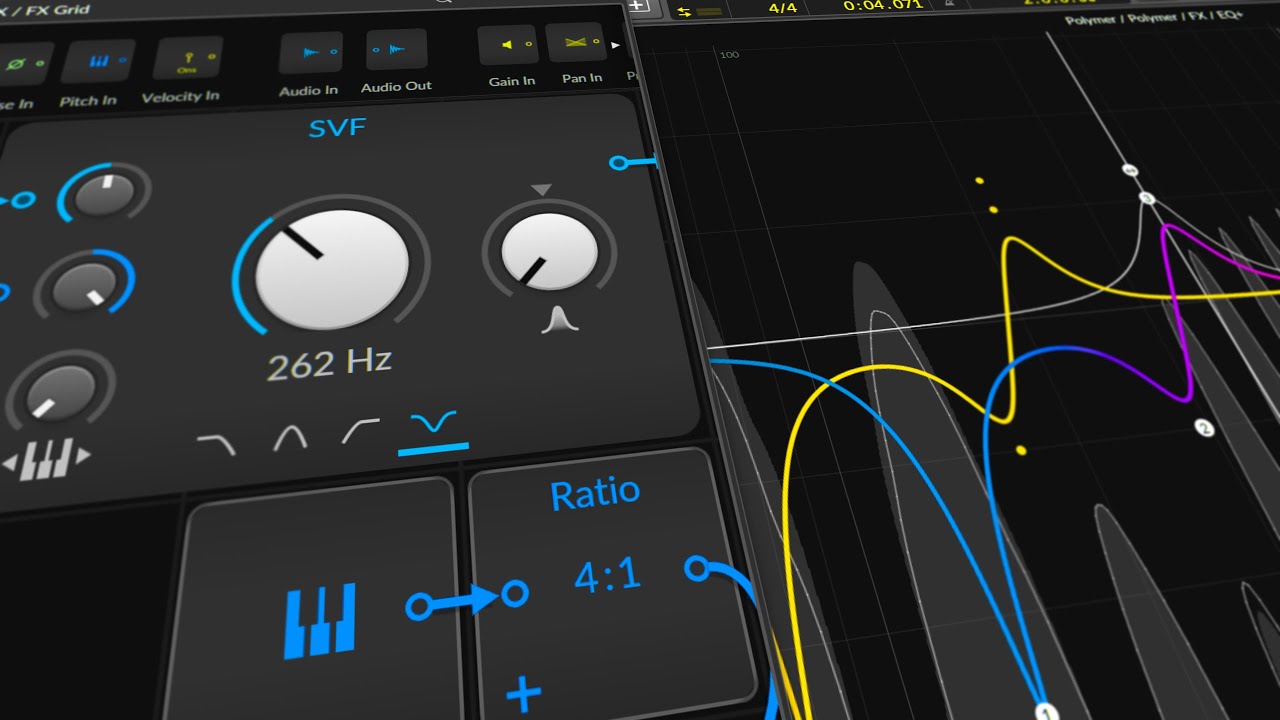
In this video, I explain how I use filters and filter key tracking in Bitwig Studio. By using a subtractive synthesizer, I demonstrate the process of subtractive synthesis to manipulate harmonics, amplify specific frequencies, and achieve precise sound shaping without relying solely on EQ.
Key Points:
Starting Setup:
Use a single C3 note in a loop.
Adjust the synthesizer settings: saw waveform, remove default modulators, increase sustain, and use an EQ to visualize harmonics.
Subtractive Synthesis:
Use a low-pass filter to remove overtones, leaving the fundamental frequency.
Change filter steepness (e.g., LP2 vs. LP8) to affect the number of overtones removed.
Amplifying Harmonics:
Amplify the first harmonic for bass sounds to make them audible on weaker speakers.
Use resonance and filter frequency to target specific harmonics.
Key Tracking:
Use key tracking to maintain the relationship between the filter frequency and the note played.
Ensures the filter adjusts to different notes automatically.
Removing Harmonics:
Use a notch filter to remove specific harmonics.
Use calculations to target higher harmonics based on their frequencies.
Practical Use Cases:
Use filters to shape sounds precisely, making space for other instruments.
Apply key tracking and filter techniques in both monophonic and polyphonic contexts within Bitwig Studio.
This technique is powerful for sound design and can enhance your ability to create precise and impactful sounds in your music production.