Home
Home

 Creators
 Search
 Recent
 Random
 Posts
Posts
 DMs
DMs
 Tags
Tags
 Random
 Importer
 Import
 FAQ
FAQ
 Account
 Register
 Login
Login
 Favorites
 Keys
Keys
 Logout
 Telegram

Galaxy Brain Automation (Patreon)
Content
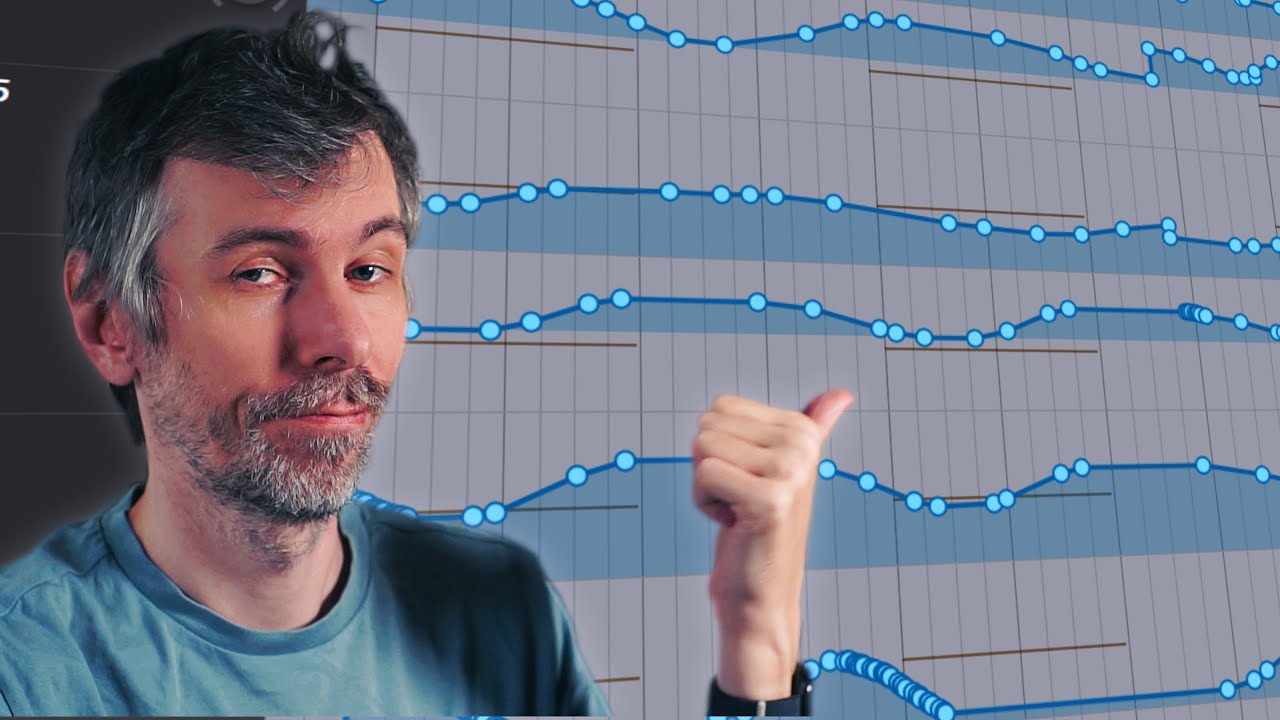
I demonstrated a creative and hands-on workflow for making organic, dynamic sounds using Bitwig (or any DAW) and plugins like Phase-4. The approach involves automation recording, tweaking parameters on the fly, and adding imperfections for a natural, "alive" feel. I showed how to record automation in real-time with shortcuts, touch automation modes, and iterative modulation for basslines and effects. The process is intuitive, keeps you in the flow, and avoids over-precise, grid-locked sounds.
Key Points:
Workflow Overview: Use real-time automation recording and parameter tweaking to create dynamic sounds.
Automation Recording: Assign shortcuts to toggle automation modes for quick recording while staying in the creative flow.
Touch Automation Mode: Record movements when parameters are touched and released for precision control.
Organic Feel: Intentionally embrace slight imperfections for a more natural sound.
Effects and Modulation: Use EQs, filters, reverb, and LFOs for sound design, layering changes to enhance texture and groove.
Iterative Approach: Layer and tweak automation over time, creating evolving riffs and patterns.
Applicability: While demonstrated in Bitwig, the method works in any DAW with automation features.
Let me know if you'd like a deeper dive into any part of this!