Home
Home

 Creators
 Search
 Recent
 Random
 Posts
Posts
 DMs
DMs
 Tags
Tags
 Random
 Importer
 Import
 FAQ
FAQ
 Account
 Register
 Login
Login
 Favorites
 Keys
Keys
 Logout
 Telegram

Scale Maker - Piano Roll Extension (Patreon)
Content
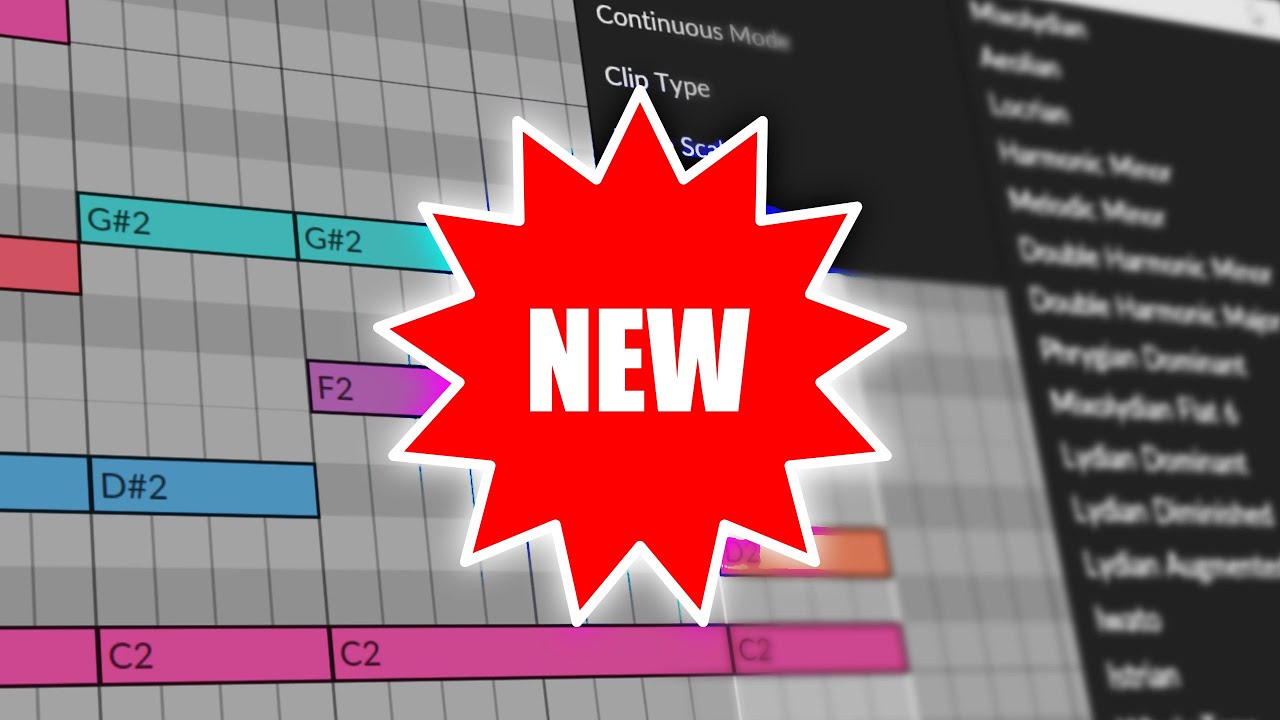
I’ve expanded my Bitwig Studio scripting toolkit with Scale Maker, a companion to my earlier Melody Maker script. This new tool helps you stay in-key while composing by automatically correcting MIDI notes to your chosen scale. Whether you’re fixing existing melodies or composing new ones in real time, Scale Maker ensures every note aligns with your selected scale. Here’s how I use it:
Steps I Follow:
Install the Script:
Download the Scale Maker.js file from my GitHub (linked in the video description).
Place it in Bitwig’s Controller Scripts folder (Documents/Bitwig Studio/Controller Scripts).
Enable it via Settings > Controllers > Add > Polarity Scale Maker.
Correct Existing Notes:
Paint or select notes in the piano roll.
Choose a scale (e.g., Dorian, minor) and root note (e.g., D♯).
Click Fit to Scale to snap all selected notes to the nearest in-scale pitches.
Real-Time Scale Correction (Continuous Mode):
Toggle Continuous Mode ON to force every new note you draw or edit into the selected scale.
Use arrow keys to nudge notes up/down—they’ll “snap” to the nearest valid scale note.
Create Chord Progressions Safely:
Draw chords freely; Scale Maker automatically adjusts out-of-key notes on release.
Example: Paint a C note in C♯ minor, and it corrects to C♯.
Visualize Scale Notes (Optional):
Use Write Notes to populate the piano roll with all notes in your chosen scale (muted by default).
Toggle the piano roll’s Fold button to hide out-of-scale keys.
Combine with Melody Maker:
Generate random melodies with Melody Maker, then refine them using Scale Maker.
New in Melody Maker: Generate multi-bar melodies (up to 4 bars) and access additional scales.
Troubleshooting:
If Windows Defender blocks the script, whitelist the download or disable real-time scanning temporarily.
Ensure scripts are placed in the correct folder (check Settings > Locations > Controller Scripts).
Why This Works:
Scale Maker uses Bitwig’s API to enforce scale rules dynamically, saving time during composition.
Continuous Mode acts like a “scale lock,” ideal for fast, error-free input.
Both scripts are lightweight and native to Bitwig, avoiding third-party plugins.
Future Plans:
Add more exotic scales (e.g., harmonic minor, modes).
Improve performance for longer clip lengths (beyond 8 bars).
Your Feedback: Let me know if you run into issues or want specific features!
Download
Download: (download raw button top right) https://bit.ly/4gotamu
put it in your Bitwig controller script directory (usually documents/bitwig studio/controller scripts)
open settings 👉 controllers and click "add controller" at the bottom - select vendor "polarity" and then "melody maker"