Home
Home

 Creators
 Search
 Recent
 Random
 Posts
Posts
 DMs
DMs
 Tags
Tags
 Random
 Importer
 Import
 FAQ
FAQ
 Account
 Register
 Login
Login
 Favorites
 Keys
Keys
 Logout
 Telegram

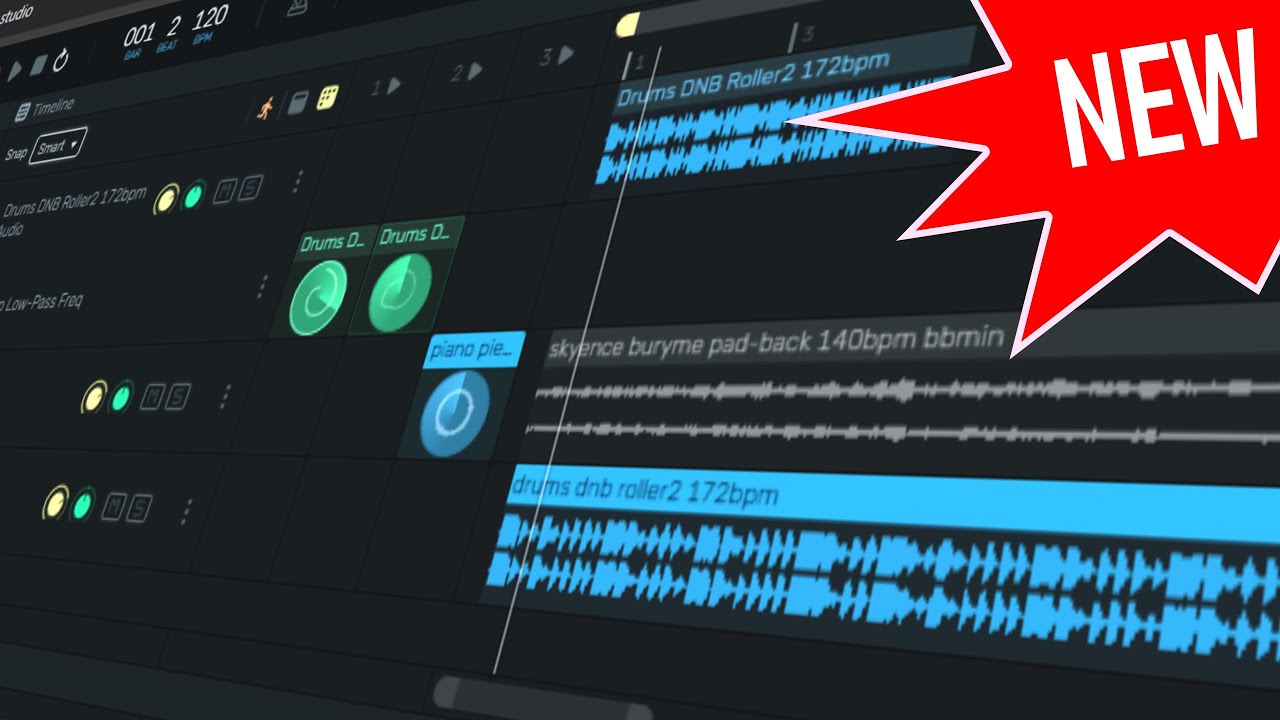
new Features in openDAW already (Patreon)
Content
Hey folks, welcome back! In this video, I’m addressing some of the comments from my previous video on OpenDAW and sharing updates on the new features. It’s been just a week, but the project is moving quickly! I'm not a developer, but I’m behind this project and wanted to give you all the latest info.
Main Points:
Addressing Concerns About Cloud Service
Some viewers thought OpenDAW requires a paid cloud service, which is not the case.
A cloud service will only be used if you want to share your project, but the core functionality works offline.
Offline Usage (PWA)
OpenDAW will support Progressive Web Application (PWA), meaning you can store everything locally in your browser and use it without an internet connection.
You can also download a binary (Electron or Tauri) to run OpenDAW on your local PC without needing internet access.
Self-Hosting Option
OpenDAW can be self-hosted on your own domain, so you can share it privately with family, friends, or students.
It's meant to be open-source, and while it’s closed-source for now, it will eventually be open to the public.
No Plans to Monetize
I’m not interested in making money from this project. My goal is to have open tools available for everyone to use, share, and learn from.
Latency Concerns
OpenDAW is not meant for live performances where timing is crucial. It’s more for casual music-making and experimentation.
Clarifying Reaper’s Pricing
Some people think Reaper is free, but it’s not. Even though you can use it indefinitely in evaluation mode, you still need to pay for a license.
New Features in OpenDAW:
Project Bundles (ODB Format)
You can now export projects into a single file called ODB (Old Dirty Bastard). This file format will eventually support import into other DAWs like Cubase, Bitwig, and Studio One.
Sample Import & Local Storage
You can import WAV samples directly without uploading them.
The samples are stored in the Open File System (OPFS), meaning they are only accessible locally.
Batch Import & Export
Multiple samples can be imported at once.
You can export media files with a simple right-click.
Automation Clips
The new automation system allows you to loop short clips and modulate parameters like a synth.
Local Storage for Projects
All projects are saved locally, not online.
Final Thoughts:
If you encounter bugs, report them on Discord.
Try out OpenDAW and let me know your thoughts in the comments!
Thanks for watching, and see you next time!