Home
Home

 Creators
 Search
 Recent
 Random
 Posts
Posts
 DMs
DMs
 Tags
Tags
 Random
 Importer
 Import
 FAQ
FAQ
 Account
 Register
 Login
Login
 Favorites
 Keys
Keys
 Logout
 Telegram

Bitwig 6 is Great - Compact Overview & Impressions (Patreon)
Content
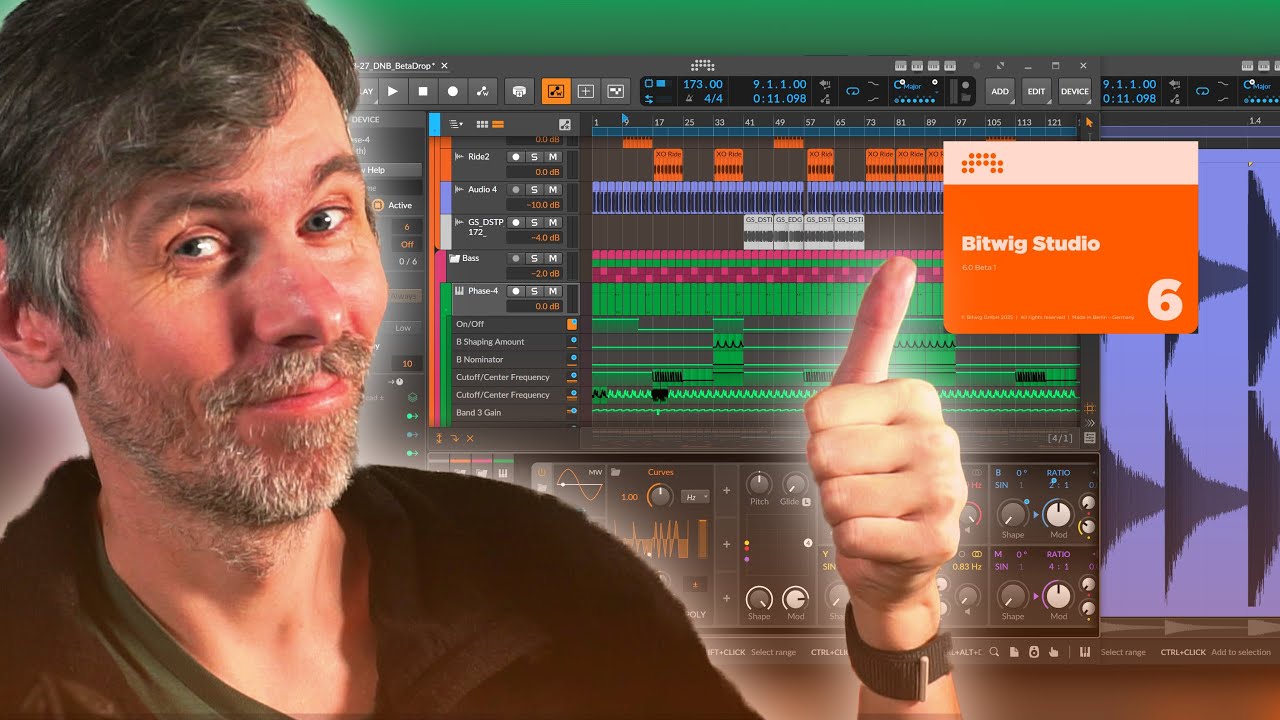
If you don't want to watch the 5h stream 😂, this is a more compact video about everything in the new Bitwig Update! Probably the biggest update we've seen yet from Bitwig.With Bitwig Studio 6, the workflow feels smoother thanks to the updated interface, new tools like the spray paint and audition tool, and a much more flexible automation system.
The addition of global scale and project-wide scale automation makes working with harmony much easier, and alias clips allow me to make changes to multiple instances of a sequence at once, saving time when arranging.
The detail editor is more powerful and intuitive now, letting me work with multiple clips and automations easily, and improvements like step recording and customizable backgrounds make editing more personal and efficient. Overall, this update brings many small but significant changes that add up to a major improvement in day-to-day music production.
Bitwig Studio 6 features a refreshed, modernized interface with rounded edges and a permanent dark theme (no option for a bright background).
New action bar on the right side with additional tool options, including a spray paint tool for faster clip and note creation.
Enhanced knife tool with improved cutting visuals and control, plus an audition tool for quick playback from any point.
Expanded grid and background customization options, including dark/white grid, grid intensity, and background brightness.
Major update to automation: global automation lock, centralized automation view, and alias clips for both note and automation clips.
Project-wide scale mode with selectable scales, used by multiple devices and features, and automation for scale/root key changes within projects.
New visual project overview/scroll bar for easier navigation when zoomed in.
Revamped automation lanes: Global automation mode replaces per-track unfold buttons; easier parameter automation management.
Alias clips: Edit one clip and all linked copies update automatically, improving workflow for complex arrangements.
Automation clips now behave like note/audio clips, including alias features and nuanced editing with smoothing and randomized spreads.
Improvements to automation and modulation editing, including seamless exchange between automations and modulators.
Updated detail editor supports multi-clip and multi-track editing with overlays, per-note expression editing, and improved selection tools.
Expanded and more intuitive scale highlighting, snapping, and visualization in the piano roll, adapting to project scale settings.
Step recording for MIDI notes directly in the piano roll, supporting velocity and duration editing.
Automatic versioned project backups to prevent compatibility issues between Bitwig versions.
Improved integration of scale options into modulators, arpeggiators, and grid modules.
Enhanced library and browser features: Save and recall automation shapes and clips.
Bitwig 6 is considered the most significant update yet, focusing on user-requested features, workflow improvements, and advanced automation capabilities.