Home
Home

 Creators
 Search
 Recent
 Random
 Posts
Posts
 DMs
DMs
 Tags
Tags
 Random
 Importer
 Import
 FAQ
FAQ
 Account
 Register
 Login
Login
 Favorites
 Keys
Keys
 Logout
 Telegram

Using Scales & Modes in Bitwig 6 (Patreon)
Content
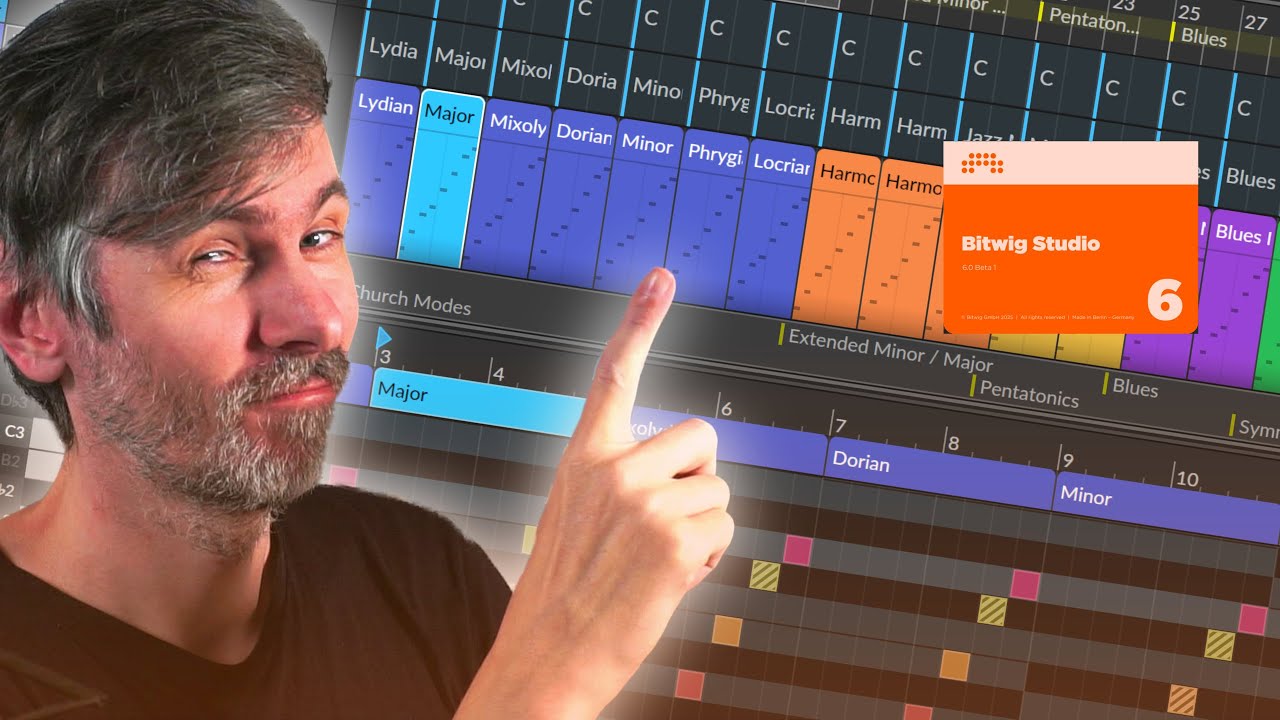
In this video, I explore the new scale feature in Bitwig Studio 6, showing how it can help anyone understand and use musical modes and scales more effectively.
I walk through the different modes, their unique characteristics, and how you can use the scale highlighter to shape the mood of your melodies and chord progressions.
I also highlight how the updated tools and devices take advantage of this new feature, making creative modulation, automation, and randomization within a scale easier than ever.
Whether you're a beginner or an advanced producer, this feature can really enhance your workflow and deepen your understanding of harmony.
Overview of Bitwig Studio 6's new scale highlighting feature
Introduction to the global scale selector: change root note and mode
Discussion on scale and mode ordering, with a suggestion to use the circle of fifths
Explanation of scale modes from brightest (Lydian) to darkest (Locrian)
Ability to automate and modulate scale and mode changes
Visual representation of in-scale and out-of-scale notes with snap-to-key
Importance of characteristic intervals for playing in specific modes
Demonstration of quantize-to-key feature for auto-tuning notes to the scale
Overview of standard and extended modes: major, minor, harmonic minor/major, jazz minor
Introduction to pentatonic and blues scales, and their musical applications
Symmetric scales: whole tone, diminished, and double harmonic, and their genre uses
Use of chord-based and stability/instability highlighters for melodies
Customizing the visual interface for better workflow
Explanation of note coloring and importance for harmonic context
Hands-on examples with melodies, stability, and mood shifts via scale changes
Highlights of new device integration: note transpose, multi-note, arpeggiator, echo
Using global and local scales across devices for easy creative modulation
Scale highlighting as a compositional tool for both beginners and advanced users
Suggestions for further feature improvements and requests for user feedback