Home Creators Posts Import Register Favorites Logout

Downloads

Content

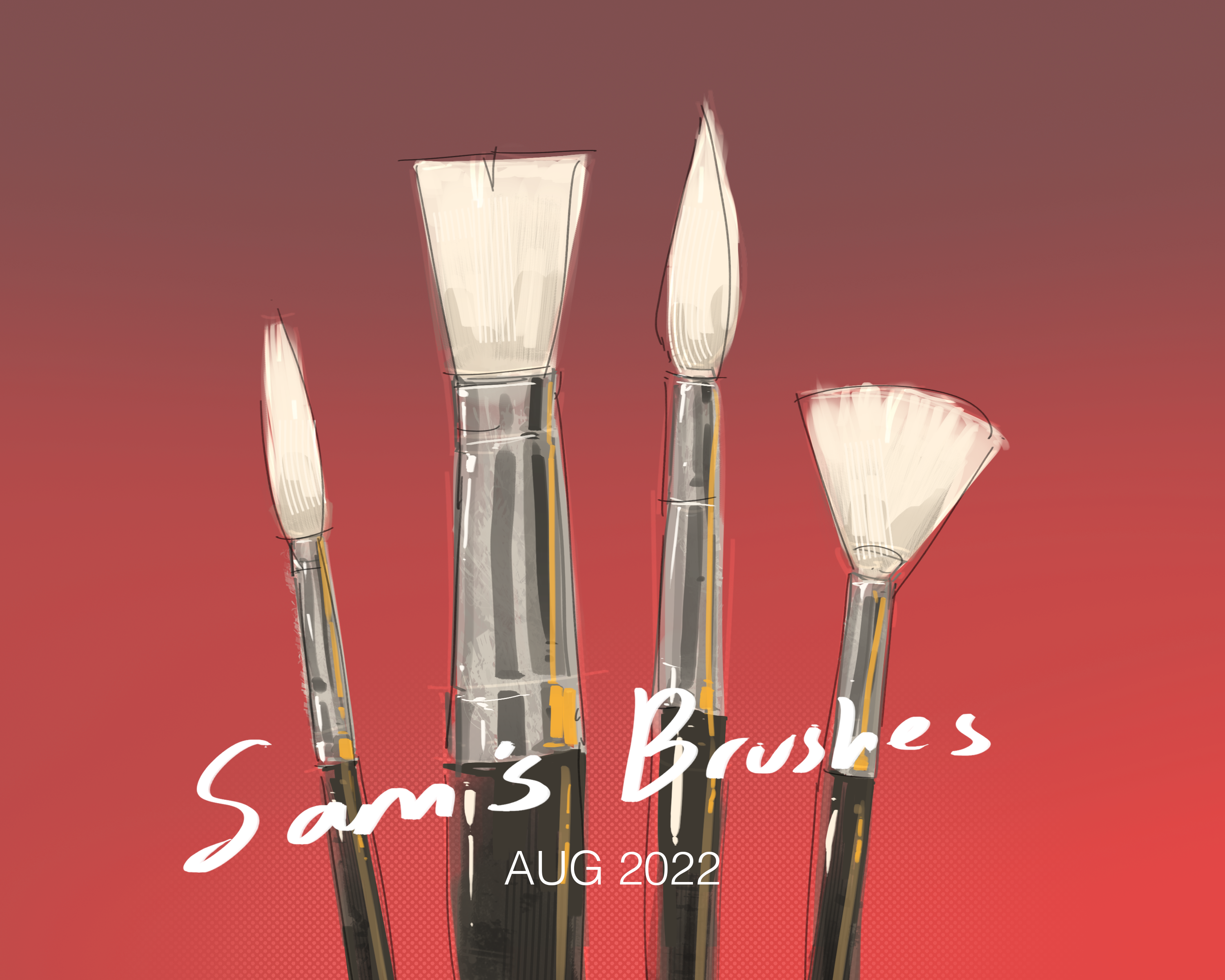
Hey guys! I have made a few changes to the brush pack! After lots and lots of painting and practicing I've narrowed down some of my favs and also added in a few other useful ones like the rectangle brush as a more angular alternative to the roundbrush, based on the no mercy shape LOL also added in a flat rectangular eraser, I used these quite a bit in the most recent piece with water, you'll be able to spot them in the process vid, feel free to take a look and see which brushes I use for different stages of the painting :) To download, open patreon in your browser, download the file to your computer and right click to "open with" photoshop You can also transfer these into procreate, they should all work the same, I'll be making an updated procreate pack as well tho! 

Files
Comments

Cookie12

can you please create similar brushes for free programs like krita or clip studio

Sam

Thank you for these amazing brushes!! The file was super easy to download to Procreate!! ❤️🙏

José Ocampos

Looking forward to the updated procreate pack :D

Vanessa Miranda

Olá Sam sou do Brasil não estou conseguindo baixar os pincéis 😩

Juls

Thank youuu c:

Reesearoo

Tysm Sam!! I’m a new patron and I just tried your gesture and pose drawing tutorial today and I am amazed at how much better I am at drawing poses!

emily

These work in Clipstudiopaint too btw and I'm very thankful for that😁

Luckytigerkitten

Awesome!!! ❤️ not that I am that familiar with all of your previous brushes but I do have a few favorites of yours that just simply excel ☺️ i am especially looking forward to the procreate version ❣️❤️

Feina

Thank you!! Is there a way to use them in Krita? :O

Indigo

I use Krita as well, I think they support .abr brush / file tpes, but I'm not sure about importing a Photoshop pack.

Indigo

Thank you Sam!

Nomes

thank you so much!!

Kamzy

Thank you so much!

Feina

no worries~ <3

Mike G

My work has improved dramatically with your brushes 🙏

HasTBMM

ay that new rectangle brush has came in useful

Momo Trash

How do I download these to my iPad for procreate? Does anyone know?

nlagrow

@Nasa if you transfer the .abr file to your iPad via iCloud, Dropbox, or Files etc you can import them via the Brush Library. Open a drawing in Procreate, tap on the brush icon, tap + on the top right then Import. Check out https://www.youtube.com/watch?v=RD6gb1mP3ac if that didn't make sense!

Lea Feghelm

Can i use the brushes for Clip Studio?

Kai Kang

yes you can, in the subtool section, click on the three lines in the upper left corner, click on "import subtool..." and just select the brush pack .abr file and you should be golden

Lily Faye

I can't get it to work

Lily Faye

it says unsupported file type for me

Go527

@Lily Faye the link from Nick LaGrow in this comment section is very helpful

Michaela Jankowski-Sansom

I have no clue how to transfer the .abr file…..I’m clicking the paperclip symbol but I don’t know where it goes or how to open the file in another browser….I feel so stupid….

Anty4u

sadly i can't afford photoshop so it does not work for me

Sandra

Works in procreate 👍🤩