 Home

 Creators
 Search
 Recent
 Missing
 Random
 Posts
 DMs
 Tags
 Random
 Importer
 Import
 FAQ
 Account
 Register
 Login
 Favorites
 Keys
 Logout
 Telegram


Sensational Spidey's Chat
How do I make these more round?
subdivision modifier. but also be sure to crease the outer edges by going in edit mode in edge select mode click select->select sharp edges
shift+e drag until purple
then add subdivision modifier
Sweet thank you so much!
Of course
For creating that mirror effect on the lenses (Ross for example), what would I need?
Best look Medium Visibilty Hard to cut
https://a.co/d/0i1awXVG
Easy, May get air bubbles
https://a.co/d/08MkjDTI
for second option you will need mirror film as well
third option is airbrushing chrome on the inside of a plastic sheet. I have done this one quite a bit. I find when done properly the first two options are better
this time of year you may be able to get one of these at a discount from spirit halloweeb

I might be doing something wrong I’m so sorry 😭 I did that and it’s staying the same
I see thank you! And just out of curiosity which option do you think is the better pick?
send me the blender file on discord or something
Bet thank you 😅I’m so sorry 😅
I js dmed you on discord. Thank you so much 😅 total user error, I’m js a lil stuck and that’s basically the only step I’m stuck on. The rest of the tutorial is super easy to follow. Km sure I’m just missing something
I’m exporting my files and my shell is good, my mesh is good but for some reason it says for my frames when I upload them to Bambu studios it says “loading model file failed” and “the file does not contain any geometry data”
Hey, hope your doing well!! Just joined loved all the content here!! Made this spidermans shell loving it!! Can any give me the sewing template for this I want add the cloth
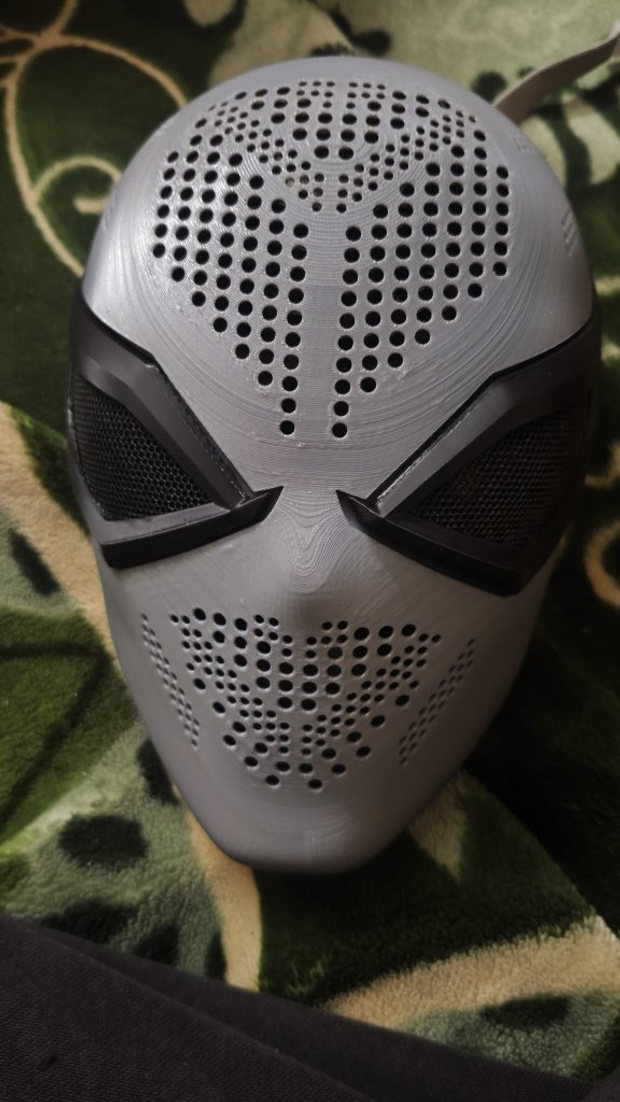
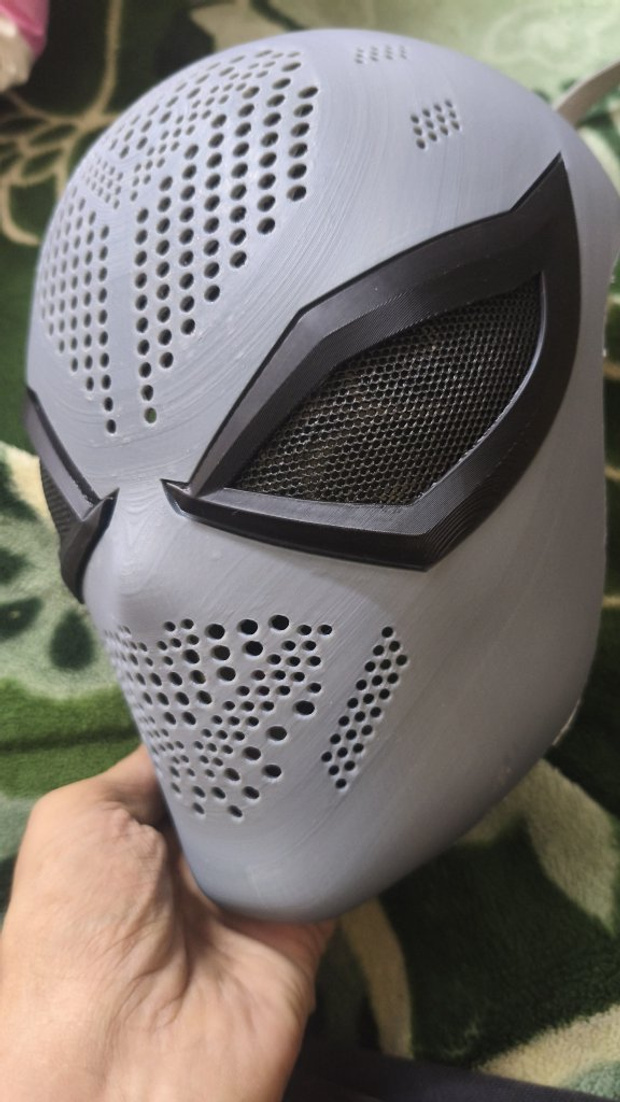
There should be some in the free files collection on here
Thanks, will check
u can send it to me on disc or something and I can look at it
you are awesome thank you so much! Ill send it tonight
